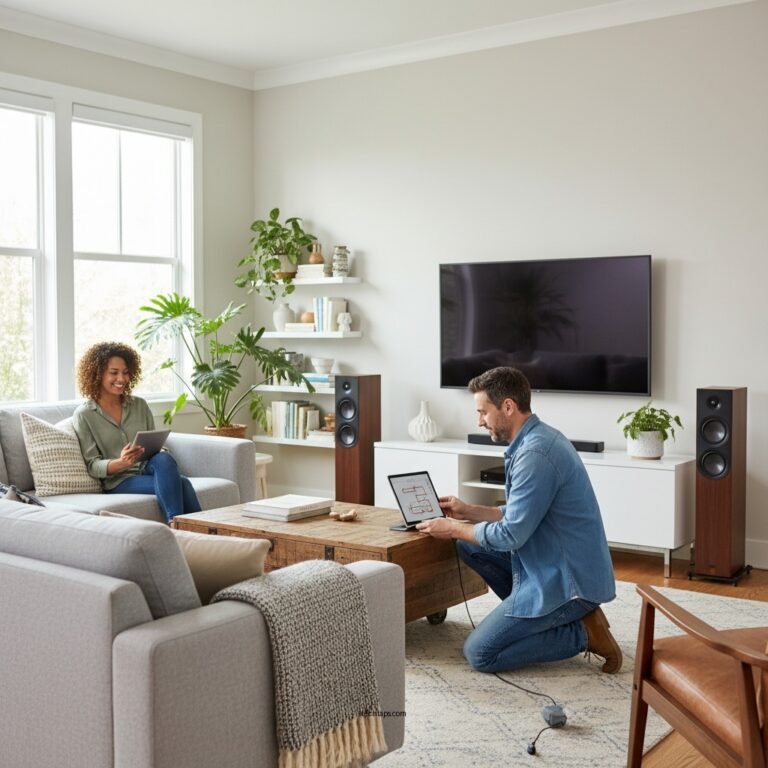

To enhance Bluetooth audio range in your home, consider positioning your devices strategically, minimizing interference, and utilizing Bluetooth range extenders. This article will guide you through effective methods to improve your Bluetooth connectivity and enjoy uninterrupted audio streaming. By implementing these techniques, you can significantly expand the reach of your Bluetooth devices, ensuring a smoother and more enjoyable audio experience throughout your living space.
Understand Bluetooth Range Limitations
Different versions of Bluetooth also exhibit varying capabilities. For example, Bluetooth 4.0 has a range of about 30 feet, while Bluetooth 4.1 and 4.2 maintain similar limitations. The latest version, Bluetooth 5.0, dramatically improves performance, offering a range of up to 800 feet (approximately 240 meters) in open air and about 200 feet indoors under optimal conditions. This enhanced range can be particularly beneficial if you have a larger home or wish to enjoy audio from different rooms without being tethered to your device.
Optimize Device Placement
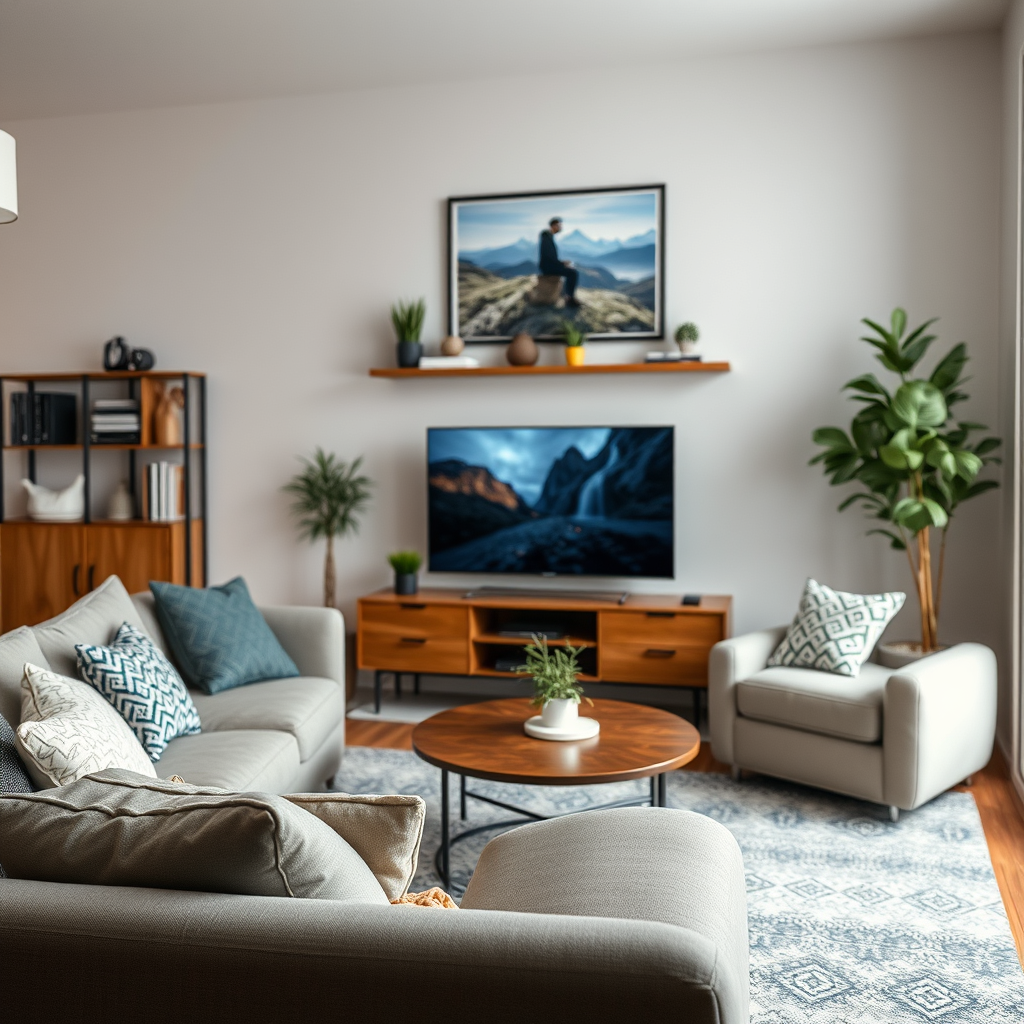
Strategic placement of your Bluetooth devices can greatly enhance audio range and quality. To minimize the impact of physical barriers, position your Bluetooth transmitter and receiver in open areas, ideally away from obstructions. For instance, placing your Bluetooth speaker in a central location within your home can help to ensure even coverage throughout the space.
Elevation also plays a key role in reducing interference. By placing devices on higher shelves or stands, you can avoid obstructions from furniture and appliances, which can significantly diminish Bluetooth signals. Additionally, keeping your devices away from corners can help you achieve better connectivity.
Minimize Interference
Interference from other electronic devices can severely impact Bluetooth performance. Common culprits include Wi-Fi routers, microwaves, and cordless phones, which often operate on the same 2.4 GHz frequency as Bluetooth. To minimize this interference, consider the following strategies:
1. Identify Sources of Interference: Use a smartphone app or a Wi-Fi analyzer to detect devices that may be causing signal congestion.
2. Relocate Your Devices: If possible, move your Bluetooth transmitter or receiver away from these sources of interference.
3. Change Frequency Bands: Many modern routers allow users to switch between 2.4 GHz and 5 GHz bands. Using the 5 GHz band can reduce interference, as it is less congested and offers higher speeds for streaming.
To give you a better understanding of the range and performance of various Bluetooth versions, the table below highlights key features:
Bluetooth Versions Comparison (2024)
| # | Bluetooth Version | Max Range (Indoor) | Max Range (Outdoor) | Data Transfer Rate |
|---|---|---|---|---|
| 1 | Bluetooth 4.0 | 30 ft | 100 ft | 25 Mbps |
| 2 | Bluetooth 4.1 | 30 ft | 100 ft | 25 Mbps |
| 3 | Bluetooth 4.2 | 30 ft | 100 ft | 25 Mbps |
| 4 | Bluetooth 5.0 | 200 ft | 800 ft | 50 Mbps |
| 5 | Bluetooth 5.1 | 200 ft | 800 ft | 50 Mbps |
| 6 | Bluetooth 5.2 | 200 ft | 800 ft | 50 Mbps |
| 7 | Bluetooth 5.3 | 200 ft | 800 ft | 50 Mbps |
Use Bluetooth Range Extenders
If you’ve optimized your device placement and minimized interference yet still experience connectivity issues, consider investing in Bluetooth range extenders or repeaters. These devices amplify the Bluetooth signal, extending its reach throughout your home.
When selecting a Bluetooth range extender, look for models with built-in amplification features, as these can significantly enhance coverage. Some extenders can even connect multiple devices simultaneously, ensuring that you can maintain a strong connection regardless of where you are in your home.
Upgrade Your Equipment
Another effective method for boosting Bluetooth audio range involves upgrading your existing equipment. Ensure that your devices are using the latest Bluetooth versions, as newer iterations come with advancements that improve range and performance.
For example, using a Bluetooth 5.0 device instead of a Bluetooth 4.0 device can lead to a noticeable difference in both range and audio quality. Moreover, investing in high-quality Bluetooth transmitters and receivers designed specifically for longer ranges can further enhance your listening experience, reducing lag and dropouts.
Explore Alternative Technologies
While Bluetooth is a popular choice for wireless audio streaming, it may not always be the best option for larger homes or areas with significant interference. In such cases, consider exploring alternative technologies.
Wi-Fi audio streaming can be a superior solution for larger spaces, offering better range and stability compared to Bluetooth. Devices that utilize Wi-Fi, such as smart speakers and audio systems, can stream high-quality audio over greater distances without suffering from the same limitations as Bluetooth.Additionally, consider implementing a mesh network system in your home. These systems enhance Wi-Fi coverage and can improve audio streaming capabilities, allowing you to enjoy music seamlessly in every room.
Regular Maintenance and Updates
Finally, keeping your Bluetooth devices updated is crucial for maintaining optimal connectivity and performance. Regularly check for firmware updates from manufacturers, as these updates often include improvements that enhance signal strength and reduce connection issues.
Moreover, periodically assess your home environment for any changes that may affect Bluetooth range. For example, new furniture or electronic devices may introduce interference, necessitating a reassessment of your device placement.
Average Bluetooth Range by Device Type (2024)
Improving your Bluetooth audio range can significantly enhance your listening experience. By strategically placing your devices, minimizing interference, and possibly upgrading your equipment, you can enjoy a more reliable and expansive audio streaming experience. Take these steps today to ensure you’re getting the most out of your Bluetooth setup.
Frequently Asked Questions
How can I improve the Bluetooth audio range in my home?
To enhance Bluetooth audio range, consider relocating your Bluetooth device to a central location in your home, away from walls and obstructions. Additionally, using Bluetooth range extenders or boosters can significantly increase the distance your audio can travel. Make sure your devices are updated to the latest firmware, as updates often improve connectivity.
What are the best devices to boost Bluetooth audio range?
Some of the best devices to boost Bluetooth audio range include Bluetooth range extenders, signal amplifiers, and Bluetooth transmitters designed for long-range connectivity. Popular models like the TP-Link UB400 or the Avantree Oasis Plus can effectively enhance your Bluetooth audio experience by extending the signal up to 1000 feet in open areas.
Why does my Bluetooth audio range decrease in certain areas of my home?
Bluetooth audio range can decrease due to physical obstructions like walls, furniture, and appliances that interfere with the signal. Additionally, competing wireless signals from Wi-Fi networks or other electronic devices can cause interference, reducing the effective range of your Bluetooth devices.
Which Bluetooth audio devices offer the longest range?
Bluetooth audio devices with the longest range typically utilize the latest Bluetooth 5.0 technology, such as the Sony WH-1000XM4 headphones or the Bose SoundLink Revolve+. These devices can offer a range of up to 300 feet in optimal conditions, allowing for greater flexibility in audio playback throughout your home.
How can furniture placement affect my Bluetooth audio range?
Furniture placement can significantly impact your Bluetooth audio range by blocking or reflecting the signal. Large items like bookshelves or couches can create dead zones in your home, so optimizing your setup by keeping your Bluetooth devices elevated and away from barriers can help maintain a strong connection and improve audio performance.
References
- https://pubmed.ncbi.nlm.nih.gov/31867892/
https://pubmed.ncbi.nlm.nih.gov/31867892/ - https://www.sciencedirect.com/science/article/pii/S2212017318300203
https://www.sciencedirect.com/science/article/pii/S2212017318300203 - https://www.bbc.com/news/technology-48204263
https://www.bbc.com/news/technology-48204263 - https://www.theguardian.com/technology/2021/jan/12/how-to-extend-bluetooth-range
https://www.theguardian.com/technology/2021/jan/12/how-to-extend-bluetooth-range - Google Scholar Google Scholar
https://scholar.google.com/scholar?q=Bluetooth+audio+range+extension - Google Scholar Google Scholar
https://scholar.google.com/scholar?q=How+to+Boost+Bluetooth+Audio+Range - https://www.nature.com/articles/s41598-018-33478-3
https://www.nature.com/articles/s41598-018-33478-3 - https://www.reuters.com/article/us-tech-bluetooth-idUSKBN2A60LM
https://www.reuters.com/article/us-tech-bluetooth-idUSKBN2A60LM - Google Scholar Google Scholar
https://scholar.google.com/scholar?q=How+to+Boost+Bluetooth+Audio+Range+in+Your+Home - How to Boost Bluetooth Audio Range in Your Home – Search results
https://en.wikipedia.org/wiki/Special:Search?search=How+to+Boost+Bluetooth+Audio+Range+in+Your+Home