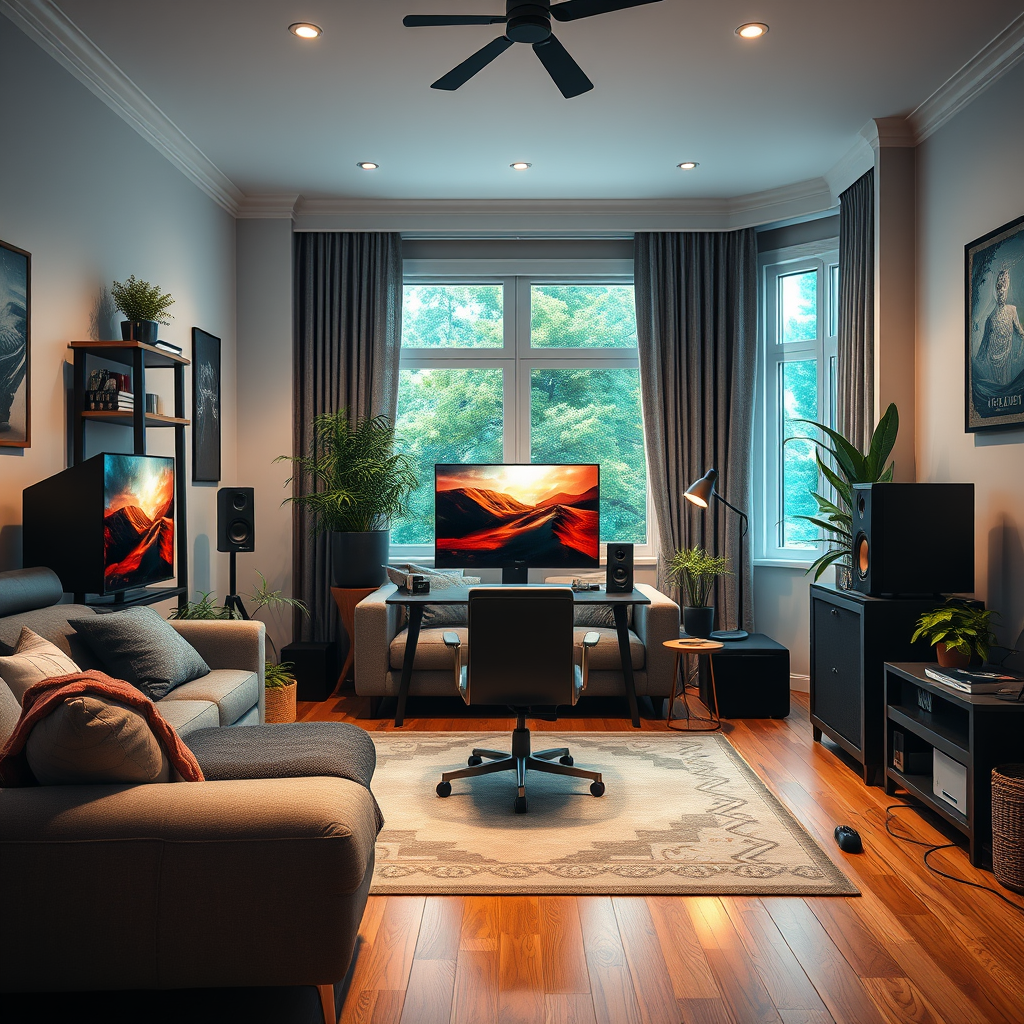

To create a dedicated gaming audio setup at home, you’ll need to invest in quality audio equipment, optimize your room acoustics, and configure your audio settings for the best performance. A well-designed audio environment significantly enhances the gaming experience, allowing you to immerse yourself in rich soundscapes that bring your games to life. This guide will walk you through the essential components and steps to achieve an immersive gaming audio experience.
Choosing the Right Audio Equipment
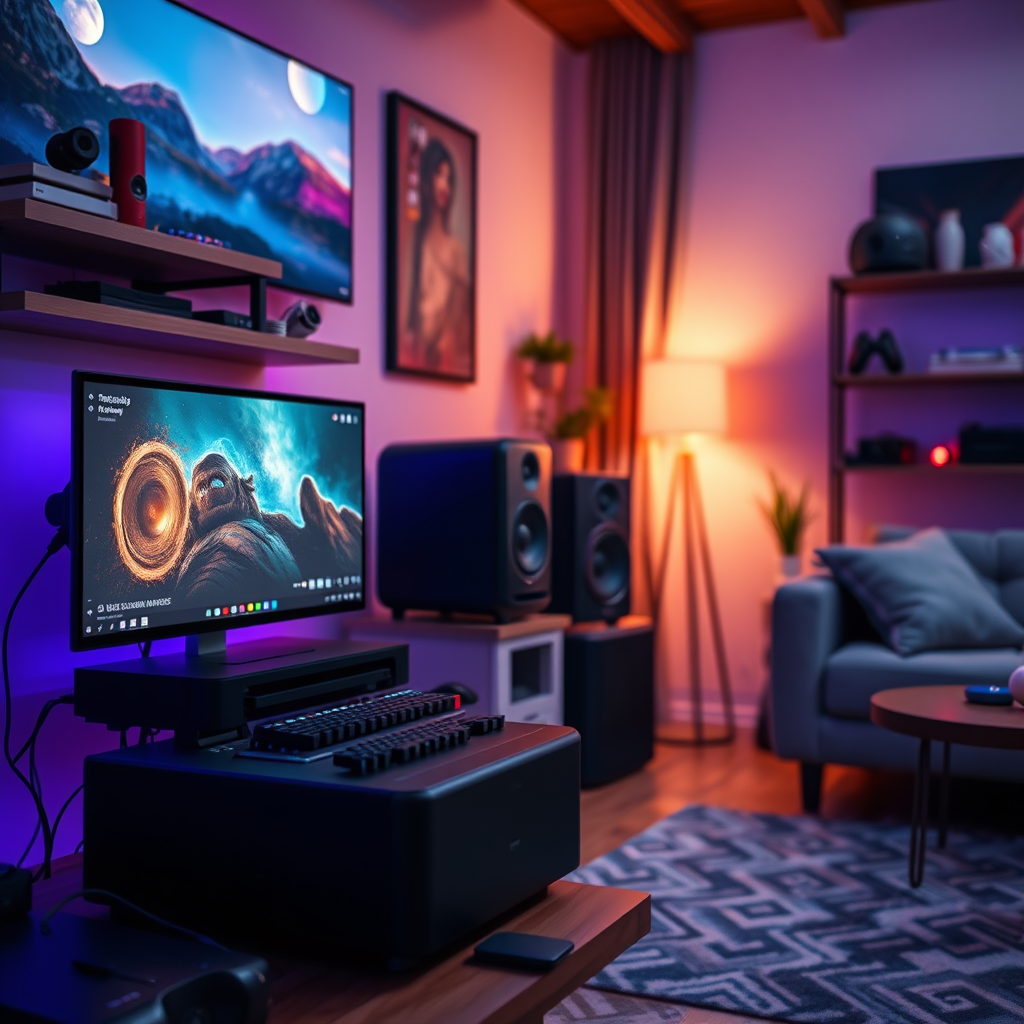
Selecting the appropriate audio equipment is the cornerstone of an exceptional gaming audio setup. The right choice can drastically impact the quality of sound you experience while gaming, enabling you to hear subtle details that could affect your gameplay.
Headphones vs. Speakers
When deciding between headphones and speakers, consider your gaming habits and environment. High-quality headphones are ideal for gamers who prefer isolation and a personal audio experience. Look for gaming headphones that feature surround sound capabilities, comfortable ear cups for long sessions, and a good microphone for clear communication. Brands like SteelSeries, HyperX, and Razer offer models that are well-regarded in the gaming community.
On the other hand, if you’re looking to create a more communal gaming experience, a good set of speakers can fill the room with sound. Invest in a 2.1 or 5.1 surround sound system for a more immersive experience. Logitech and Bose provide excellent options that deliver high fidelity and immersive sound.
Dedicated Sound Cards and DACs
To further enhance audio clarity, consider investing in a dedicated sound card or Digital-to-Analog Converter (DAC). These devices bypass the standard audio processing of your computer or console, providing a cleaner, more dynamic sound. For example, the Creative Sound Blaster series or the Focusrite Scarlett DAC can greatly improve your audio experience, especially when playing games that rely on sound cues.
Setting Up Your Audio Interface
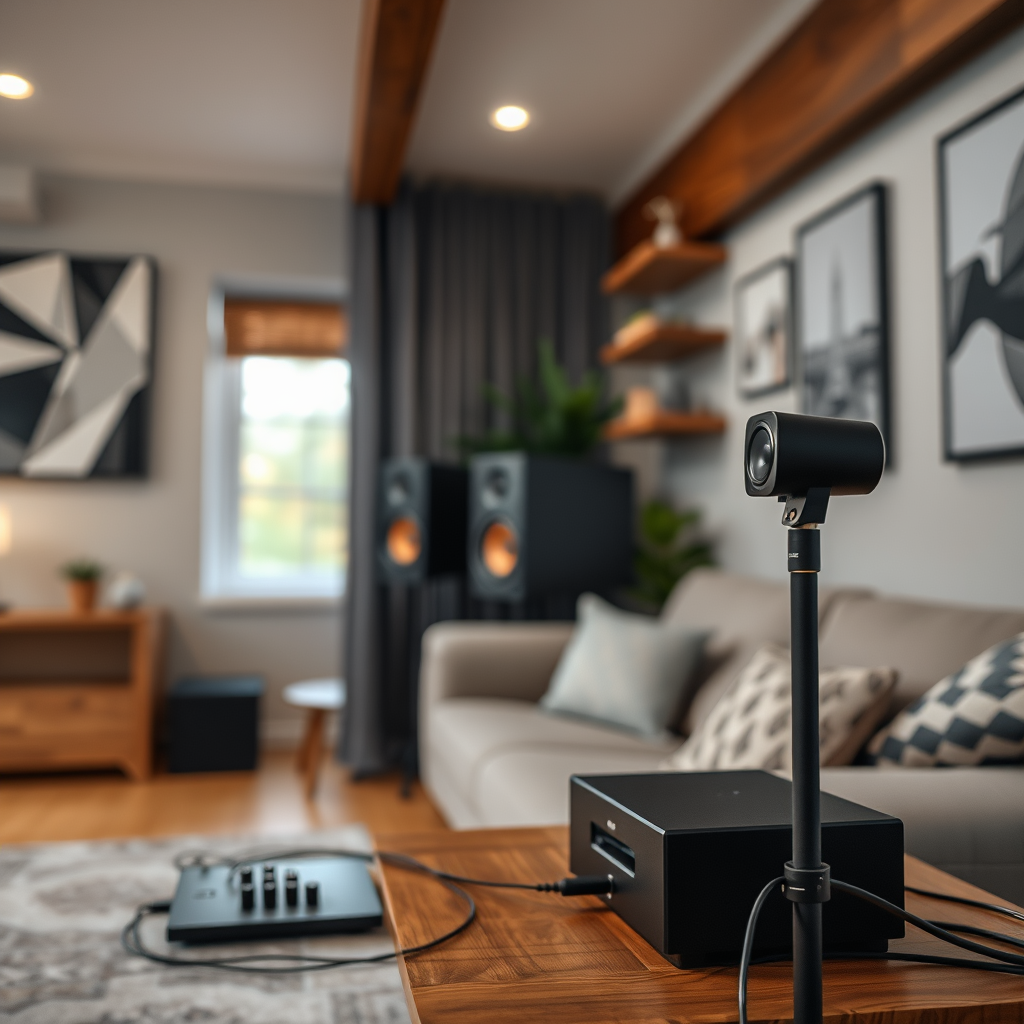
The next step involves connecting your audio devices to your gaming setup. This might seem straightforward, but ensuring compatibility and proper connections can make a significant difference in audio quality.
Connection Types
Most modern headphones and speakers connect via USB or standard audio jacks. If you are using a PC, ensure that your sound card supports the connection type of your audio device. For consoles, check compatibility with the audio adapter or sound system you plan to use. Wireless options, such as Bluetooth headphones, can also provide a clean, clutter-free experience, but be wary of potential latency issues.
Configuring Your Gaming Platform
Whether you’re gaming on a PC or console, ensuring your audio interface is configured correctly is crucial. For PC gamers, navigate to your operating system’s sound settings to select your preferred audio device and adjust levels. Console gamers should check their audio settings through the system menu to ensure that the correct output device is selected.
Optimizing Room Acoustics
The acoustics of your gaming room can significantly influence audio performance. Properly optimizing your space will minimize sound reflection and unwanted echoes.
Furniture Arrangement
Arranging furniture to create optimal sound pathways can enhance your audio experience. Avoid placing speakers in corners, as this can lead to muddied sound. Instead, position them at ear level and create a triangular setup between your seating position and the speakers or headphones.
Acoustic Treatments
Consider using acoustic panels or thick rugs to absorb sound and reduce echo. These can be particularly beneficial in large or empty rooms. Items like bookshelf speakers placed strategically can help scatter sound waves and provide a more balanced acoustic environment.
Top 7 Gaming Headphones by Audio Quality (2024)
| # | Model | Audio Quality | Price ($) | Rating |
|---|---|---|---|---|
| 1 | SteelSeries Arctis Pro | 9.5/10 | 249 | ★★★★☆ |
| 2 | HyperX Cloud II | 9.3/10 | 99 | ★★★★★ |
| 3 | Razer BlackShark V2 | 9.2/10 | 179 | ★★★★☆ |
| 4 | Logitech G Pro X | 9.0/10 | 129 | ★★★★☆ |
| 5 | Corsair Void Elite | 8.7/10 | 99 | ★★★☆☆ |
| 6 | Sennheiser Game One | 9.1/10 | 149 | ★★★★☆ |
| 7 | Asus ROG Delta | 8.8/10 | 199 | ★★★☆☆ |
Configuring Game Audio Settings
Once your audio equipment is set up and your room acoustics are optimized, the next step is to configure your game audio settings for maximum enjoyment and competitive advantage.
In-Game Audio Adjustments
Most modern games come with extensive audio settings that allow you to fine-tune sound effects, music, and voice chat levels. Make sure to spend some time in the audio settings menu of your game. Balance the sound effects and voice chat to ensure that important cues are audible without drowning out other audio elements.
Audio Enhancements
Many gaming platforms and audio devices offer enhancements such as 3D sound or virtual surround sound. These features can significantly enhance your spatial awareness in games by providing a more immersive audio experience. For example, enabling Windows Sonic for Headphones on a Windows PC can create a more encompassing sound stage, helping you locate opponents based on audio cues.
Audio Enhancement Features in Popular Games (2024)
Incorporating a Microphone
A quality microphone is essential for clear communication during multiplayer sessions. Whether you are streaming your gameplay or simply chatting with friends, your microphone can make a significant difference in the quality of your interactions.
Choosing the Right Microphone
When selecting a microphone, prioritize models specifically designed for gaming or streaming. USB microphones like the Blue Yeti or Audio-Technica AT2020 are popular for their clarity and ease of use. For headset microphones, ensure they have noise-cancellation features that help filter out background noise.
Proper Microphone Placement
Positioning your microphone correctly is crucial for achieving optimal sound quality. When using a standalone microphone, place it about six to twelve inches away from your mouth, adjusting as necessary to avoid plosives (the popping sound that occurs with certain consonants). If using a headset, ensure the microphone is positioned close to your mouth without obstructing your view of the screen.
Testing and Fine-Tuning Your Setup
After configuring your audio setup, it’s essential to test and fine-tune your system to ensure everything is working as intended.
Assessing Audio Performance
Play a variety of games to assess how well your audio setup performs in different environments. Pay particular attention to sound cues, clarity, and balance. Adjust your volume levels and equalizer settings as needed to enhance your experience.
Regular Maintenance
Regularly updating your audio drivers and firmware can prevent issues and maintain optimal performance. Many manufacturers provide software that allows you to manage updates easily. Additionally, recalibrating your audio settings after major updates or new installations can ensure you’re always getting the best sound possible.
Creating a dedicated gaming audio setup at home can significantly enhance your gaming experience. By investing in quality equipment, optimizing your environment, and making the right configurations, you can enjoy immersive sound that brings your games to life. Start by evaluating your current audio setup and follow these steps to make improvements today.
Frequently Asked Questions
What equipment do I need to create a dedicated gaming audio setup at home?
To create a dedicated gaming audio setup, you’ll need a good quality headset or speakers, an audio interface or sound card for enhanced sound processing, and a microphone for clear communication. Additionally, consider acoustic treatment for your gaming space to minimize echo and improve sound quality.
How do I choose the best gaming headphones for my setup?
When choosing gaming headphones, look for features such as surround sound capabilities, comfort for long gaming sessions, and a quality microphone for in-game communication. It’s also important to check compatibility with your gaming platform and read reviews to find models that offer the best audio performance.
Why is a sound card important for a gaming audio setup?
A sound card enhances your gaming audio experience by providing better sound quality and improved audio processing compared to standard onboard audio. It can support higher-quality audio formats and offer features like virtual surround sound, which is crucial for immersive gaming experiences.
Which microphones are best for streaming and gaming?
The best microphones for streaming and gaming are typically condenser or dynamic models that offer clear sound capture and noise reduction. Popular choices include the Blue Yeti for its versatility and ease of use, and the Audio-Technica AT2020 for its professional sound quality, making them ideal for immersive audio setups.
How can I optimize my gaming audio setup for competitive gaming?
To optimize your gaming audio setup for competitive gaming, prioritize low-latency audio devices, and adjust your sound settings for clarity in footsteps and in-game cues. Using a sound card with customizable equalizer settings can help fine-tune audio to highlight critical sounds, giving you a competitive edge.
References
- Google Scholar Google Scholar
https://scholar.google.com/scholar?q=gaming+audio+setup+home - Google Scholar Google Scholar
https://scholar.google.com/scholar?q=how+to+create+a+dedicated+gaming+audio+setup - Google Scholar Google Scholar
https://scholar.google.com/scholar?q=gaming+audio+equipment+setup - https://www.researchgate.net/publication/329995897_Sound_Quality_Considerations_in_Home_Audio_Systems
https://www.researchgate.net/publication/329995897_Sound_Quality_Considerations_in_Home_Audio_Systems - https://www.bbc.com/future/article/20201110-how-to-set-up-the-perfect-gaming-battle-station
https://www.bbc.com/future/article/20201110-how-to-set-up-the-perfect-gaming-battle-station - Google Scholar Google Scholar
https://scholar.google.com/scholar?q=How+to+Create+a+Dedicated+Gaming+Audio+Setup+at+Home - How to Create a Dedicated Gaming Audio Setup at Home – Search results
https://en.wikipedia.org/wiki/Special:Search?search=How+to+Create+a+Dedicated+Gaming+Audio+Setup+at+Home - https://www.ncbi.nlm.nih.gov/search/research-articles/?term=How+to+Create+a+Dedicated+Gaming+Audio+Setup+at+Home
https://www.ncbi.nlm.nih.gov/search/research-articles/?term=How+to+Create+a+Dedicated+Gaming+Audio+Setup+at+Home