

Improving the audio quality of your wireless speakers is essential for an optimal listening experience. By focusing on speaker placement, adjusting settings, and utilizing additional equipment, you can significantly enhance sound clarity and depth. In this article, we’ll explore practical tips to elevate your audio enjoyment.
Optimal Speaker Placement
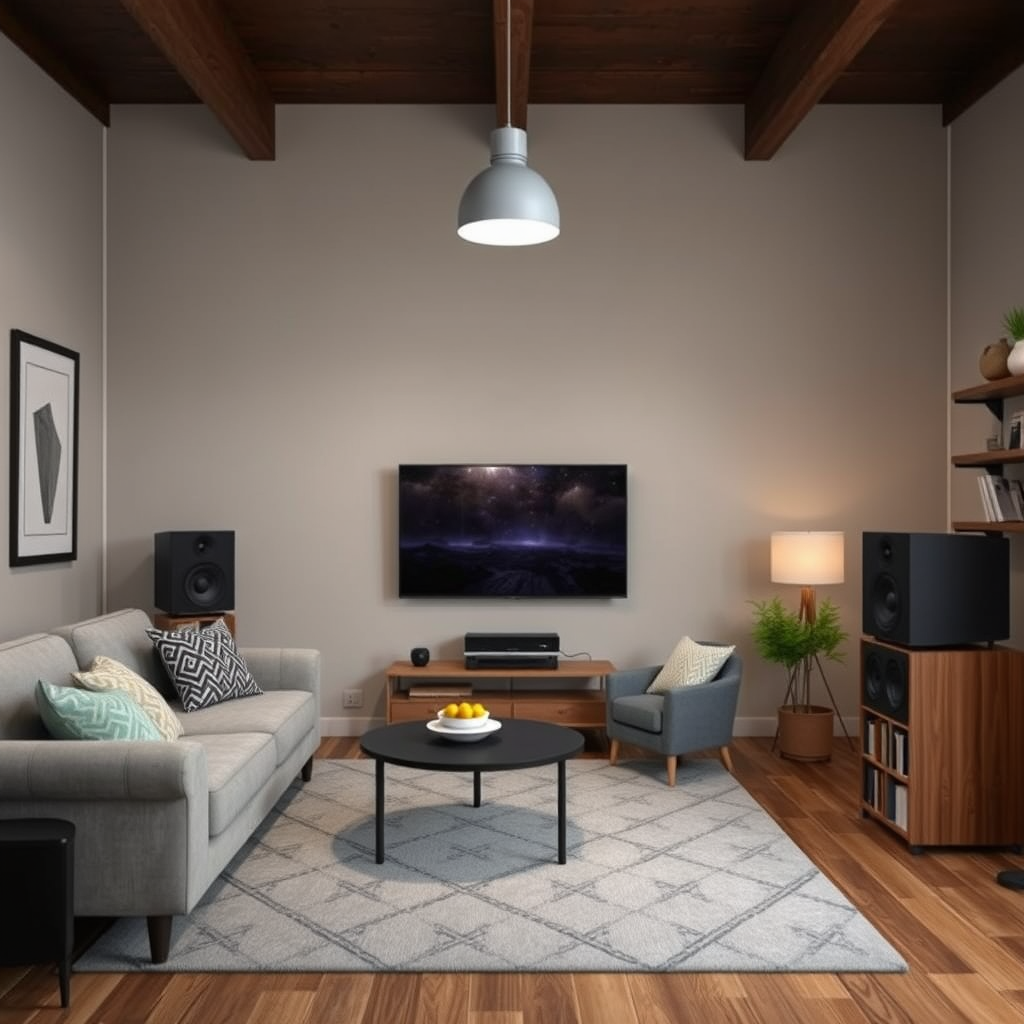
The placement of your wireless speakers plays a crucial role in determining the overall sound quality. Proper positioning can minimize sound reflections and enhance clarity, leading to a more immersive listening experience.
– Position Speakers Away from Walls: When speakers are placed too close to walls, sound waves can bounce back and create echoes, distorting the audio. Ideally, speakers should be positioned at least a few feet away from walls and corners, allowing sound waves to travel unobstructed.
– Elevate Speakers to Ear Level: Sound projection is significantly improved when speakers are at ear level. This positioning allows for a more direct sound path to the listener’s ears, enhancing clarity and detail. Consider using speaker stands or wall mounts to achieve the right height.
Adjusting Audio Settings
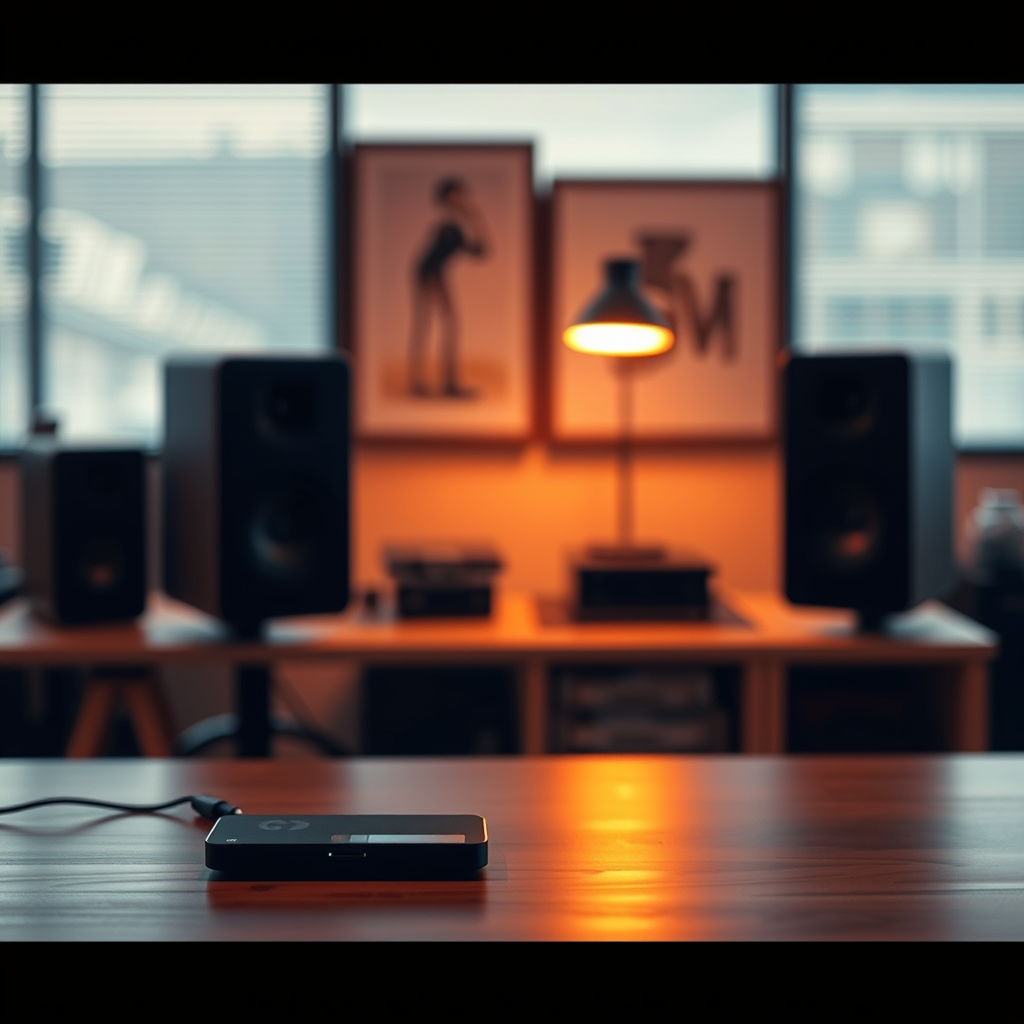
Most wireless speakers come equipped with various audio settings that can be adjusted to suit your listening preferences. Taking the time to fine-tune these settings can lead to a dramatic improvement in audio quality.
– Explore Equalizer Settings: Many streaming devices and music apps offer equalizer options that allow you to adjust bass, midrange, and treble levels. Experimenting with these settings can help you find the perfect balance for your preferred genre, whether it’s bass-heavy electronic music or classical symphonies.
– Enable Built-In Sound Enhancements: Check to see if your speakers have built-in sound features such as spatial audio, surround sound, or dynamic range compression. Enabling these features can significantly enhance the audio experience, making it more immersive.
Upgrading Your Streaming Source
The quality of your audio source has a direct impact on what you hear. Upgrading to higher-quality files or streaming services can make a noticeable difference.
– Use High-Quality Audio Files: Opt for lossless formats like FLAC or WAV instead of standard MP3s. Lossless files retain more audio information, providing a richer listening experience.
– Optimize Device Audio Settings: Ensure that the audio settings on your device are configured for the best possible output. This may include selecting high-quality output options or disabling unnecessary audio processing features that could degrade quality.
Top 7 Lossless Audio Streaming Services (2024)
| # | Service | Audio Formats | Max Bitrate | Subscription Cost |
|---|---|---|---|---|
| 1 | Tidal | FLAC, MQA | 24-bit/192kHz | $19.99/mo |
| 2 | Qobuz | FLAC | 24-bit/192kHz | $14.99/mo |
| 3 | Deezer | FLAC | 16-bit/44.1kHz | $14.99/mo |
| 4 | Amazon Music HD | HD, Ultra HD | 24-bit/192kHz | $14.99/mo |
| 5 | Apple Music | ALAC | 24-bit/48kHz | $9.99/mo |
| 6 | Spotify | Ogg Vorbis | 320 kbps | $9.99/mo |
| 7 | YouTube Music | AAC | 256 kbps | $9.99/mo |
Utilizing Additional Equipment
To maximize the potential of your wireless speakers, consider investing in additional equipment that can enhance sound quality.
– Invest in a Quality DAC (Digital-to-Analog Converter): A high-quality DAC can significantly improve audio fidelity by converting digital signals to analog more accurately. This is particularly beneficial if you’re using a computer or mobile device as your primary audio source.
– Consider Using an Audio Receiver: An audio receiver can manage multiple audio sources and enhance overall sound quality. Many modern receivers also offer advanced processing features and can connect wirelessly to your speakers, making them a versatile addition to your audio setup.
Reducing Interference
Wireless speakers can be susceptible to interference from other electronic devices, which can degrade audio quality. Taking steps to minimize this interference can ensure a clearer sound.
– Keep Wireless Speakers Away from Other Electronic Devices: Devices like microwaves, cordless phones, and even Wi-Fi routers can cause interference. Position your speakers as far away as possible from these devices to maintain a stable connection and improve audio clarity.
– Use a Dedicated Wi-Fi Network: If your wireless speakers rely on Wi-Fi, consider setting up a separate network for them. This can help reduce congestion and ensure a more reliable connection, ultimately enhancing sound quality.
Regular Maintenance and Updates
Maintaining your wireless speakers and keeping them updated is crucial for sustaining audio quality over time.
– Check for Firmware Updates: Manufacturers often release firmware updates to improve performance and fix bugs. Regularly check your speaker’s app or the manufacturer’s website for updates, and install them to benefit from the latest features and enhancements.
– Clean and Maintain Speaker Components: Dust and debris can accumulate on speaker components, affecting sound quality. Regularly clean your speakers and check for any physical damage that could impair performance.
Experimenting with Surround Sound Systems
If you want to take your audio experience to the next level, consider expanding your setup to include surround sound options.
– Consider Adding More Speakers: A multi-channel sound system can create a more immersive audio experience. Adding rear or surround speakers can help create a three-dimensional soundscape that enhances movie watching and music listening.
– Explore Soundbar Options: Soundbars can be an effective way to complement your wireless setup. Many soundbars offer features such as virtual surround sound, which can enhance the overall audio experience without the complexity of a full surround system.
Surround Sound System Setup Options
By implementing these strategies, you can significantly improve the audio quality of your wireless speakers, allowing you to enjoy your favorite music, movies, and podcasts to their fullest. Start with these tips today and transform your listening experience!
Frequently Asked Questions
What are the key factors that affect the audio quality of wireless speakers?
The audio quality of wireless speakers can be influenced by several factors, including the Bluetooth version, speaker design, and the quality of the audio source. A higher Bluetooth version, such as 5.0, offers better range and stability, while well-designed speakers with quality drivers produce clearer sound. Additionally, using high-resolution audio files can enhance the overall listening experience.
How can I reduce interference and improve the sound quality of my wireless speakers?
To reduce interference and improve sound quality, place your wireless speakers away from other electronic devices that emit signals, such as routers and microwaves. Using a Wi-Fi channel that is less congested can also help. Additionally, ensure that your wireless speakers are within a reasonable distance from the audio source to maintain a strong connection.
Why does my wireless speaker sound better when connected to certain devices?
The audio quality of your wireless speaker can vary based on the device it is connected to due to differences in audio codecs and processing capabilities. Devices that support advanced audio codecs like aptX or AAC can deliver superior sound quality compared to those that do not. Always check the specifications of your devices to ensure optimal compatibility.
What is the best way to position my wireless speakers for optimal sound quality?
For optimal sound quality, position your wireless speakers at ear level and ensure they are placed away from walls and corners, which can cause sound distortion. Creating a triangular setup with your seating area can enhance stereo imaging and provide a more immersive listening experience. Experimenting with speaker placement can yield significant improvements in audio clarity.
Which audio settings should I adjust to enhance the performance of my wireless speakers?
To enhance the performance of your wireless speakers, start by adjusting the equalizer settings on your audio device to balance frequencies according to your preference. Boosting the bass or treble can help tailor the sound to your liking, but be cautious not to overdo it, as this can lead to distortion. Additionally, ensure that any surround sound or enhancement features are configured correctly for a cleaner audio output.
References
- Wireless speaker
https://en.wikipedia.org/wiki/Wireless_speaker - https://www.sciencedirect.com/topics/engineering/wireless-speakers
https://www.sciencedirect.com/topics/engineering/wireless-speakers - https://pubmed.ncbi.nlm.nih.gov/31732134/
https://pubmed.ncbi.nlm.nih.gov/31732134/ - https://www.ncbi.nlm.nih.gov/pmc/articles/PMC6463161/
https://www.ncbi.nlm.nih.gov/pmc/articles/PMC6463161/ - https://www.bbc.com/future/article/20210219-how-to-get-the-best-sound-from-your-wireless-speakers
https://www.bbc.com/future/article/20210219-how-to-get-the-best-sound-from-your-wireless-speakers - https://www.nature.com/articles/s41598-019-49051-8
https://www.nature.com/articles/s41598-019-49051-8 - Google Scholar Google Scholar
https://scholar.google.com/scholar?q=Improving+Audio+Quality+in+Wireless+Speakers - Google Scholar Google Scholar
https://scholar.google.com/scholar?q=Wireless+Speaker+Audio+Quality+Techniques - Google Scholar Google Scholar
https://scholar.google.com/scholar?q=Audio+Quality+Enhancement+Wireless+Systems - https://www.theguardian.com/technology/2023/mar/15/best-wireless-speakers-audio-quality
https://www.theguardian.com/technology/2023/mar/15/best-wireless-speakers-audio-quality