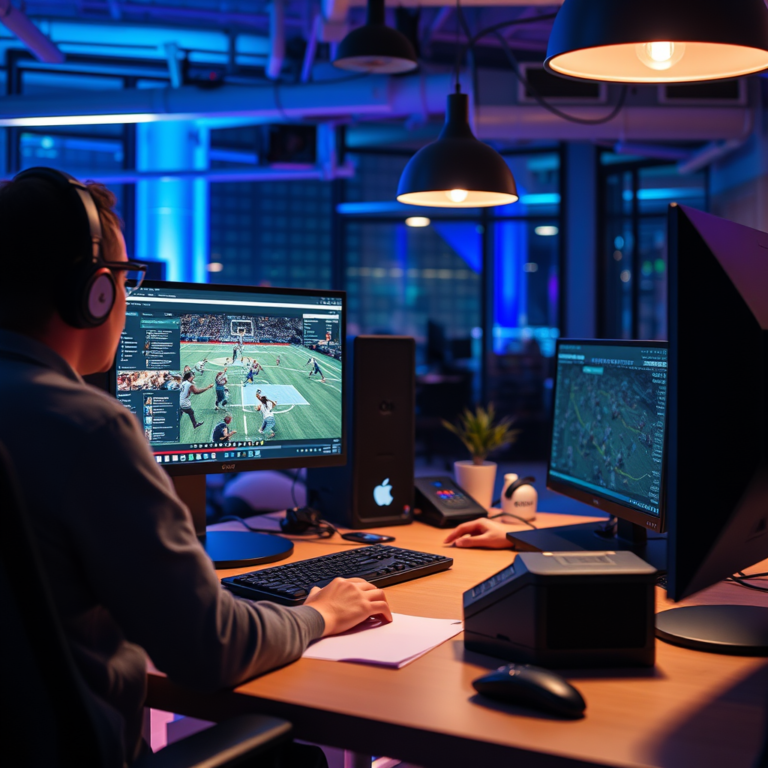

Incorporating AI can significantly elevate the quality of your video backgrounds, making them more engaging and visually appealing. By utilizing AI-powered tools, you can easily change, enhance, or create backgrounds that complement your content perfectly. This article will guide you through the best practices and tools to improve your video backgrounds using AI.
Understanding AI in Video Production
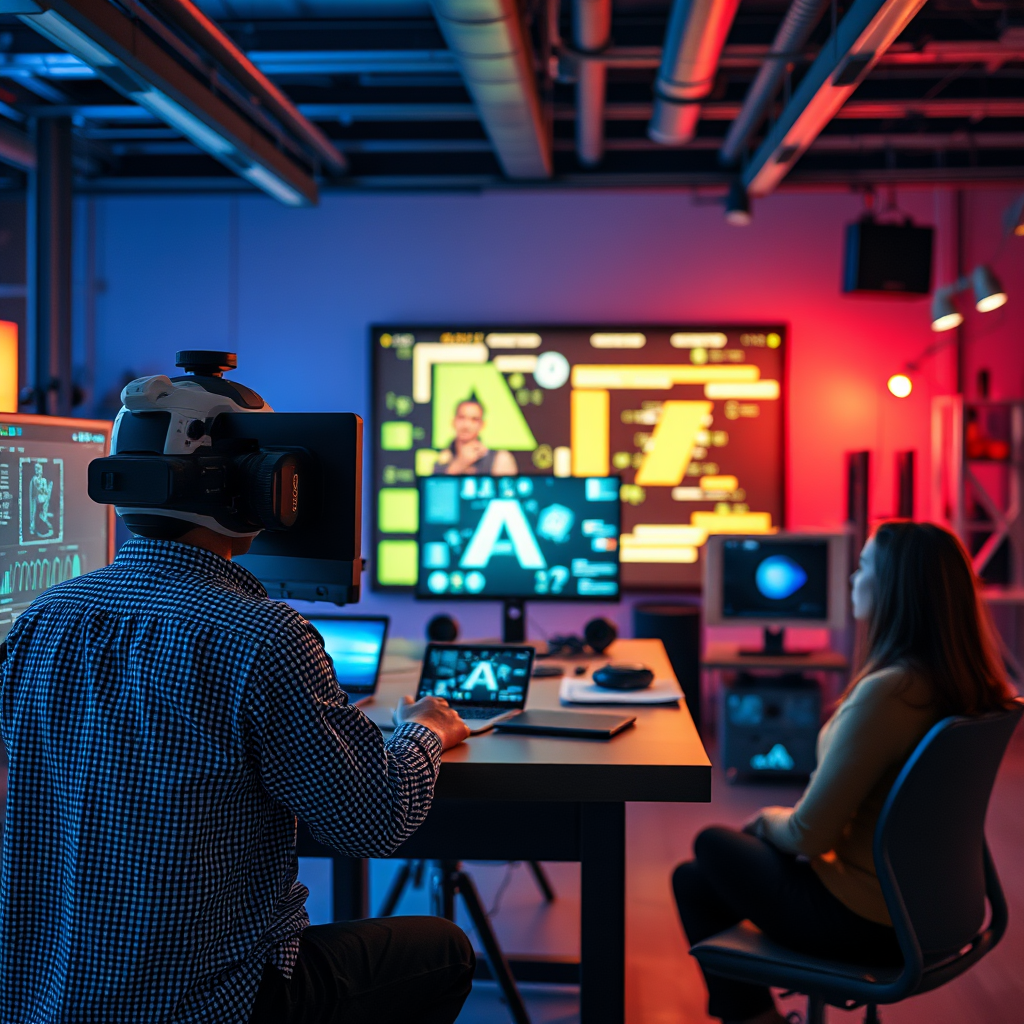
AI technologies in video production are revolutionizing how creators approach their projects. By analyzing video content through machine learning algorithms, AI can identify key elements and suggest enhancements that would have traditionally required hours of manual editing. For example, AI can detect the main subject in a video and separate it from the background, allowing for seamless changes. The benefits are manifold: not only does AI save time—enabling creators to focus on storytelling and other artistic aspects—but it also opens doors to creativity, allowing you to experiment with different aesthetics without the usual constraints of traditional editing. With AI, your imagination is truly the limit!
Choosing the Right AI Tools

When it comes to enhancing your video backgrounds, selecting the right AI tools can make all the difference. Popular options include Descript and Runway ML. Descript is particularly user-friendly, offering features like automatic transcription and the ability to edit video as easily as you would edit text. Runway ML, on the other hand, is a powerhouse for more advanced users, providing tools for real-time video editing, background replacement, and even generating entirely new backgrounds based on a simple prompt. When choosing a tool, consider your specific needs: Are you looking for simplicity or advanced features? Is your video for social media or a professional setting? Tailoring your choice to your project will help ensure the best outcome.
Techniques for Background Improvement
There are various techniques to improve your video backgrounds using AI, and each can add a unique flair to your content. Background replacement allows you to swap out an existing backdrop for a more visually appealing one—think of a plain wall transformed into a vibrant cityscape. Blurring is another effective technique that can help draw attention to your subject by softening the background, creating a professional look. Additionally, color correction can dramatically enhance the mood of your video by adjusting hues and brightness levels. Utilizing AI software, these techniques can be integrated seamlessly, allowing for real-time previews and adjustments, which is invaluable for creators who want to maintain a cohesive visual style throughout their projects.
Adding Dynamic Elements with AI
AI doesn’t just stop at static backgrounds; it can also introduce dynamic elements into your videos. Imagine adding animated graphics or moving backgrounds that can keep your audience engaged and entertained! Tools like Adobe After Effects and Alight Motion allow for the integration of such elements, providing a wealth of templates and animations. However, it’s essential to strike a balance between dynamic elements and the focus of your content. Overly busy backgrounds can distract viewers from your message. Aim for backgrounds that enhance your narrative rather than overshadow it, ensuring that your content remains the star of the show.
Optimizing for Different Platforms
Each social media platform has its unique requirements and audience expectations, making optimization crucial. For YouTube, a 16:9 aspect ratio is standard, while Instagram stories typically use a 9:16 ratio. Adjusting your video backgrounds to fit these specifications can significantly enhance viewer engagement. Additionally, color schemes should align with the platform’s aesthetic—Instagram favors vibrant, eye-catching visuals, while YouTube often caters to more polished, cinematic styles. Understanding your audience is key; for instance, younger viewers on TikTok may respond better to fun and playful backgrounds, while a more professional audience on LinkedIn might appreciate understated, elegant designs. Tailoring your approach for each platform can maximize the impact of your videos.
Troubleshooting Common Issues
While AI tools can streamline the editing process, users may encounter issues like quality loss during background changes. This can happen due to compression or the limitations of the AI software itself. To mitigate these issues, always work with the highest resolution possible and familiarize yourself with the settings of your chosen tool. Additionally, ensure your hardware is capable of handling intensive AI processes, as this can also impact the final quality. Regularly updating your software can also prevent common glitches and improve performance, ensuring that your videos look their best.
Future Trends in AI and Video Production
The future of AI in video production is bright, with exciting trends on the horizon. Innovations like real-time deepfake technology and AI-generated content are becoming more accessible, enabling creators to push the boundaries of storytelling. Imagine being able to create entirely new scenes or characters with just a few clicks! Furthermore, advancements in AI can lead to more personalized video experiences, where content is tailored to individual viewers based on their preferences and behaviors. As these technologies continue to evolve, the potential for creativity in video production will expand exponentially, paving the way for more engaging and innovative content.
Enhancing video backgrounds with AI can transform your content, making it more captivating and professional. By selecting the right tools and techniques, you can achieve stunning results with minimal effort. Don’t hesitate to start experimenting with AI today to elevate your video production game! The possibilities are endless, and with a little practice, you can create videos that not only look great but also resonate with your audience.
Frequently Asked Questions
What are the best AI tools for improving video backgrounds?
Some of the best AI tools for enhancing video backgrounds include Adobe Premiere Pro with its Sensei AI, Runway ML for real-time background removal, and Descript which offers background editing features. Additionally, tools like DeepArt and Kapwing leverage AI to create visually appealing backgrounds by applying artistic styles or automating background changes, making them ideal for content creators looking to enhance their videos quickly and effectively.
How can AI enhance my video backgrounds without losing quality?
AI can improve video backgrounds by utilizing advanced algorithms that analyze and reconstruct visuals to retain quality while making adjustments. For instance, tools like Topaz Video Enhance AI upscale video resolution and enhance details, ensuring that background changes do not compromise the overall video quality. This is particularly useful for creators who want to maintain a professional look while experimenting with different backgrounds.
Why should I use AI to change video backgrounds instead of traditional methods?
Using AI to change video backgrounds offers several advantages over traditional methods, including speed and efficiency. AI-powered tools can automate processes like background removal and replacement, significantly reducing editing time. Furthermore, they can provide more precise and professional-looking results by intelligently distinguishing between foreground and background elements, which is often challenging in manual editing.
Which AI techniques are most effective for creating dynamic video backgrounds?
The most effective AI techniques for creating dynamic video backgrounds include neural style transfer, which applies artistic styles to backgrounds, and generative adversarial networks (GANs) that can create entirely new background scenes. Additionally, motion tracking AI helps animate backgrounds in sync with the video’s action, providing a more engaging experience. These techniques enable content creators to produce visually stunning and immersive videos with minimal effort.
How do I integrate AI video background tools into my existing editing workflow?
To integrate AI video background tools into your existing editing workflow, start by selecting a user-friendly tool that complements your current software. Many AI tools offer plugins or can export files compatible with popular editing software like Final Cut Pro or Adobe Premiere. After installing, you can easily import your video, apply AI-driven background enhancements, and finalize your edits, streamlining the process while dramatically improving your video’s aesthetic appeal.
References
- Artificial intelligence
- https://www.sciencedirect.com/science/article/pii/S0360131522003210
- https://www.bbc.com/news/technology-56306766
- https://www.techrepublic.com/article/how-ai-is-improving-video-production/
- https://www.nature.com/articles/s41598-021-85454-6
- https://www.wired.com/story/how-ai-is-changing-the-way-we-create-videos/
- https://www.theguardian.com/technology/2021/jun/25/how-ai-is-transforming-video-production
- https://www.researchgate.net/publication/342434681_Artificial_Intelligence_in_Video_Production
- https://www.aitrends.com/ai-in-video-production/