If your AV receiver won’t turn on, don’t panic; there are several troubleshooting steps you can take to diagnose and fix the issue. By systematically checking the power connections, remote control, overheating issues, circuit breaker, HDMI connections, and considering a factory reset, you can often identify the culprit behind the problem. This article will guide you through these essential troubleshooting tips to help restore functionality to your AV receiver.
Check Power Connections
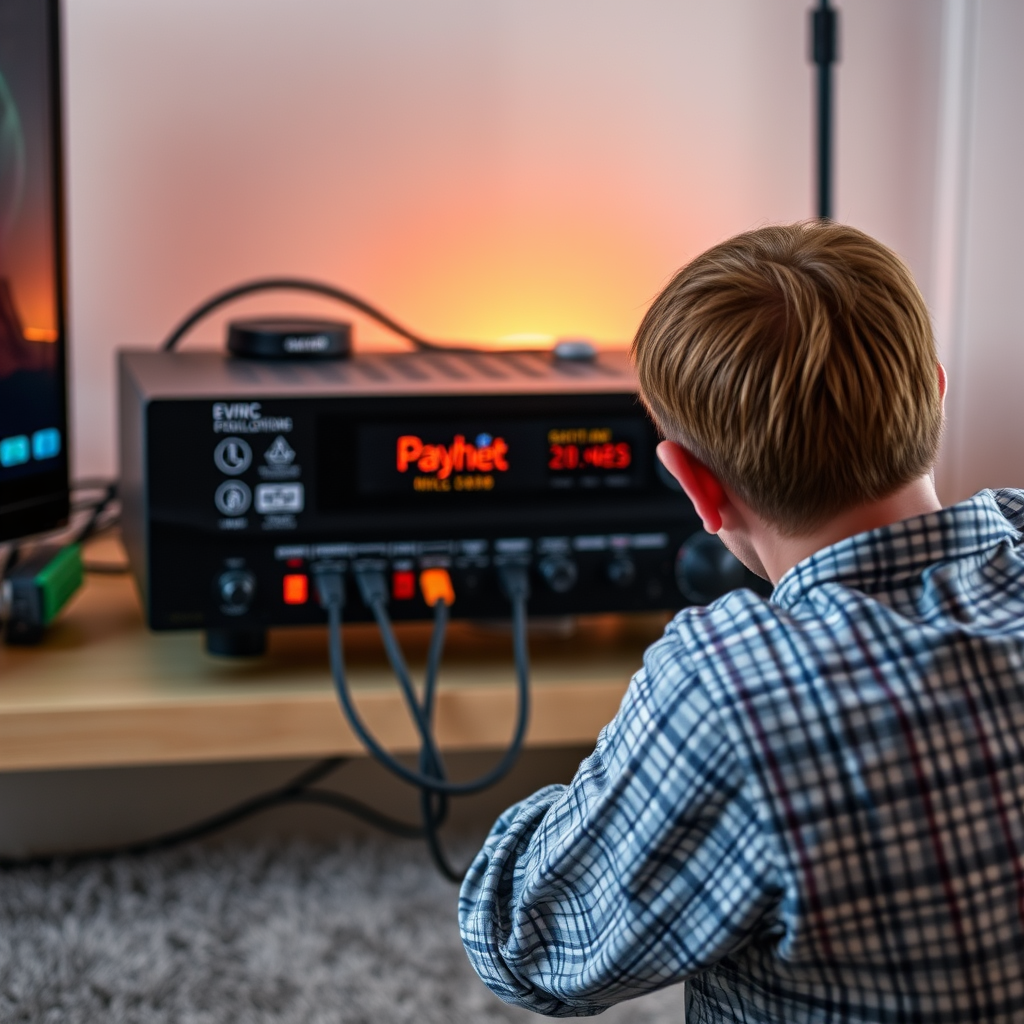
The first step in troubleshooting an AV receiver that won’t turn on is verifying the power connections. Many times, the solution is as simple as ensuring that the power cable is securely plugged into both the receiver and the wall outlet. Loose connections can prevent the device from receiving power.
Additionally, it’s wise to inspect the power outlet itself. Test the outlet with another device, such as a lamp or phone charger, to confirm that it is functioning correctly. If the outlet is not working, you may need to reset a tripped circuit breaker or try a different outlet.
Inspect the Remote Control
If your AV receiver seems to be plugged in correctly, the next step is to check the remote control. Start by replacing the batteries in the remote control to rule out any battery issues that may prevent it from sending signals to the receiver. Old or depleted batteries can lead to frustrating situations where you think the receiver is dead when in fact, it is just the remote that is malfunctioning.
To further narrow down the issue, try using the power button located directly on the receiver. If the receiver powers on using this method, it confirms that the remote control is the problem and may need repair or replacement.
Look for Overheating Issues
Overheating can be a common cause for an AV receiver not turning on. If your receiver has been in use for an extended period or is located in a poorly ventilated area, it might have overheated.
When you suspect overheating, check the temperature of the device. If it feels unusually hot, allow it to cool down before attempting to turn it on again. To prevent future overheating, ensure that there is adequate ventilation around the receiver. This may include rearranging furniture or equipment to allow for proper airflow and keeping the device in an open area rather than in a closed cabinet.
Common AV Receiver Issues and Solutions (2023)
| # | Issue | Common Cause | Solution |
|---|---|---|---|
| 1 | No Power | Loose Connections | Check power cable and outlet |
| 2 | Remote Not Working | Dead Batteries | Replace remote batteries |
| 3 | Overheating | Poor Ventilation | Improve airflow around the device |
| 4 | No Sound | Incorrect Settings | Check audio settings |
| 5 | Static Noise | Cable Issues | Inspect and replace cables |
| 6 | Bluetooth Problems | Pairing Issues | Re-pair your devices |
| 7 | Network Issues | Router Problems | Restart your router |
Examine the Circuit Breaker
If the above steps did not resolve the issue, the next area to investigate is your home’s circuit breaker. Locate the breaker box and check if the circuit breaker connected to the AV receiver has tripped. A tripped breaker can cut off power to the device, leading it to appear completely nonfunctional.
If you find that the breaker has indeed tripped, reset it by switching it back to the ON position. After resetting, attempt to turn on the receiver again. If the power is restored, you may want to monitor the situation to see if it trips again, which could indicate a deeper issue that needs attention.
Verify HDMI and Other Connections
The functionality of your AV receiver can also be affected by faulty or loose connection cables. Ensure that all HDMI and other input connections are secure and properly seated. Disconnect and reconnect the cables, inspecting each for any visible signs of damage such as frayed ends or bent pins.
If you discover any damaged cables, replacing them could resolve the issue. Additionally, consider using high-quality cables that are compatible with your devices to ensure optimal performance and prevent connection problems in the future.
Factory Reset the Receiver
If all other troubleshooting steps have failed, performing a factory reset on the AV receiver may be necessary. Before proceeding, consult the user manual for specific instructions on how to perform a factory reset, as the process may vary by model.
Keep in mind that a factory reset will erase all settings, including custom configurations, so it should be seen as a last resort. After completing the reset, reconfigure the settings as needed and check if the receiver powers on successfully.
Contact Customer Support
If your AV receiver still won’t power on after exhausting all troubleshooting options, it may be time to reach out to the manufacturer’s customer service. When contacting support, provide them with detailed information about your troubleshooting attempts to facilitate a more effective assistance process.
They can offer insights into specific issues related to your model, potential warranty coverage, or guide you through advanced troubleshooting that may not be covered in the manual.
By following these steps, you should be able to identify and resolve the issue with your AV receiver. If the problem persists, it may be time to seek professional repair services or consider upgrading to a new model. Remember to keep your AV receiver well-maintained to prevent future issues. Regularly check connections, ensure proper ventilation, and address any emerging problems promptly to extend the life of your device.
Frequently Asked Questions
What are the common reasons why an AV receiver won’t turn on?
An AV receiver may not turn on due to several reasons, including a faulty power source, blown fuses, or defective internal components. Additionally, issues with remote control batteries or incorrect input settings can also prevent the receiver from powering up. Checking these common culprits can help diagnose the problem.
How can I troubleshoot my AV receiver that won’t power on?
To troubleshoot an AV receiver that won’t power on, start by checking the power cord and ensuring it’s securely connected to both the receiver and the wall outlet. Next, inspect the outlet with a multimeter or test another device to confirm it’s functioning. If the power cord and outlet are fine, try resetting the receiver by unplugging it for a few minutes before plugging it back in.
Why is my AV receiver showing no lights or signs of power?
If your AV receiver shows no lights or signs of power, it could indicate a serious issue such as a blown fuse or a malfunctioning power supply. Sometimes, the receiver may also be in a standby mode or improperly connected to the power source. Inspecting the fuse and ensuring all connections are secure can help resolve the problem.
What is the best way to reset an AV receiver that won’t turn on?
The best way to reset an AV receiver that won’t turn on is to unplug it from the power outlet and wait for at least 10 minutes. This process allows the internal circuits to discharge and can clear temporary errors. Afterward, plug it back in, and check if it powers on normally.
Which troubleshooting steps should I take if my AV receiver clicks but doesn’t turn on?
If your AV receiver clicks but doesn’t turn on, it may be experiencing a short circuit or overload issue. First, disconnect all connected devices to isolate the receiver. Then, check the speaker wires for any shorts or damage, and ensure that the receiver is not overheating. If the issue persists, it may require professional repair or replacement.
References
- https://en.wikipedia.org/wiki/Audio_video_receiver
https://en.wikipedia.org/wiki/Audio_video_receiver - https://pubmed.ncbi.nlm.nih.gov/31816576/
https://pubmed.ncbi.nlm.nih.gov/31816576/ - https://www.sciencedirect.com/topics/engineering/audio-visual-receiver
https://www.sciencedirect.com/topics/engineering/audio-visual-receiver - Google Scholar Google Scholar
https://scholar.google.com/scholar?q=How+to+Fix+an+AV+Receiver+That+Won’t+Turn+On - Google Scholar Google Scholar
https://scholar.google.com/scholar?q=AV+receiver+troubleshooting - https://www.bbc.com/news/technology-54817845
https://www.bbc.com/news/technology-54817845 - https://www.reuters.com/article/us-tech-review-idUSKBN2A90QH
https://www.reuters.com/article/us-tech-review-idUSKBN2A90QH - How to Fix an AV Receiver That Won’t Turn On – Search results
https://en.wikipedia.org/wiki/Special:Search?search=How+to+Fix+an+AV+Receiver+That+Won’t+Turn+On - https://www.ncbi.nlm.nih.gov/search/research-articles/?term=How+to+Fix+an+AV+Receiver+That+Won’t+Turn+On
https://www.ncbi.nlm.nih.gov/search/research-articles/?term=How+to+Fix+an+AV+Receiver+That+Won’t+Turn+On