
To fix Bluetooth audio distortion issues in wireless speakers, start by ensuring that your devices are within the recommended range and that there are no obstructions. Additionally, check for interference from other wireless devices and update your speaker’s firmware. By addressing these factors, you can significantly enhance your listening experience. In this article, we’ll explore common causes of audio distortion and offer practical solutions to ensure high-quality sound from your wireless speakers.
Understanding Bluetooth Audio Distortion
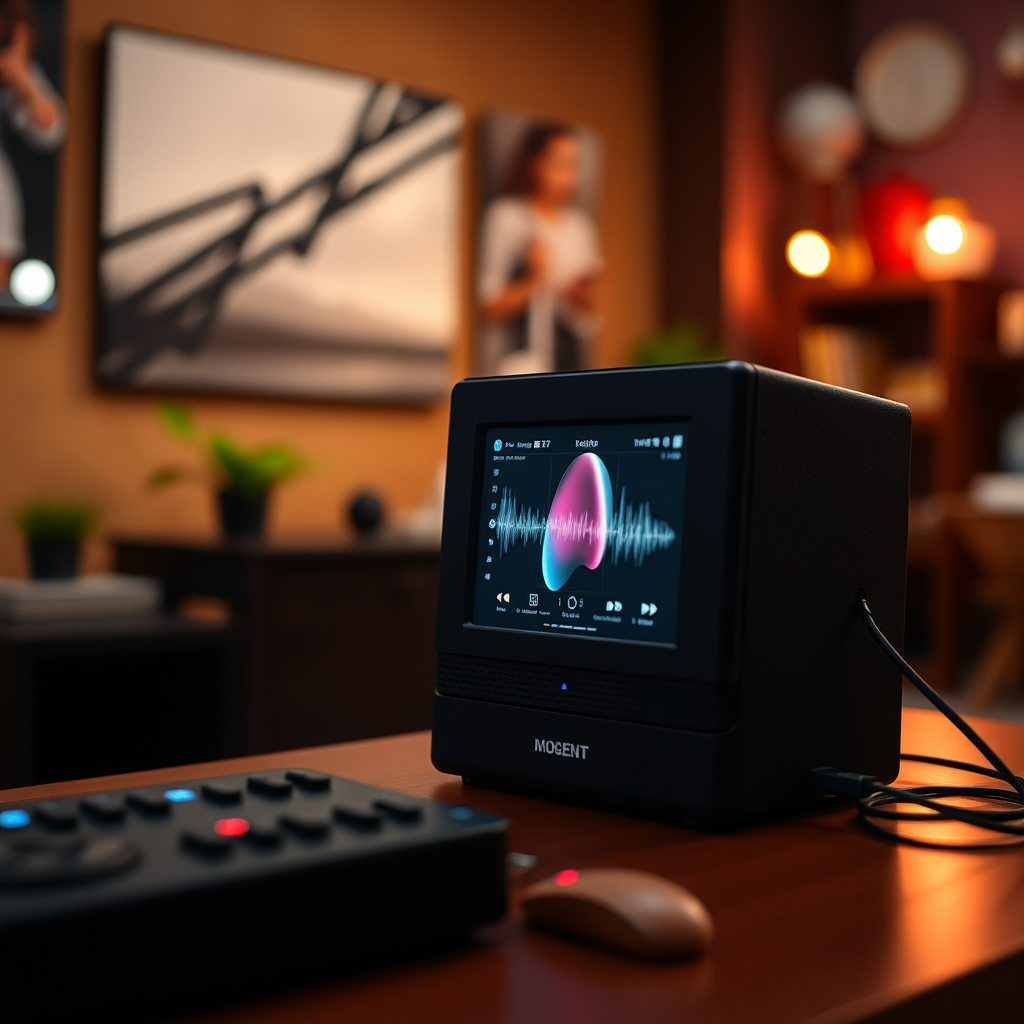
Bluetooth audio distortion refers to the degradation of sound quality when audio is transmitted wirelessly. Common symptoms include crackling, popping, or a delay in audio playback. These issues can stem from various factors, including signal interference and distance between the speaker and audio source. When devices are too far apart or obstructed by physical barriers, the Bluetooth signal can become weak, leading to a distorted audio experience. Additionally, interference from other wireless devices can disrupt the integrity of the audio signal, further exacerbating distortion issues.
Check Your Device Compatibility
Before troubleshooting further, verify compatibility between your wireless speaker and audio source. Different Bluetooth devices may support varying versions of the Bluetooth protocol. For optimal performance, ensure both devices support the same Bluetooth version. For instance, Bluetooth 5.0 offers improved range and stability compared to earlier versions. Check the specifications of your devices and consult the manufacturer’s guidelines if necessary. This compatibility check can prevent potential audio distortion caused by mismatched technology.
Optimize Bluetooth Connection
To minimize Bluetooth audio distortion, keep your devices within the recommended range, typically around 30 feet for most wireless speakers. Additionally, remove any physical barriers that may interfere with the Bluetooth signal, such as walls or large furniture. If possible, position the speaker and audio source in direct line of sight to improve connectivity. Maintaining this optimal positioning can significantly enhance audio clarity and reduce distortion.
Top Causes of Bluetooth Audio Distortion (2024)
| # | Cause | Impact Level | Frequency | Solution |
|---|---|---|---|---|
| 1 | Distance | High | Common | Reduce distance |
| 2 | Interference | Medium | Frequent | Identify sources |
| 3 | Outdated Firmware | High | Common | Update regularly |
| 4 | Audio Settings | Medium | Occasional | Adjust settings |
| 5 | Device Compatibility | High | Common | Check specs |
| 6 | Battery Issues | Medium | Occasional | Charge devices |
| 7 | Environmental Factors | Medium | Frequent | Optimize environment |
Troubleshoot Interference Issues
Identifying and mitigating potential sources of interference is critical to improving Bluetooth audio quality. Common culprits include Wi-Fi routers, microwaves, and other Bluetooth devices that operate in the same frequency band (typically 2.4 GHz). To minimize interference, consider switching your Wi-Fi to a 5 GHz band if your router supports it or relocating your wireless speaker away from potential disturbance sources. Additionally, turning off nearby devices that use Bluetooth when not in use can help enhance the clarity of your audio transmission.
Update Firmware and Drivers
Keeping your wireless speaker’s firmware up-to-date is crucial for optimal performance. Manufacturers often release updates that address bugs, enhance connectivity, and improve sound quality. To check for firmware updates, consult the user manual or the manufacturer’s website for instructions specific to your device. Similarly, ensure that the drivers for your audio source (such as a smartphone or computer) are also updated. This will help ensure compatibility and performance, significantly reducing the likelihood of audio distortion.
Experiment with Audio Settings
Sometimes, audio distortion can be improved by adjusting the audio settings on your devices. Many smartphones and computers come with built-in equalizers that allow users to tune their audio output. Experimenting with these settings can help you find the perfect balance for your music or audio content. If your device has any sound enhancement features, consider turning them off, as these can sometimes introduce artifacts that lead to distortion.
Reset and Re-pair Devices
If all else fails, consider resetting your wireless speaker to factory settings. This can often resolve persistent connectivity issues that lead to audio distortion. To reset, refer to your speaker’s user manual for specific instructions. After resetting, you will need to re-pair your devices. Start by ensuring Bluetooth is enabled on both devices, then search for the speaker on your audio source and establish a fresh connection. This process can help eliminate any lingering issues from previous pairings that may be causing problems.
Bluetooth Audio Distortion Causes (%)
To summarize, fixing Bluetooth audio distortion in wireless speakers often involves checking device compatibility, optimizing connections, troubleshooting interference, and updating firmware. By following these steps, you can significantly improve your audio experience. For further assistance or tips, feel free to explore additional resources or contact support. Remember, achieving high-quality audio through Bluetooth is often a matter of addressing the right issues and making the necessary adjustments for optimal performance.
Frequently Asked Questions
What are the common causes of Bluetooth audio distortion in wireless speakers?
Common causes of Bluetooth audio distortion in wireless speakers include interference from other electronic devices, low battery levels in the speaker, and poor Bluetooth connectivity due to distance or obstacles. Additionally, outdated speaker firmware or using low-quality audio files can also contribute to sound distortion, impacting the overall listening experience.
How can I troubleshoot Bluetooth audio distortion in my wireless speakers?
To troubleshoot Bluetooth audio distortion, start by ensuring your speaker and audio source are fully charged and within a reasonable distance without obstructions. Try turning off other nearby Bluetooth devices to reduce interference, and consider resetting your speaker or updating its firmware. Additionally, check the audio settings on your device to ensure they are optimized for Bluetooth playback.
Why is my Bluetooth speaker distorting only with certain audio files?
If your Bluetooth speaker distorts with certain audio files, it may be due to the file’s bitrate or encoding quality. Low-quality audio files or formats that compress sound excessively can lead to distortion during playback. Always opt for high-quality audio files and check your device’s audio settings for enhancements that may inadvertently affect sound clarity.
What is the best way to improve Bluetooth audio quality and reduce distortion?
The best way to improve Bluetooth audio quality and reduce distortion is to ensure a strong and stable connection by minimizing distance between devices and avoiding physical obstacles. Additionally, using high-quality audio sources and updating your speaker’s firmware can help enhance sound performance. Investing in speakers with advanced audio codecs like aptX or AAC can also significantly improve sound quality.
Which Bluetooth devices are known for having minimal audio distortion issues?
Some Bluetooth devices known for minimal audio distortion issues include high-end brands such as Bose, Sony, and Sennheiser, which often feature advanced audio technology and codecs. Look for models that specifically advertise low latency and high-fidelity sound, as these are designed to provide clearer audio with less interference. Reading customer reviews and expert recommendations can also help you select a reliable Bluetooth speaker.
References
- https://www.lifewire.com/fix-bluetooth-audio-problems-2483408
https://www.lifewire.com/fix-bluetooth-audio-problems-2483408 - Google Scholar Google Scholar
https://scholar.google.com/scholar?q=Bluetooth+audio+distortion+issues - Google Scholar Google Scholar
https://scholar.google.com/scholar?q=wireless+speakers+audio+quality+problems - Google Scholar Google Scholar
https://scholar.google.com/scholar?q=Bluetooth+connectivity+audio+issues - Google Scholar Google Scholar
https://scholar.google.com/scholar?q=How+to+Fix+Bluetooth+Audio+Distortion+Issues+in+Wireless+Speakers - How to Fix Bluetooth Audio Distortion Issues in Wireless Speakers – Search results
https://en.wikipedia.org/wiki/Special:Search?search=How+to+Fix+Bluetooth+Audio+Distortion+Issues+in+Wireless+Speakers - https://www.ncbi.nlm.nih.gov/search/research-articles/?term=How+to+Fix+Bluetooth+Audio+Distortion+Issues+in+Wireless+Speakers
https://www.ncbi.nlm.nih.gov/search/research-articles/?term=How+to+Fix+Bluetooth+Audio+Distortion+Issues+in+Wireless+Speakers