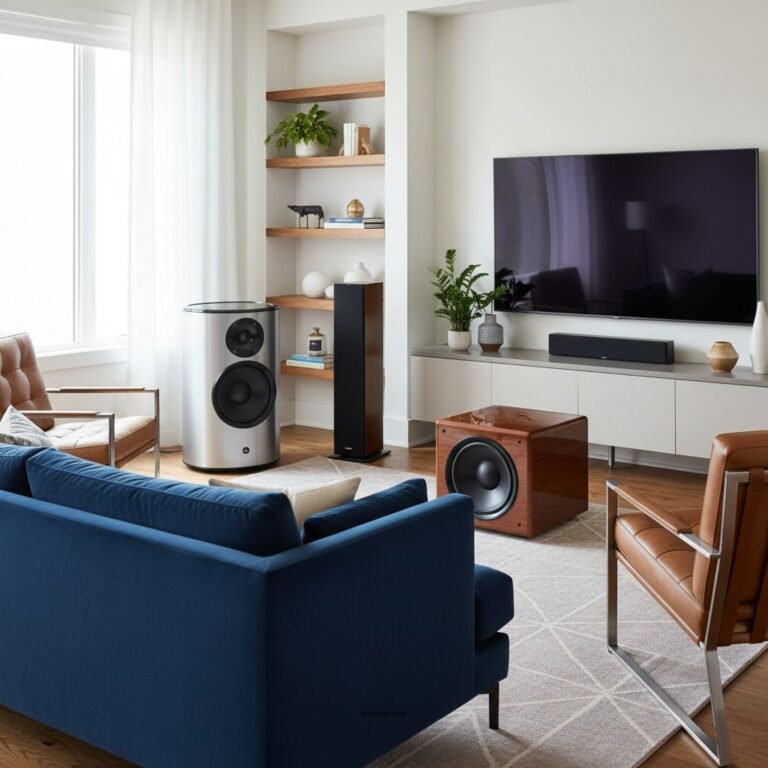

If your rear speakers aren’t producing any sound, the issue may stem from incorrect settings, faulty connections, or even hardware problems. In this article, you’ll learn how to troubleshoot and resolve the lack of audio from your rear speakers, ensuring a full surround sound experience. By following the outlined steps, you can restore functionality and enhance your home theater audio experience.
Check Audio Settings
The first step in troubleshooting no audio from rear speakers is to verify that your audio settings are configured correctly. Begin by accessing the menu of your AV receiver or amplifier. Look for options related to speaker settings or audio output.
Ensure that the surround sound mode is activated, as many receivers default to stereo or another mode that may not engage the rear speakers. Additionally, check that the rear speakers are not muted in the settings menu. Some systems allow you to adjust the volume levels for individual speakers, so ensure that the rear speakers are set to an audible level.
It’s also wise to check the audio format being played. Certain formats may not output audio to all speakers, depending on the source material. For example, if you are playing a stereo track, the rear speakers may not receive any signal.
Inspect Connections and Cables
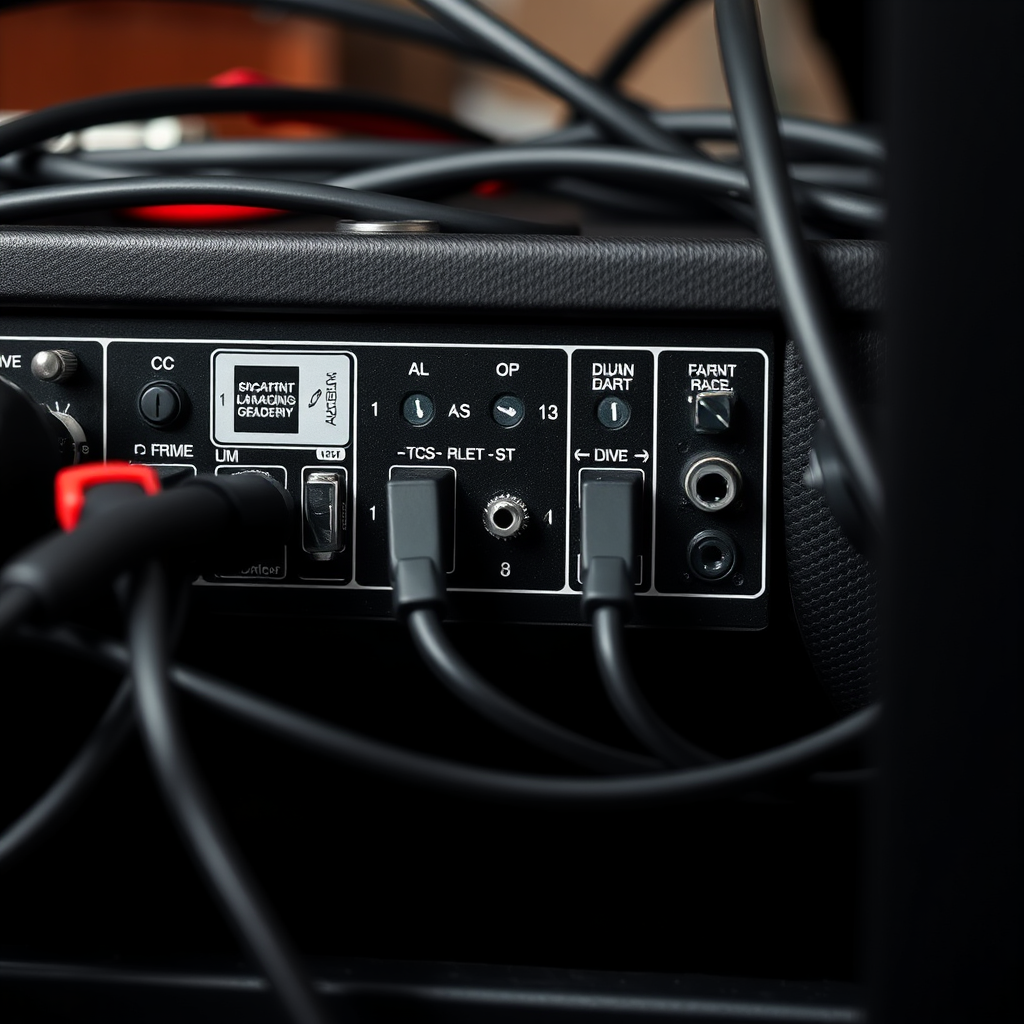
Once you’ve confirmed the audio settings, the next step is to inspect all speaker connections and cables. Begin by ensuring that the wires connecting the rear speakers to the receiver are secure and properly plugged in. Loose connections can often be the culprit behind malfunctioning speakers.
Next, visually inspect the cables for any signs of damage, such as fraying or cuts. Damaged cables can lead to poor audio quality or complete loss of sound. If you notice any issues, replace the cables with new ones that are compatible with your system.
Using high-quality speaker wire can also make a significant difference in sound quality. Make sure the gauge of the wire is suitable for your setup, especially over longer distances.
Test with Different Sources
To determine if the issue is source-specific, try playing audio from different sources. Connect a Blu-ray player, streaming device, or even a gaming console to see if the rear speakers work with other media. This can help pinpoint whether the problem lies within the source or the audio system itself.
Additionally, many AV receivers come equipped with a built-in audio test feature. Use this to send a test tone to each speaker, confirming whether the rear speakers respond appropriately. If they do not emit sound during the test, the issue likely resides within the speaker configuration or hardware.
Common Causes of No Audio from Rear Speakers
| # | Issue | Description | Solution |
|---|---|---|---|
| 1 | Incorrect Settings | Audio settings not configured correctly. | Check receiver settings. |
| 2 | Loose Connections | Cables may be loose or disconnected. | Inspect and secure all connections. |
| 3 | Damaged Cables | Cables may be frayed or cut. | Replace damaged cables. |
| 4 | Source-Specific Issues | Problems may arise from specific media sources. | Test with different sources. |
| 5 | Receiver Configuration | Receiver may not recognize rear speakers. | Run auto-calibration if available. |
| 6 | Firmware Outdated | Outdated firmware can cause issues. | Update firmware and drivers. |
| 7 | Speaker Placement | Improper placement can affect audio. | Adjust speaker positioning. |
Update Firmware and Drivers
Keeping your AV receiver, sound card, or streaming device updated is crucial for optimal performance. Manufacturers frequently release firmware updates to fix bugs, improve compatibility with new devices, or enhance audio processing capabilities. To ensure you have the latest updates, visit the manufacturer’s website and follow their instructions for downloading and installing the updates on your device.
Additionally, if your surround sound system uses a computer or gaming console, check that the audio drivers are up to date. Outdated drivers can cause various issues, including the failure of rear speakers to output sound. Running any recommended updates can often resolve existing problems.
Try Rear Speaker Placement
The placement of your rear speakers can significantly impact the audio experience. If they are positioned incorrectly, they may not produce sound effectively, or their audio may be muffled. Ideally, rear speakers should be placed slightly above ear level and angled towards the listening area.
Experimenting with the distance and angles can help optimize the surround sound effect. For instance, moving the speakers a few feet closer or adjusting their angle may enhance audio performance.
Also, avoid placing speakers too close to walls or corners, as this can create unwanted reflections and interfere with sound clarity. Use a measuring tape to ensure that both speakers are equidistant from the primary listening position for the best experience.
Check for Receiver Configuration Issues
Access your AV receiver’s setup menu to confirm that it recognizes the rear speakers. Sometimes, the receiver may fail to identify newly connected speakers, resulting in no audio output.
If your receiver includes an auto-calibration feature, use it. This tool measures the distance and sound levels of each speaker in relation to your listening area and automatically adjusts settings for optimal performance.
If the receiver does not detect the rear speakers during this process, there may be a more significant issue at play, potentially requiring professional service.
Seek Professional Help
If none of the above solutions work, it may be time to consult a professional technician. Complex audio issues can stem from internal hardware failures or advanced configuration problems that require specialized knowledge to diagnose and repair.
Consider contacting customer support for your audio equipment as well. They can provide insights into warranty options or repairs that may be necessary. If your equipment is under warranty, you may be eligible for repairs or replacements at no additional cost.
Common Surround Sound Issues and Solutions
Resolving audio issues with rear speakers can be straightforward when you follow these troubleshooting steps. By checking settings, connections, and configurations, you can restore your surround sound system and enjoy a complete audio experience. If problems persist, don’t hesitate to reach out for professional assistance to ensure your system is functioning at its best. Engaging professionals can help diagnose deeper issues while providing you with peace of mind in knowing your audio setup is optimized.
Frequently Asked Questions
What are the common reasons for no audio from rear speakers in a surround sound system?
No audio from rear speakers in a surround sound system can occur due to several reasons, including incorrect speaker connections, faulty wiring, or misconfigured audio settings. Additionally, issues with the AV receiver or sound source can also contribute to this problem, so it’s essential to check each component systematically to identify the cause.
How can I troubleshoot no sound from my rear speakers?
To troubleshoot no sound from your rear speakers, first check the physical connections to ensure they are secure and properly connected to the receiver. Next, access the audio settings on your AV receiver and confirm that the rear speakers are enabled and correctly assigned to the audio output. You may also want to run a speaker calibration test if your system supports it.
Why is my surround sound system only playing audio from the front speakers?
If your surround sound system is only playing audio from the front speakers, it could be due to a configuration issue in the audio settings. Ensure that the surround sound mode is activated, and check whether the audio source is encoded in surround sound. Lastly, verify that the rear speakers are functioning properly by testing them with another audio source.
What is the best way to connect rear speakers for optimal sound performance?
The best way to connect rear speakers for optimal sound performance is to use high-quality speaker cables and ensure that they are properly gauge-rated for your system. Position the rear speakers at ear level and at an appropriate distance from the listening area, typically 6 to 10 feet apart. Additionally, check the speaker settings on your AV receiver to maximize sound output and balance.
Which settings should I check if my rear speakers are not producing audio?
If your rear speakers are not producing audio, check the speaker configuration settings on your AV receiver, ensuring that they are set to “on” and assigned correctly. Also, verify the audio format of the content being played; some media may not support surround sound. Finally, inspect the speaker wires for damage and test the speakers with a different audio source to rule out any hardware issues.
References
- Surround sound
https://en.wikipedia.org/wiki/Surround_sound - https://www.audioholics.com/loudspeaker-design/how-to-fix-no-sound-from-rear-speakers
https://www.audioholics.com/loudspeaker-design/how-to-fix-no-sound-from-rear-speakers - Google Scholar Google Scholar
https://scholar.google.com/scholar?q=surround+sound+audio+issues - Google Scholar Google Scholar
https://scholar.google.com/scholar?q=fix+rear+speakers+surround+sound - https://www.lifewire.com/how-to-fix-no-sound-from-rear-speakers-1846996
https://www.lifewire.com/how-to-fix-no-sound-from-rear-speakers-1846996 - https://www.avforums.com/articles/how-to-fix-audio-issues-on-your-surround-sound-system.19358
https://www.avforums.com/articles/how-to-fix-audio-issues-on-your-surround-sound-system.19358 - Google Scholar Google Scholar
https://scholar.google.com/scholar?q=How+to+Fix+No+Audio+from+Rear+Speakers+in+a+Surround+Sound+System - How to Fix No Audio from Rear Speakers in a Surround Sound System – Search results
https://en.wikipedia.org/wiki/Special:Search?search=How+to+Fix+No+Audio+from+Rear+Speakers+in+a+Surround+Sound+System - https://www.ncbi.nlm.nih.gov/search/research-articles/?term=How+to+Fix+No+Audio+from+Rear+Speakers+in+a+Surround+Sound+System
https://www.ncbi.nlm.nih.gov/search/research-articles/?term=How+to+Fix+No+Audio+from+Rear+Speakers+in+a+Surround+Sound+System