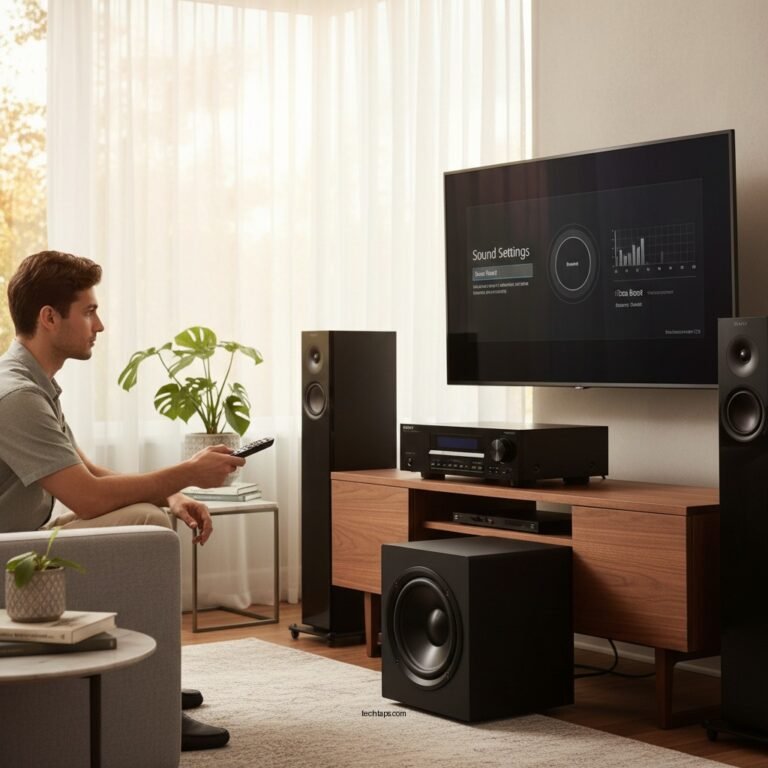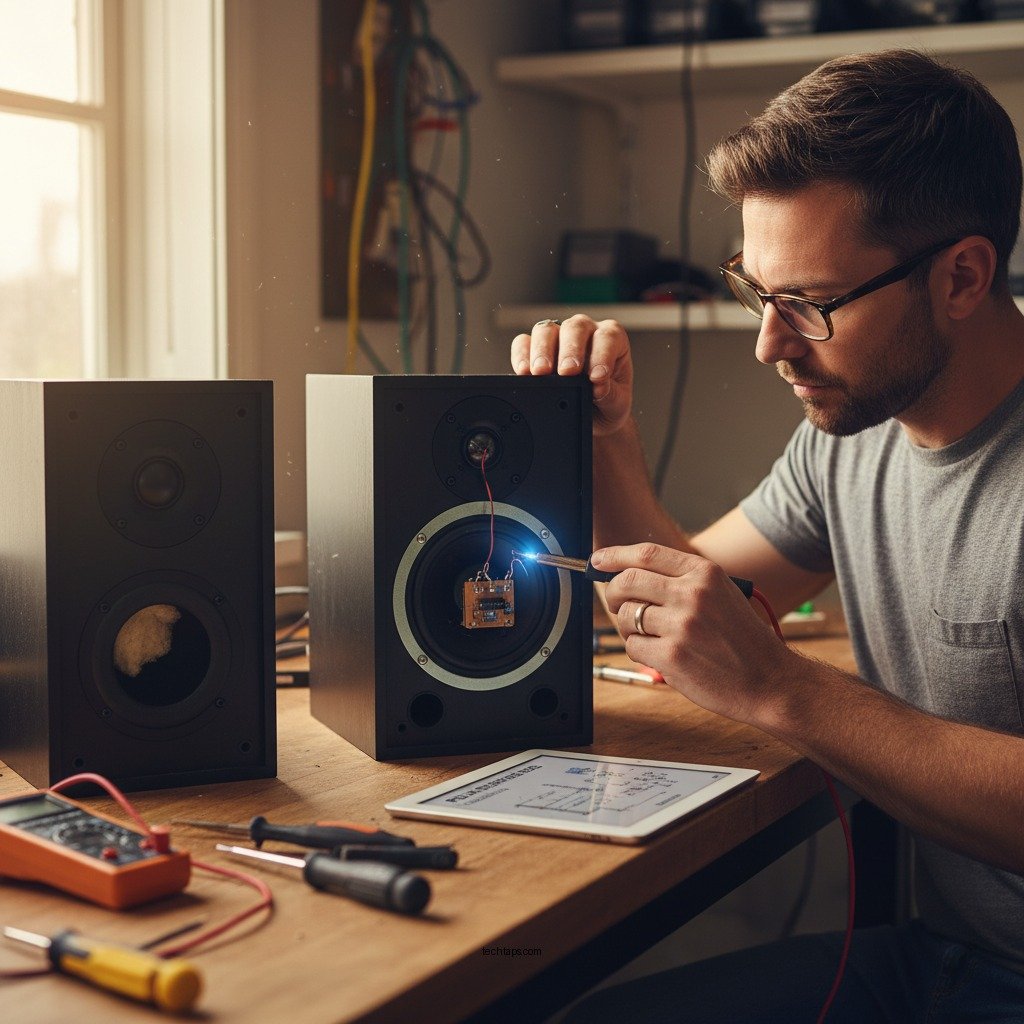

If your Polk Audio speakers are making a buzzing noise, the solution may be simpler than you think. Start by checking the connections and ensuring that all cables are securely plugged in. Often, buzzing noises can stem from minor issues such as loose connections or electrical interference. In this article, you’ll learn about the common causes of buzzing sounds and practical steps you can take to resolve them, restoring your audio experience to its intended clarity.
Common Causes of Buzzing in Polk Audio Speakers
Buzzing noises can be frustrating, especially when you’re trying to enjoy your favorite music or movie. Understanding the common causes can help you address the issue effectively:
– Electrical Interference: Many electronic devices emit electromagnetic interference that can disrupt audio signals. Devices such as microwaves, wireless routers, and even fluorescent lights can contribute to unwanted noise in your speakers. This interference can be especially pronounced in poorly shielded cables or speakers.
– Loose or Damaged Speaker Wires: Over time, speaker wires can become frayed, damaged, or disconnected, leading to buzzing sounds. A loose connection between the speaker and the amplifier may also introduce noise. Regular inspection and maintenance of speaker wires are essential to prevent these issues.
Checking Speaker Connections
The first step in troubleshooting buzzing noises in your Polk Audio speakers is to check all connections and cables. Here’s how to do it effectively:
– Inspect All Cables and Connectors: Begin by visually examining all cables connected to your speakers. Look for signs of wear, fraying, or damage. Ensure that each connector is clean and securely plugged into both the speaker and the audio source. If you notice any damages, consider replacing the cables with new, high-quality ones.
– Ensure Proper Connection to the Audio Source: Sometimes, the buzzing may originate from the audio source rather than the speakers themselves. Make sure that the speakers are correctly wired to the receiver or amplifier. If you are using a receiver, check the speaker terminals to ensure they are tight and properly connected.
Identifying Ground Loops
Ground loops are a common cause of buzzing in audio systems. They occur when multiple devices are connected to different power outlets, creating a potential difference that can introduce noise into the audio signal.
– Understanding Ground Loops: When two or more devices connected to the same audio system are powered from different electrical outlets, a ground loop can form. This often results in a low-frequency hum or buzzing sound that can be irritating.
– Using a Ground Loop Isolator: If you suspect a ground loop is causing the buzzing, consider using a ground loop isolator. These devices are designed to break the electrical connection between audio components while allowing the audio signal to pass through, effectively eliminating the hum.
Common Causes of Buzzing in Polk Audio Speakers
| # | Cause | Description | Solution |
|---|---|---|---|
| 1 | Electrical Interference | Noise from other electronics | Relocate devices or use shielded cables |
| 2 | Loose Connections | Wires not securely connected | Tighten all connections and inspect cables |
| 3 | Ground Loops | Multiple devices on different outlets | Use a ground loop isolator |
| 4 | Damaged Speaker Cables | Frayed or broken wires | Replace damaged cables |
| 5 | Amplifier Issues | Faulty amplifier causing distortion | Test with a different amplifier |
| 6 | Faulty Speakers | Malfunctioning components inside | Seek repair or replacement |
| 7 | Audio Source Issues | Problem with the audio device | Try different audio sources |
Testing with Different Audio Sources
Another effective way to diagnose the source of the buzzing noise is to test your Polk Audio speakers with different audio devices. This process can help you determine whether the issue is with the speakers or the audio source.
– Connect to a Different Device: If possible, connect your speakers to a different audio source, such as another computer, smartphone, or audio player. If the buzzing persists across multiple devices, the issue likely resides with the speakers or their wiring. If the buzzing stops, the problem may be linked to the original audio source.
– Use Quality Audio Cables: Ensure that the cables used for the connection are of high quality. Poor-quality cables can introduce noise and degrade audio quality. Consider investing in shielded or high-grade cables to minimize potential interference.
Adjusting Audio Settings
Sometimes, the buzzing noise can be mitigated by adjusting the settings on your audio receiver or amplifier. This approach can be an effective solution without the need for further troubleshooting.
– Check Receiver Settings: Review the settings on your audio receiver or amplifier, paying particular attention to the bass and treble levels. Excessive bass can sometimes cause distortion, leading to a buzzing sound. Reducing these levels may alleviate the problem.
– Use an Equalizer: If your audio system has an equalizer, experiment with different settings to see if adjusting the frequency response can reduce the buzzing. A well-balanced equalizer can enhance clarity and eliminate unwanted noise.
Seeking Professional Help
If the buzzing continues after you’ve tried the troubleshooting steps outlined above, it may be time to consult a professional technician. Professionals have the expertise and tools to diagnose and resolve more complex audio issues.
– Consulting a Technician: A qualified technician can perform in-depth diagnostics on your Polk Audio speakers, checking for internal faults or issues that may not be visible during a basic inspection. They can also test the equipment in a controlled environment to isolate the problem accurately.
– Considering Repairs or Replacements: If the speakers are found to be faulty or damaged beyond repair, it may be necessary to consider replacement options. Polk Audio offers a range of speakers catering to various needs and budgets, ensuring you can find a suitable replacement that fits your audio preferences.
In conclusion, addressing buzzing noises in your Polk Audio speakers often requires a systematic approach. By checking connections, identifying ground loops, testing different audio sources, adjusting settings, and seeking professional help when necessary, you can effectively eliminate unwanted noise. Whether your issue stems from simple connectivity problems or more complex audio equipment issues, taking action can restore the clarity and quality of your audio experience. Don’t hesitate to implement these strategies, and enjoy your music and entertainment without distractions!
Frequently Asked Questions
What causes my Polk Audio speaker to make a buzzing noise?
A buzzing noise from your Polk Audio speaker can be caused by several factors, including electrical interference from nearby devices, loose connections, or issues with the audio source. Additionally, a damaged speaker driver or incorrect amplifier settings can also contribute to this unwanted sound. Identifying the root cause is essential for effective troubleshooting.
How can I troubleshoot a buzzing noise in my Polk Audio speaker?
To troubleshoot a buzzing noise in your Polk Audio speaker, start by checking all cable connections to ensure they are secure and free of damage. Next, try relocating the speaker away from other electronic devices to eliminate potential interference. If the issue persists, test the speaker with a different audio source to determine if the problem lies with the speaker or the original device.
Why does my Polk Audio speaker buzz when it’s idle?
If your Polk Audio speaker buzzes when idle, it may be due to a ground loop or electromagnetic interference from other electronics in the vicinity. This issue often occurs when multiple devices share the same electrical circuit. Using a ground loop isolator or repositioning the speaker and connected devices can help eliminate this noise.
What is the best way to fix a buzzing Polk Audio speaker?
The best way to fix a buzzing Polk Audio speaker includes checking and securing all connections, using high-quality cables, and minimizing electrical interference. Additionally, you can experiment with different audio sources and settings to see if the buzzing persists. If the problem continues, consider seeking professional repair or contacting Polk Audio customer support for further assistance.
Which settings should I adjust to eliminate the buzzing noise in my Polk Audio speaker?
To eliminate buzzing noise in your Polk Audio speaker, first adjust the volume levels on both the speaker and the audio source to avoid distortion. Lowering the bass or treble settings can also help reduce buzzing. Furthermore, ensure that any equalizer settings on connected devices are optimized, as improper settings can amplify unwanted sounds.
References
- https://www.audioholics.com/tweaks/how-to-fix-buzzing-speakers
https://www.audioholics.com/tweaks/how-to-fix-buzzing-speakers - Reddit – The heart of the internet
https://www.reddit.com/r/audiophile/comments/2f2e2z/how_to_fix_a_buzzing_speaker/ - https://www.nytimes.com/2021/10/29/technology/what-to-do-if-your-speakers-are-buzzing.html
https://www.nytimes.com/2021/10/29/technology/what-to-do-if-your-speakers-are-buzzing.html - https://www.musictech.net/guides/buyers-guide/how-to-fix-buzzing-speakers/
https://www.musictech.net/guides/buyers-guide/how-to-fix-buzzing-speakers/ - Google Scholar Google Scholar
https://scholar.google.com/scholar?q=Polk+Audio+Speaker+Buzzing+Noise - Google Scholar Google Scholar
https://scholar.google.com/scholar?q=How+to+Fix+Buzzing+Speakers - Google Scholar Google Scholar
https://scholar.google.com/scholar?q=Fixing+Audio+Speaker+Buzzing - Google Scholar Google Scholar
https://scholar.google.com/scholar?q=How+to+Fix+Polk+Audio+Speaker+Making+Buzzing+Noise - How to Fix Polk Audio Speaker Making Buzzing Noise – Search results
https://en.wikipedia.org/wiki/Special:Search?search=How+to+Fix+Polk+Audio+Speaker+Making+Buzzing+Noise - https://www.ncbi.nlm.nih.gov/search/research-articles/?term=How+to+Fix+Polk+Audio+Speaker+Making+Buzzing+Noise
https://www.ncbi.nlm.nih.gov/search/research-articles/?term=How+to+Fix+Polk+Audio+Speaker+Making+Buzzing+Noise