
To fix poor sound response in satellite speakers, start by checking your speaker connections and settings, as these are often the culprits behind sound issues. Poor audio quality can significantly detract from your listening experience, whether you’re enjoying music, watching movies, or playing video games. This article will explore common causes of poor sound quality and provide practical solutions to enhance your audio experience.
Check Speaker Connections
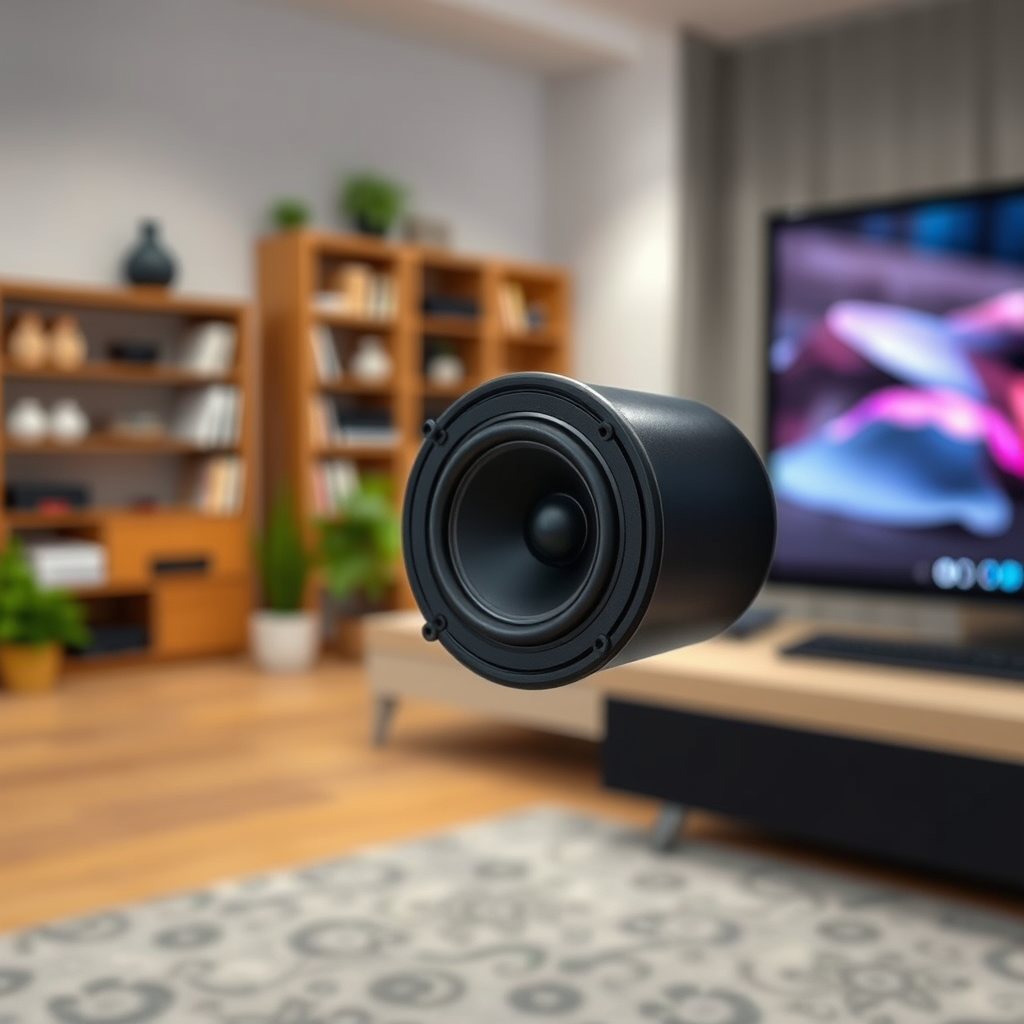
One of the most straightforward yet often overlooked aspects of audio troubleshooting is to check the speaker connections. Ensure that all cables are securely connected to both the speakers and the audio source. Loose or improperly connected wires can lead to intermittent audio issues or even complete sound failure.
Additionally, inspect the cables for any visible damage such as frays, kinks, or bent connectors. If you notice any signs of wear, it’s advisable to replace the cables with new ones that meet the specifications of your audio system. Using high-quality cables can also lead to better sound quality.
Consider using banana plugs or spade connectors for speaker wires, as they provide a more secure connection compared to bare wire ends. Properly secured connections not only enhance sound clarity but also prevent potential damage to your audio equipment.
Adjust Audio Settings
After confirming your connections, the next step is to adjust your audio settings. Access the audio settings on your device and look for options to balance bass, treble, and overall volume levels. Many modern audio systems and devices offer equalizer settings that allow you to customize your sound profile according to your preferences.
Experiment with different sound profiles—many devices come with preset options like “Rock,” “Jazz,” or “Movie” that can provide a good starting point. If your satellite speakers feature a dedicated app, take advantage of it to finely tune your audio experience.
Adjusting the balance can significantly impact sound quality; for instance, boosting treble can enhance clarity in vocals and instruments, while increasing bass can provide a richer listening experience. Take the time to find the perfect configuration that suits your specific listening environment and personal taste.
Position Speakers Correctly
The placement of your satellite speakers plays a crucial role in sound performance. Ideally, place the speakers at ear level when seated to optimize sound direction and clarity. This positioning allows sound waves to reach your ears directly, reducing the likelihood of distortion.
Avoid placing speakers in corners or too close to walls, as this can lead to sound reflections that muddy the audio output. If your room has a lot of hard surfaces, consider angling the speakers slightly inward to create a more focused soundstage.
For a surround sound setup, ensure that the satellite speakers are positioned equidistant from the listening area. This arrangement helps in creating a cohesive sound field that enhances the overall audio experience.
Common Causes of Poor Sound Quality
| # | Cause | Impact | Solution |
|---|---|---|---|
| 1 | Loose Connections | Intermittent audio | Secure connections |
| 2 | Cable Damage | Poor audio quality | Replace cables |
| 3 | Incorrect Settings | Unbalanced sound | Adjust settings |
| 4 | Poor Speaker Placement | Distorted audio | Reposition speakers |
| 5 | Firmware Issues | Sound glitches | Update firmware |
| 6 | Room Acoustics | Echoes | Adjust room features |
| 7 | Testing with Different Sources | Inconsistent audio | Try new devices |
Update Firmware and Drivers
Regular maintenance of your audio equipment includes checking for firmware and driver updates. Outdated software can lead to bugs that affect the overall performance of your satellite speakers. To ensure optimal sound quality, visit the manufacturer’s website or the device’s settings to check for any available updates.
Updating firmware can resolve many issues, including sound glitches and compatibility problems with different audio formats. Follow the manufacturer’s instructions carefully when performing updates to avoid any potential errors during the installation process.
Additionally, keeping your audio drivers up to date on your computer or audio source can significantly enhance the performance of your satellite speakers. Regular updates ensure that the hardware and software work seamlessly together, providing a better overall audio experience.
Test with Different Audio Sources
If you continue to experience poor sound quality, it is prudent to test your speakers with different audio sources. Play various types of audio, such as music, movies, or games, to determine if the issue is consistent across all formats. This can help you identify whether the problem lies with the speakers themselves or the original audio device.
Using a different audio source, such as a smartphone, tablet, or another computer, can clarify whether the issue is isolated to a specific device. This troubleshooting step can help you pinpoint the source of the problem, allowing for more targeted solutions.
Consider Room Acoustics
Room acoustics significantly influence audio quality. Assess your room’s acoustics and make adjustments as necessary to enhance sound response. Hard surfaces like tile or glass can create echoes and reflections that distort sound. To mitigate these effects, consider adding rugs, curtains, or acoustic panels to absorb sound waves.
Rearranging furniture can also play a crucial role in improving sound quality. Ensure that there are no obstructions between the speakers and your listening area. An open layout fosters better sound distribution and clarity.
In some cases, using sound-absorbing materials can help reduce unwanted echoes and improve the overall listening environment, thus enhancing your audio experience.
Seek Professional Assistance
If the problem persists after trying these solutions, it may be time to consult with an audio professional. A technician can provide in-depth diagnostics and repairs, identifying issues that may not be immediately apparent.
Professional assessment can uncover hidden problems, such as internal speaker damage or compatibility issues with your audio source. Investing in expert help can save you time and effort in troubleshooting, ensuring that your satellite speakers perform optimally.
In summary, improving the sound response of your satellite speakers can greatly enhance your listening experience. By checking connections, adjusting settings, and considering speaker placement, you can often resolve audio issues. If problems persist, don’t hesitate to seek professional help to ensure you enjoy the best sound quality possible.
Frequently Asked Questions
What are the common causes of poor sound response in satellite speakers?
Poor sound response in satellite speakers can often be attributed to several factors including incorrect placement, incompatible receiver settings, or damaged cables. Additionally, environmental factors such as room acoustics can affect sound quality, leading to muddiness or lack of clarity. Identifying these issues is the first step to restoring optimal audio performance.
How can I optimize the placement of my satellite speakers for better sound quality?
To optimize sound quality, place your satellite speakers at ear level when seated and ensure they are positioned at least a few feet away from walls or corners to minimize reflections. Experimenting with angles and distance can also enhance sound staging. Ideally, speakers should form an equilateral triangle with the listening position for balanced audio.
Why is my satellite speaker producing distorted sound, and how can I fix it?
Distorted sound from satellite speakers is often caused by over-driving the speakers, incorrect impedance matching, or issues with the amplifier. To fix this, ensure that the volume levels are within a safe range, check for loose connections, and verify that the speaker impedance matches your receiver’s specifications. Regular maintenance and cleaning of connections can also help prevent distortion.
What is the best way to troubleshoot satellite speaker issues?
The best way to troubleshoot satellite speaker issues is to start with the basics: check all connections and cables for damage or looseness, then test each speaker individually to isolate the problem. If the issue persists, adjust the receiver settings, including crossover frequency and equalization settings, to see if that improves sound response. Consulting the user manual for both the speakers and the receiver can provide additional troubleshooting tips.
Which settings on my audio receiver can affect satellite speaker performance?
Key settings on your audio receiver that can affect satellite speaker performance include the crossover frequency, speaker size settings, and equalization adjustments. Setting the correct crossover frequency ensures that the satellite speakers only handle frequencies they can reproduce effectively, while proper speaker size settings optimize the overall sound balance. Experimenting with equalization can also help tailor the sound to your preferences and room acoustics.
References
- Sound system
https://en.wikipedia.org/wiki/Sound_system - https://www.sciencedirect.com/topics/engineering/speaker
https://www.sciencedirect.com/topics/engineering/speaker - https://pubmed.ncbi.nlm.nih.gov/
https://pubmed.ncbi.nlm.nih.gov/ - https://www.ncbi.nlm.nih.gov/pmc/articles/PMC5985153/
https://www.ncbi.nlm.nih.gov/pmc/articles/PMC5985153/ - https://www.britannica.com/topic/sound
https://www.britannica.com/topic/sound - https://www.nature.com/articles/s41598-020-64593-9
https://www.nature.com/articles/s41598-020-64593-9 - Google Scholar Google Scholar
https://scholar.google.com/scholar?q=poor+sound+response+in+satellite+speakers - Google Scholar Google Scholar
https://scholar.google.com/scholar?q=fixing+satellite+speakers+sound+issues - Google Scholar Google Scholar
https://scholar.google.com/scholar?q=improving+satellite+speaker+performance - https://www.theguardian.com/technology/2020/jul/12/how-to-fix-your-sound-system-issues
https://www.theguardian.com/technology/2020/jul/12/how-to-fix-your-sound-system-issues