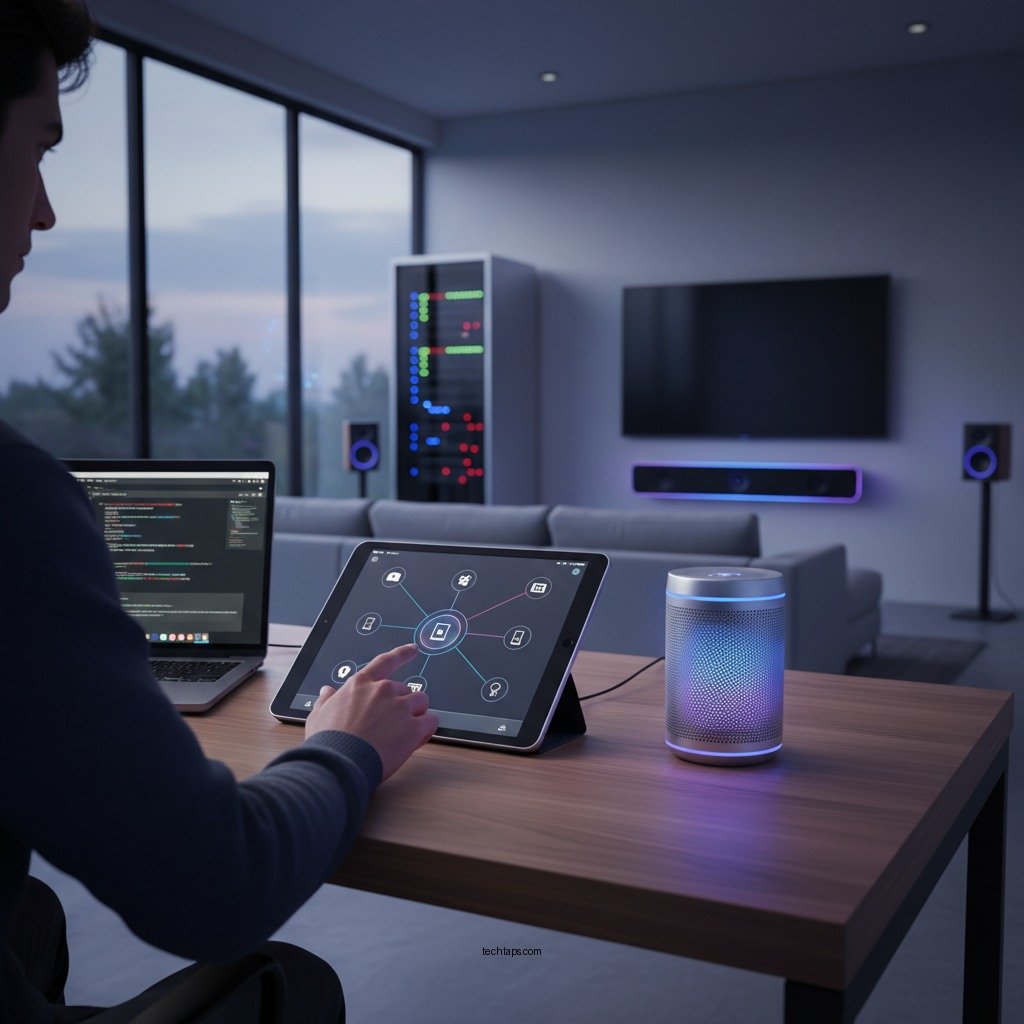

Integrating your wireless speakers with your home automation system allows for seamless control of your audio environment, enhancing your smart home experience. To achieve this, you’ll need to ensure compatibility, set up your network properly, and utilize automation systems effectively. This guide will walk you through the essential steps for a successful integration, enabling you to enjoy a fully automated audio experience.
Understanding Compatibility
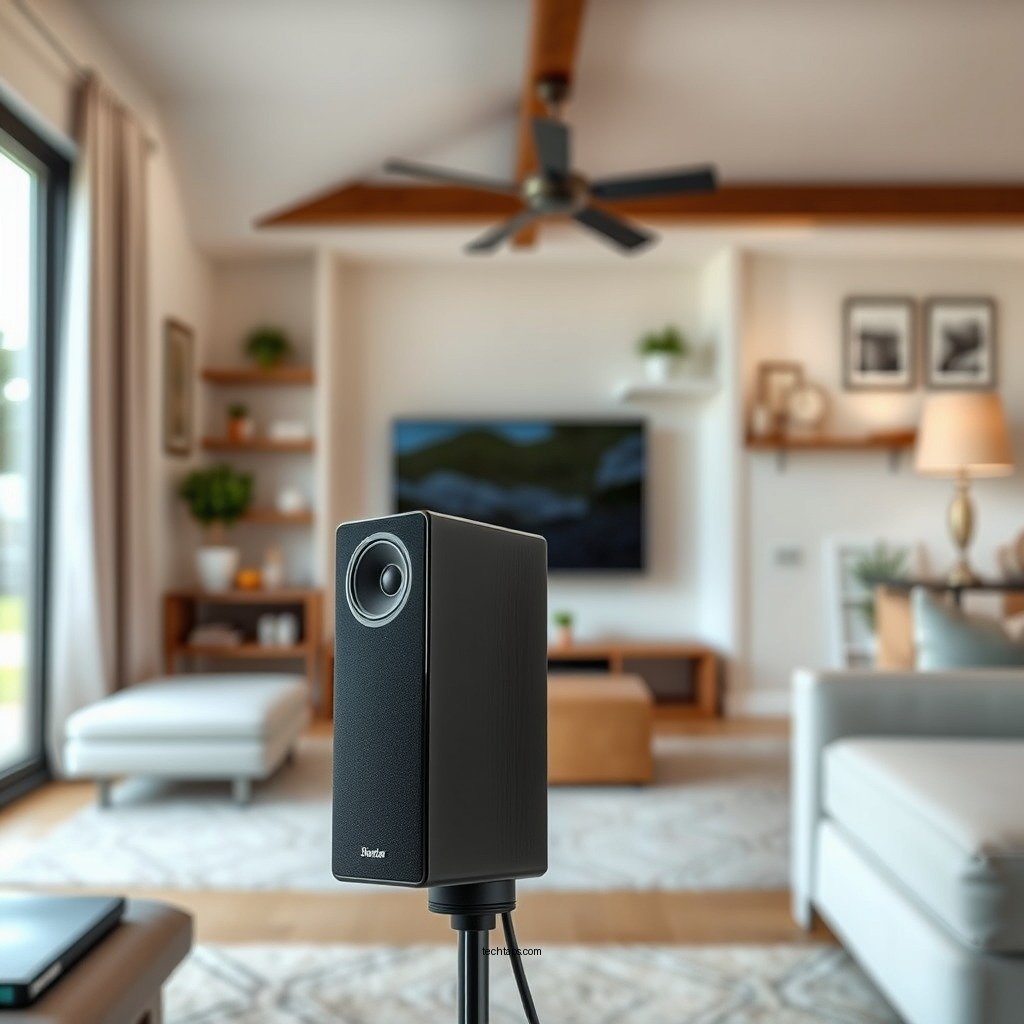
The first step in successful integration is ensuring that your wireless speakers are compatible with your home automation system. Most modern wireless speakers support common protocols such as AirPlay, Chromecast, or Bluetooth, which facilitate communication between devices. It is crucial to check the specifications of your speakers to confirm their compatibility with these protocols.
Additionally, your home automation hub should also support these protocols. Popular hubs, such as Samsung SmartThings, Amazon Echo, or Google Nest, typically provide broad compatibility with various smart devices, including speakers. To ensure a unified control experience, verify that both your wireless speakers and automation hub can communicate effectively. This might involve checking manufacturer websites or consulting user manuals to confirm compatibility.
Setting Up Your Network
Once compatibility is established, the next step is to set up your network correctly. Connect your wireless speakers to the same Wi-Fi network as your home automation hub. This is vital because disjointed networks can lead to connectivity issues, making it difficult to control your speakers through your automation system.
For optimal performance, use a stable and robust Wi-Fi network. Consider using a dual-band router that supports both 2.4 GHz and 5 GHz bands, as this can help reduce interference and improve connectivity. If possible, position your router centrally in your home to maximize coverage. A strong network will minimize interruptions in audio playback and enable seamless control through your home automation system.
Configuring Your Home Automation System
After setting up your network, you will need to configure your home automation system to recognize and manage your wireless speakers. Access the settings of your home automation hub and look for an option to add new devices. Depending on your hub, this process may vary slightly, but it typically involves selecting “Add Device” or “Pair New Device.”
Follow the specific steps outlined in your hub’s user manual to link your wireless speakers. During this process, you may be prompted to name each speaker for easy identification. This is particularly useful if you have multiple speakers throughout your home, as it allows for straightforward voice control and automation setup.
Top Wireless Speakers for Home Automation (2024)
| # | Speaker Model | Protocol Support | Voice Control | Rating |
|---|---|---|---|---|
| 1 | Sonos One | AirPlay, Alexa | Yes | ★★★★☆ |
| 2 | Amazon Echo Studio | Alexa, Bluetooth | Yes | ★★★★★ |
| 3 | Google Nest Audio | Google Assistant, Bluetooth | Yes | ★★★★☆ |
| 4 | Bose Home Speaker 500 | AirPlay, Alexa | Yes | ★★★★☆ |
| 5 | Apple HomePod Mini | AirPlay, Siri | Yes | ★★★★★ |
| 6 | JBL Link Portable | Google Assistant, Bluetooth | Yes | ★★★★☆ |
| 7 | Ultimate Ears MEGABLAST | Bluetooth, Alexa | Yes | ★★★★☆ |
Utilizing Automation Features
With your wireless speakers successfully integrated into your home automation system, you can now utilize various automation features to enhance your audio experience. One of the most beneficial aspects of this integration is the ability to set up routines. For instance, you can program your speakers to play your favorite playlist at a specific time, such as during breakfast or when you arrive home from work.
Additionally, you can create triggers for your speakers to respond to specific events. For example, you can set them to play a welcome message or your preferred music as soon as you unlock your front door. This kind of automation not only enhances convenience but also elevates your overall smart home experience.
Consider exploring voice control options through smart assistants like Amazon Alexa or Google Assistant. This allows for hands-free operation of your audio environment, enabling you to change tracks, adjust volume, or switch between speakers simply by using your voice.
Troubleshooting Common Issues
While integrating wireless speakers into your home automation system is generally straightforward, you may encounter some common issues. Connectivity problems are among the most frequent challenges. If you experience interruptions in audio playback or control, start by restarting both your speakers and your router. This simple action can resolve many connectivity issues.
Another potential pitfall is outdated software. Ensure that your home automation app is updated to support the latest features and devices. Check for firmware updates for your wireless speakers as well, as manufacturers frequently release updates that improve performance and compatibility.
If problems persist, consult the troubleshooting guides provided by manufacturers or seek assistance from customer support to diagnose and resolve more complex issues.
Enhancing Your Audio Experience
To truly maximize your audio experience, consider grouping your wireless speakers for synchronized playback throughout your home. Many home automation systems allow you to create groups of speakers that can play the same audio simultaneously, providing a seamless listening experience whether you’re entertaining guests or enjoying a quiet evening at home.
Additionally, experimenting with different audio zones can help customize sound in various areas of your home. For instance, you might prefer softer music in a bedroom while enjoying louder, more energetic tracks in a living room during a gathering. By dividing your home into audio zones, you can tailor the sound to fit the mood and activity.
Exploring Advanced Integration Options
For those looking to take their audio setup to the next level, consider exploring advanced integration options. Third-party applications and services can provide additional features that enhance your wireless speaker setup. These might include advanced equalizer settings, multi-room audio control, or even integration with streaming services.
Moreover, looking into multi-room audio solutions can expand your setup further. Systems like Sonos or HEOS offer extensive compatibility with various brands and allow for seamless integration of multiple speakers across different rooms. This creates a cohesive audio environment that can be controlled from a single app, elevating your home automation experience significantly.
Summarizing the integration of your wireless speakers into your home automation system can significantly enhance your audio experience, making it more enjoyable and convenient. By following the outlined steps, you can achieve seamless connectivity and consider exploring advanced options for an even more customized setup. Start integrating today and enjoy the benefits of a fully automated audio environment!
Frequently Asked Questions
What are the best wireless speakers to integrate with a home automation system?
The best wireless speakers for home automation integration include brands like Sonos, Bose, and Amazon Echo. These speakers offer compatibility with various smart home ecosystems and provide seamless connectivity, allowing you to control music and audio settings through apps or voice commands.
How do I connect my wireless speakers to my smart home hub?
To connect your wireless speakers to a smart home hub, first, ensure both devices are on the same Wi-Fi network. Then, use the app associated with your smart home hub to search for new devices, select your wireless speakers, and follow the prompts to complete the pairing process for easy access and control.
Why is it important to integrate wireless speakers with my home automation system?
Integrating wireless speakers with your home automation system enhances your home audio experience by allowing centralized control through your smart devices. This integration enables features like multi-room audio, voice control, and automated playlists, creating a more convenient and immersive listening environment.
Which protocols should I consider for wireless speaker integration in my home automation setup?
When integrating wireless speakers, consider protocols such as Wi-Fi, Bluetooth, and Zigbee. Wi-Fi offers high-quality streaming capabilities, Bluetooth is great for portable use, and Zigbee is beneficial for low-power, smart home devices, ensuring flexibility in your automation setup.
How can I troubleshoot connectivity issues between my wireless speakers and home automation system?
To troubleshoot connectivity issues, start by ensuring that both your wireless speakers and home automation hub are powered on and connected to the same Wi-Fi network. Restart both devices, check for software updates, and ensure that any app permissions are properly set. If problems persist, consult the user manuals for specific troubleshooting steps or reset the devices to factory settings.
References
- Home automation
https://en.wikipedia.org/wiki/Home_automation - https://www.sciencedirect.com/topics/engineering/home-automation
https://www.sciencedirect.com/topics/engineering/home-automation - https://www.bbc.com/future/article/20220301-how-smart-home-technology-is-changing-our-lives
https://www.bbc.com/future/article/20220301-how-smart-home-technology-is-changing-our-lives - https://www.nytimes.com/2022/01/19/technology/smart-home-devices.html
https://www.nytimes.com/2022/01/19/technology/smart-home-devices.html - https://www.mayoclinic.org/healthy-lifestyle/consumer-health/in-depth/smart-home-devices/art-20436338
https://www.mayoclinic.org/healthy-lifestyle/consumer-health/in-depth/smart-home-devices/art-20436338 - Google Scholar Google Scholar
https://scholar.google.com/scholar?q=Integrate+Wireless+Speakers+Home+Automation - Google Scholar Google Scholar
https://scholar.google.com/scholar?q=Wireless+Speakers+Home+Automation+Integration - Google Scholar Google Scholar
https://scholar.google.com/scholar?q=Smart+Home+Audio+Integration - https://www.cdc.gov/nceh/lead/faq.htm
https://www.cdc.gov/nceh/lead/faq.htm - https://www.nature.com/articles/s41598-018-37615-1
https://www.nature.com/articles/s41598-018-37615-1