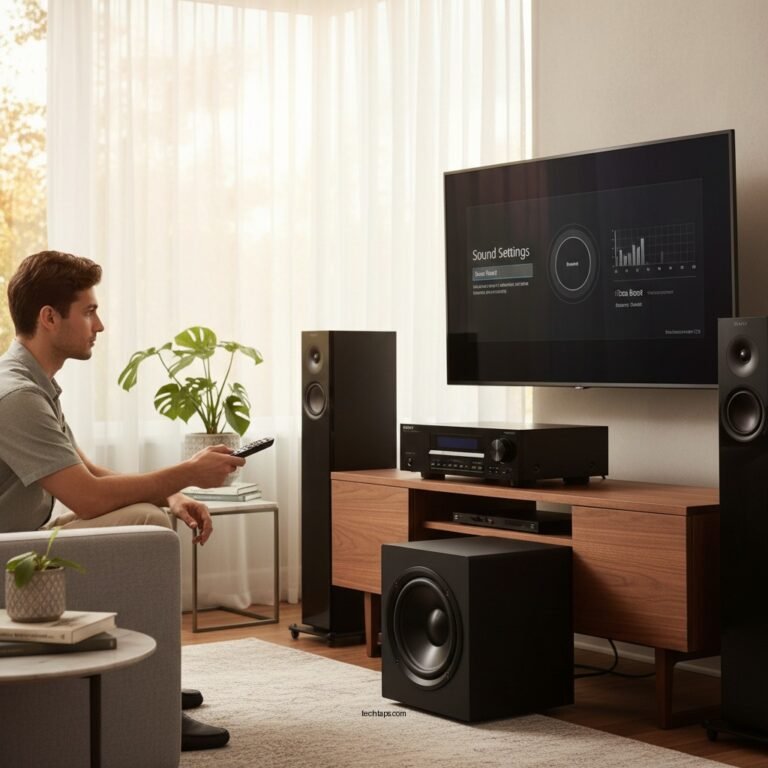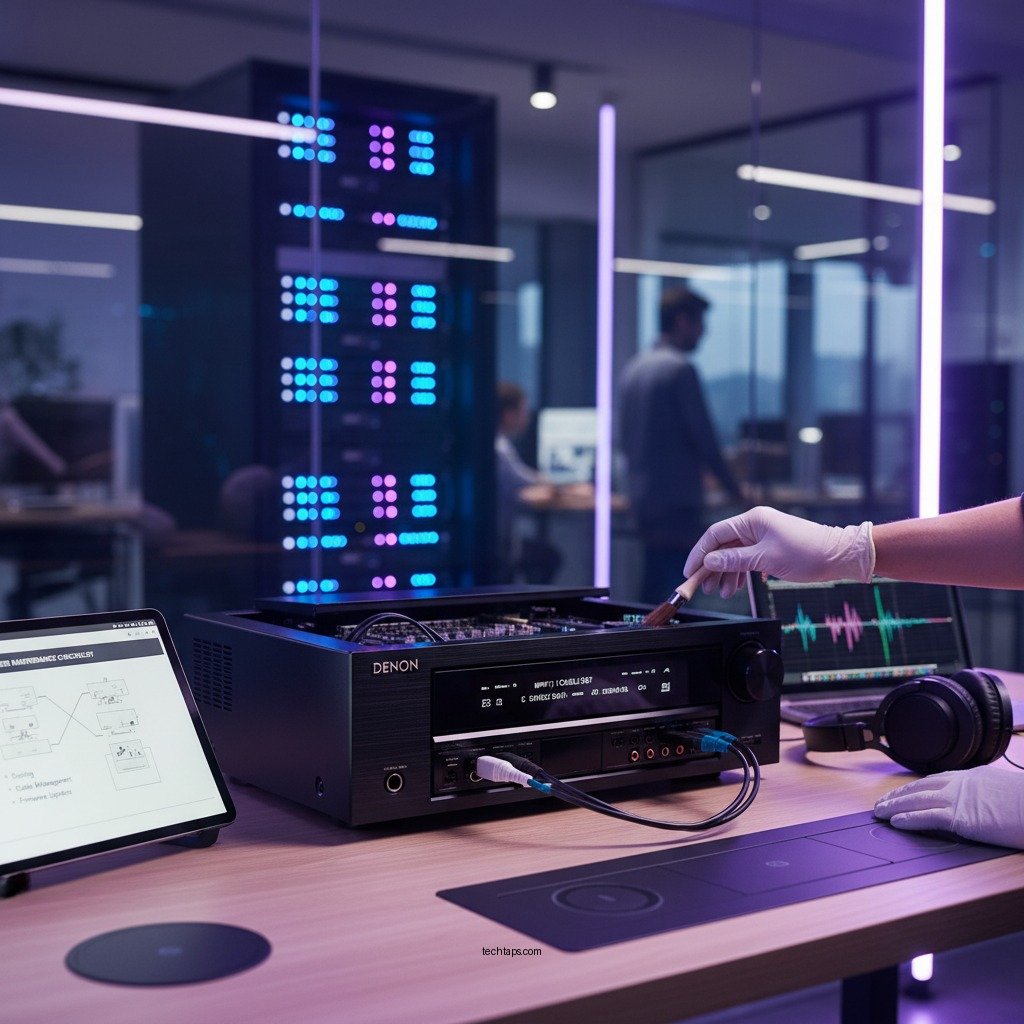

Maintaining your AV receiver for long-term reliability is essential for preserving its performance and extending its lifespan. By implementing regular cleaning, ensuring proper ventilation, and keeping up with software updates, you can significantly improve the functionality and durability of your AV receiver. This holistic approach not only enhances your audio-visual experience but also protects your investment in high-quality equipment.
Regular Cleaning
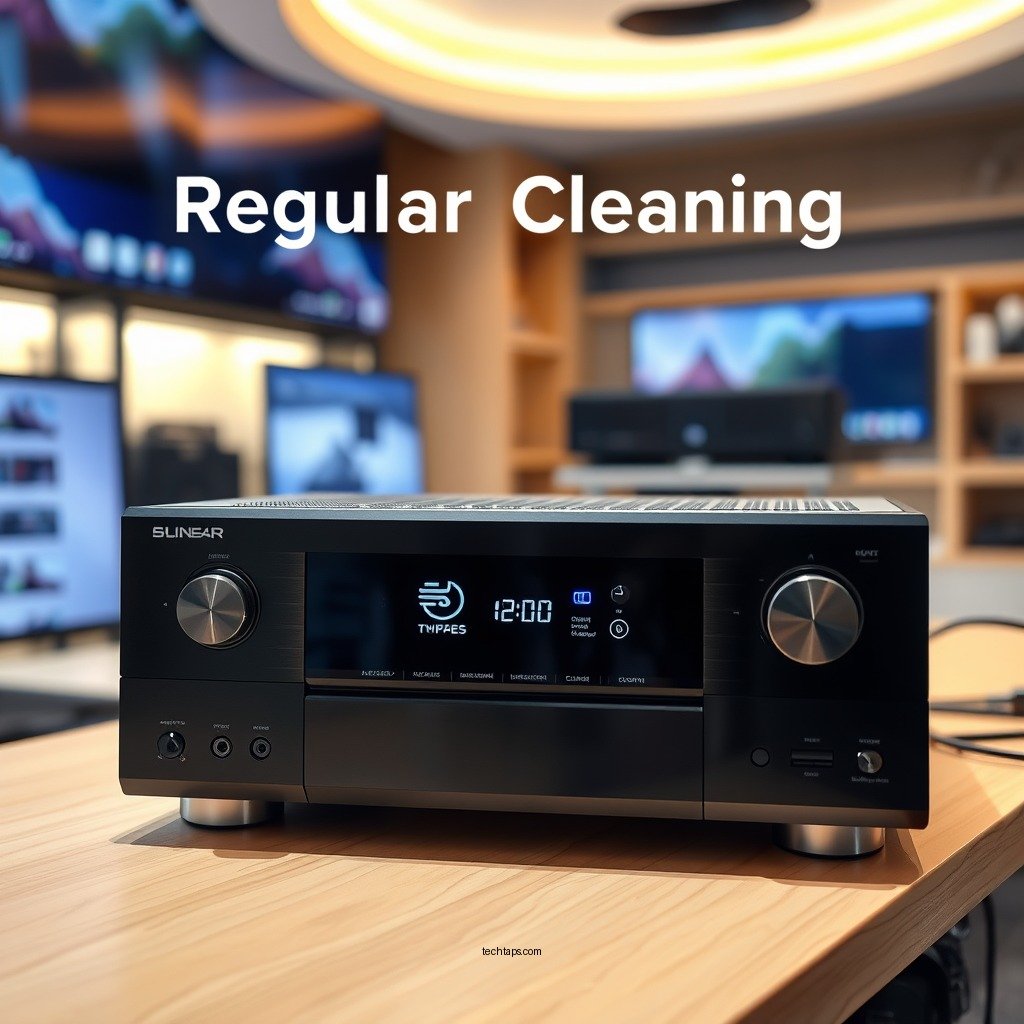
Dust and debris can accumulate in and around your AV receiver, leading to overheating and performance issues. Regular cleaning is a straightforward yet crucial maintenance task that can help mitigate these risks. Use a soft, dry microfiber cloth to wipe down the exterior surfaces of your receiver weekly, ensuring that all buttons and ports are free of grime. For the interior, a can of compressed air is effective for blowing out dust from vents and other hard-to-reach areas. This prevents dust buildup, which can obstruct airflow and lead to overheating.
It is vital to avoid using liquid cleaners directly on the device, as moisture can seep into electrical components and cause malfunctions. Instead, lightly dampen your cloth with water or a mild cleaning solution designed for electronics. This way, you can clean without the risk of introducing moisture into the unit.
Proper Ventilation
Proper ventilation is critical for the longevity of your AV receiver. Overheating can lead to component failure and diminished performance. To ensure adequate airflow, place your receiver in a well-ventilated area, ideally in an open space where air can circulate freely. Avoid placing it in closed cabinets or stacking other electronics atop the receiver, as this can trap heat and exacerbate overheating issues.
Additionally, consider using cooling pads or fans if your setup generates significant heat. These devices can help maintain an optimal operating temperature, ensuring that your receiver can perform at its best without the risk of heat-related damage.
Software Updates
Keeping your AV receiver’s software up to date is essential for maintaining optimal performance and security. Manufacturers often release firmware updates that fix bugs, enhance features, and improve compatibility with other devices. Regularly check the manufacturer’s website or your receiver’s settings for available updates.
When updating software, be sure to follow the manufacturer’s guidelines carefully. Improper updates can disrupt your receiver’s performance or even make it unusable. Most manufacturers provide step-by-step instructions, making the process straightforward and user-friendly.
Top Reasons for AV Receiver Firmware Updates (2024)
| # | Reason | Importance Level | Frequency of Updates |
|---|---|---|---|
| 1 | Bug Fixes | High | As Needed |
| 2 | New Features | Medium | Quarterly |
| 3 | Compatibility Improvements | High | Biannual |
| 4 | Security Patches | Critical | Monthly |
| 5 | Performance Enhancements | Medium | As Needed |
| 6 | User Interface Updates | Low | Annually |
| 7 | Regulatory Compliance | Medium | As Needed |
Connection Management
Connection management is another critical aspect of maintaining your AV receiver. Regularly inspect all cables and connections for signs of wear and tear, as frayed or damaged wires can lead to sound issues, connectivity problems, and even complete system failures. Ensure that all cables are securely connected and replace any that show signs of significant damage.
Using high-quality cables designed specifically for audio-visual equipment can make a substantial difference in performance. These cables often provide better shielding against interference, ensuring that you receive the best possible sound and video quality from your system. Additionally, organizing your cables to prevent tangling and excessive strain can help prolong their lifespan.
Environmental Considerations
The environment in which your AV receiver operates plays a significant role in its reliability and longevity. Keeping your receiver away from direct sunlight, heat sources, and humid environments can protect its electronic components from damage. Excessive heat can cause capacitors to fail, while humidity can lead to corrosion and short circuits.
Consider using a surge protector to shield your receiver from power surges that can occur during storms or electrical fluctuations. A high-quality surge protector can prevent potential damage to your receiver’s internal components, ensuring that your system remains functional and secure.
Professional Servicing
While regular maintenance can prevent many issues, scheduling periodic professional servicing for your AV receiver is advisable. Trained technicians can identify and address potential problems before they escalate into significant issues. They can also perform thorough cleaning and optimization of the internal components, which can help maintain performance.
During servicing, make note of any unusual sounds or behaviors from your receiver, such as distortion or overheating. Reporting these observations will enable the technician to conduct a more thorough evaluation and ensure that your receiver continues to operate optimally.
User Manual Utilization
One of the most underutilized resources for maintaining your AV receiver is the user manual. This document contains specific maintenance instructions and troubleshooting tips tailored to your model. Familiarizing yourself with the manual can help you understand the best practices for care and maintenance, as well as the unique features of your receiver.
Following the manufacturer’s recommendations is crucial for ensuring your receiver remains in peak condition. Many manufacturers also provide online resources and customer support, allowing you to access additional information and assistance when needed.
Maintaining your AV receiver is crucial for ensuring its longevity and reliable performance. By implementing regular cleaning, ensuring proper ventilation, updating software, managing connections, considering environmental factors, utilizing professional servicing, and consulting your user manual, you can enjoy your AV receiver for years to come. Don’t forget to take action today to start your maintenance routine!
Frequently Asked Questions
What are the best practices for cleaning my AV receiver?
To maintain your AV receiver, regularly dust the exterior and ensure proper ventilation by keeping it away from enclosed spaces. Use a soft, dry cloth for cleaning and avoid using harsh chemicals that could damage the finish. Additionally, check the input and output ports for dust accumulation and clean them gently with a can of compressed air.
How often should I update the firmware on my AV receiver?
It’s recommended to check for firmware updates every 3 to 6 months, or whenever you experience issues with performance or new features. Keeping your AV receiver’s firmware updated ensures it runs optimally and protects against security vulnerabilities. Manufacturers often provide updates that enhance compatibility with new devices and improve audio quality.
Why is it important to use a surge protector with my AV receiver?
Using a surge protector is crucial for protecting your AV receiver from voltage spikes caused by lightning strikes or power surges. These surges can damage sensitive electronic components, leading to costly repairs or replacements. A surge protector can also filter out electrical noise, which can improve the overall sound quality of your audio system.
Which environmental factors can affect my AV receiver’s performance?
Environmental factors such as temperature, humidity, and dust can significantly affect your AV receiver’s performance and longevity. Excessive heat can cause overheating, while high humidity can lead to moisture damage. To ensure optimal performance, keep your receiver in a cool, dry place with good airflow and regularly clean the surrounding area to minimize dust buildup.
How can I troubleshoot common issues with my AV receiver?
Start by checking all connections and ensuring the receiver is properly powered on. If you’re experiencing audio issues, verify that the correct input source is selected and check speaker connections for any loose wires. For more complex problems, consult the user manual or consider resetting the receiver to factory settings as a last resort, which can resolve many software-related issues.
References
- https://www.lifewire.com/how-to-maintain-your-av-receiver-1846374
https://www.lifewire.com/how-to-maintain-your-av-receiver-1846374 - https://www.audioholics.com/tips-for-improving-av-receiver-performance
https://www.audioholics.com/tips-for-improving-av-receiver-performance - Google Scholar Google Scholar
https://scholar.google.com/scholar?q=AV+receiver+maintenance - https://scholar.google.com/scholar?q=long-term+reliability+AV+receiver Google Scholar
https://scholar.google.com/scholar?q=long-term+reliability+AV+receiver - Google Scholar Google Scholar
https://scholar.google.com/scholar?q=AV+receiver+care+and+maintenance - https://www.researchgate.net/publication/322453411_The_Impact_of_Frequency_Response_on_Audio_Receiver_Maintenance
https://www.researchgate.net/publication/322453411_The_Impact_of_Frequency_Response_on_Audio_Receiver_Maintenance - https://www.bbc.com/news/technology-54145893
https://www.bbc.com/news/technology-54145893 - Google Scholar Google Scholar
https://scholar.google.com/scholar?q=How+to+Maintain+Your+AV+Receiver+for+Long-Term+Reliability - How to Maintain Your AV Receiver for Long-Term Reliability – Search results
https://en.wikipedia.org/wiki/Special:Search?search=How+to+Maintain+Your+AV+Receiver+for+Long-Term+Reliability - https://www.ncbi.nlm.nih.gov/search/research-articles/?term=How+to+Maintain+Your+AV+Receiver+for+Long-Term+Reliability
https://www.ncbi.nlm.nih.gov/search/research-articles/?term=How+to+Maintain+Your+AV+Receiver+for+Long-Term+Reliability