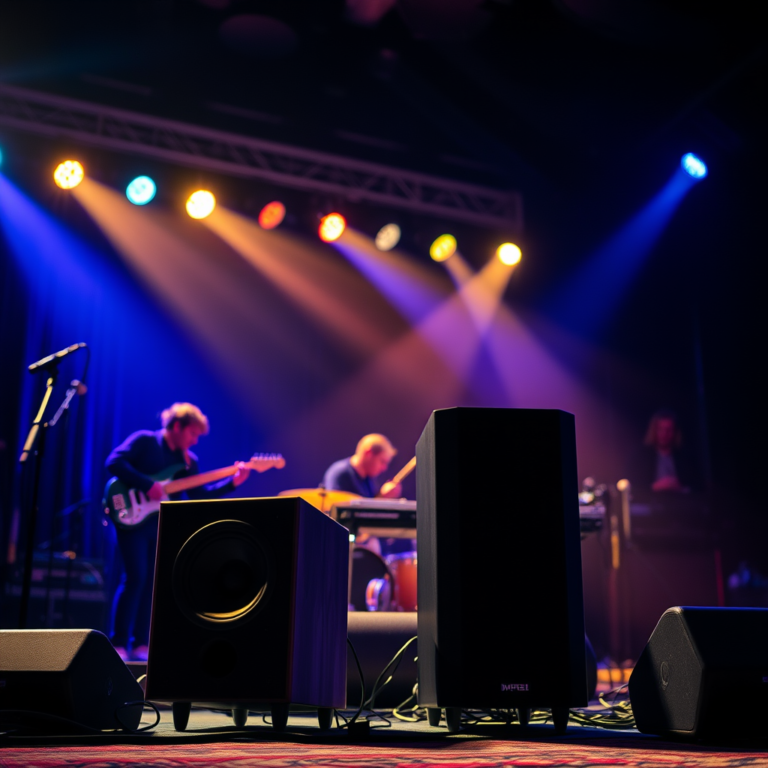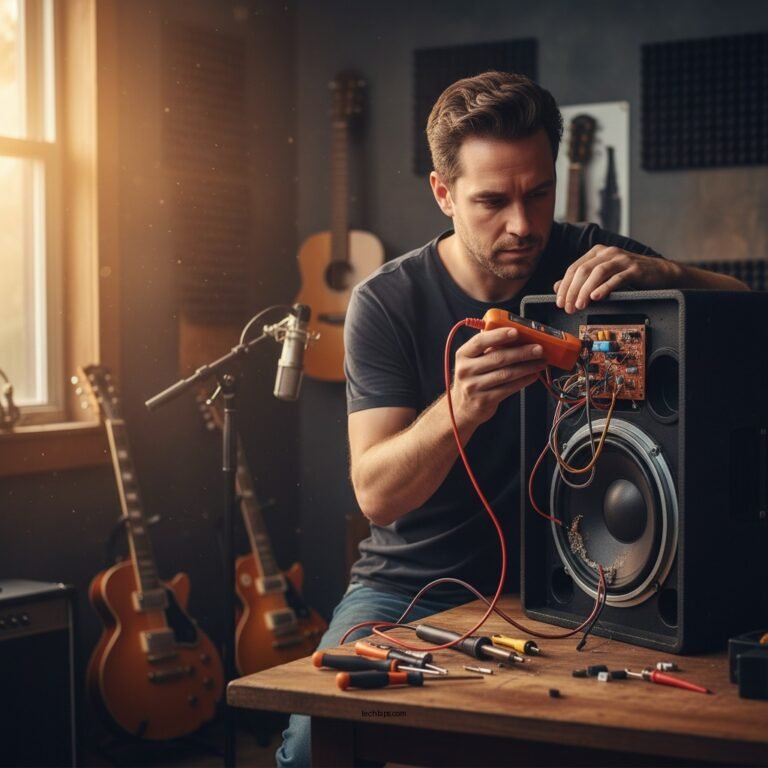

To effectively reduce speaker buzzing and distortion, start by addressing common causes such as poor connections, electrical interference, and improper speaker placement. By ensuring proper wiring, minimizing interference, and optimizing your audio setup, you can significantly enhance sound quality and enjoy clearer audio. Let’s explore these solutions further to help you create an optimal listening experience.
Understanding the Causes of Buzzing and Distortion
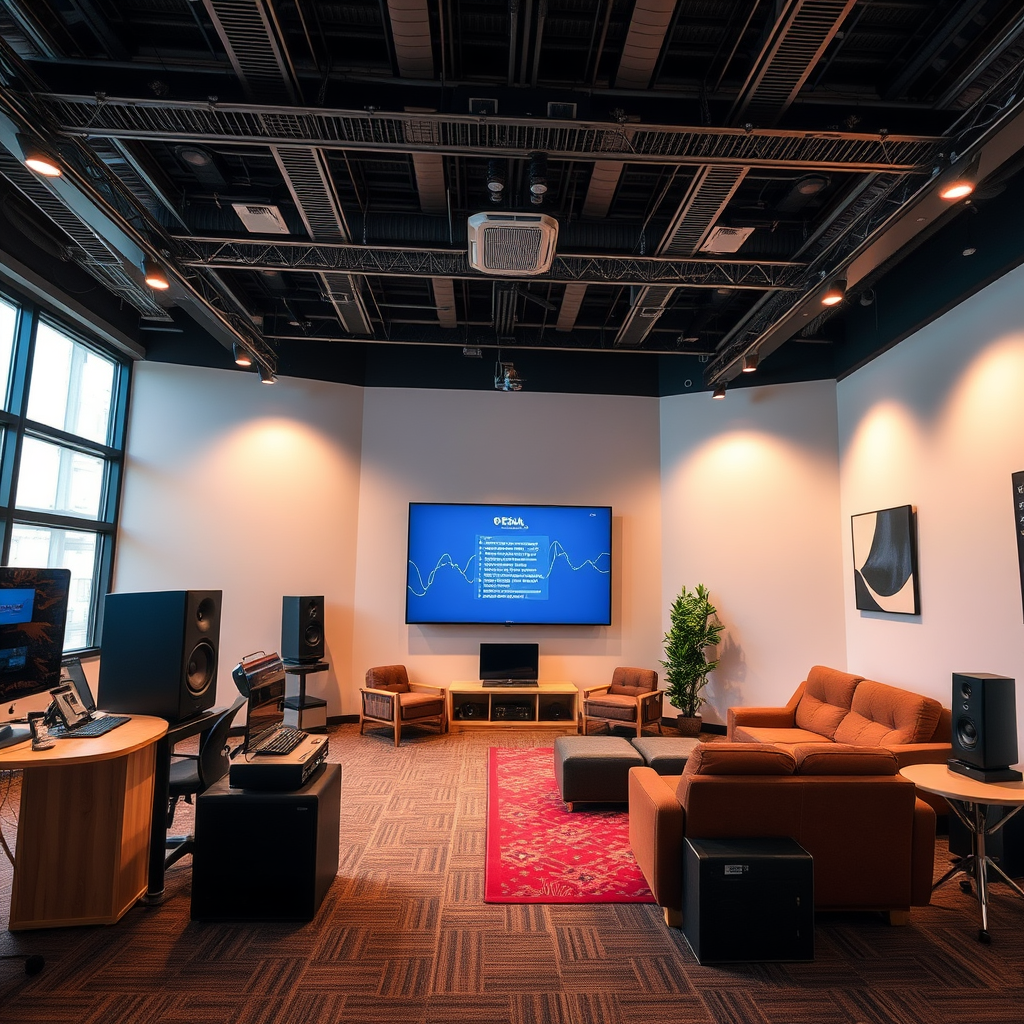
Before diving into solutions, it’s essential to understand the root causes of speaker buzzing and distortion. Two primary culprits often lead to these audio nuisances: poor connections and electrical interference.
– Poor connections: Loose or damaged cables can lead to unwanted noise. When speaker wires are not firmly connected or are frayed, they can cause inconsistent audio signals. This may result in a buzzing sound or distortion, especially during loud passages in music or dialogue.
– Electrical interference: Nearby electronic devices, such as microwaves, Wi-Fi routers, and fluorescent lighting, may disrupt audio signals. This interference can introduce hums and buzzes that detract from your listening experience. Even the placement of your speakers can amplify these issues, making it vital to address them effectively.
Understanding these causes can guide your troubleshooting process, helping you pinpoint the exact issue affecting your audio setup.
Checking and Securing Connections
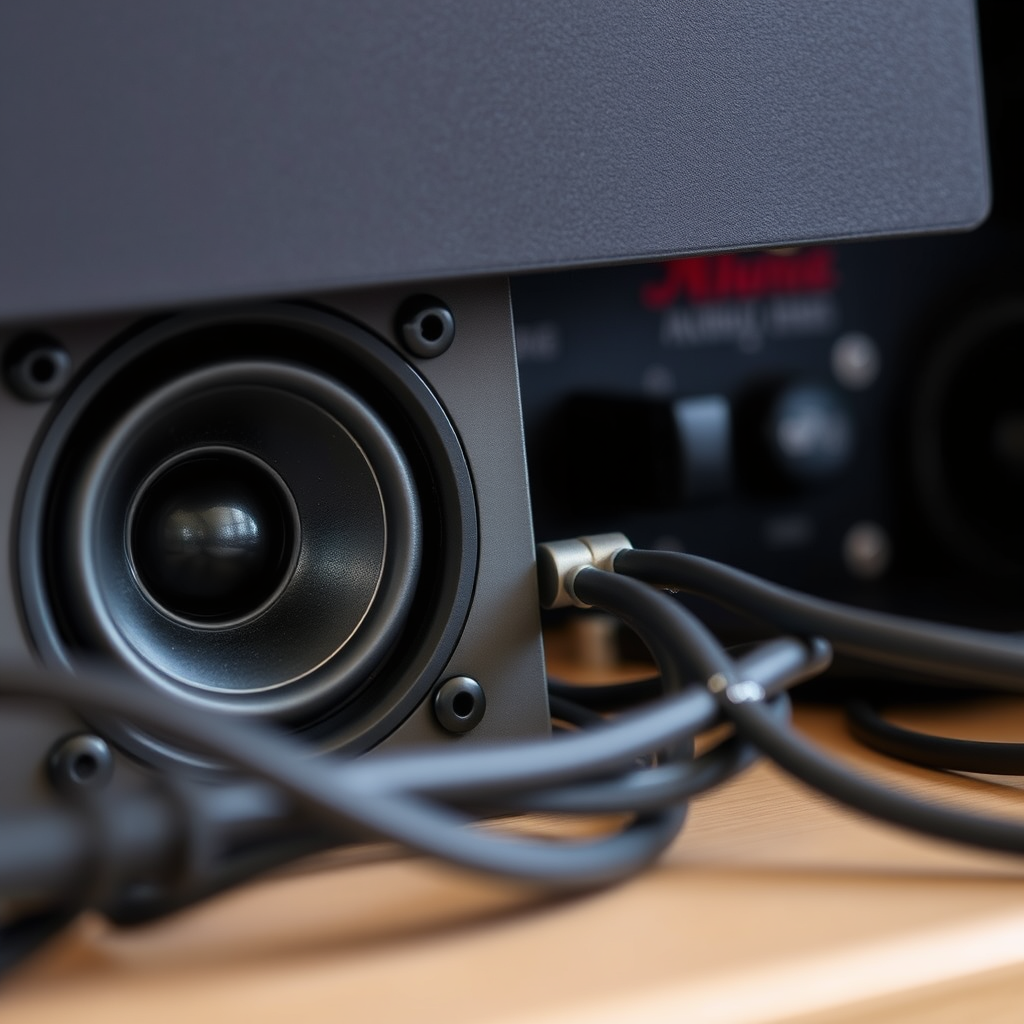
One of the most straightforward steps you can take to mitigate buzzing and distortion is to check and secure your connections.
– Inspect cables: Start by examining your speaker wires for any visible damage, such as frays or breaks. Even tiny imperfections can lead to significant audio issues. If you notice any problems, consider replacing the cables with new, high-quality ones that are designed for audio use.
– Tighten connections: Ensure that all plugs are securely connected to both the speakers and the audio source. Loose connections can easily disrupt the flow of sound, leading to buzzing. Take a moment to unplug and replug each connection to ensure a snug fit. If you’re using banana plugs or other connectors, make sure they’re properly seated.
By dedicating a little time to checking your connections, you can often resolve buzzing issues without needing to make significant changes to your setup.
Minimizing Electrical Interference
Once you’ve secured your connections, the next step is to minimize electrical interference, which can wreak havoc on your audio clarity.
– Move devices: Consider the placement of your speakers in relation to other electronic devices. Keep your speakers away from potential interference sources like routers, microwaves, and even large metal objects that can disrupt signal flow. If possible, try rearranging your room to create a more interference-free environment.
– Use shielded cables: Investing in high-quality, shielded audio cables can significantly reduce noise. These cables are designed to prevent external electromagnetic interference from affecting the audio signal. Look for cables specifically marketed as shielded or noise-resistant to get the best results.
Taking these measures can create a cleaner audio signal, enhancing your overall listening experience and reducing unwanted buzzing.
Optimizing Speaker Placement
The placement of your speakers is crucial for achieving the best sound quality, and it can greatly impact buzzing and distortion.
– Positioning: Aim to place your speakers at ear level for optimal sound clarity. This positioning allows for better sound dispersion and ensures that you’re hearing the audio as intended. Additionally, avoid placing speakers directly against walls, as this can create unwanted echoes and distortions. Instead, leave some space between the speakers and the wall to allow sound to breathe.
– Room acoustics: Consider the acoustics of your room. Hard surfaces can create echoes that contribute to distortion. Adding sound-absorbing materials, such as carpets, curtains, or acoustic panels, can help reduce these reflections. This simple adjustment can make a significant difference in how clear and enjoyable your audio sounds.
By thoughtfully arranging your speakers and enhancing room acoustics, you can create a more pleasant listening environment that minimizes buzzing and distortion.
Adjusting Audio Settings
Sometimes, the solution to buzzing and distortion lies within your audio settings rather than your physical setup.
– Equalization: Use your audio device’s equalization (EQ) settings to balance sound frequencies. If certain frequencies are too pronounced, this can lead to distortion. Adjusting the EQ can alleviate these issues, allowing for a more harmonious sound across all ranges. Consider using preset EQ profiles based on the type of music you’re listening to or adjusting it manually to find the sweet spot for your setup.
– Volume levels: It’s tempting to crank up the volume for a more immersive experience, but be cautious. Overloading your speakers by playing them at excessively high volumes can lead to buzzing and distortion. Instead, aim for a volume level that provides clear sound without straining the speakers. If you find yourself nudging the volume higher for clarity, it could indicate other issues that need addressing.
By carefully adjusting your audio settings, you can enhance sound quality and reduce the likelihood of distortion.
Professional Solutions
If you’ve tried all the above solutions and are still experiencing buzzing and distortion, it may be time to consider professional assistance.
– Consult an audio technician: An expert can provide tailored solutions based on your specific setup and issues. They can help identify problems you may have overlooked and offer advice on the best equipment and configurations for your listening space.
– Upgrade equipment: Sometimes, the solution may involve investing in higher-quality speakers or audio systems. If your speakers are older or of lower quality, upgrading to a more advanced model can provide a significant improvement in sound clarity and reduce unwanted buzzing and distortion.
Professional solutions can be a worthwhile investment in achieving the best possible audio experience.
By following these strategies, you can substantially reduce or even eliminate buzzing and distortion in your audio setup. Prioritize checking connections, minimizing interference, and optimizing speaker placement for the best results. Take action now to enhance your listening experience! Whether you’re enjoying your favorite music, watching movies, or gaming, a clear sound can make all the difference. Happy listening!
Frequently Asked Questions
What causes speaker buzzing and distortion in audio systems?
Speaker buzzing and distortion can be caused by various factors, including electrical interference, poor connections, or damaged components. Additionally, issues like incorrect speaker placement, low-quality audio sources, and inadequate amplification can contribute to sound distortion. Understanding these causes is essential for troubleshooting and improving audio quality.
How can I reduce buzzing from my speakers?
To reduce buzzing from your speakers, start by checking all connections to ensure they are secure and free of corrosion. Next, consider repositioning your speakers, as vibrations from nearby appliances or surfaces can cause buzzing. Additionally, using an audio isolation pad can help minimize interference, and ensuring your audio sources are of high quality can significantly improve clarity.
Why does my speaker distort at higher volumes?
Speaker distortion at higher volumes often occurs due to overdriving the speakers, which can cause them to exceed their power handling capabilities. This leads to clipping, where the audio signal is cut off, resulting in a distorted sound. To prevent this, ensure your amplifier matches your speaker’s wattage and listen at moderate volumes to maintain audio clarity.
What are the best practices to prevent distortion in audio playback?
To prevent distortion in audio playback, use high-quality audio files and ensure your audio equipment is compatible with each other. Regularly maintain your speakers and amplifier, and avoid pushing them too hard during playback—especially at high volumes. Additionally, consider using a digital signal processor (DSP) to fine-tune the audio signal and eliminate unwanted artifacts.
Which types of cables can help reduce speaker buzzing and distortion?
To reduce speaker buzzing and distortion, it’s advisable to use high-quality, shielded cables for your audio connections. Balanced cables, such as XLR or TRS, are particularly effective at minimizing interference, especially in environments with heavy electrical equipment. Additionally, ensuring that your cables are of appropriate length and properly routed can help in reducing noise and maintaining audio integrity.
References
- Audio signal processing
- https://www.acoustics.org/press/175th/andrews.html
- Sorry! That Page Cannot Be Found
- www.tonmeister.ca | home
- https://www.npr.org/sections/technology/2020/01/09/794350589/what-is-the-best-way-to-reduce-noise-in-your-home
- https://www.sciencedirect.com/topics/engineering/speaker-distortion
- https://www.isea-archive.org/docs/ISEA2015/ISEA2015_Proceedings.pdf