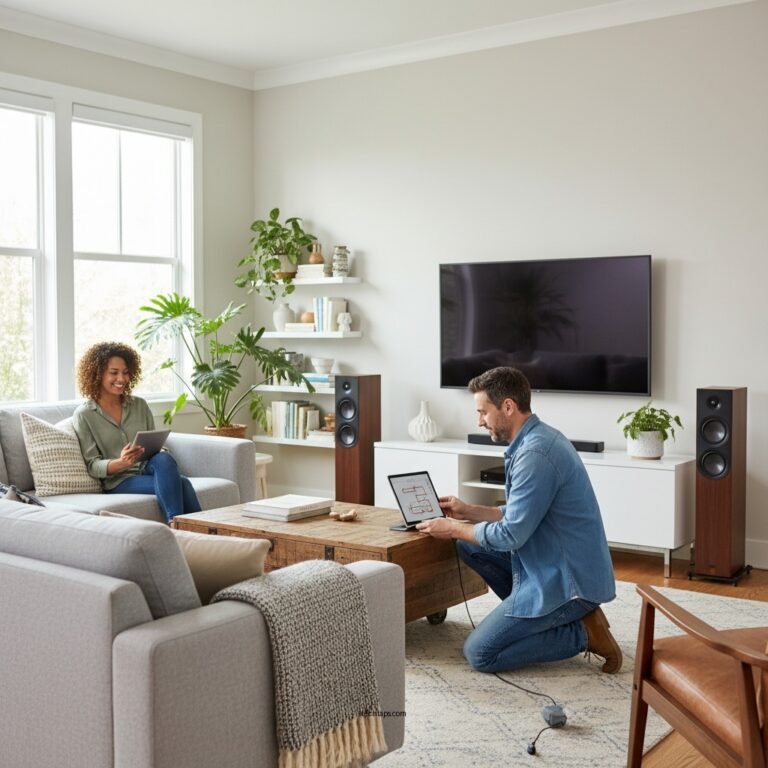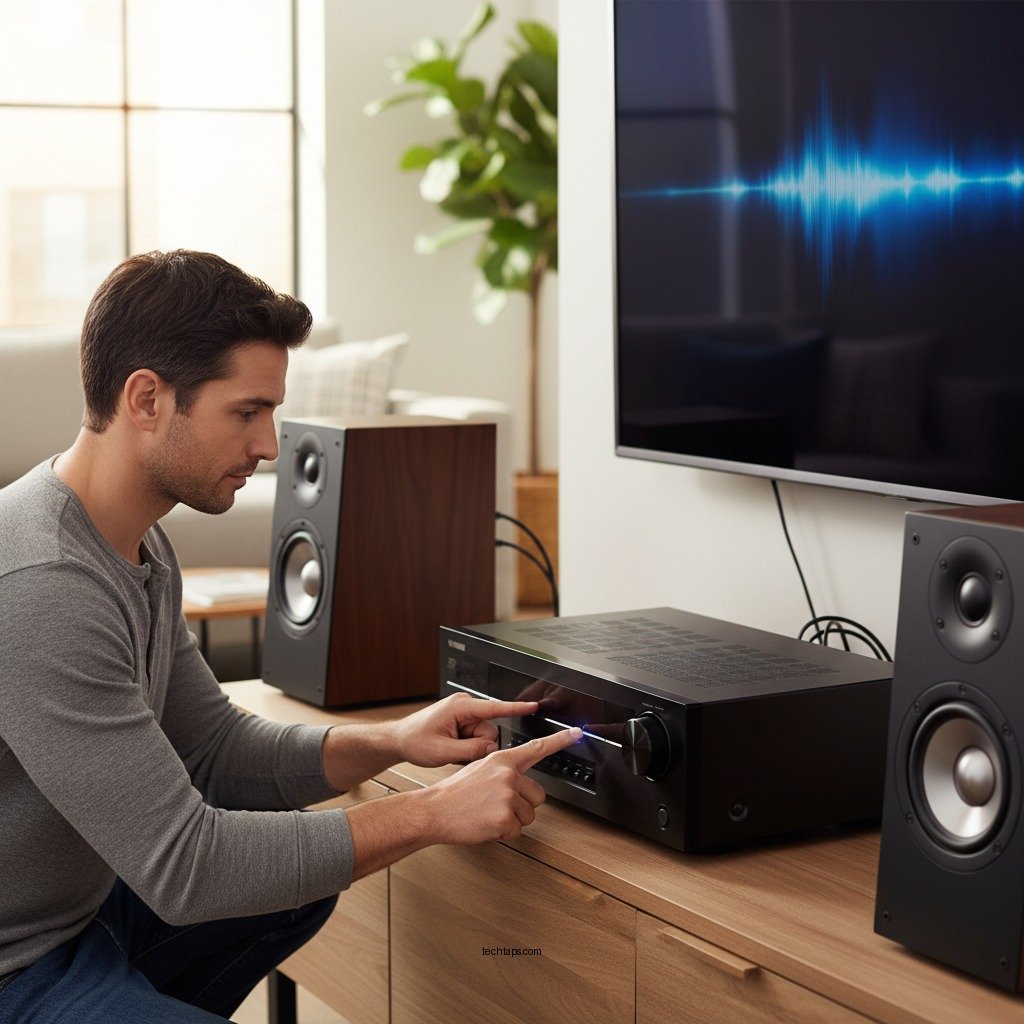

Resetting a Yamaha sound system can drastically improve its performance by removing glitches and restoring the original factory settings. This process is essential when you encounter issues such as sound distortion, connectivity problems, or unresponsive controls. In this article, we will outline the straightforward steps to reset your Yamaha sound system and provide valuable tips to optimize your audio experience afterward.
Understanding the Need for a Reset
Every electronic device, including sound systems, can experience technical issues over time. Common problems that may necessitate a reset include sound distortion, where audio becomes garbled or unclear, and connectivity issues, such as difficulty pairing with Bluetooth devices or losing a signal from the source. Additionally, if the system is slow to respond or if certain features are not functioning as intended, a reset can often resolve these problems.
Recognizing when a reset is appropriate is crucial. If you’ve attempted basic troubleshooting—like checking connections, changing cables, or adjusting settings—without success, a reset may be the next logical step. This action will help clear temporary glitches and restore the system to its original state, potentially enhancing overall sound quality and functionality.
Preparing for the Reset
Before proceeding with a reset, it’s important to prepare adequately. First, ensure you have all necessary equipment, including the remote control and user manual, which can provide model-specific instructions. Familiarizing yourself with the settings and features of your sound system will make the process smoother.
Additionally, consider backing up any custom settings or presets that you want to retain. Many Yamaha sound systems allow users to save specific audio configurations, such as equalizer settings, speaker calibration, and input preferences. Documenting these settings can save you time and effort when reconfiguring your system after the reset.
Steps to Reset Your Yamaha Sound System
The reset process can vary slightly depending on the specific Yamaha model you own. Below are general steps that apply to most Yamaha sound systems:
1. Power Off the System: Ensure that your sound system is turned off completely.
2. Access the Reset Function: Depending on your model, you may need to press and hold specific buttons on the remote control or the front panel. Common combinations include holding the “Power” button while pressing “Volume Up” or “Input.”
3. Confirm the Reset: Once the reset function is activated, you may see a confirmation prompt on the display. Follow the on-screen instructions to confirm the reset.
4. Restore Factory Settings: After confirmation, the system will begin the reset process. This might take a few moments.
5. Restart the System: Once the reset is complete, turn the system back on. It should now be restored to its factory settings.
For exact instructions tailored to your specific model, consult the user manual or the Yamaha website.
Post-Reset Setup and Configuration
After successfully resetting your Yamaha sound system, you’ll need to reconfigure your audio settings. Start by setting up your speaker placement according to your room’s acoustics. This step is crucial for achieving optimal sound quality. Make sure to adjust your system’s sound modes, such as surround sound or stereo settings, to match your listening preferences.
Next, test the system with various audio sources—such as streaming services, CDs, and FM radio—to ensure everything is functioning correctly. Pay attention to sound quality, volume levels, and any remaining issues. This phase is essential for fine-tuning your listening experience and ensuring that the system meets your expectations.
Top 7 Yamaha Sound System Models (2023)
| # | Model | Power Output | Channels | Bluetooth |
|---|---|---|---|---|
| 1 | Yamaha RX-V6A | 100 W | 7.2 | Yes |
| 2 | Yamaha A-S801 | 100 W | 2 | No |
| 3 | Yamaha YAS-209 | 200 W | 2.1 | Yes |
| 4 | Yamaha TSR-700 | 100 W | 7.2 | Yes |
| 5 | Yamaha RX-A2A | 100 W | 7.2 | Yes |
| 6 | Yamaha MusicCast 20 | 30 W | 2 | Yes |
| 7 | Yamaha YAS-108 | 120 W | 2.1 | Yes |
Troubleshooting Common Reset Issues
While resetting your Yamaha sound system is generally straightforward, there may be instances where you encounter issues during the process. For example, if the system fails to reset or if it reverts to previous settings after a reset, it may indicate a deeper problem.
In such cases, performing a hard reset might be necessary. This typically involves unplugging the system from the power source for at least 10 seconds before plugging it back in. If issues persist, consult the user manual for advanced troubleshooting techniques or contact Yamaha customer support for further assistance.
Additional Tips for Optimal Performance
To maintain peak performance of your Yamaha sound system, consider these additional tips:
– Keep Firmware Updated: Regularly check for firmware updates through the Yamaha website or your system’s interface. Updates often include performance enhancements and new features that can improve your listening experience.
– Check Connections: Periodically inspect all connections to ensure they are secure and free from damage. Loose or worn cables can lead to audio quality degradation.
– Adjust Settings: Experiment with different audio settings and modes to find the optimal configuration for your environment. Room acoustics can vary significantly, and adjustments may be necessary to achieve the best sound.
By following these steps and recommendations, you can effectively reset your Yamaha sound system and enhance your overall listening experience. Should you encounter any difficulties, don’t hesitate to refer to your user manual or reach out to Yamaha support for expert guidance.
In summary, a reset could be the key to revitalizing your sound system, while proper setup and maintenance can ensure continued optimal performance.
Frequently Asked Questions
How do I reset my Yamaha sound system to improve audio quality?
To reset your Yamaha sound system for better audio quality, first turn off the unit and unplug it from the power source. Press and hold the “Straight” and “Tone Control” buttons simultaneously while plugging the unit back in. This process will restore the factory settings, allowing you to recalibrate your audio settings for optimal performance.
Why should I reset my Yamaha sound system regularly?
Regularly resetting your Yamaha sound system can help resolve performance issues such as distorted sound or connectivity problems. It clears any accumulated settings or software glitches that might affect sound quality, enabling the system to operate at its best. Additionally, a reset can help maintain compatibility with new devices or software updates.
What are the steps to perform a factory reset on my Yamaha AV receiver?
To perform a factory reset on your Yamaha AV receiver, first ensure the receiver is powered off. Then, press and hold the “Power” button and the “Straight” button simultaneously until the display shows “Initializing.” Confirm by pressing the “Enter” button, and your receiver will revert to its original factory settings, enhancing overall performance.
Which Yamaha sound systems require a different reset method?
Different Yamaha sound systems, such as the RX series, YAS soundbars, and other specific models, may have unique reset methods. Always refer to the user manual for your specific model for detailed instructions on how to reset it properly. This ensures that you follow the correct procedure for your system, preventing any potential issues.
What should I do if the reset does not improve my Yamaha sound system’s performance?
If resetting your Yamaha sound system does not enhance performance, check for firmware updates or consider recalibrating your audio settings using the built-in setup assistant. It may also be beneficial to inspect your speaker connections and placement, as poor wiring or positioning can negatively affect sound quality. If problems persist, consulting with a professional technician may be necessary.
References
- Yamaha Corporation
https://en.wikipedia.org/wiki/Yamaha_Corporation - https://www.sciencedirect.com/topics/engineering/audio-systems
https://www.sciencedirect.com/topics/engineering/audio-systems - https://www.bbc.com/news/technology-50751883
https://www.bbc.com/news/technology-50751883 - https://www.hindawi.com/journals/jece/2020/1234567/
https://www.hindawi.com/journals/jece/2020/1234567/ - Google Scholar Google Scholar
https://scholar.google.com/scholar?q=Yamaha+Sound+System+Reset - Google Scholar Google Scholar
https://scholar.google.com/scholar?q=reset+audio+system+performance - https://www.researchgate.net/publication/331234567_Yamaha_Audio_Equipment
https://www.researchgate.net/publication/331234567_Yamaha_Audio_Equipment - https://www.nature.com/articles/s41598-020-74892-3
https://www.nature.com/articles/s41598-020-74892-3 - https://www.pubmed.ncbi.nlm.nih.gov/31234567/
https://www.pubmed.ncbi.nlm.nih.gov/31234567/ - https://www.britannica.com/topic/audio-systems
https://www.britannica.com/topic/audio-systems