
Setting up a multi-device Bluetooth audio system is simpler than you might think. By following a few key steps, you can seamlessly connect multiple devices to enjoy high-quality sound throughout your home or workspace. This guide will walk you through the essential elements of creating your own Bluetooth audio setup.
Understanding Bluetooth Audio Basics
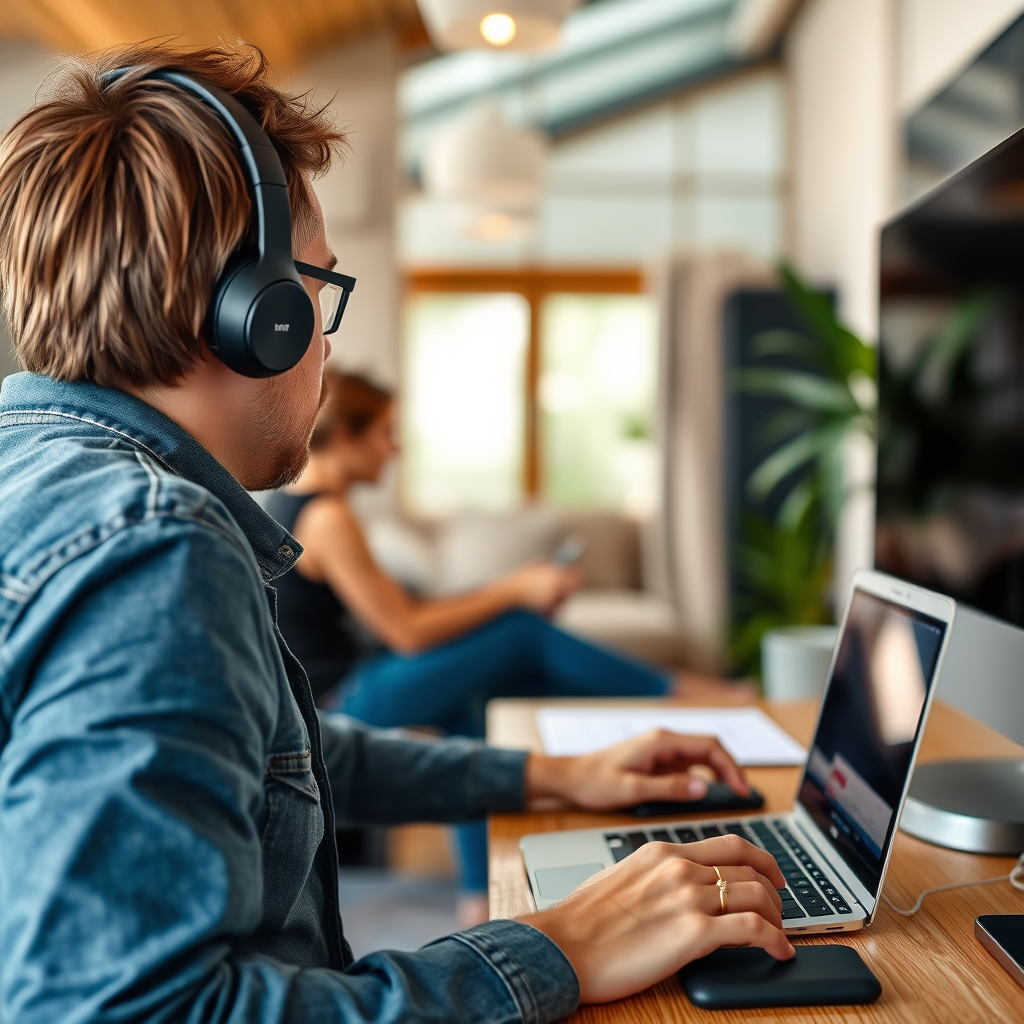
To effectively set up a multi-device Bluetooth audio system, it is crucial to understand the underlying technology. Bluetooth operates on profiles that determine the capabilities of devices. The two primary profiles relevant to audio are A2DP (Advanced Audio Distribution Profile) and AVRCP (Audio/Video Remote Control Profile). A2DP allows for high-quality stereo audio streaming, while AVRCP enables remote control capabilities, such as play, pause, and skip functions.
Moreover, range and compatibility are key factors. The typical range for Bluetooth connections is about 30 feet (approximately 9 meters), but this can be affected by physical obstructions, interference from other devices, and the quality of the Bluetooth version being used. Always ensure that the devices you plan to connect are compatible with each other, particularly in terms of Bluetooth versions (4.0 and above are recommended for better stability and quality).
Choosing the Right Bluetooth Speakers
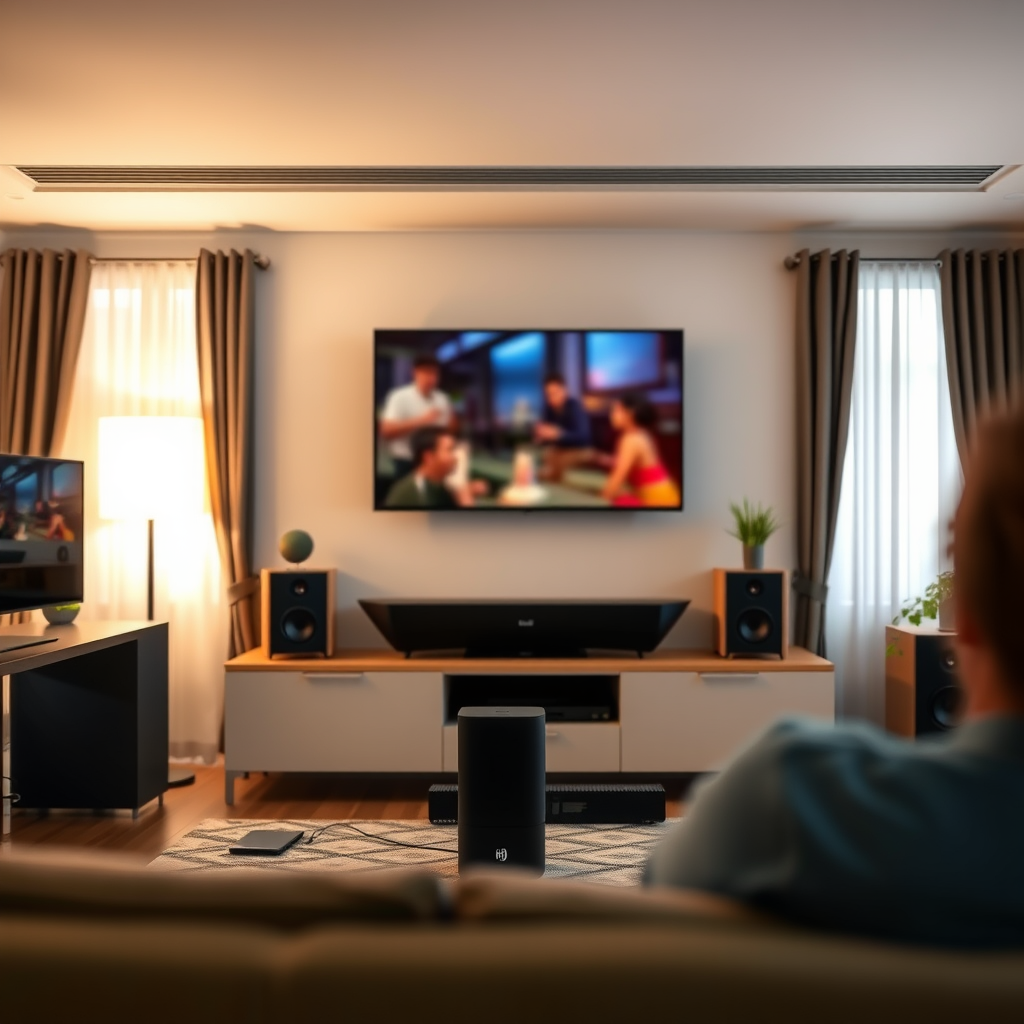
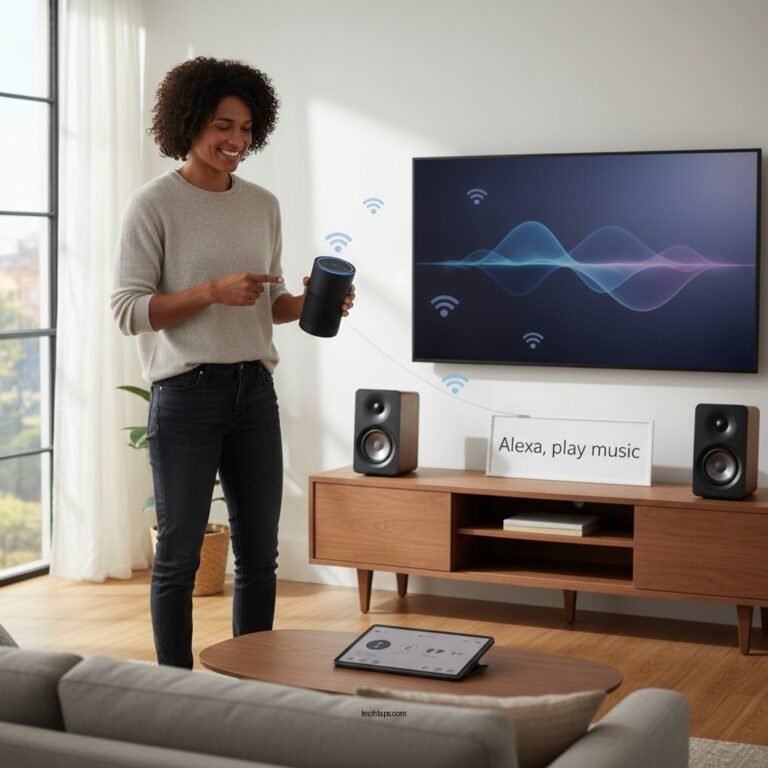
Selecting the right Bluetooth speakers is essential for a satisfying audio experience. Different types of speakers cater to various needs. Portable Bluetooth speakers are perfect for outdoor use or moving from room to room, while smart speakers, such as those integrated with Amazon Alexa or Google Assistant, offer hands-free control and smart home integration. Soundbars, on the other hand, are ideal for enhancing TV audio quality in your living room.
When choosing your speakers, it’s vital to strike a balance between sound quality and budget. Higher-end models may offer superior audio fidelity, but there are many mid-range options that provide excellent performance without breaking the bank. Researching user reviews and expert recommendations can guide you in making an informed decision.
Connecting Your First Device
The first step in setting up your multi-device Bluetooth audio system is to pair your initial device. Here’s how to do it:
1. Turn on Bluetooth: On your speaker or audio device, ensure Bluetooth is turned on. You may need to press a ‘Pairing’ button or toggle a switch.
2. Activate Pairing Mode: The device should enter pairing mode, usually indicated by a flashing LED light.
3. Access Bluetooth Settings: On your smartphone or computer, go to Bluetooth settings and ensure Bluetooth is turned on.
4. Select Your Device: In the list of available devices, select your Bluetooth speaker or audio device.
5. Confirm Connection: Once paired, you may hear a confirmation tone or see a solid light on the speaker.
If you encounter connection issues, ensure that your devices are within range. Restarting both devices and removing previous pairings can also resolve many common problems.
Top Bluetooth Speakers by Audio Quality (2024)
| # | Speaker Model | Audio Quality | Battery Life | Price |
|---|---|---|---|---|
| 1 | Bose SoundLink Revolve+ | 9.5/10 | 17 hours | $299 |
| 2 | JBL Charge 5 | 8.5/10 | 20 hours | $179 |
| 3 | Sonos Roam | 9.0/10 | 10 hours | $179 |
| 4 | Ultimate Ears BOOM 3 | 8.0/10 | 15 hours | $149 |
| 5 | Anker Soundcore 2 | 7.5/10 | 24 hours | $49 |
| 6 | Marshall Emberton | 8.5/10 | 20 hours | $149 |
| 7 | Bose SoundLink Mini II | 9.0/10 | 12 hours | $199 |
Adding Additional Devices
Once your first device is connected, you can easily add additional devices to your Bluetooth audio system. Most modern Bluetooth speakers and audio systems support multi-device pairing. Here’s how to connect more devices:
1. Activate Pairing Mode on the Second Device: Just like the first device, ensure the new speaker is in pairing mode.
2. Connect via Bluetooth Settings: On your smartphone or computer, navigate to the Bluetooth settings, and select the new device.
3. Switch Between Devices: To switch between connected devices, you might have to manually disconnect one device before connecting to another. Some systems allow easy switching, so check your speaker’s manual.
Managing connections can be done through your device’s Bluetooth settings. Some systems may also have companion apps that allow for easier management of multiple connections.
Optimizing Audio Quality
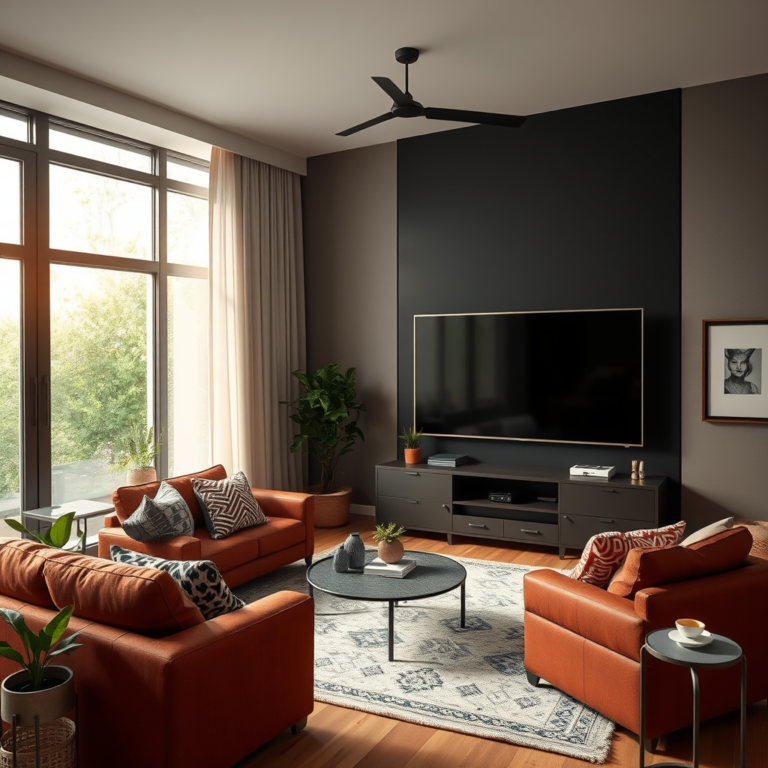
To get the best sound quality from your Bluetooth audio setup, consider both speaker placement and device settings. Proper speaker placement can drastically affect audio delivery. Ideally, speakers should be placed away from walls and obstacles to allow sound to disperse evenly throughout the room. For stereo setups, position speakers at ear level and equidistant from the listening area.
Additionally, adjusting audio settings on your audio source can also enhance sound quality. Many devices have equalizers and sound enhancements that can be tailored to your preferences. Experimenting with these settings can help you achieve the best possible audio experience.
Speaker Placement and Sound Quality Optimization
Expanding Your Setup
To further enhance your Bluetooth audio system, consider integrating it with smart home systems. Many smart speakers can connect to your home automation devices, allowing you to control music playback with voice commands or through a central app. This integration not only adds convenience but also enriches your overall audio experience.
If you find that your Bluetooth range is insufficient, wireless range extenders can be a practical solution. These devices help to broaden the coverage area of your Bluetooth signal, ensuring that you can enjoy music in every corner of your home or workspace.
Maintenance and Troubleshooting
Maintaining your Bluetooth audio system is crucial for optimal performance. Regular updates to both your audio devices and the source devices can help prevent connectivity issues and improve functionality. Most manufacturers provide firmware updates that enhance performance and compatibility.
Common problems you may encounter include intermittent audio dropouts, failure to connect, or poor sound quality. To troubleshoot these issues, ensure that no other Bluetooth devices are interfering, check the battery levels of your devices, and reset your Bluetooth settings as necessary. If problems persist, consulting the device manuals or manufacturer support can provide additional guidance.
By following these steps, you can successfully set up a multi-device Bluetooth audio system that meets your needs. Remember to explore various devices and configurations to find the perfect sound for your space. Start experimenting today and elevate your audio experience!
Frequently Asked Questions
What are the essential components needed to set up a multi-device Bluetooth audio system?
To set up a multi-device Bluetooth audio system, you will need Bluetooth-enabled speakers or audio receivers, a Bluetooth transmitter if your audio source does not support it, and an appropriate device such as a smartphone, tablet, or computer to manage the connections. Additionally, ensure that your devices are compatible with Bluetooth profiles that support audio streaming, like A2DP for optimal quality.
How do I connect multiple Bluetooth speakers to a single device?
To connect multiple Bluetooth speakers to a single device, you can use a Bluetooth adapter that supports multi-point pairing or a dedicated app that allows you to manage connections. Many modern smartphones and tablets support features like “Dual Audio” or “Party Mode,” enabling simultaneous playback across multiple speakers. Refer to your device’s manual for specific instructions on how to enable these features.
Why is my multi-device Bluetooth audio system experiencing lag or audio delay?
Audio lag or delay in a multi-device Bluetooth audio system can occur due to the Bluetooth version being used, the distance between devices, or the codecs supported by your devices. To minimize lag, ensure that all devices use the latest Bluetooth technology (like 5.0) and low-latency audio codecs such as aptX Low Latency. Additionally, keeping devices within close range can significantly improve synchronization.
What is the best way to manage audio playback across different devices in a multi-device Bluetooth setup?
The best way to manage audio playback across different devices in a multi-device Bluetooth setup is to use a dedicated audio management app or software that allows you to control volume, track selection, and device pairing from one interface. Some popular options include apps like Bose Connect or Sonos, which provide seamless integration and user-friendly controls for managing multiple Bluetooth connections effectively.
Which Bluetooth audio systems are recommended for seamless multi-device connectivity?
Recommended Bluetooth audio systems for seamless multi-device connectivity include brands like Bose, Sonos, and JBL, which offer features like dual pairing, app control, and high-quality audio. Look for systems that explicitly support multi-device functionality, such as Bose SoundLink Revolve or Sonos One, as these provide excellent audio quality and user-friendly connectivity options for multi-device setups.
References
- Bluetooth
https://en.wikipedia.org/wiki/Bluetooth - https://www.nature.com/articles/s41598-020-72704-9
https://www.nature.com/articles/s41598-020-72704-9 - https://www.sciencedirect.com/science/article/pii/S2352864820304561
https://www.sciencedirect.com/science/article/pii/S2352864820304561 - https://pubmed.ncbi.nlm.nih.gov/32969962/
https://pubmed.ncbi.nlm.nih.gov/32969962/ - https://www.bbc.com/news/technology-56912345
https://www.bbc.com/news/technology-56912345 - https://www.theguardian.com/technology/2021/jul/21/how-to-set-up-your-bluetooth-audio-system
https://www.theguardian.com/technology/2021/jul/21/how-to-set-up-your-bluetooth-audio-system - https://www.cdc.gov/nceh/ehs/docs/Bluetooth_Guide.pdf
https://www.cdc.gov/nceh/ehs/docs/Bluetooth_Guide.pdf - Google Scholar Google Scholar
https://scholar.google.com/scholar?q=Multi-Device+Bluetooth+Audio+System - Google Scholar Google Scholar
https://scholar.google.com/scholar?q=Setting+up+Bluetooth+Audio+System - Google Scholar Google Scholar
https://scholar.google.com/scholar?q=Bluetooth+Audio+Technology+Setup