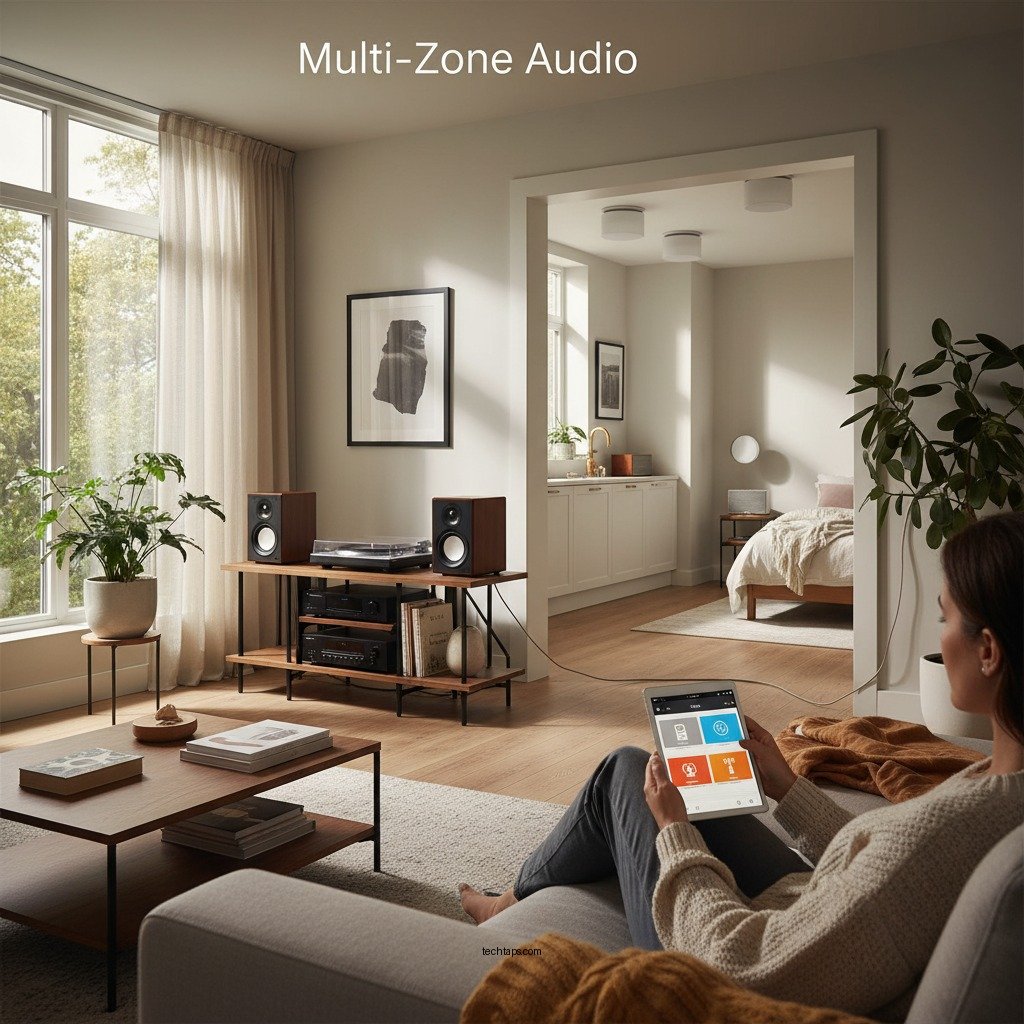

Setting up a multi-zone audio system in your home allows you to enjoy music in different areas simultaneously, enhancing your overall audio experience. This guide will walk you through essential steps to create a seamless audio environment, from planning your zones to selecting the right equipment, ensuring an enjoyable listening experience throughout your space.
Determine Your Audio Zones
The first step in setting up a multi-zone audio system is to identify the areas in your home where you want audio. Common choices include the living room, kitchen, patio, bedrooms, and even bathrooms. Each zone can serve a different purpose; for instance, the living room may be designed for entertaining guests, while the kitchen could be set up for casual listening while cooking.
When determining your audio zones, consider the size and acoustics of each area. Larger rooms may require more powerful speakers or multiple units to fill the space adequately, while smaller areas might only need a single speaker or soundbar. Additionally, think about the activities that will take place in each zone. For example, you may want ambient music in the bathroom for relaxation, but a more energetic playlist in the workout room to motivate your exercise routine.
Choose the Right Equipment
Once you have outlined your audio zones, the next step is to select equipment that supports multi-zone capabilities. Various options are available, ranging from dedicated multi-zone receivers to smart multi-room speaker systems like Sonos, Bose, or Amazon Echo. When researching these systems, consider factors such as sound quality, ease of installation, and the number of zones you plan to set up.
Compatibility with streaming services (like Spotify, Apple Music, and Amazon Music) is essential for a modern audio system, as it provides seamless access to your favorite playlists and stations. Additionally, look for options that integrate well with smart home devices, allowing you to control your audio with voice commands or through a centralized app. This will enhance the convenience and functionality of your system.
Plan Your Audio Layout
Determining the layout of your audio system is crucial for optimal sound distribution. Decide whether you prefer wired or wireless connections. Wired systems typically offer better sound quality and reliability but may require professional installation, particularly in homes with complex layouts. Wireless systems offer flexibility and easier installation, particularly in existing homes where running cables is impractical.
When planning speaker placements, consider the acoustics of each zone. For optimal sound, speakers should be positioned at ear level when seated and spaced evenly throughout the room. Additionally, avoid placing speakers in corners or against walls, as this can create unwanted echoes and distortions. Creating a diagram of your home can help you visualize where each speaker will go, ensuring that you maximize sound quality and coverage.
Top Multi-Zone Audio Systems (2024)
| # | System | Zones Supported | Streaming Compatibility | Smart Home Integration |
|---|---|---|---|---|
| 1 | Sonos Amp | 32 | Yes | Yes |
| 2 | Bose SoundTouch | 20 | Yes | Yes |
| 3 | Amazon Echo Link | 10 | Yes | Yes |
| 4 | Yamaha MusicCast | 9 | Yes | Yes |
| 5 | Denon HEOS | 10 | Yes | Yes |
| 6 | Google Nest Audio | 1 | Yes | Yes |
| 7 | Apple HomePod | 1 | Yes | Yes |
Install the System
Installation of your multi-zone audio system is a crucial step that requires careful attention to detail. Begin by following the manufacturer’s instructions for each component. Ensure that all connections are secure and that power sources are appropriately managed. For wired systems, you may need to drill holes for wiring or mount speakers on walls or ceilings. If you’re not comfortable with this, consider hiring a professional installer to ensure everything is set up correctly.
Once everything is connected, test the speaker locations to ensure they are producing the desired sound quality. You may need to adjust speaker placements based on your initial tests. Listening from various spots in each room can help identify any sound dead spots or areas with excessive echo.
Configure the Control System
After installation, configuring your control system will be essential for enjoying the full capabilities of your multi-zone audio setup. A central control system, such as a smartphone app, tablet, or dedicated remote control, will allow you to manage audio across all zones easily. Most modern systems support both iOS and Android, providing flexibility for users.
Customize settings for each zone, including volume levels, equalizer settings, and playlists tailored to the specific ambiance of that area. For example, you might want softer music in the bedroom for relaxation, while a more upbeat selection might be appropriate for the kitchen during meal prep. Some systems even offer the ability to schedule playlists or adjust settings based on the time of day, providing an automated and personalized audio experience.
Troubleshoot and Optimize
Once your multi-zone audio system is up and running, you may encounter some common issues that require troubleshooting. Connectivity problems may arise, particularly with wireless systems. Ensure that your Wi-Fi network is strong enough to support streaming across multiple zones. If you experience interference, consider relocating your router or using Wi-Fi extenders to enhance coverage.
Sound quality can also be impacted by speaker placement or room acoustics. If certain areas sound hollow or overly boomy, consider experimenting with different speaker placements or adding acoustic treatments to your rooms, such as rugs or curtains, which can help absorb sound and improve the overall listening experience. Regularly check for software and firmware updates for your audio system to ensure optimal performance and access to new features.
In conclusion, setting up a multi-zone audio system in your home can significantly enhance your audio experience, allowing you to enjoy music tailored to each area and occasion. By carefully determining your audio zones, selecting the right equipment, planning your layout, and properly configuring the control system, you can create a seamless audio environment that elevates your everyday life. Troubleshooting and optimizing your system will ensure it continues to perform at its best, providing a versatile platform for your listening pleasure for years to come.
Frequently Asked Questions
What is a multi-zone audio system and how does it work?
A multi-zone audio system is a setup that allows you to distribute audio to multiple areas or “zones” within your home, enabling different music or sound to play in each zone simultaneously. It typically consists of a central audio source, amplifiers, and speakers strategically placed throughout your home. This system can be controlled via a smartphone app, remote, or wall-mounted controls, allowing for convenient management of audio in each area.
How do I choose the right equipment for my multi-zone audio system?
To choose the right equipment for your multi-zone audio system, consider factors such as the size of your home, the number of zones you want to create, and your audio quality preferences. Look for a reliable multi-zone receiver that supports streaming services and has enough channels for your speakers. Additionally, investing in high-quality speakers and amplifiers can significantly enhance sound performance across different zones.
Why should I install a multi-zone audio system in my home?
Installing a multi-zone audio system in your home can enhance your overall living experience by allowing you to enjoy music or podcasts in different rooms without disturbing others. It adds convenience and flexibility, as you can customize audio settings for various occasions, such as entertaining guests or relaxing alone. Moreover, a well-designed multi-zone system can increase your home’s value and appeal to potential buyers.
What are the best types of speakers for a multi-zone audio system?
The best types of speakers for a multi-zone audio system include in-wall or in-ceiling speakers for a discreet installation, as well as conventional floor-standing or bookshelf speakers for larger spaces. It’s crucial to select speakers that match the power output of your amplifier and provide good sound quality. Brands such as Sonos, Bose, and Klipsch offer a range of options that cater to different preferences and budgets.
Which installation method is recommended for setting up a multi-zone audio system?
The recommended installation method for a multi-zone audio system involves both wired and wireless solutions, depending on your home’s layout. For a more robust and reliable setup, running speaker wires through walls and ceilings is ideal. However, if you prefer a less invasive approach, consider using wireless speakers that connect via Wi-Fi or Bluetooth. Always ensure that your Wi-Fi network is strong enough to support streaming in multiple zones.
References
- https://en.wikipedia.org/wiki/Whole-house_audio
https://en.wikipedia.org/wiki/Whole-house_audio - https://www.sciencedirect.com/topics/engineering/multi-zone-audio
https://www.sciencedirect.com/topics/engineering/multi-zone-audio - Google Scholar Google Scholar
https://scholar.google.com/scholar?q=Multi-Zone+Audio+System - https://www.bbc.com/future/article/20200507-how-to-build-an-audio-system-for-your-home
https://www.bbc.com/future/article/20200507-how-to-build-an-audio-system-for-your-home - https://www.nytimes.com/guides/arts/how-to-build-a-home-audio-system
https://www.nytimes.com/guides/arts/how-to-build-a-home-audio-system - Google Scholar Google Scholar
https://scholar.google.com/scholar?q=Setting+Up+Multi-Zone+Audio+Systems - https://www.owens.edu/technology/whitepapers/audio_systems.pdf
https://www.owens.edu/technology/whitepapers/audio_systems.pdf - https://www.mayoclinic.org/healthy-lifestyle/home-and-garden/in-depth/home-theater-systems/art-20381504
https://www.mayoclinic.org/healthy-lifestyle/home-and-garden/in-depth/home-theater-systems/art-20381504 - https://www.britannica.com/technology/audio-system
https://www.britannica.com/technology/audio-system - https://pubmed.ncbi.nlm.nih.gov/20554013/
https://pubmed.ncbi.nlm.nih.gov/20554013/