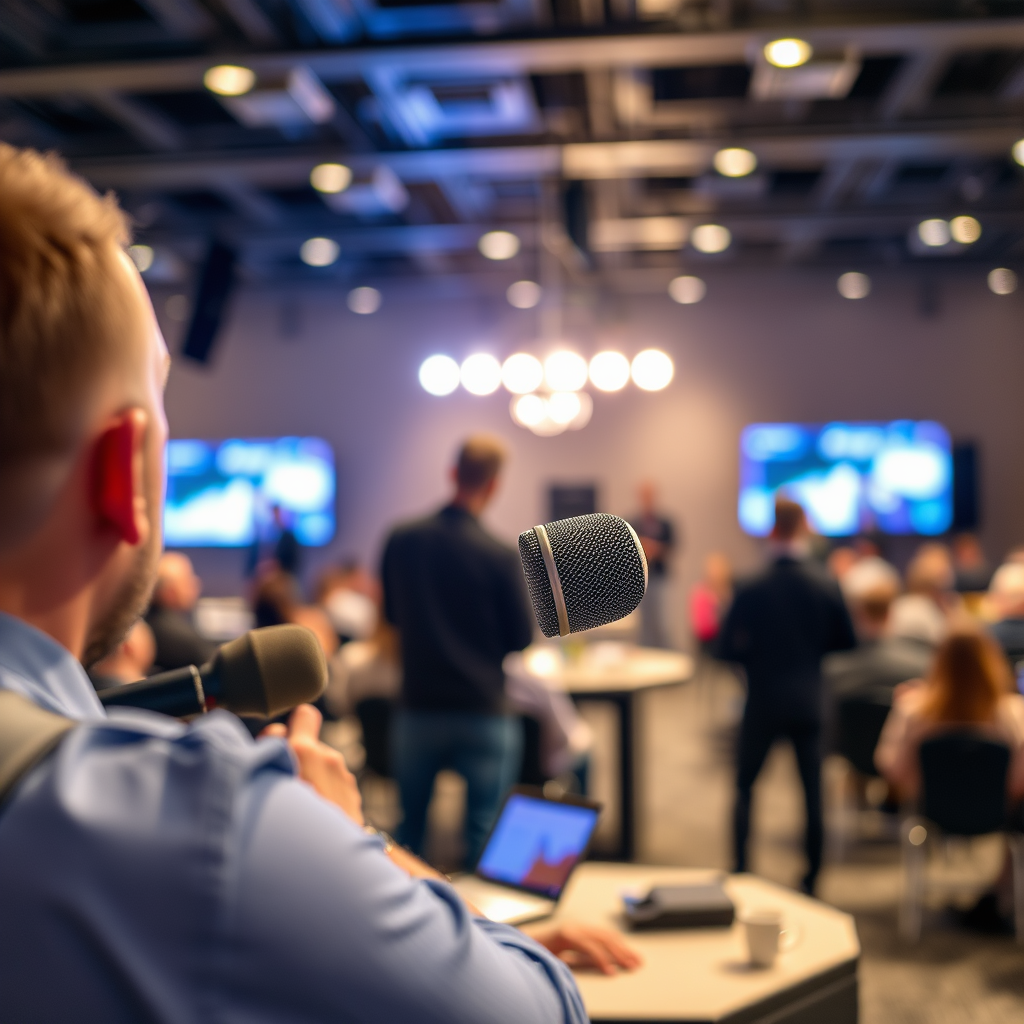

Setting up a wireless microphone system for events is essential for delivering high-quality audio, whether for a presentation, concert, or any gathering. By selecting the right equipment, ensuring optimal placement, and thoroughly testing the system, you can significantly enhance the audio experience for both speakers and attendees. This guide outlines the necessary steps to implement a successful wireless microphone system that meets your event’s needs.
Choosing the Right Wireless Microphone System
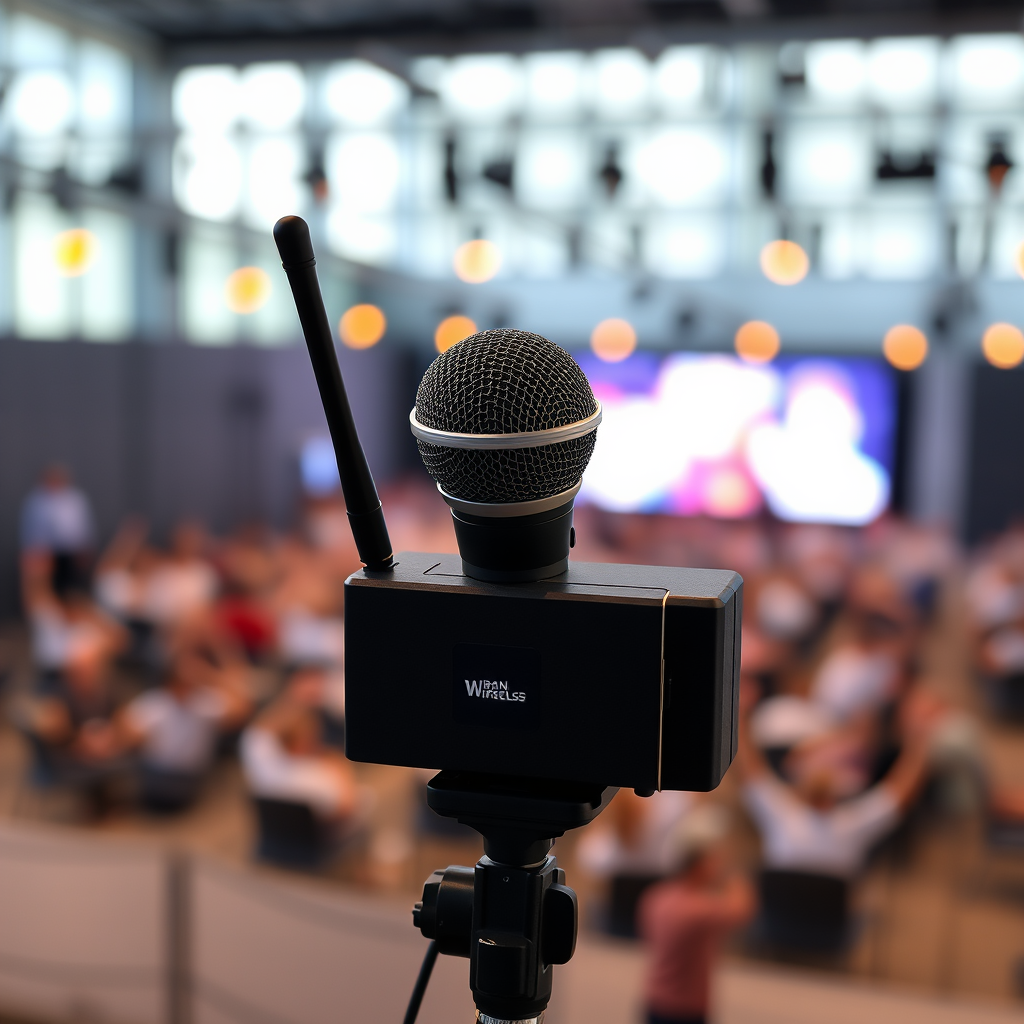
The first step in setting up a wireless microphone system is understanding the different types of microphones available. There are three primary types: handheld, lavalier, and headset microphones. Handheld microphones are versatile and easy to use but can be cumbersome for speakers who need their hands free. Lavalier microphones, or lapel mics, are small and clip onto clothing, making them ideal for presentations where movement is necessary. Headset microphones provide hands-free operation and are perfect for performers or speakers who need to move around while presenting.
When selecting a wireless microphone system, consider your budget and specific needs based on the event’s size and type. Smaller events may require fewer microphones, while larger venues might need multiple setups to ensure all speakers are heard clearly. Researching reputable brands and reading reviews can help ensure you select a reliable and quality microphone system. Popular options include Shure, Sennheiser, and Audio-Technica, known for their durability and excellent sound quality.
Acquiring Necessary Equipment
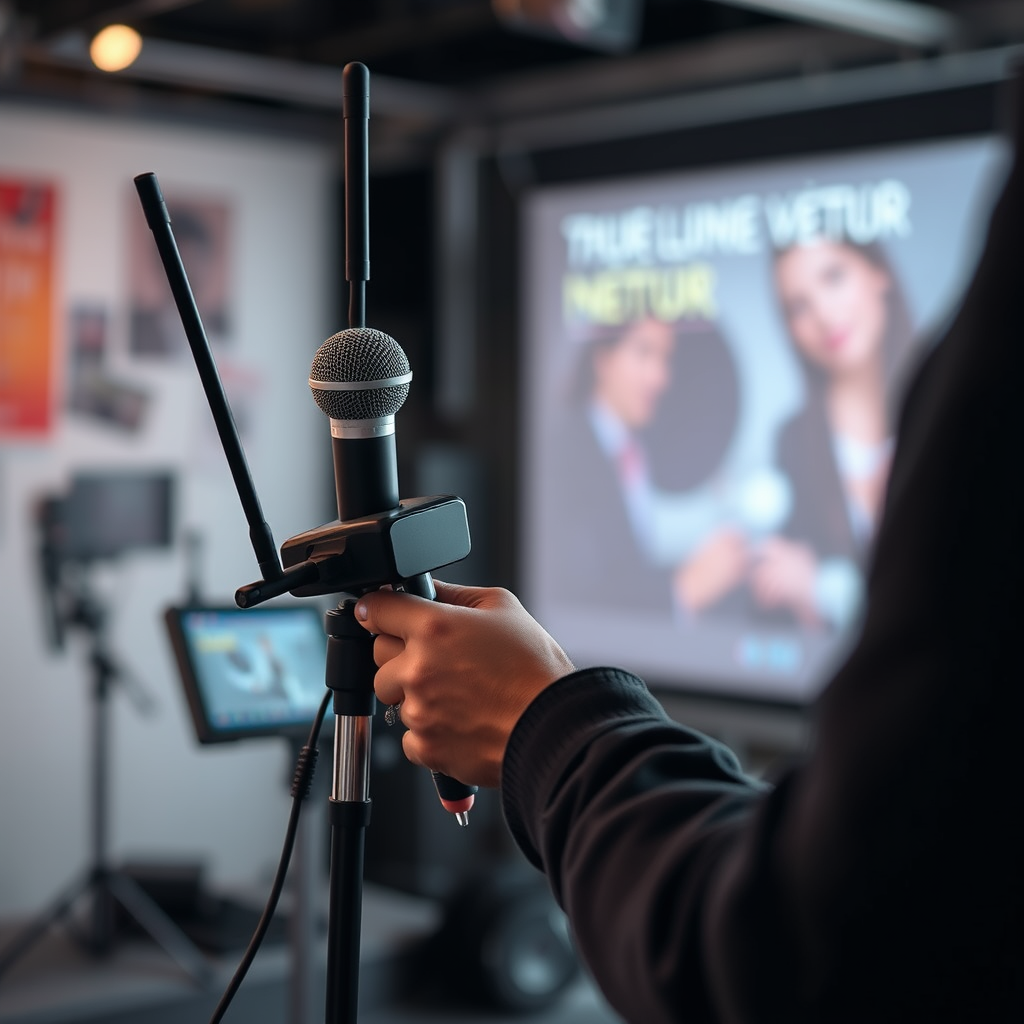
To successfully set up a wireless microphone system, you’ll need a comprehensive list of components. This typically includes microphones, receivers, transmitters, and accessories like microphone stands, cables, and batteries. It’s crucial to ensure compatibility between microphones and receivers to avoid connectivity issues. Before purchasing, verify that the microphone you choose matches the receiver specifications.
Additionally, consider investing in extra batteries, especially for outdoor events, where unpredictable conditions might drain battery life faster than expected. Windshields can also be essential for outdoor settings, as they help reduce wind noise and improve audio clarity. Having a complete kit ready will streamline the setup process and minimize last-minute stress.
Setting Up the Microphone System
Proper setup of the microphone system is vital for capturing clear sound. Begin by identifying optimal locations for microphone placement. For handheld mics, ensure speakers are comfortable and can easily access the microphone without obstructing their performance. For lavalier and headset options, test placements to ensure they capture sound effectively without being too close to the speaker’s mouth, which can cause distortion.
The receiver should be set up in a central location with minimal obstructions, such as walls or metal objects, that can interfere with the wireless signal. Follow the manufacturer instructions for connecting and powering on all components. Make sure that the microphone has enough range to connect to the receiver without losing signal strength during the event.
Top Wireless Microphone Brands & Features (2024)
| # | Brand | Type | Frequency Range | Battery Life | Price |
|---|---|---|---|---|---|
| 1 | Shure | Lavalier | 470-600 MHz | 10 hours | $499 |
| 2 | Sennheiser | Handheld | 518-550 MHz | 12 hours | $699 |
| 3 | Audio-Technica | Headset | 600-630 MHz | 9 hours | $399 |
| 4 | Rode | Lavalier | 2.4 GHz | 5 hours | $299 |
| 5 | AKG | Handheld | 470-510 MHz | 15 hours | $549 |
| 6 | Samson | Lavalier | 2.4 GHz | 8 hours | $199 |
| 7 | Behringer | Handheld | 600-650 MHz | 10 hours | $149 |
Frequency Management
Frequency management is a critical aspect of setting up a wireless microphone system. Before the event, check for available frequency bands in your area to avoid interference from other devices. Wireless microphones operate on specific frequencies, and using a frequency scanner can help identify the clearest channels available.
It is advisable to set up multiple microphones on different channels to ensure a seamless operation. If you have several microphones, make sure they are spaced out within the frequency spectrum to minimize the risk of overlap, which can lead to audio dropouts or interference. Regularly monitor the frequency during the event, as other wireless devices may turn on, causing unexpected interference.
Testing the System
Conducting a thorough sound check well before the event starts is essential. Testing should involve all microphones to ensure they function correctly and meet the sound quality expectations. Adjust audio levels for each microphone, and be vigilant for any feedback issues that may arise. Feedback can occur when a microphone picks up sound from the speaker’s monitor, which needs to be addressed before the event begins.
Make sure that all speakers are familiar with how to use the microphones. Provide a brief training session if necessary, demonstrating how to turn the microphone on and off, adjust the volume, and what to do if they encounter issues during their presentation.
Wireless Microphone System Testing Results (2024)
Troubleshooting Common Issues
Preparing for potential issues can make a significant difference during the event. Familiarize yourself with common sound problems and their solutions, such as interference or audio dropouts. Having backup equipment on hand, including extra microphones and receivers, can ensure that you are ready to react quickly if issues arise.
If interference occurs during the event, know how to switch frequencies quickly. Most wireless systems allow you to change the channel on the receiver, which can resolve interference issues. Additionally, keeping a close eye on battery levels and having spare batteries accessible will help avoid disruptions caused by dead batteries.
Lastly, ensure that all speakers know how to troubleshoot basic issues, such as adjusting volume or addressing connectivity. This will empower them to handle minor problems without needing to interrupt the event flow.
In summary, setting up a wireless microphone system involves careful planning and execution. From selecting the right equipment to managing frequency interference and troubleshooting common issues, each step is crucial for delivering a successful audio experience at your event. By following the guidelines in this post, you can ensure that both presenters and attendees enjoy clear, high-quality sound throughout the occasion. Gather your equipment, practice the setup process, and you’ll be well on your way to hosting a seamless event.
Frequently Asked Questions
What equipment do I need to set up a wireless microphone system for events?
To set up a wireless microphone system for events, you’ll need several key components: a wireless microphone, a receiver, and a transmitter. Depending on your event, you may also require additional accessories such as a mixer, audio cables, and batteries. Ensure that the equipment is compatible and suitable for the venue size and type of event.
How do I choose the right frequency for my wireless microphone system?
Choosing the right frequency for your wireless microphone system is crucial to avoid interference with other devices. Look for systems operating on UHF or VHF bands, as these typically provide better range and clarity. Make sure to check local regulations and frequency availability to select a channel that minimizes the risk of signal disruption.
Why is it important to conduct a sound check before the event with a wireless microphone?
Conducting a sound check with your wireless microphone before the event is essential to ensure optimal audio quality and to identify any potential issues. This allows you to adjust settings such as gain levels and EQ to suit the venue’s acoustics. A proper sound check helps prevent embarrassing audio problems during the actual event.
What are the best practices for positioning a wireless microphone to avoid audio issues?
To avoid audio issues with a wireless microphone, position the microphone as close to the sound source as possible while maintaining a clear line of sight to the receiver. Keep the microphone away from potential obstructions and electronic devices that may cause interference. Additionally, use windshields for outdoor events to minimize noise from the environment.
Which common mistakes should I avoid when setting up my wireless microphone system?
Common mistakes to avoid when setting up a wireless microphone system include neglecting to properly sync the transmitter and receiver, using low-quality batteries, and failing to test the audio levels before the event. Also, be cautious about placement; avoid areas with heavy wireless traffic or physical obstructions that can degrade the signal quality.
References
- Wireless microphone
https://en.wikipedia.org/wiki/Wireless_microphone - https://www.sciencedirect.com/topics/engineering/wireless-microphone-system
https://www.sciencedirect.com/topics/engineering/wireless-microphone-system - https://www.bbc.com/news/technology-49173868
https://www.bbc.com/news/technology-49173868 - https://www.theguardian.com/music/2020/feb/19/how-to-set-up-a-wireless-microphone-for-a-gig
https://www.theguardian.com/music/2020/feb/19/how-to-set-up-a-wireless-microphone-for-a-gig - Google Scholar Google Scholar
https://scholar.google.com/scholar?q=How+to+Set+Up+a+Wireless+Microphone+System+for+Events - https://scholar.google.com/scholar?q=Wireless+Microphone+System+Setup Google Scholar
https://scholar.google.com/scholar?q=Wireless+Microphone+System+Setup - https://pubmed.ncbi.nlm.nih.gov/?term=wireless+microphone+systems
https://pubmed.ncbi.nlm.nih.gov/?term=wireless+microphone+systems - https://www.nature.com/articles/s41598-020-67616-9
https://www.nature.com/articles/s41598-020-67616-9 - https://www.cdc.gov/niosh/docs/2019-115/pdfs/2019-115.pdf?id=10.26616/NIOSHPUB2019115
https://www.cdc.gov/niosh/docs/2019-115/pdfs/2019-115.pdf?id=10.26616/NIOSHPUB2019115 - How to Set Up a Wireless Microphone System for Events – Search results
https://en.wikipedia.org/wiki/Special:Search?search=How+to+Set+Up+a+Wireless+Microphone+System+for+Events