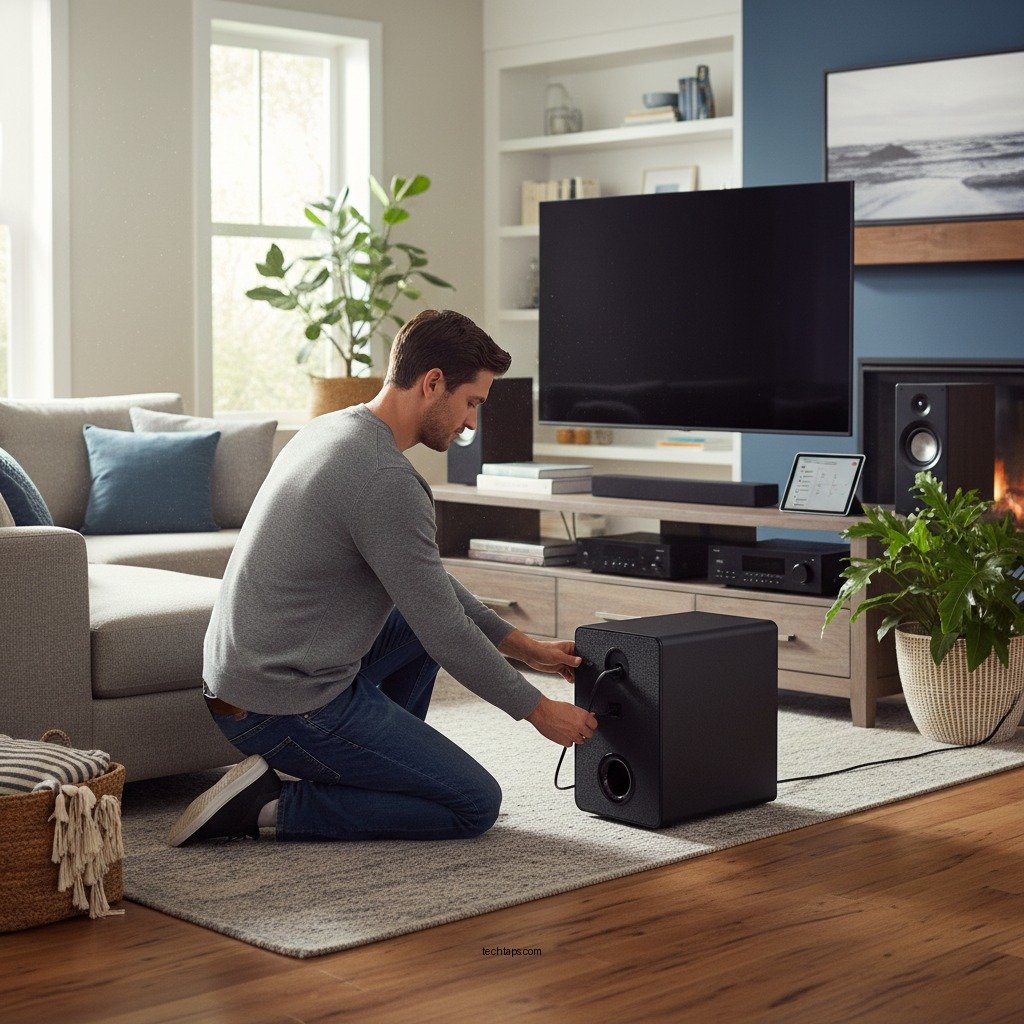

Setting up a wireless subwoofer in your home theater is essential for enhancing your audio experience and eliminating the clutter of wires. The right setup can significantly improve sound quality, delivering deeper bass and a more immersive atmosphere for movies and music. This guide covers everything you need to know about choosing the right subwoofer, positioning it effectively, and connecting it to your sound system for optimal performance.
Choosing the Right Wireless Subwoofer
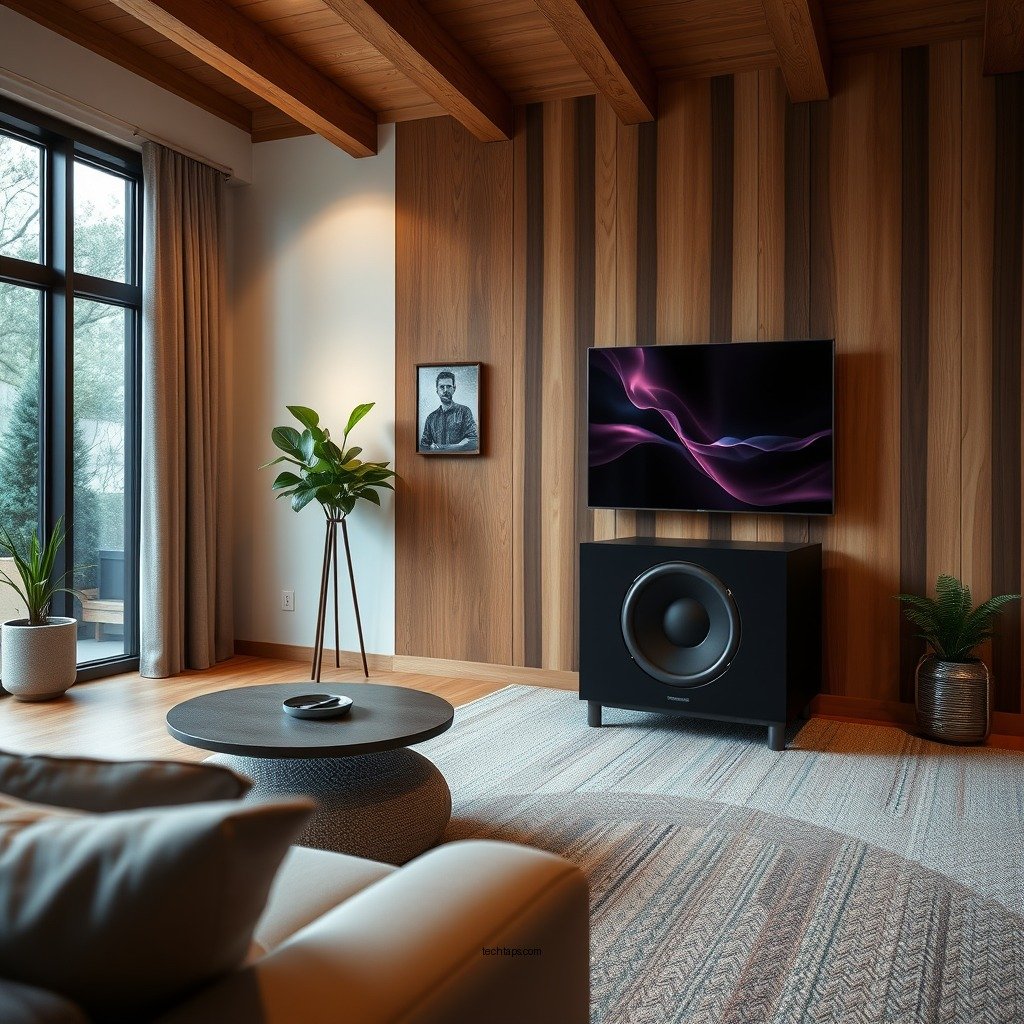
When selecting a wireless subwoofer, several factors come into play that can influence your decision.
– Consider your room size: The dimensions of your room are crucial; larger spaces may require subwoofers with higher wattage and performance capabilities to fill the area with sound. For instance, a subwoofer rated at 150 watts may suffice for a smaller room, while a larger home theater might benefit from a 300-watt model for more impactful bass.
– Look for features: Pay attention to the wireless range, compatibility with your existing audio receiver or soundbar, and sound quality ratings. Some subwoofers come equipped with advanced features such as phase control, EQ settings, and adaptive room correction, which can greatly enhance the listening experience.
Choosing a subwoofer that meets these criteria ensures that you will enjoy the best sound quality tailored to your specific environment.
Ideal Placement for Your Subwoofer
The placement of your subwoofer can dramatically impact its performance and the overall audio experience.
– Corner vs. Mid-room: Placing the subwoofer in a corner can amplify bass levels due to the natural amplification effect of the walls. However, positioning it mid-room can lead to a more balanced sound, preventing overwhelming low frequencies that can occur in corners. Experimenting with different locations is essential to find the sweet spot for your setup.
– Avoid obstacles: It’s crucial to keep the subwoofer away from walls and large furniture pieces that may obstruct sound waves. Ideally, the subwoofer should be positioned in a location where it has unobstructed access to the listening area, as this will minimize interference and enhance sound projection.
By carefully considering the placement of your subwoofer, you can significantly improve the bass response and overall audio quality in your home theater.
Connecting Your Wireless Subwoofer
Connecting your wireless subwoofer to your audio system is a straightforward process, but it’s essential to follow the manufacturer’s instructions for seamless integration.
– Pairing process: Most wireless subwoofers come with a straightforward pairing process. Typically, you would need to power on the subwoofer and the receiver or soundbar, then activate the pairing mode on both devices. Follow the prompts until they establish a connection, which usually involves a few simple button presses.
– Troubleshooting: If you encounter issues during the pairing process, ensure that both devices are set to the same wireless channel. Additionally, check for any interference from other wireless devices in your home that may disrupt the connection. Common sources of interference include Wi-Fi routers and microwaves, so relocating these devices can help stabilize the connection.
By following the proper connection methods, you can ensure that your wireless subwoofer integrates smoothly with your home theater system.
Top Wireless Subwoofers for Home Theaters (2024)
| # | Model | Power (Watts) | Wireless Range (ft) | Price ($) | Rating |
|---|---|---|---|---|---|
| 1 | SVS SB-2000 Pro | 500 | 75 | 599 | ★★★★☆ |
| 2 | Bose Bass Module 700 | 300 | 30 | 699 | ★★★★★ |
| 3 | Sonos Sub (Gen 3) | 250 | 100 | 749 | ★★★★☆ |
| 4 | Klipsch R-120SWi | 400 | 60 | 499 | ★★★★☆ |
| 5 | Yamaha NS-SW300 | 300 | 50 | 399 | ★★★★☆ |
| 6 | Polk Audio PSW10 | 300 | 40 | 199 | ★★★☆☆ |
| 7 | Infinity Reference 12 | 400 | 70 | 299 | ★★★★☆ |
Calibrating Your Subwoofer Settings
Once your wireless subwoofer is connected, calibration is vital for achieving the best sound quality.
– Adjust volume and crossover: Begin by setting the subwoofer’s volume to a level that matches your main speakers. The crossover frequency is also crucial; setting it too high can lead to a disjointed sound. A typical crossover setting ranges from 80 to 120 Hz, depending on the capabilities of your main speakers.
– Use room calibration tools: Many modern receivers include room calibration microphones that automatically adjust settings based on the acoustics of your space. This technology can greatly enhance the accuracy of the sound produced by your subwoofer, ensuring that it blends seamlessly with your existing audio setup.
By properly calibrating your subwoofer, you can ensure a harmonious audio experience that complements your home theater system.
Testing Your Subwoofer Sound
Testing the sound of your subwoofer is an essential step to ensure it performs optimally.
– Play different types of audio: Use various audio sources, including movie scenes with heavy bass, music tracks with a strong low-end presence, and sound effects known for their depth. This will help you evaluate the subwoofer’s performance across different genres and usages.
– Make adjustments: Based on your testing, you may need to make additional tweaks. If the bass sounds muddy or overpowering, consider adjusting the volume down or repositioning the subwoofer for better acoustics. Regular testing and adjustments help maintain an optimal listening experience.
By regularly testing and adjusting your subwoofer, you can refine its performance to match your preferences and enhance your overall audio enjoyment.
Maintaining Your Wireless Subwoofer
Proper maintenance is key to ensuring the longevity and performance of your wireless subwoofer.
– Regular checks: Periodically verify that the wireless connection remains stable. Ensure the subwoofer is clean and free from dust, which can block ports and affect sound quality. A simple dusting with a microfiber cloth can help maintain optimal performance.
– Firmware updates: Many wireless subwoofers receive firmware updates that can improve performance, add features, or fix bugs. Regularly check the manufacturer’s website or app for any available updates and follow the instructions for installation.
By adhering to a maintenance routine, you can ensure that your wireless subwoofer continues to perform at its best for years to come.
In summary, setting up a wireless subwoofer for your home theater involves careful consideration of your space, proper connection methods, and regular maintenance. By following the steps outlined in this guide, you can create an immersive audio experience that enhances your movie-watching and music-listening moments. Whether you’re a seasoned audiophile or just starting, investing time in this setup will yield significant rewards in sound quality. For any specific questions or complex setups, consult your subwoofer’s manual or seek advice from audio professionals for tailored recommendations.
Frequently Asked Questions
How do I connect my wireless subwoofer to my home theater system?
To connect your wireless subwoofer to your home theater system, start by plugging the subwoofer into a power outlet. Then, use the pairing button on the subwoofer and the transmitter connected to your AV receiver or soundbar to establish a wireless connection. Ensure both devices are in pairing mode, and once connected, you can adjust settings through your home theater system for optimal sound.
What are the benefits of using a wireless subwoofer in my home theater?
Using a wireless subwoofer offers several benefits, including flexibility in placement, reduced cable clutter, and easier integration with your home theater setup. Wireless subwoofers can enhance your audio experience by providing deep bass without the constraints of traditional wired connections, allowing you to place them in the best position for sound quality.
Why is my wireless subwoofer not connecting to my home theater system?
If your wireless subwoofer is not connecting, check to ensure that both the subwoofer and the transmitter are powered on and in pairing mode. Additionally, ensure that they are within range of each other and that there are no obstacles interfering with the signal. If issues persist, consider resetting both devices and following the manufacturer’s instructions for pairing again.
What is the best placement for a wireless subwoofer in my home theater?
The best placement for a wireless subwoofer is typically in a corner or along a wall, as this can enhance bass response through boundary reinforcement. Experiment with different locations in your room and consider placing it near the front of the room, but avoid placing it directly against furniture to minimize sound distortion. Ultimately, the ideal spot is where you achieve the best sound experience while considering the room’s acoustics.
Which wireless subwoofers are recommended for home theater setups?
Recommended wireless subwoofers for home theater setups include the SVS SB-1000 Pro for its powerful performance, the Klipsch R-120SW for its great bass response, and the Sonos Sub for seamless integration with Sonos systems. When selecting a subwoofer, consider factors like room size, desired bass output, and compatibility with your existing audio equipment to ensure you choose the best fit for your home theater experience.
References
- Subwoofer
https://en.wikipedia.org/wiki/Subwoofer - https://www.audioholics.com/home-theater-education/how-to-setup-a-wireless-subwoofer
https://www.audioholics.com/home-theater-education/how-to-setup-a-wireless-subwoofer - https://www.crutchfield.com/S-GaD9CGNSfY4/learn/how-to-connect-a-wireless-subwoofer.html
https://www.crutchfield.com/S-GaD9CGNSfY4/learn/how-to-connect-a-wireless-subwoofer.html - Google Scholar Google Scholar
https://scholar.google.com/scholar?q=wireless+subwoofer+setup - Google Scholar Google Scholar
https://scholar.google.com/scholar?q=home+theater+subwoofer+installation - Google Scholar Google Scholar
https://scholar.google.com/scholar?q=wireless+audio+subwoofer+technology - Google Scholar Google Scholar
https://scholar.google.com/scholar?q=How+to+Set+Up+a+Wireless+Subwoofer+in+Your+Home+Theater - How to Set Up a Wireless Subwoofer in Your Home Theater – Search results
https://en.wikipedia.org/wiki/Special:Search?search=How+to+Set+Up+a+Wireless+Subwoofer+in+Your+Home+Theater - https://www.ncbi.nlm.nih.gov/search/research-articles/?term=How+to+Set+Up+a+Wireless+Subwoofer+in+Your+Home+Theater
https://www.ncbi.nlm.nih.gov/search/research-articles/?term=How+to+Set+Up+a+Wireless+Subwoofer+in+Your+Home+Theater