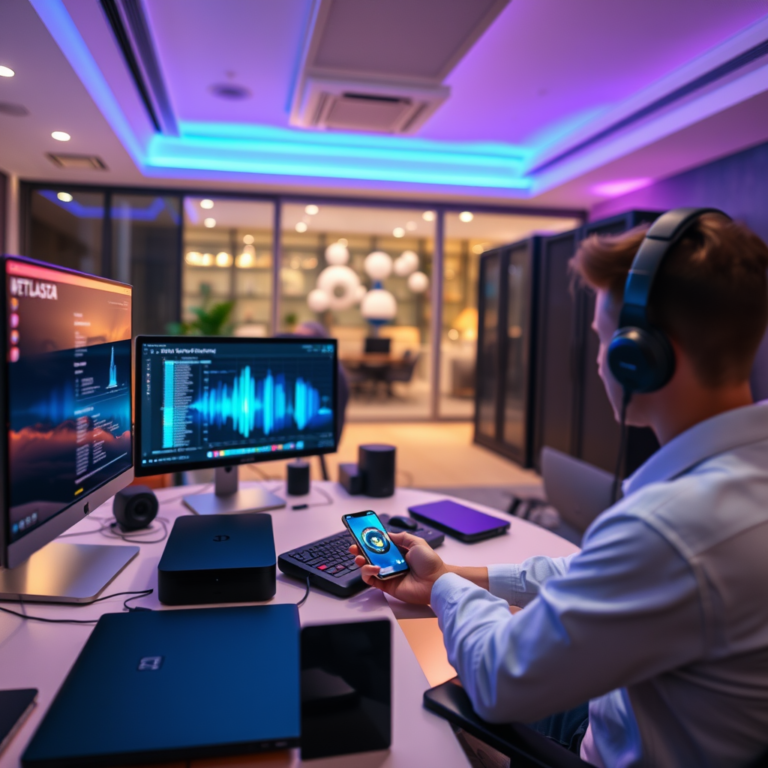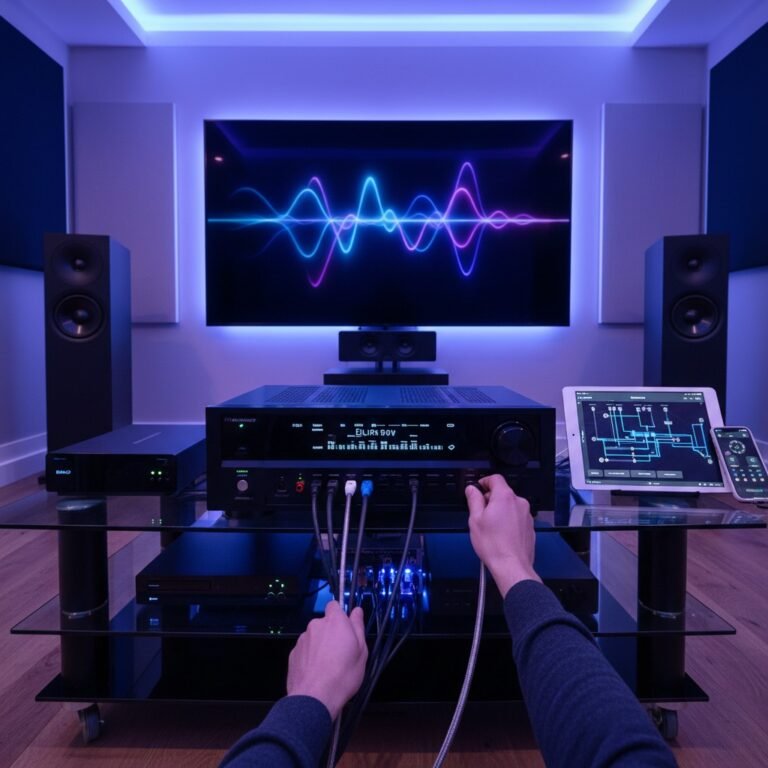

Streaming music in lossless quality at home is achievable with the right equipment and services. By using a high-quality streaming platform, a capable audio setup, and ensuring your network can handle the data, you can enjoy an unparalleled listening experience. This article will guide you through the essential steps to set up your home for lossless music streaming.
Choose a Lossless Streaming Service

To begin your journey into lossless music streaming, selecting the right service is crucial. Several platforms specialize in providing high-resolution audio, including Tidal, Qobuz, and Apple Music. Each platform offers unique features, so it’s important to research and compare them to find the best fit for your music preferences.
Tidal is renowned for its extensive library of high-fidelity music and exclusive content, making it a favorite among audiophiles. Qobuz, on the other hand, is celebrated for its high-definition audio quality and extensive catalog, particularly in classical and jazz genres. Apple Music has also made significant strides by introducing lossless audio options, appealing to a broad audience due to its integration with the Apple ecosystem.
When comparing these services, consider factors such as their catalog size, subscription pricing, and platform compatibility. For instance, while Tidal offers a premium experience, its subscription cost is higher than some competitors. Conversely, Qobuz may provide the best audio quality for those who prioritize sound over vast selection. Ultimately, selecting the right service will lay the foundation for your lossless streaming experience.
Invest in Quality Audio Equipment
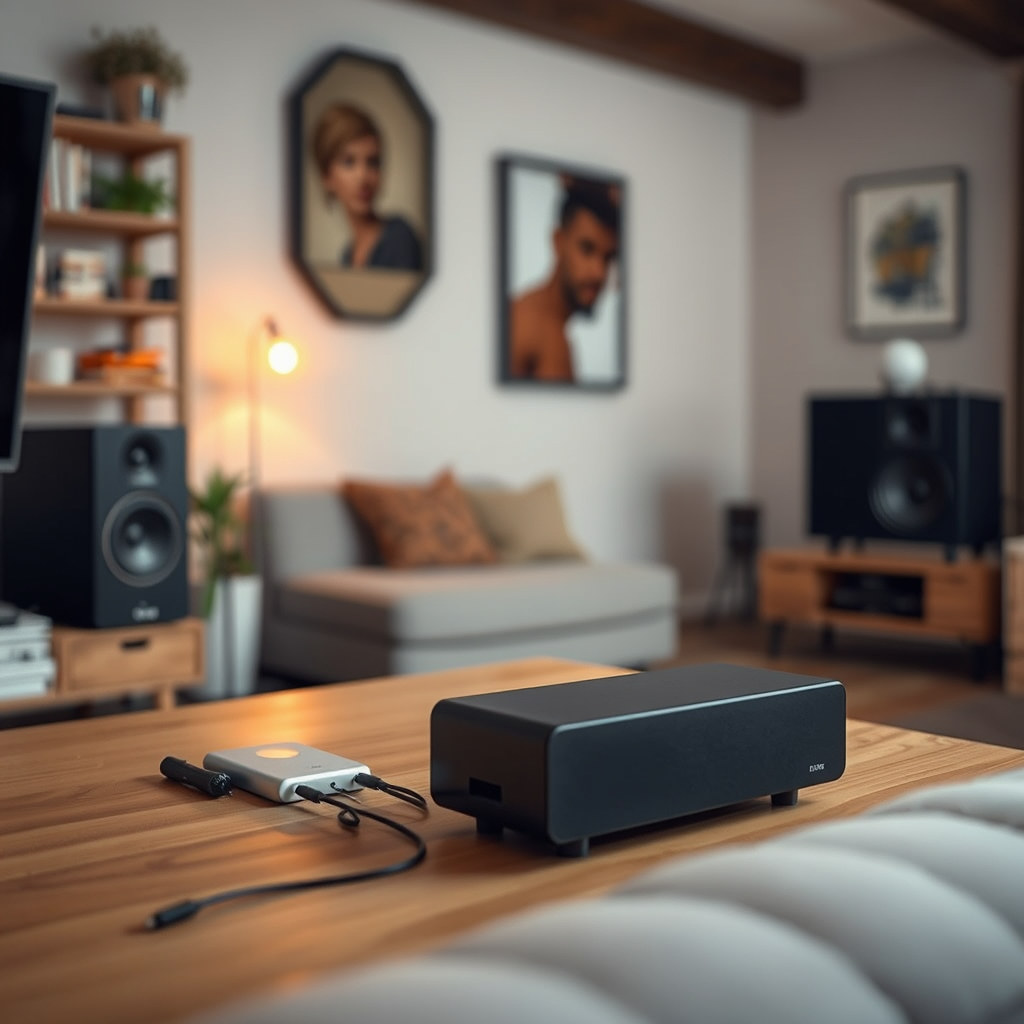
To fully appreciate the nuances of lossless music, investing in high-quality audio equipment is essential. This includes components such as Digital-to-Analog Converters (DACs), amplifiers, headphones, and speakers that are capable of reproducing high-resolution audio formats.
A high-resolution DAC is particularly vital, as it converts digital signals into analog sounds with precision, minimizing any loss of quality. Look for DACs that support a wide range of formats, including FLAC and ALAC, to ensure compatibility with your chosen streaming service. Additionally, a powerful amplifier can drive your audio system effectively, delivering clear and dynamic sound.
When it comes to headphones or speakers, consider options that excel in detail and soundstage. Brands like Sennheiser, Focal, and Bowers & Wilkins offer models specifically designed for high-fidelity listening. Investing in quality cables and connectors is also advisable, as they can further enhance audio performance by reducing interference and signal loss.
Ensure a Reliable Internet Connection
A stable and high-speed internet connection is paramount for streaming lossless music without interruptions. Lossless audio files are significantly larger than standard compressed formats, requiring a robust network to handle the data.
For the most reliable connection, opt for a wired Ethernet setup instead of relying on Wi-Fi. Wired connections provide lower latency and higher bandwidth, ensuring a smoother streaming experience. If using Wi-Fi is unavoidable, position your router centrally in your home and consider upgrading to a mesh Wi-Fi system to eliminate dead zones and enhance connectivity.
It’s also advisable to check your internet speed regularly. Most lossless streaming services recommend a minimum speed of 1.5 Mbps for standard quality and 5 Mbps or higher for high-resolution streaming. Use online speed tests to confirm that your connection meets these requirements, and consult your internet service provider if you experience consistent issues.
Set Up Your Audio System Correctly
Once you have selected a streaming service, invested in quality equipment, and ensured a reliable internet connection, the next step is to set up your audio system correctly. Proper connections between devices are crucial for achieving optimal audio quality.
Begin by connecting your DAC to your audio source, which may be a computer, a dedicated music server, or a streaming device. Ensure that all components support high-resolution audio formats. If you are using a receiver or amplifier, connect it to your speakers or headphones accordingly.
In your streaming app, adjust the settings to select lossless audio output options. Many platforms allow users to specify the preferred audio quality; make sure to select the highest available quality. This step is essential for ensuring that you are leveraging the full capabilities of your equipment.
Top Lossless Streaming Services Comparison (2023)
| # | Service | Audio Quality | Catalog Size | Monthly Cost |
|---|---|---|---|---|
| 1 | Tidal | Master Quality | 80 million | $19.99 |
| 2 | Qobuz | Hi-Res Quality | 70 million | $14.99 |
| 3 | Apple Music | Lossless | 100 million | $9.99 |
| 4 | Amazon Music HD | HD & UHD | 70 million | $14.99 |
| 5 | Deezer HiFi | CD Quality | 90 million | $14.99 |
| 6 | YouTube Music | Standard Quality | 70 million | $9.99 |
| 7 | Spotify | Standard Quality | 80 million | $9.99 |
Optimize Your Listening Environment
The listening environment plays a significant role in the overall audio experience. To maximize the benefits of lossless streaming, create a dedicated space for listening that minimizes distractions and external noise.
Consider factors such as room acoustics, seating arrangement, and soundproofing. Adding carpets, curtains, and soft furnishings can help absorb sound reflections and enhance the acoustics of your space. Additionally, positioning speakers at ear level and maintaining an appropriate distance from walls can improve sound stage and clarity.
For a more immersive experience, consider investing in soundproofing materials or acoustic panels. These can significantly reduce outside noise and further refine audio quality, allowing you to experience every detail in your music.
Use Compatible Devices
The devices you use to stream music must be compatible with lossless audio formats. Ensure that your computers, smart speakers, and mobile devices are capable of playing high-resolution files. Many modern devices support these formats, but older models may require updates or replacements.
Regularly check for software updates on your devices to ensure compatibility with the latest streaming technologies. Streaming apps frequently release updates to enhance performance and user experience, so keeping your software current is crucial for optimal functionality.
Moreover, consider using dedicated music players or streaming devices designed for high-fidelity audio. These devices often come equipped with features that enhance sound quality and provide a seamless streaming experience.
Regularly Explore New Music
Finally, to enrich your listening experience, make it a habit to regularly explore new artists and albums available in lossless formats. Discovering new music not only keeps your playlist fresh but also broadens your appreciation for different genres and styles.
Engaging with music communities and forums can also enhance your exploration. These platforms provide recommendations, reviews, and discussions about high-fidelity audio trends, helping you stay updated on the latest in lossless music streaming.
Participating in these communities can also lead to discovering hidden gems that may not be mainstream but offer incredible audio quality. Whether through social media, dedicated forums, or music blogs, connecting with fellow audiophiles can significantly enhance your listening journey.
Lossless Streaming Services Audio Quality Comparison
In summary, streaming music in lossless quality at home involves selecting the right service, investing in quality audio gear, ensuring a stable internet connection, and optimizing your listening environment. Start upgrading your setup today and immerse yourself in the rich, detailed sound that lossless music offers. By following these steps, you can transform your home into a haven for high-fidelity audio, allowing you to enjoy music like never before.
Frequently Asked Questions
What equipment do I need to stream music in lossless quality at home?
To stream music in lossless quality at home, you’ll need a high-quality digital-to-analog converter (DAC), a compatible streaming device, and a reliable internet connection. Additionally, consider using headphones or speakers that can reproduce high-definition audio to fully appreciate the lossless format.
How can I choose the best music streaming service for lossless audio?
When selecting a music streaming service for lossless audio, look for platforms that offer high-resolution formats like FLAC or ALAC. Popular services such as Tidal, Qobuz, and Amazon Music HD provide extensive libraries and support for lossless streaming, so compare their catalog sizes, pricing, and additional features to find the best fit for your needs.
Why is lossless audio quality important for music streaming?
Lossless audio quality is important for music streaming because it preserves the original sound quality of recordings, ensuring that listeners experience music as intended by the artists. Unlike lossy formats, which compress audio and can lead to a loss of detail, lossless formats provide a richer and more immersive listening experience, making them ideal for audiophiles and serious music lovers.
Which file formats are best for lossless music streaming?
The best file formats for lossless music streaming include FLAC (Free Lossless Audio Codec), ALAC (Apple Lossless Audio Codec), and WAV (Waveform Audio File Format). These formats retain the full quality of the original recordings and are widely supported by most high-fidelity audio equipment and streaming services, making them ideal for home listening.
How do I optimize my home network for streaming lossless music?
To optimize your home network for streaming lossless music, ensure you have a high-speed internet connection with sufficient bandwidth to handle large audio files. Use a wired Ethernet connection for your streaming devices when possible, and consider upgrading your router to one that supports modern Wi-Fi standards. Additionally, reducing network congestion by limiting the number of devices connected simultaneously can further enhance streaming quality.
References
- Data compression
https://en.wikipedia.org/wiki/Lossless_audio - https://www.bbc.com/future/article/20200330-what-is-lossless-audio-and-why-does-it-matter
https://www.bbc.com/future/article/20200330-what-is-lossless-audio-and-why-does-it-matter - https://www.theguardian.com/music/2021/may/17/what-is-lossless-audio-and-why-does-it-matter
https://www.theguardian.com/music/2021/may/17/what-is-lossless-audio-and-why-does-it-matter - https://www.ncbi.nlm.nih.gov/pmc/articles/PMC6832741/
https://www.ncbi.nlm.nih.gov/pmc/articles/PMC6832741/ - https://www.sciencedirect.com/science/article/pii/S2213138819301187
https://www.sciencedirect.com/science/article/pii/S2213138819301187 - https://www.nytimes.com/2021/05/17/technology/apple-music-lossless.html
https://www.nytimes.com/2021/05/17/technology/apple-music-lossless.html - Google Scholar Google Scholar
https://scholar.google.com/scholar?q=How+to+Stream+Music+in+Lossless+Quality+at+Home - Google Scholar Google Scholar
https://scholar.google.com/scholar?q=Lossless+Audio+Streaming+Technologies - Google Scholar Google Scholar
https://scholar.google.com/scholar?q=High-Quality+Audio+Streaming+Methods - How to Stream Music in Lossless Quality at Home – Search results
https://en.wikipedia.org/wiki/Special:Search?search=How+to+Stream+Music+in+Lossless+Quality+at+Home