
Syncing your smart lights with your home theater audio elevates your entertainment experience, creating a more immersive atmosphere. By leveraging compatible smart lighting systems, home automation hubs, and specialized applications, you can achieve this synchronization effortlessly. This guide will walk you through the essential steps and tips for achieving perfect harmony between your lighting and audio setup, transforming your viewing and listening experience into something extraordinary.
Understanding Smart Lighting Systems
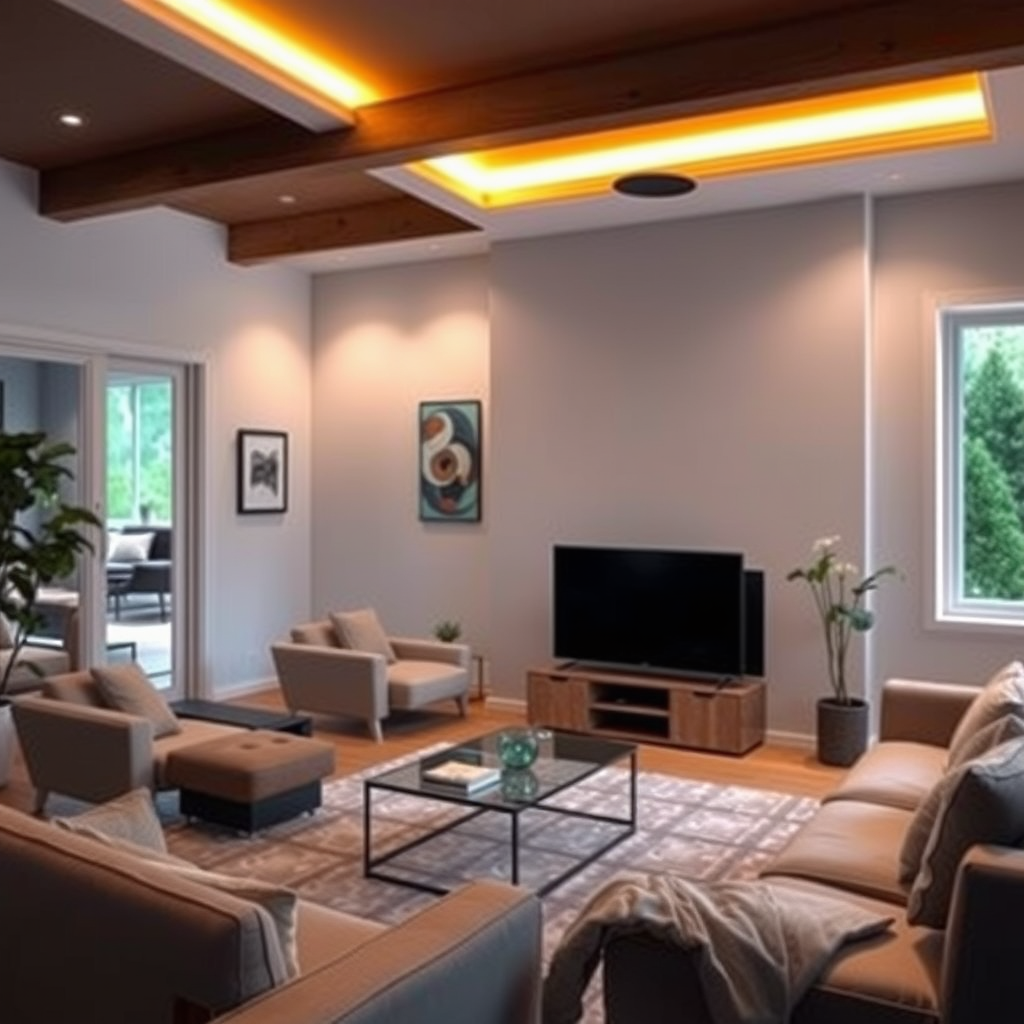
Smart lighting systems have revolutionized the way we illuminate our spaces, particularly in conjunction with home theater setups. Leading brands such as Philips Hue, LIFX, and Wyze offer a range of products that are compatible with home theater audio systems. Philips Hue is renowned for its extensive selection of RGB (Red, Green, Blue) bulbs, which can produce a wide array of colors and are often favored for their versatility. LIFX, on the other hand, provides bright multicolor bulbs that do not require a hub, allowing for ease of installation and use.
When selecting smart bulbs, consider their color capabilities. RGB bulbs can create vibrant lighting effects suited for action films, while white bulbs are ideal for a more subdued ambiance during dramas. Additionally, multicolor bulbs allow for dynamic lighting that can change with the mood, enhancing the overall viewing experience. Understanding these options is crucial for creating a tailored environment that complements your home theater audio.
Choosing the Right Home Automation Hub
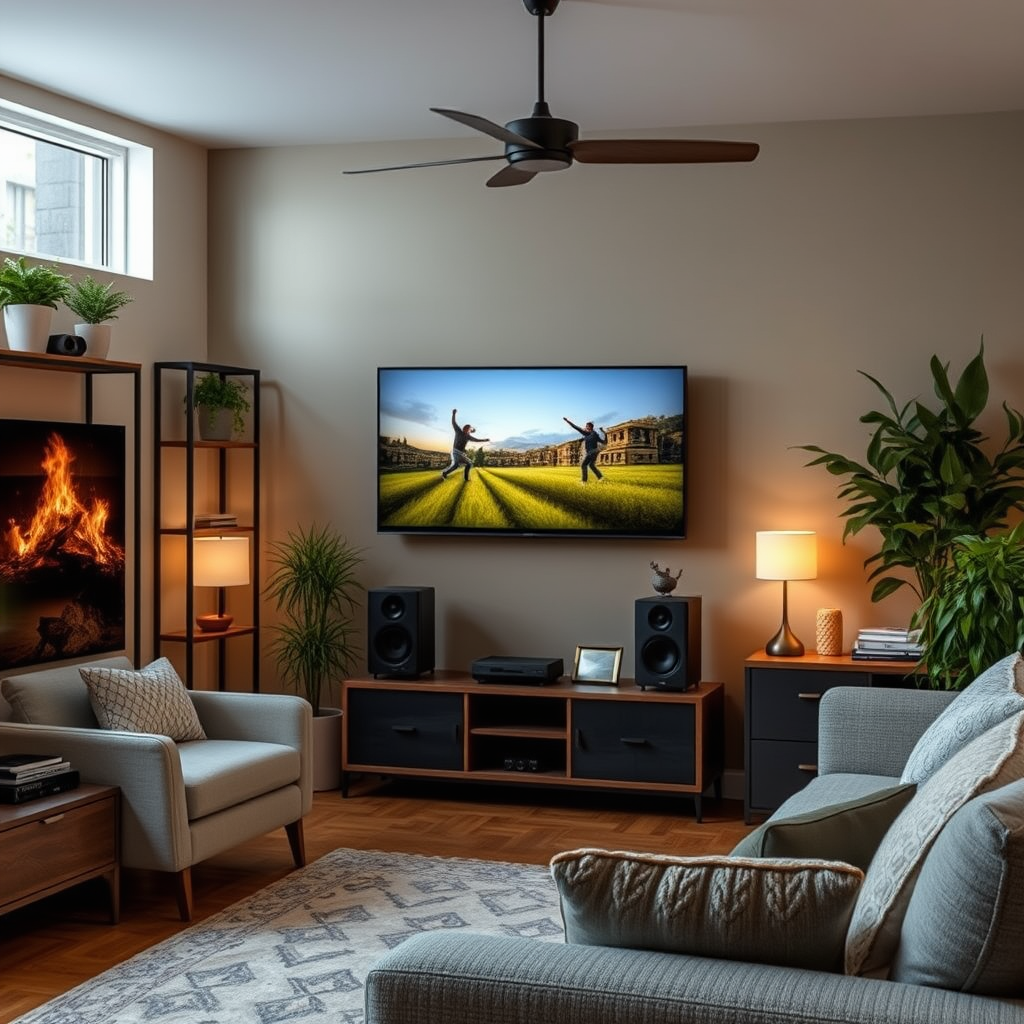
A robust home automation hub is vital for seamless integration between smart lights and audio systems. Popular hubs include Samsung SmartThings, Amazon Echo Plus, and Google Nest Hub. These platforms support various smart devices, allowing you to control your lights and audio from a single interface.
Centralizing control through a home automation hub streamlines the user experience. Instead of managing multiple apps for different devices, a single hub enables you to create routines and scenes that can be activated with one command. For instance, saying “Movie Night” could dim the lights and turn on your audio system, creating the perfect atmosphere with minimal effort.
Setting Up Your Smart Lights
To set up your smart lights for synchronization with your home theater audio, follow these steps:
1. Install the Smart Bulbs: Begin by replacing your existing bulbs with smart bulbs. Ensure they are properly seated in their fixtures.
2. Download the App: Install the corresponding app for your smart lighting system (e.g., Philips Hue app or LIFX app) on your smartphone or tablet.
3. Connect to Wi-Fi: Follow the app’s instructions to connect your smart lights to your home Wi-Fi network. This is crucial for remote control and integration with other smart devices.
4. Configure Settings: Set up your preferences within the app, including naming your bulbs and grouping them according to your desired lighting scenes.
5. Test the Connection: Ensure that your smart lights respond to commands through the app before proceeding to integration with your audio system.
By following these steps, you’ll establish a solid foundation for syncing your smart lights with your home theater audio.
Top Smart Lighting Brands for Home Theater Integration (2024)
| # | Brand | Type | Color Options | Best For |
|---|---|---|---|---|
| 1 | Philips Hue | RGB | 16 million | Versatile Scenes |
| 2 | LIFX | Multicolor | 16 million | Bright Colors |
| 3 | Wyze | White | N/A | Budget-Friendly |
| 4 | Sengled | RGB | 16 million | Easy Setup |
| 5 | TP-Link Kasa | White | N/A | Limited Features |
| 6 | Nanoleaf | RGB | 16 million | Creative Designs |
| 7 | Govee | RGB | 16 million | Affordable Options |
Integrating Audio and Lighting via Apps
To achieve synchronization between your audio and lighting, various apps provide the necessary tools. Philips Hue Sync is a popular option that allows you to integrate Philips Hue lights with your audio and video content. The app analyzes the audio and video in real-time, adjusting the lights accordingly to enhance the viewing experience. For those using LIFX, the LIFX app offers similar capabilities, enabling you to create dynamic lighting effects that correspond with your audio playback.
These applications allow users to create scene presets that automatically adjust lighting based on audio cues. For example, during a suspenseful movie scene, the app can dim the lights to create tension, while an action sequence can trigger bright, flashing colors to match the intensity of the soundtrack. Utilizing these apps not only enhances the immersive experience but also allows for personalization based on user preferences.
Creating Lighting Scenes for Movies and Music
Designing specific lighting scenes for different genres of movies or music is essential for maximizing your home theater experience. For instance, for horror movies, consider using dim, flickering lights or red hues to create a chilling atmosphere. Conversely, for romantic films, warmer tones like soft yellows and pinks can enhance the mood.
When it comes to music, sync lighting with beats or rhythms for a more engaging experience. For upbeat songs, bright and dynamic colors can reflect the energy, while slower ballads may benefit from softer, more subtle lighting. Adjusting brightness and color settings allows you to tailor the ambiance to fit the content, enhancing both visual and auditory experiences.
Troubleshooting Common Issues
Even with the best systems, issues can arise during setup and use. Common problems include connectivity issues, where smart lights fail to respond to commands or disconnect from the network. To resolve this, ensure your Wi-Fi signal is strong in the area where the lights are installed. Consider using a Wi-Fi extender if necessary.
Another common issue is synchronization lag between audio and lighting. This can often be resolved by updating your device firmware and apps to the latest versions. Additionally, check for any interference from other wireless devices that may affect performance. Regular maintenance, such as rebooting your devices and ensuring they are within range of the hub, can also help maintain a stable connection.
Exploring Advanced Automation Techniques
To take your smart lighting experience to the next level, consider using voice assistants like Amazon Alexa or Google Assistant. These assistants allow for hands-free control of both your smart lights and audio systems. You can create voice commands that trigger specific scenes or routines, making it easier to set the mood for movie nights or parties.
Advanced users can explore automation routines that trigger lighting changes based on specific events. For example, a routine can be set up to dim the lights and start your favorite movie stream with just a single command. Utilizing smart home ecosystems can greatly enhance the integration of your audio and lighting, leading to a more cohesive and enjoyable experience.
Smart Lighting Brands vs. Audio Brands Compatibility (2024)
Summarizing the importance of syncing smart lights with your home theater audio, it’s clear that with the right setup and tools, you can create an immersive experience that enhances your viewing and listening pleasure. Now that you know how to get started, consider trying out these tips and transforming your entertainment space!
Frequently Asked Questions
How do I sync my smart lights with my home theater audio system?
To sync your smart lights with your home theater audio system, start by ensuring both systems are compatible. Use a smart home hub or an app that supports both your smart lights and audio system, like Philips Hue or LIFX, which allow for easy integration. Follow the app’s instructions to set up scenes or routines that will adjust the lighting based on audio cues or specific activities, like movie nights.
Why should I sync my smart lights with my home theater audio?
Syncing your smart lights with your home theater audio enhances your viewing experience by creating an immersive environment. When the lights dim or change color in response to music or sound effects, it deepens engagement and sets the mood for movies or gaming. Additionally, it can help reduce eye strain by adjusting brightness levels based on the content being viewed.
What are the best smart lighting systems for home theater integration?
The best smart lighting systems for home theater integration include Philips Hue, LIFX, and Nanoleaf. These brands offer extensive compatibility with various home theater systems and provide customizable features like light strips and color-changing bulbs. Look for systems that support third-party integrations to maximize your options for syncing with audio.
Which smart home platforms support audio-visual synchronization for lights?
Smart home platforms that support audio-visual synchronization for lights include Google Home, Amazon Alexa, and Apple HomeKit. These platforms allow you to create routines and automate lighting changes based on audio cues from your home theater system, enhancing your overall entertainment experience. Make sure your devices are compatible with the chosen platform for seamless integration.
How can I troubleshoot syncing issues between my smart lights and audio system?
If you’re facing syncing issues between your smart lights and audio system, first check your Wi-Fi connection to ensure both devices are online and connected to the same network. Restart both the audio system and smart light hub, and verify that your devices are updated with the latest firmware. Additionally, review the app settings to ensure that the synchronization features are correctly configured.
References
- Lighting control system
https://en.wikipedia.org/wiki/Smart_lighting - https://www.sciencedirect.com/topics/engineering/smart-lighting
https://www.sciencedirect.com/topics/engineering/smart-lighting - https://www.nature.com/articles/s41598-021-96555-5
https://www.nature.com/articles/s41598-021-96555-5 - https://www.bbc.com/future/article/20210614-how-smart-lights-can-change-your-home
https://www.bbc.com/future/article/20210614-how-smart-lights-can-change-your-home - https://pubmed.ncbi.nlm.nih.gov/33427682/
https://pubmed.ncbi.nlm.nih.gov/33427682/ - https://www.reuters.com/article/us-tech-smartlights-idUSKBN2A60D0
https://www.reuters.com/article/us-tech-smartlights-idUSKBN2A60D0 - https://www.theguardian.com/technology/2021/jun/09/smart-lighting-technology-home
https://www.theguardian.com/technology/2021/jun/09/smart-lighting-technology-home - Google Scholar Google Scholar
https://scholar.google.com/scholar?q=Sync+Smart+Lights+Home+Theater+Audio - Google Scholar Google Scholar
https://scholar.google.com/scholar?q=Smart+Lighting+Audio+Integration - Google Scholar Google Scholar
https://scholar.google.com/scholar?q=How+to+Sync+Your+Smart+Lights+with+Your+Home+Theater+Audio