Skip to content
Tuesday, October 20, 2026
Home Router Security Checklist: Secure Your Router and Wi‑Fi
Is a Projector for Home Worth It? Pros, Cons, and Alternatives
Cable Modem Troubleshooting Guide: Fix No Internet and Slow Speeds
120Hz vs 144Hz VRR: Which Refresh Rate Should You Choose?

TechTaps

Technology at Fingertips

Newsletter
Random News
  • Display and Video
  • Sound and Music
  • General Tech
  • Monitor
  • Modem And Routers
Home Router Security Checklist: Secure Your Router and Wi‑Fi
Is a Projector for Home Worth It? Pros, Cons, and Alternatives
Cable Modem Troubleshooting Guide: Fix No Internet and Slow Speeds
120Hz vs 144Hz VRR: Which Refresh Rate Should You Choose?

TechTaps

Technology at Fingertips

Newsletter
Random News
  • Display and Video
  • Sound and Music
  • General Tech
  • Monitor
  • Modem And Routers
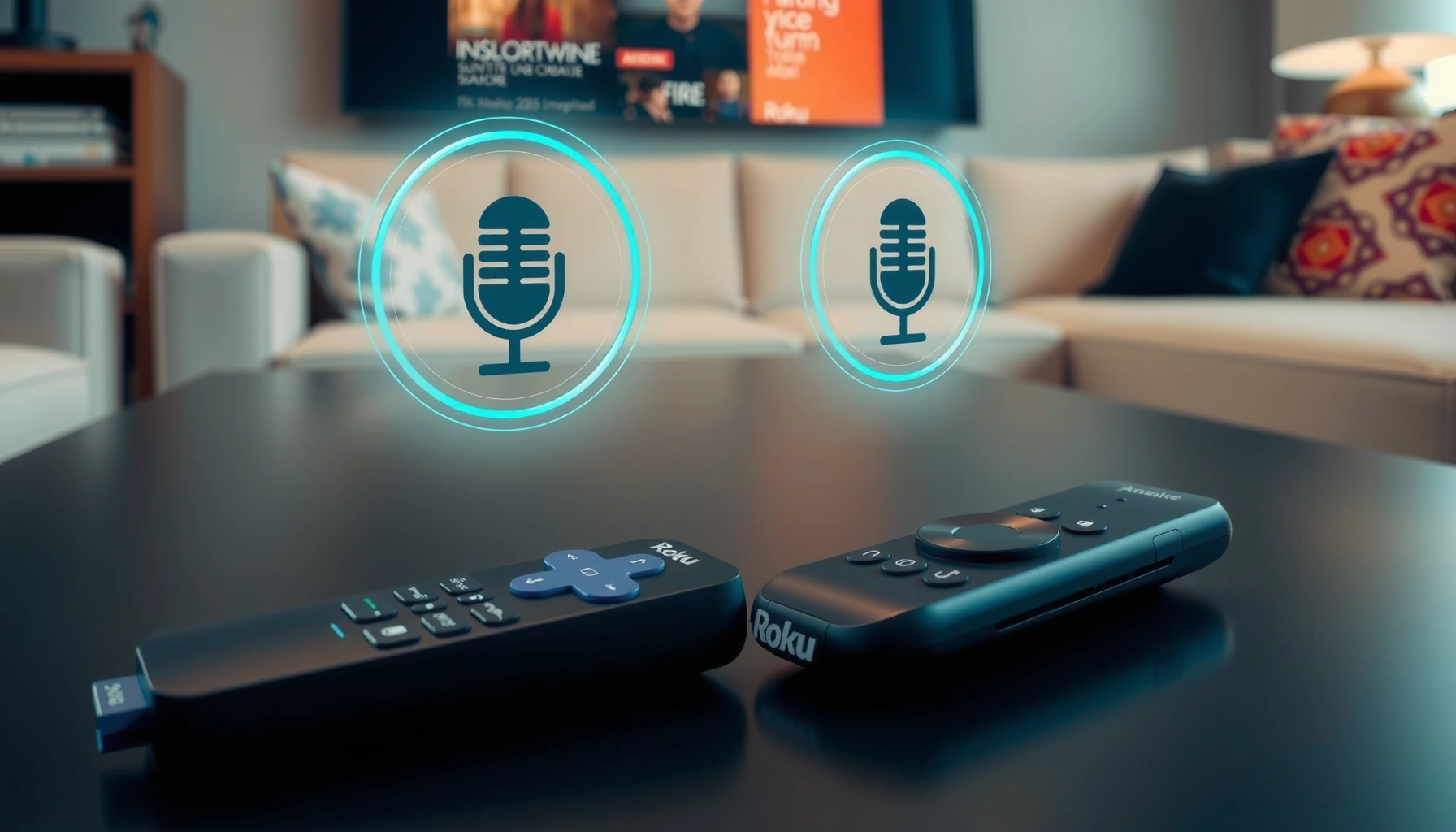
Comparison of Roku and Fire TV voice search features for commands
  • Smart TV

Roku vs Fire TV Voice Search: Which Is Better for Commands?

John Abraham3 weeks ago013 mins

Roku vs Fire TV voice search comes down to one question: which platform handles spoken commands more reliably and quickly. If you prioritize natural, accurate everyday control—like launching apps, finding shows, and managing playback—Roku is the better choice. Fire TV’s voice features can be powerful, but Roku wins for day-to-day command performance when speed and…

Read Full News
Comparison of Dolby Vision and HDR10+ for gaming visuals and picture quality
  • Smart TV

Dolby Vision vs HDR10+ Gaming: Which Delivers Better Picture?

John Abraham3 weeks ago018 mins

Dolby Vision vs HDR10+ gaming comes down to which format delivers the better picture on real consoles and TVs, not spec sheets. This guide gives a clear winner depending on your viewing setup—especially peak brightness, tone-mapping support, and how games are mastered for each standard. By the end, you’ll know which one produces more consistent…

Read Full News
Comparison of 120Hz and 240Hz refresh rates for sports viewing experience
  • Smart TV

120Hz vs 240Hz for Sports: Which Refresh Rate Wins?

John Abraham3 weeks ago016 mins

For sports, 240Hz beats 120Hz when you want the smoothest motion and the clearest view of fast action, especially on high-skill shooters, racers, and fast-paced team games. The higher refresh rate reduces perceived blur and improves frame-to-frame tracking—if your console/PC and the content can actually deliver high frame rates. But when your setup can’t consistently…

Read Full News
Comparison of 4K TV and 4K projector for best viewing experience
  • Smart TV

4K TV vs 4K Projector: Which Delivers the Best Viewing?

John Abraham3 weeks ago015 mins

Deciding between a 4K TV and a 4K projector for best viewing doesn’t have to be guesswork—this guide delivers a clear winner. The real question is which one looks sharper, delivers better contrast and HDR performance, and feels more satisfying in your actual room, whether that’s a bright living room or a dark dedicated space….

Read Full News
Comparison of Mesh Wi-Fi systems and traditional routers for home networking.
  • Modem And Routers

Can Mesh Wi-Fi Replace a Router?

John Abraham3 weeks ago011 mins

Yes, a mesh Wi-Fi system can replace a standalone router because its main unit handles routing. Mesh is the better choice when a single router leaves dead zones across a large or multistory home; a standalone router wins when it already provides reliable coverage at a lower cost. Here’s how to tell which setup your…

Read Full News
Illustration explaining NAT security, its definition, benefits, and limitations.
  • Modem And Routers

What Is NAT Security? Definition, Benefits, and Limitations

John Abraham3 weeks ago017 mins

NAT security is a network feature that—by hiding internal IP addresses and reducing direct inbound exposure—can lower the risk of unsolicited traffic hitting your devices. If you want a straightforward answer to what NAT security is and what it’s good at, it delivers basic perimeter-style protection without the cost or complexity of a full firewall…

Read Full News
Illustration explaining projector throw distance for beginners in a comprehensive guide.
  • Projector

Projector Throw Distance: Complete Guide for Beginners

John Abraham3 weeks ago017 mins

Find the correct projector throw distance—so your image size lands perfectly—using this beginner-focused guide. You’ll get a clear, practical method to calculate how far your projector must sit based on screen size and lens type, plus the quickest checks to avoid the most common setup mistakes. Whether you’re doing a straight front projection or planning…

Read Full News
Step-by-step guide on how to test modem speed and check internet performance.
  • Modem And Routers

How to Test Modem Speed: Simple Steps to Check Performance

John Abraham3 weeks ago017 mins

Want to know how to test modem speed and get a clear read on whether your connection is performing at its best? This guide walks you through a fast, reliable speed test method—check latency and download/upload rates, repeat at the right times, and verify results against your plan. By the end, you’ll know if your…

Read Full News
Comparison of 75Hz and 120Hz refresh rates for coding performance and experience.
  • Display and Video

75Hz vs 120Hz for Coding: Which Refresh Rate to Choose?

John Abraham3 weeks ago014 mins

Trying to choose between 75Hz and 120Hz for coding? Pick 120Hz if your priority is smoother scrolling, faster cursor response, and less perceived lag—especially when you’re editing code for long sessions. Choose 75Hz only if you’re tightly budgeted or driving older hardware where the higher refresh rate can’t be sustained. If you’re coding, 120Hz is…

Read Full News
Illustration of adding a router to a mesh Wi-Fi network setup
  • Modem And Routers

Can You Add a Router to Mesh Wi-Fi?

John Abraham3 weeks ago010 mins

Yes, you can add a router to mesh Wi-Fi, but a compatible mesh node is the better choice if you simply need more coverage. A separate router makes sense when you need routing features your mesh system lacks, provided the mesh supports access point mode to avoid double NAT. Here’s how to decide which addition…

Read Full News
  • 1
  • …
  • 27
  • 28
  • 29
  • 30
  • 31
  • …
  • 429

Latest Release

  • Cutting-Edge Portable Displays and Air Cursor Screens
  • Devices Blending AR with Daily Tech: Trends for 2026
  • Wearables That Track Health Stats Independently from Phones
  • AI Fitness Wearables with Real-Time Coaching: Transform Your Workouts
  • Next-Gen Smart Rings for Monitoring Blood Pressure

Recent Posts

  • A checklist for securing home routers and Wi-Fi networks to enhance security and protect personal data.
    Home Router Security Checklist: Secure Your Router and Wi‑Fi
  • A home theater setup featuring a projector, screen, and comfortable seating for viewing movies.
    Is a Projector for Home Worth It? Pros, Cons, and Alternatives
  • Illustration of a cable modem with troubleshooting tips for no internet and slow speeds
    Cable Modem Troubleshooting Guide: Fix No Internet and Slow Speeds
  • Comparison of 120Hz and 144Hz VRR refresh rates for gaming displays
    120Hz vs 144Hz VRR: Which Refresh Rate Should You Choose?
  • Illustration of key steps to secure NAS devices for safer storage solutions.
    How to Secure NAS Devices: Key Steps for Safer Storage
  • An overview of costs associated with home projectors, including features and pricing.
    How Much Does a Projector for Home Cost? Price Guide
  • Image illustrating modem signal troubleshooting techniques for fixing no signal issues.
    Modem Signal Troubleshooting Guide: Fix No Signal Fast
  • About Us
  • Privacy Policy
  • Disclaimers
  • Terms and Conditions
  • Sitemap
  • Contact Us
Newsmatic - News WordPress Theme 2026. Powered By BlazeThemes.