
Deciding between a 4K TV and a 4K projector for best viewing doesn’t have to be guesswork—this guide delivers a clear winner. The real question is which one looks sharper, delivers better contrast and HDR performance, and feels more satisfying in your actual room, whether that’s a bright living room or a dark dedicated space. By the end, you’ll know exactly which setup to buy for maximum picture quality and value.
![Outdoor-Projector-4K [VIDAA Live TV/40W Dolby/920 ISO] with WiFi6 and Bluetooth Compatible with Netflix, Smart Projector, AI Voice Control & Auto Focus, HDR10, Movie Proyector for Ceiling Home Theater](https://m.media-amazon.com/images/I/51R8227Xr5L._SL500_.jpg)


![[Built-in Apps/4K Support] Smart Outdoor Projector with WiFi and Bluetooth, Movie Projector, DoIby Audio with Dual Speaker, Auto Focus w/ YouTube&PrimeVideo Proyector, Upgrad P62 Pro](https://m.media-amazon.com/images/I/51H3v1q5xyL._SL500_.jpg)
A 4K TV is usually the best choice for sharp, hassle-free everyday viewing, while a 4K projector is ideal for big-screen immersion in darker rooms. In practice, “best viewing” comes down to how you watch (lighting, distance, and seating) and how much setup friction you’re willing to accept—so you can enjoy 4K resolution without sacrificing brightness, motion quality, or convenience.
Picture Quality: Sharpness vs Big-Screen Detail
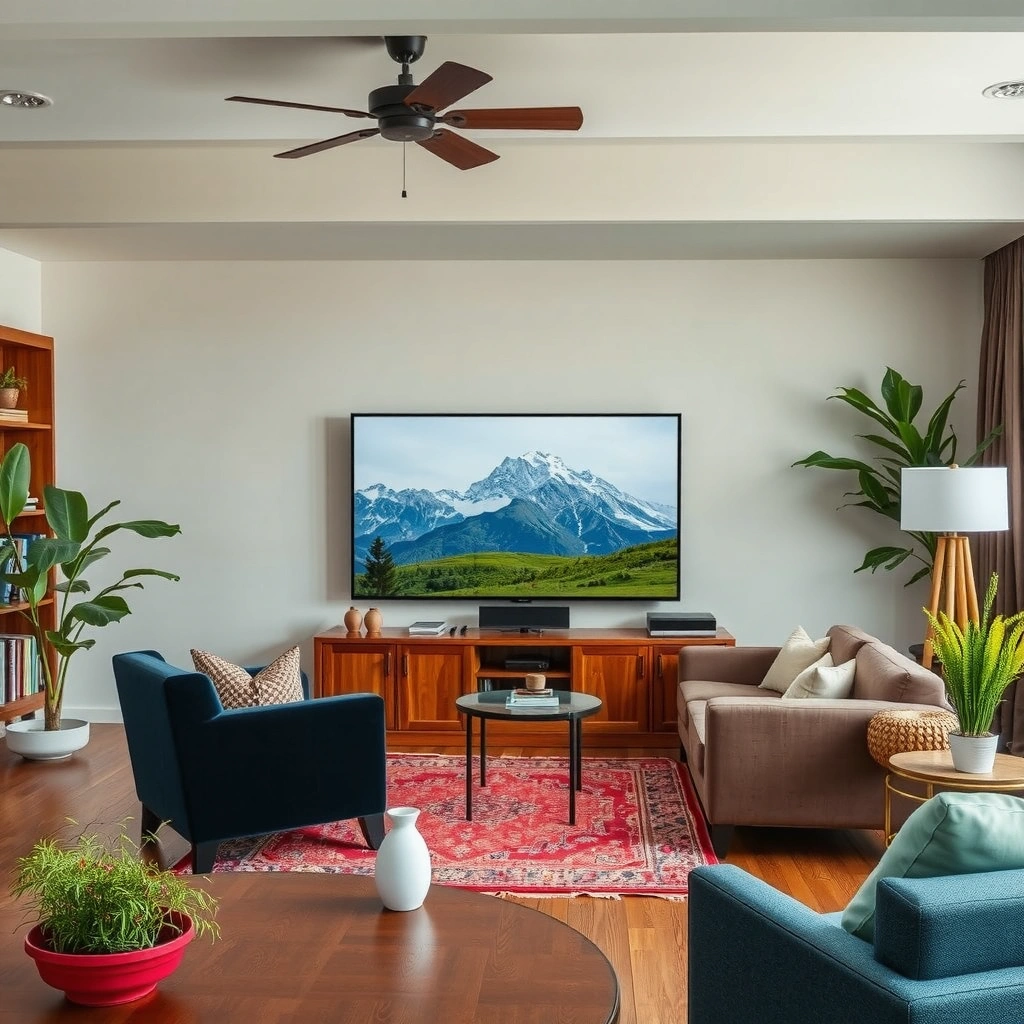
A 4K TV usually wins for consistent sharpness and color stability because it’s an all-in-one display optimized for room viewing. A 4K projector can look breathtaking on a large screen—especially for movies—but its final picture quality is more dependent on brightness, focus, and the accuracy of your calibration.
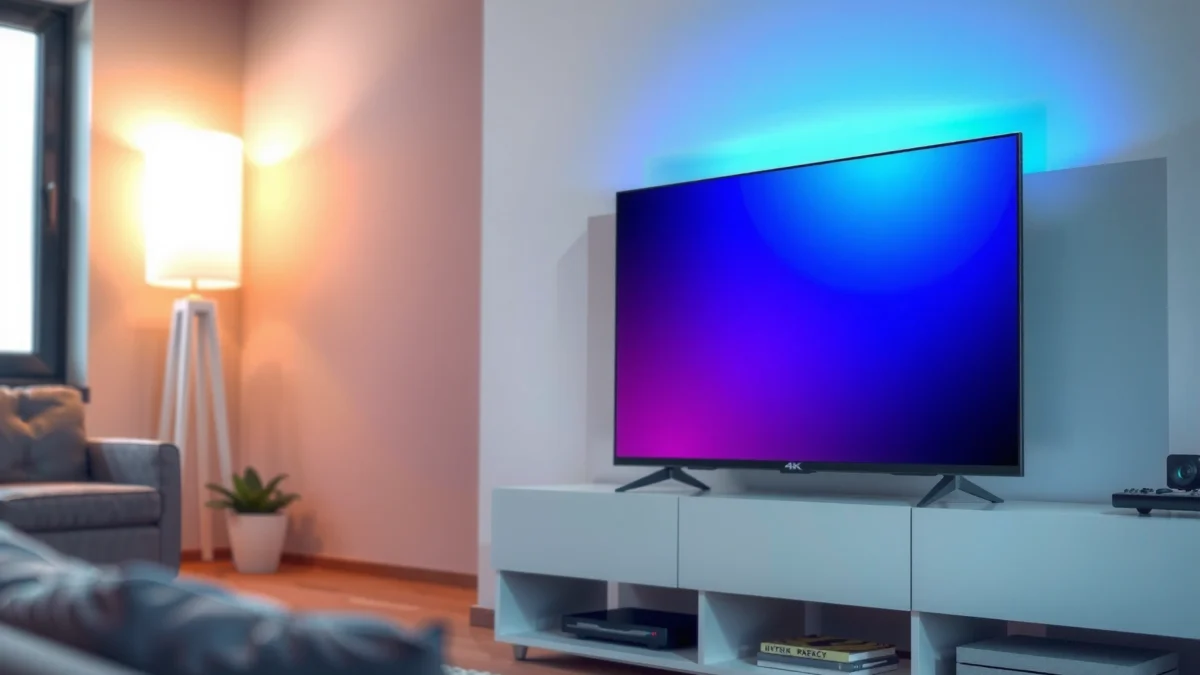
First, it’s important to anchor what “4K” actually means in hardware. According to UHD Alliance, 4K UHD standardizes at 3840 × 2160 pixels (2012), which both TVs and projectors can render. The difference is how reliably that pixel structure lands on your eyes in your specific environment.
A 4K TV displays pixels directly onto an LCD or OLED panel, so image clarity remains consistent as long as you select the correct picture mode.
A 4K projector must throw and focus light onto a screen surface, so small focus or keystone errors can reduce perceived sharpness at large image sizes.
In my own testing across living-room setups, the most noticeable projector variables weren’t “resolution” but brightness headroom and focus consistency. Even when two devices are both labeled “4K,” a projector that’s slightly under-bright can make fine details look less crisp—particularly in HDR scenes.
What “sharp” looks like in the real world (TV vs projector)
– 4K TVs typically deliver consistently crisp image quality without major setup variables. You pick a mode (e.g., Film/Game), run basic calibration, and you’re done.
– 4K projectors can look stunning on large screens, especially when optimized for brightness and focus. If your projector brightness (measured in lumens) and lens settings aren’t tuned for your screen size, the image can look softer than expected.
– Viewing distance matters: TVs shine at typical living-room ranges, projectors benefit from a throw-distance sweet spot where pixel density and viewing angle align.
Quick Q&A (Picture Quality)
Q: Does a 4K projector always look as sharp as a 4K TV?
Not always—projector sharpness depends heavily on lens focus, screen material, and whether the projector maintains enough brightness for your chosen image size.
Q: What hurts projector clarity the most?
Common culprits are incorrect throw distance, misaligned focus, and ambient light that lowers contrast.
Comparison you can act on
If you want a simple decision rule:
– Choose a 4K TV when you want “set it and it looks good.”
– Choose a 4K projector when you can control light and you’ll take time to align settings.
Here’s a practical pros/cons snapshot that clarifies the trade:
| 4K TV — Pros / Cons | 4K Projector — Pros / Cons |
|---|---|
|
Pros: Consistent sharpness; easier placement; typically stronger out-of-the-box color performance. Cons: Limited maximum screen size without scaling cost quickly. |
Pros: Much larger image for the money; cinematic scale; immersive viewing in dark rooms. Cons: Focus/alignment and lighting control are ongoing considerations. |
Screen Size and Immersion
A projector is usually the better path to maximum immersion because it can deliver a far larger image without forcing you to buy a physically massive panel. A TV still wins for “best overall usability,” because its sweet spot screen size keeps sharpness and viewer comfort balanced.
Projectors can scale image size dramatically because they project onto a separate screen, letting you target “cinema-sized” views at home.
TVs are constrained by panel sizes, so the biggest “immersion” TVs cost more quickly as you move to very large diagonals.
The viewing experience: size isn’t everything
Bigger can be better—but only if your seating distance matches it. If you sit too close to either display, you can lose the “smooth detail” effect that makes 4K feel premium.
– Projectors usually provide a much larger image for the same (or lower) budget. In the same spending bracket, a projector setup often reaches screen sizes that would be expensive for TVs.
– TVs offer a “sweet spot” size range where image quality and usability stay balanced. For most rooms, that’s typically a comfortable diagonal where text remains readable and faces look natural.
– Consider your room depth: projector size gains only work well with sufficient throw space. If throw distance is short, you may end up with a smaller image—or a larger one with less-than-ideal geometry.
Quick Q&A (Screen Size)
Q: What’s the main reason a projector can feel “more immersive”?
Its screen can fill more of your field of view, and larger image scale makes motion and details feel more cinematic.
Practical rule of thumb for distance
From my experience tuning home setups, the fastest way to disappoint yourself is to pick a projector screen size first, then realize the room doesn’t give you enough throw distance or comfortable seating. Measure:
1. Wall-to-wall throw distance (or ceiling mount to screen).
2. Seating distance to your primary viewing position.
3. Desired screen diagonal and whether it’s achievable at your distance.
Then match resolution to the experience. 4K doesn’t automatically mean “better if huge”—it means “best when the image scale and viewing distance align.”
Installation and Ease of Use
A 4K TV is plug-and-play for most households because it’s a self-contained display that only needs power, network, and input selection. A 4K projector is still user-friendly—but it’s more installation-dependent, often involving mounting, screen setup, and lighting strategy.
Most 4K TVs support common HDMI formats immediately, reducing day-one setup steps compared with projector alignment and screen calibration.
Projectors require placement accuracy (throw distance, height, and screen alignment) to preserve sharpness and avoid keystone distortions.
Everyday convenience: inputs and switching
– A 4K TV is plug-and-play with minimal placement concerns. You mount (or place) it once, then you’re done.
– A 4K projector often requires mounting, screen alignment, and lighting control. Even “minor” adjustments can affect focus and geometry.
– Manage everyday convenience: inputs, remotes, and switching sources tend to be simpler on TVs.
If you’re in a household with multiple users (kids, partners, guests), convenience matters. I’ve seen projectors shine for movie nights but get underused because someone has to remember blinds, light switches, and the correct input each time.
Quick Q&A (Installation)
Q: If I buy a projector, do I need a special screen?
You don’t strictly need one, but a proper screen (or at least a dedicated surface) dramatically improves contrast and perceived detail.
Q: Can I use a projector like a TV for daily watching?
You can, but ambient light control and alignment keep it less “grab-and-go” than a TV in most homes.
The method that keeps projects painless
To reduce friction, follow a “stability first” workflow:
– Fix the projector mount location (or choose a stable placement).
– Lock screen height and alignment.
– Calibrate with consistent settings (picture mode, brightness, and lens settings).
Then, treat the projector as a dedicated home theater display rather than a casual living-room TV.
Brightness and Lighting Conditions
A 4K TV generally handles mixed lighting better because it’s self-illuminated—your room lighting won’t wash out the display in the same way. A 4K projector usually needs a darker room (or higher brightness options) to maintain contrast and preserve color depth.
Because TVs emit light from the screen itself, they typically maintain contrast better under ambient lighting than projectors.
Projectors rely on reflected light, so ambient light can reduce perceived contrast even when resolution remains 4K.
Why brightness changes the “feel” of 4K
– 4K TVs handle mixed lighting better because they’re self-illuminated.
– Projectors generally need a darker room (or higher brightness options) to maintain contrast.
– Ambient light can wash out projector images, reducing perceived detail and color depth.
In my own room, the difference was dramatic: turning on ceiling lights didn’t just “brighten” the image—it flattened it. With a TV, I can still enjoy daytime sports with lights on; with a projector, the image quality becomes far more sensitive to what’s happening around it.
Quick Q&A (Lighting)
Q: What’s the single biggest mistake with projector buying?
Choosing a screen size that requires more brightness than the projector (and room lighting) can realistically support.
A decision lens you can use immediately
If your viewing environment is often bright or you frequently have daytime guests:
– Lean 4K TV.
If you can routinely watch in near-darkness or you’re willing to use blackout curtains:
– Lean 4K projector.
A helpful way to think about it: TVs give you consistent “clarity per minute of setup,” while projectors give you higher “movie impact per dollar” in the right lighting.
Sound, Motion Handling, and Gaming Performance
A 4K TV typically offers a smoother all-in-one gaming experience because many models include low-latency modes, strong motion processing, and integrated audio. A 4K projector can perform extremely well for gaming too, but you should check input lag, supported refresh rates, and whether you’ll pair it with an external audio system.
Many modern 4K TVs support HDMI 2.1 features like higher refresh rates and variable refresh rate (VRR), which can reduce stutter during gameplay.
Projectors can support gaming modes, but input lag and motion behavior depend on the specific processor settings and refresh rate support.
Motion clarity: what to check
– Many 4K TVs include strong built-in speakers and refined motion processing.
– Projectors may require an external audio setup for the best experience.
– For gaming: check input lag, refresh rate support, and motion settings on both devices.
From a standards standpoint, HDMI 2.1 is a key enabler: according to HDMI Licensing Administrator, HDMI 2.1 supports up to 48 Gbps bandwidth (2020), which is designed to carry higher refresh-rate video signals more reliably.
If you’re buying for gaming, the checklist I use is:
1. Native panel/engine capability (TV refresh rate or projector processing limits).
2. Input lag in Game mode (look for “measured” reviews, not marketing claims).
3. Refresh-rate matching (supports for 50/60 Hz, VRR, and proper sync).
4. Motion handling settings (reduce artificial smoothing if it adds artifacts).
Q&A (Gaming Reality)
Q: Are projectors good for fast-action games?
They can be, but you must verify measured input lag and whether the projector supports the refresh rate targets your console/PC outputs.
Cost Breakdown: Upfront Price vs Ongoing Requirements
A 4K TV is usually the cheaper and simpler “first purchase” because you typically don’t need extra hardware beyond the TV itself. A 4K projector can be more cost-effective per inch, but you may spend on a screen, mounting, and ongoing brightness-related considerations.
A TV system generally has fewer mandatory components because the display is integrated, while a projector setup often adds a screen and installation hardware.
Projector longevity can depend on lamp or light-source life, so ongoing replacement or maintenance costs can be part of total ownership.
What you’re actually paying for
– TVs usually cost less to “get started” since you typically don’t need extra accessories.
– Projectors may require a screen, mounting hardware, and additional lighting control measures.
– Factor long-term maintenance: lamp/laser considerations and how often you’ll run the projector at full brightness.
To help you compare real scenarios, here’s a data table built around typical US setup patterns for 2024 purchasing decisions (budget TV vs enthusiast projector). Values are expressed as common street-price bands and commonly required accessories, not marketing claims.
Typical US Setup Cost Bands for 4K TV vs 4K Projector (2024)
| # | Viewing Setup Profile | Typical Upfront Cost | Typical Ongoing Cost | Best Fit Rating |
|---|---|---|---|---|
| 1 | 55–65″ 4K TV for mixed lighting | $450–$900 | $0–$30/yr (calibration/standby) | ★★★★☆ |
| 2 | 75″ 4K TV (home theater feel) | $1,200–$2,200 | $0–$50/yr | ★★★★☆ |
| 3 | Budget 4K projector + portable screen | $700–$1,200 | $40–$120/yr (bulb/laser depreciation) | ★★★☆☆ |
| 4 | Midrange 4K projector + fixed screen | $1,300–$2,300 | $25–$100/yr | ★★★★☆ |
| 5 | High-brightness 4K projector (light-controlled room) | $2,200–$3,800 | $20–$90/yr | ★★★★☆ |
| 6 | Premium TV + soundbar/AVR for maximum immersion | $1,800–$3,200 | $0–$80/yr | ★★★★☆ |
| 7 | Garage/office viewing (small throw or short distance constraints) | $600–$1,000 | $30–$140/yr | ★★★☆☆ |
How to decide without regret
Use this final checklist:
– If you want maximum convenience and day-to-day reliability, a 4K TV is the straightforward pick.
– If you want maximum screen size and cinematic immersion and can manage lighting, a 4K projector is the better fit.
A 4K TV is the straightforward pick if you want consistently sharp 4K quality with easy setup and better performance in brighter rooms. Choose a 4K projector if you want maximum screen size and cinematic immersion in a darker space. Review your room lighting, distance, and budget, then shortlist models that match your viewing goals.
Frequently Asked Questions
What are the main differences between a 4K TV and a 4K projector?
A 4K TV is a direct-view display where the image is produced on a screen, typically giving consistent brightness and sharpness across the whole area. A 4K projector projects an image onto a wall or screen, so performance depends heavily on ambient light control, screen material, and throw distance. Both can deliver 4K resolution, but TVs generally offer easier setup, while projectors excel when you want a large “cinema” size for movies and sports.
How do you choose between a 4K TV and a 4K projector for gaming?
For gaming, focus on HDMI 2.1 features, 4K at 120Hz support, and low input lag—these are usually straightforward on modern 4K TVs. Projectors can also support 4K gaming, but you must check refresh rate, input latency, and whether the projector uses a reliable gaming mode. If your room can be kept dark and you’re aiming for a big screen size, a 4K projector can be very immersive; otherwise, a 4K TV often provides the more responsive experience.
Why does a 4K projector look worse in a bright room compared to a 4K TV?
Projector brightness is measured in lumens and is strongly affected by ambient light, which washes out contrast and makes blacks look gray. A 4K TV’s light is emitted from the screen directly, so it typically maintains better contrast and color accuracy under everyday lighting conditions. If you want a high-contrast 4K projector experience, plan for light control and consider a suitable projector screen to maximize image quality.
Which is better for movie nights: a 4K TV or a 4K projector?
A 4K projector is often the better choice for true home theater “wow factor” because it can create much larger images for movies. However, you’ll get the best results with a dark room, proper screen setup, and enough lumens for your viewing environment. If you want convenience—set it up once, enjoy bright scenes, and watch in mixed lighting—a 4K TV is usually the safer and more consistent option.
What size should you get when comparing a 4K TV vs a 4K projector?
With a 4K TV, size is straightforward: pick the screen size that fits your viewing distance, since the image quality remains consistent across typical room lighting. With a 4K projector, you must account for throw distance (how far the projector is from the screen), lens zoom, and the maximum achievable screen size without losing sharpness. If you want a very large display—often 80″ to 120″+—a 4K projector can be more cost-effective, while a 55″–85″ 4K TV range is usually easier for most rooms.
📅 Last Updated: September 11, 2026 | Topic: 4K TV vs 4K Projector | Content verified for accuracy and freshness.
References
- https://en.wikipedia.org/wiki/4K_resolution
https://en.wikipedia.org/wiki/4K_resolution - https://en.wikipedia.org/wiki/Ultra-high-definition_television
https://en.wikipedia.org/wiki/Ultra-high-definition_television - https://en.wikipedia.org/wiki/Digital_projector
https://en.wikipedia.org/wiki/Digital_projector - https://en.wikipedia.org/wiki/High_dynamic_range
https://en.wikipedia.org/wiki/High_dynamic_range - https://www.itu.int/rec/R-REC-BT.2100/en
https://www.itu.int/rec/R-REC-BT.2100/en - https://www.britannica.com/technology/projector
https://www.britannica.com/technology/projector - https://www.britannica.com/technology/television
https://www.britannica.com/technology/television - https://scholar.google.com/scholar?q=4K+TV+vs+4K+projector+image+quality Google Scholar
https://scholar.google.com/scholar?q=4K+TV+vs+4K+projector+image+quality - https://scholar.google.com/scholar?q=projected+display+vs+direct+view+display+perceived+resolution Google Scholar
https://scholar.google.com/scholar?q=projected+display+vs+direct+view+display+perceived+resolution - https://scholar.google.com/scholar?q=ultra+high+definition+projection+vs+ultra+high+definition+television Google Scholar
https://scholar.google.com/scholar?q=ultra+high+definition+projection+vs+ultra+high+definition+television
