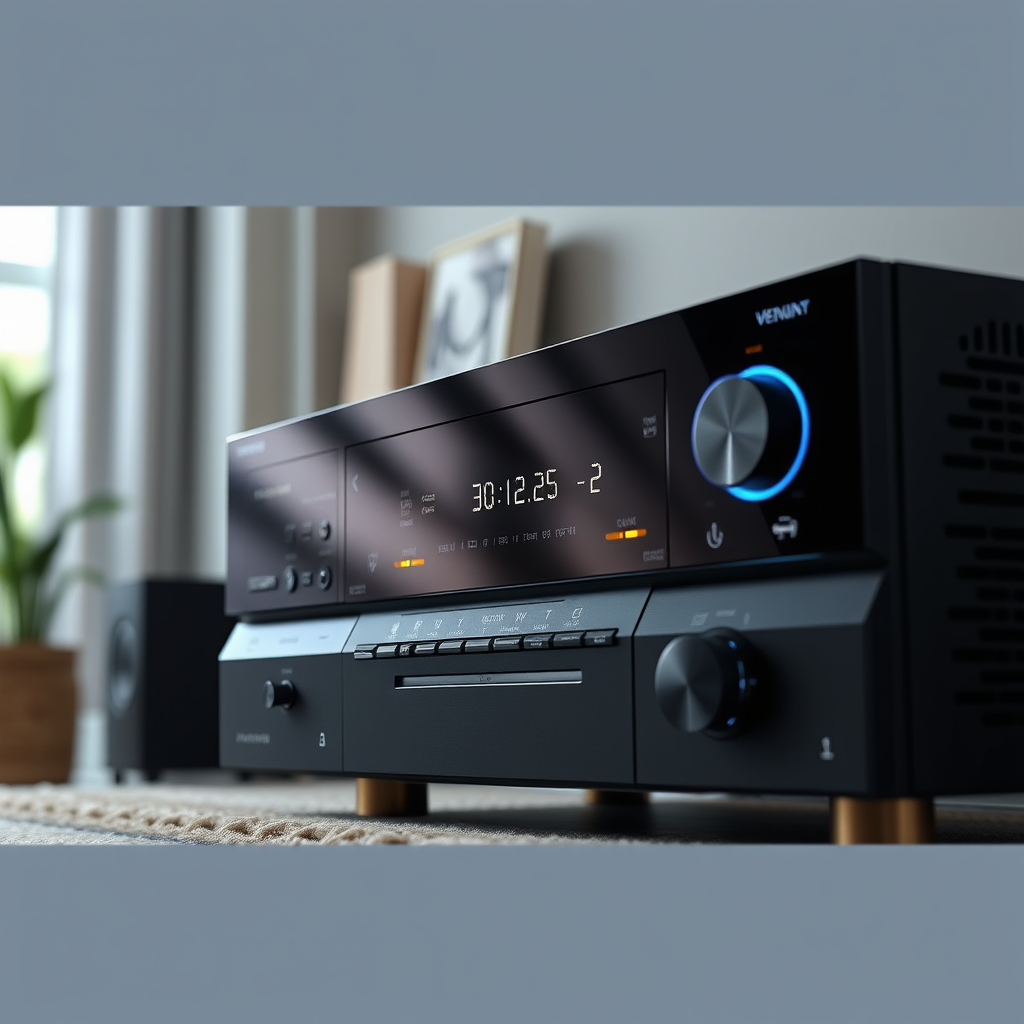
To fully enjoy 8K content and advanced audio-visual features, upgrading your AV receiver is essential. The right AV receiver will not only support the latest video resolutions but also enhance your audio experience, making your home theater system future-ready. This article will guide you through the key reasons to upgrade, what to look for in a new receiver, and the benefits of making this investment.




Understanding 8K Technology

8K resolution, which measures 7680 x 4320 pixels, offers four times the pixel count of 4K resolution (3840 x 2160). This increase in resolution means a sharper, more detailed image, particularly noticeable on larger screens. Enhanced color depth and contrast ratios also accompany 8K, providing a more immersive viewing experience that captures even the smallest details.
However, it’s important to differentiate between native 8K content and upscaled content. Native 8K content refers to video that has been filmed or created in 8K resolution, offering the highest quality available. Upscaled content, on the other hand, is lower-resolution video that has been processed to fit an 8K display. While upscaling can improve the appearance of 4K or even 1080p content, it still cannot match the clarity and detail found in true 8K sources.
Key Features to Look for in an AV Receiver

When upgrading your AV receiver, there are several key features to prioritize:
– Support for HDMI 2.1: This is crucial for handling higher resolutions and refresh rates, including 8K at 60Hz and 4K at 120Hz. HDMI 2.1 also supports enhanced audio return channel (eARC) capabilities, allowing for high-quality audio formats to pass through to your sound system.
– Advanced Audio Formats: Look for support for immersive audio formats such as Dolby Atmos and DTS:X. These technologies create a three-dimensional sound experience, perfect for action movies and gaming, enhancing the overall immersion.
– Video Processing Enhancements: Features such as HDR (High Dynamic Range) support and wide color gamut (WCG) help to deliver more vivid colors and improved contrast, making your viewing experience richer.
Compatibility with Existing Equipment
Before purchasing a new AV receiver, it’s essential to ensure compatibility with your current devices.
– Check HDMI Versions: Ensure your existing TV, projector, and other devices support HDMI 2.1 or the version required for the features you want to utilize.
– Speaker Compatibility: If you have a surround sound system, confirm that the new receiver supports the speaker configurations you currently have in place. Also, ensure that it can drive the speakers’ power requirements.
– Smart Features: Many modern receivers come with smart features, such as built-in streaming capabilities. Make sure these features work seamlessly with your current setup.
📋 DATA
Top 7 AV Receivers for 8K Support (2024)
| # | Model | HDMI 2.1 | Audio Formats | Price |
|---|---|---|---|---|
| 1 | Denon AVR-X6700H | Yes | Dolby Atmos, DTS:X | $2,199 |
| 2 | Yamaha RX-A8A | Yes | Dolby Atmos, DTS:X | $2,499 |
| 3 | Onkyo TX-RZ50 | Yes | Dolby Atmos, DTS:X | $1,699 |
| 4 | Marantz SR8015 | Yes | Dolby Atmos, DTS:X | $3,199 |
| 5 | Sony STR-ZA5000ES | Yes | Dolby Atmos, DTS:X | $2,299 |
| 6 | Pioneer VSX-LX504 | Yes | Dolby Atmos, DTS:X | $1,299 |
| 7 | Cambridge Audio CXA81 | No | DTS:X | $1,599 |
📈 CHART
AV Receivers by Price Point and Features
Future-Proofing Your Home Theater System
Upgrading your AV receiver not only enhances your current experience but also prepares your system for future technological advancements. As home entertainment continues to evolve, features such as Variable Refresh Rate (VRR) and Auto Low Latency Mode (ALLM) will become increasingly important, particularly for gamers and sports enthusiasts.
– VRR allows for smoother gameplay by reducing screen tearing and stuttering when the refresh rate of the AV receiver matches the frame rate of the source device.
– ALLM automatically adjusts the settings for optimal performance when gaming, minimizing latency and ensuring a responsive experience.
Investing in a receiver with these features today means your system will be ready for tomorrow’s advancements, enhancing its longevity and relevance.
Installation Considerations
When it comes to installing a new AV receiver, you have two main options: do-it-yourself (DIY) or professional installation.
– DIY Installation: Many AV receivers come with user-friendly setups and detailed instructions, making it feasible for tech-savvy individuals to install their systems. Be sure to carefully manage your wiring to avoid clutter and interference.
– Professional Help: For those who may feel overwhelmed or simply wish to ensure optimal performance, hiring a professional can be beneficial. Experts can assist in calibrating audio settings and ensuring that all components work seamlessly together.
Regardless of the approach, ensuring proper wiring and setup is crucial for optimal performance, including speaker placement and cable management, which can significantly affect sound quality.
Cost vs. Value: Is It Worth It?
Upgrading your AV receiver does involve a financial investment, but the long-term benefits often outweigh the costs.
– Cost Breakdown: A high-quality AV receiver can range from $1,200 to over $3,000, depending on features and specifications. Additional costs may include new cables, speaker upgrades, or installation services.
– Value Consideration: An upgraded system not only enhances the quality of your audio-visual experience but also adds value to your home. A well-equipped home theater can be an attractive feature for potential buyers.
Ultimately, the investment in a modern AV receiver can significantly enhance your home theater experience, providing a more immersive and enjoyable environment for movies, music, and gaming.
Recommended AV Receivers for 8K Support
In conclusion, here is a selection of top-rated AV receivers that support 8K and advanced features:
1. Denon AVR-X6700H: Known for its robust performance and support for multiple audio formats, making it ideal for serious audiophiles.
2. Yamaha RX-A8A: This receiver offers excellent video quality and features, perfect for high-end home theaters.
3. Onkyo TX-RZ50: A versatile option that combines quality and performance at a competitive price point.
4. Marantz SR8015: A premium choice for those seeking top-tier audio performance and features.
5. Sony STR-ZA5000ES: Offers extensive connectivity options and high-quality sound, suitable for both movies and music.
6. Pioneer VSX-LX504: A budget-friendly option without compromising on essential features.
By carefully considering your options and understanding the benefits of upgrading, you can select an AV receiver that will not only meet your current needs but also prepare you for the future of home entertainment.
Upgrading your AV receiver to support 8K and advanced features is a powerful way to enhance your home entertainment experience. By understanding the key aspects to consider and the benefits of modern technology, you can make an informed decision that will elevate your viewing and listening enjoyment for years to come. Don’t hesitate to explore your options and invest in a system that meets your needs!
Frequently Asked Questions
What should I look for when upgrading my AV receiver to support 8K resolution?
When upgrading to an AV receiver that supports 8K resolution, look for features such as HDMI 2.1 ports, which are essential for handling higher bandwidth. Additionally, ensure the receiver supports key advanced features like HDR, variable refresh rate (VRR), and auto low latency mode (ALLM) to enhance your viewing experience.
How can I tell if my current AV receiver can support 8K content?
To determine if your current AV receiver can support 8K content, check its specifications for HDMI version compatibility. If it has HDMI 2.1 ports, it can handle 8K video signals. You should also verify if it supports the necessary features like 4K upscaling and HDR formats.
Why is upgrading my AV receiver important for a complete home theater experience?
Upgrading your AV receiver is crucial for a complete home theater experience because it ensures compatibility with the latest video and audio formats. An advanced receiver enhances sound quality through Dolby Atmos or DTS:X support and allows seamless integration with 8K devices, ensuring you enjoy the best performance from your entertainment system.
Which brands are best known for high-quality 8K AV receivers?
Some of the best-known brands for high-quality 8K AV receivers include Denon, Yamaha, Onkyo, and Marantz. These manufacturers offer a range of models that feature HDMI 2.1, robust audio processing capabilities, and advanced connectivity options, making them ideal for enthusiasts looking to upgrade to 8K.
What are the potential drawbacks of upgrading to an 8K AV receiver?
Potential drawbacks of upgrading to an 8K AV receiver include the higher cost associated with the latest technology and the need for compatible 8K devices to fully utilize the receiver’s capabilities. Additionally, the current availability of 8K content is limited, which means you may not immediately benefit from the upgrade in your viewing experience.
References
- AV receiver
https://en.wikipedia.org/wiki/AV_receiver - https://www.sciencedirect.com/topics/engineering/audio-visual-receiver
https://www.sciencedirect.com/topics/engineering/audio-visual-receiver - https://www.bbc.com/news/technology-58215875
https://www.bbc.com/news/technology-58215875 - https://www.theguardian.com/technology/2021/sep/23/what-to-know-about-8k-tv-and-how-to-upgrade-your-home-theater
https://www.theguardian.com/technology/2021/sep/23/what-to-know-about-8k-tv-and-how-to-upgrade-your-home-theater - https://www.nytimes.com/2020/09/14/technology/personaltech/hdmi-2-1-8k.html
https://www.nytimes.com/2020/09/14/technology/personaltech/hdmi-2-1-8k.html - https://www.reuters.com/technology/what-you-need-know-about-8k-televisions-2020-01-06/
https://www.reuters.com/technology/what-you-need-know-about-8k-televisions-2020-01-06/ - https://www.nature.com/articles/s41598-021-00747-1
https://www.nature.com/articles/s41598-021-00747-1 - Google Scholar Google Scholar
https://scholar.google.com/scholar?q=Upgrading+Your+AV+Receiver+to+Support+8K - Google Scholar Google Scholar
https://scholar.google.com/scholar?q=8K+AV+Receiver+features - Google Scholar Google Scholar
https://scholar.google.com/scholar?q=advanced+AV+receiver+technology




14 thoughts on “Upgrading Your AV Receiver for 8K and Enhanced Features”