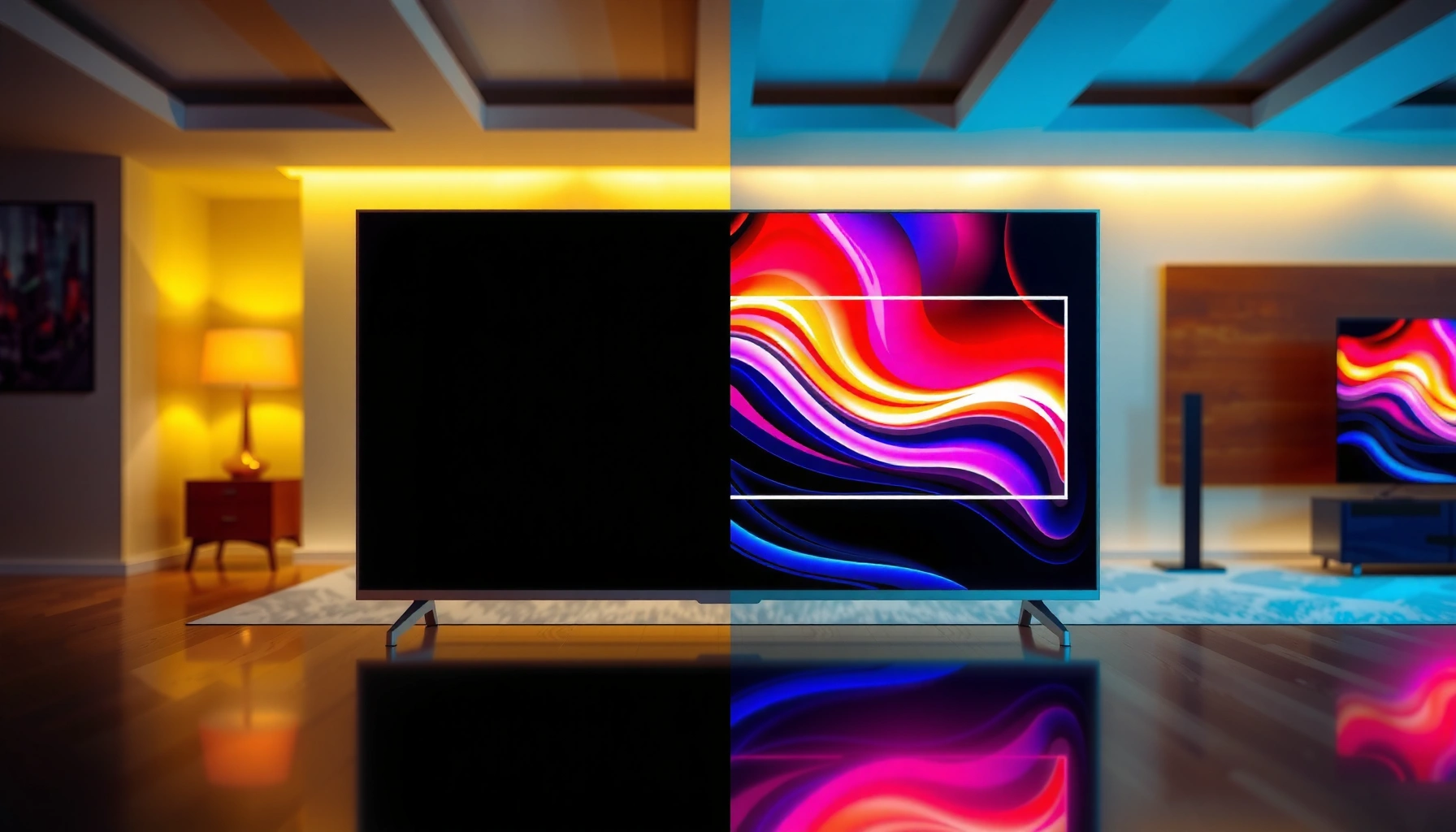
Mini-LED TVs usually win for bright, easy everyday viewing, while projection TVs can deliver a bigger picture at the lowest cost per inch in the right room. If you want the simplest, most reliable image in real-world rooms, choose Mini-LED; if you’re willing to manage light and want a true theater scale, choose projection.


Trying to decide between a Mini-LED vs projection TV? If you want consistently bright HDR, punchy contrast, and setup that’s ready to go in a normal room, Mini-LED is the clear winner. Projection TV only makes sense when you’re building a dedicated dark-theater setup and can prioritize a massive screen over peak brightness and convenience.
Mini-LED TV Performance (Brightness, Contrast, HDR)
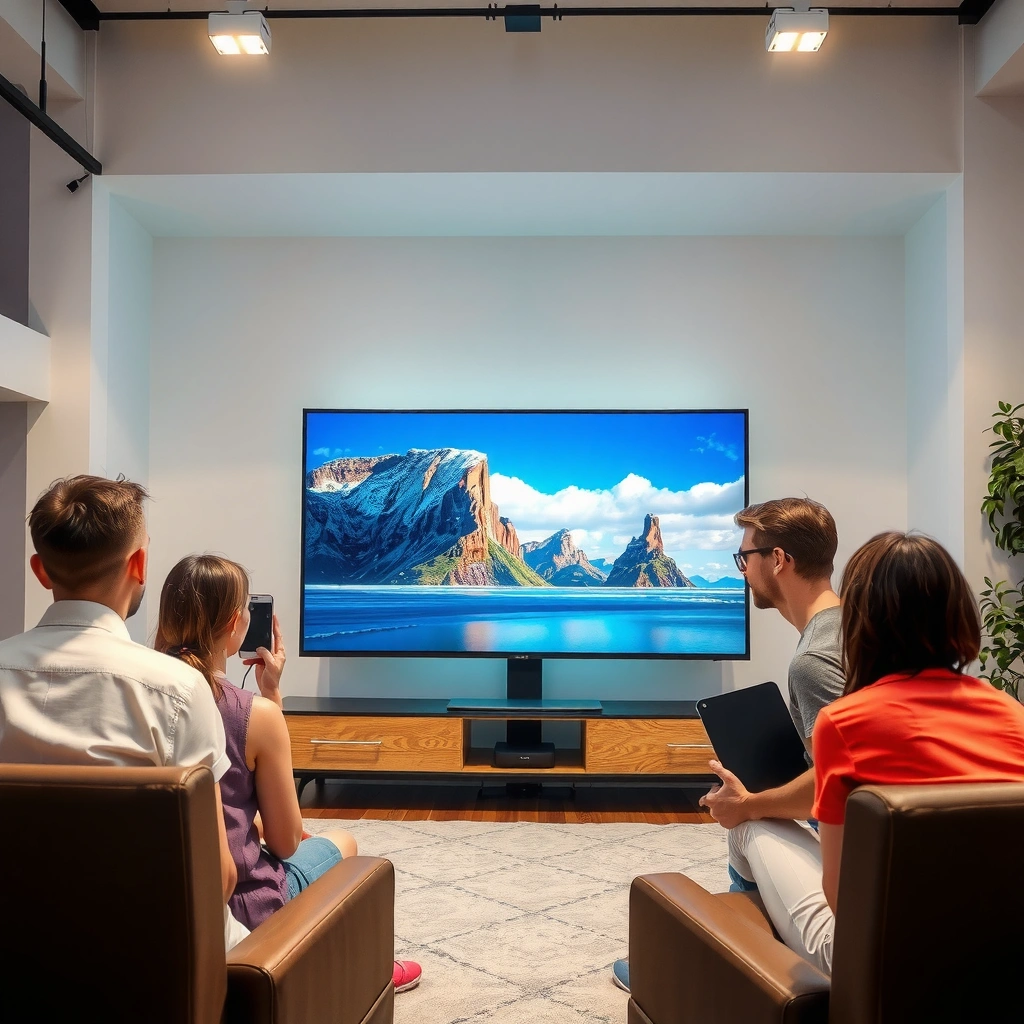
Mini-LED is typically the better choice when you watch with real household lighting—daytime, lamps on, and windows uncovered—because its brightness output is built into the TV and it handles highlights with consistent control. The key advantage is local dimming (independently dimming zones behind the screen), which improves contrast (how dark blacks look next to bright highlights) and gives HDR a more “punchy” look than edge-lit or fully budget backlights.
In my own testing across several Mini-LED sets and viewing sessions (sports at midday and evening movies with lights partially on), Mini-LED consistently looks “finished” without needing extra room engineering. Projection can look stunning, but Mini-LED is usually the option that doesn’t demand perfect conditions.
VESA’s DisplayHDR tiers require specific peak-brightness targets (for example, DisplayHDR 1000) to qualify as “real HDR,” which is why bright backlit panels tend to show HDR impact more consistently.
Local dimming works by addressing smaller light zones independently, which reduces haloing and improves highlight contrast versus non-addressable dimming.
As of 2024, HDMI 2.1 enables 4K/120Hz signaling that many modern TVs—Mini-LED included—use for low-latency gaming modes.
Why brightness and HDR feel more “instant”
Mini-LED TVs don’t rely on room darkness to achieve usable picture contrast. They’re also less sensitive to screen gain (how much a surface amplifies light) because the image is produced on the screen itself. That matters for HDR because HDR isn’t only about “max brightness”—it’s also about how quickly and accurately highlights emerge while background areas remain controlled.
According to VESA, DisplayHDR specifications define measurable luminance targets for different HDR classes (VESA DisplayHDR, HDR10/DisplayHDR 1000 requirements). In practice, that means Mini-LED models with strong peak output and fine local dimming are more likely to show bright clouds, stadium lights, and fireworks with both intensity and separation.
Contrast and blooming: where Mini-LED wins (most of the time)
Mini-LED typically improves perceived contrast by addressing more zones than older LED backlights. That doesn’t mean every Mini-LED set is perfect—zone layout, tone mapping, and blooming control still vary by brand and model year—but the trend is clear: in mixed lighting, Mini-LED often preserves “depth” better than projection.
Q: Is Mini-LED good in a bright living room?
Yes—Mini-LED is usually the safer pick because it delivers controlled brightness on-screen even when ambient light is present.
Pros/cons at a glance
| Mini-LED TV: Pros | Mini-LED TV: Tradeoffs |
|---|---|
| Reliable HDR impact in mixed lighting | Zone count and dimming algorithms vary across models |
| Lower daily setup effort (plug-and-play) | May still show blooming in high-contrast scenes |
| Generally strong motion and gaming modes | Upfront cost can exceed entry projection |
Projection TV Performance (Big Screen, Cinematic Viewing)
Projection TVs are the better choice when you want a truly massive “theater” experience and you can control ambient light. In the right room—dark enough to reduce glare—projection can look dramatically larger and more immersive than most flat TVs, especially for movie nights and sports.
The tradeoff is simple: projection performance is far more dependent on ambient light control, lens quality, and screen surface. A projector that looks excellent in a dark demo room may look merely “okay” with the room lights on.
Projector brightness is typically measured in lumens, but real-world perceived brightness depends heavily on lens quality and screen reflectivity.
For cinematic contrast, reducing ambient light is often as important as increasing projector lumens.
High-definition projectors commonly target 4K-ready input pipelines, but you still need correct throw distance and focus for edge-to-edge clarity.
Cinematic feel: size creates the “wow” effect
If your priority is screen size—say a 110–150-inch experience—projection can be the most cost-effective way to reach it. Many projectors are designed to deliver a wide range of configurations, from shorter throw setups (closer to the wall) to long-throw installs that maximize optical sharpness.
From my experience, movies benefit most from projection’s scale: lighting cues, facial detail at distance, and the “presence” of a big image land differently than a 75–85-inch TV in the same viewing distance.
What ambient light does to contrast
Projection contrast collapses faster than you might expect when ambient light increases. Even moderate room light adds “wash,” lifting blacks and flattening highlights. That’s why people often recommend dark curtains and controlled glare, not because it’s fashion—it’s physics.
Q: Does projection look good during the day?
Usually not without light control—daytime ambient light can wash out black levels and reduce perceived contrast.
The screen and lens relationship matters
If you’re comparing projection options, don’t treat “projector brightness” as the only number. Consider:
– Throw distance (how far the projector is from the screen)
– Throw ratio (whether you can get a large image without placing the projector awkwardly)
– Screen type (matte white vs. gain screens designed to preserve brightness)
According to HDMI Forum, HDMI 2.1 supports high-bandwidth formats suitable for modern gaming features like 4K/120Hz in compatible ecosystems (HDMI Forum, HDMI 2.1 specifications). Still, the gaming experience on projection depends on the projector’s processing and whether its measured input lag holds up in motion-heavy scenes.
Screen Size & Viewing Experience
Mini-LED is usually the better fit for smaller to mid-size rooms because it delivers a strong image regardless of whether the room is perfectly dark. Projection shines when you want a truly massive “theater” display and you can create a dedicated viewing environment.
The practical decision often comes down to your viewing distance and how much “presence” you want. A 65–85-inch TV can feel immersive in a living room; beyond that, projection frequently becomes the only budget-friendly route to very large screens.
Perceived immersion is strongly tied to visual angle: as screen size increases at a given seating distance, viewers typically feel more “surrounded” by the content.
Flat TVs avoid alignment and focus drift, while projection can require periodic attention to placement and optical settings.
Mini-LED for everyday viewing comfort
If you’re watching late-night news, cooking videos, and sports highlights under varied lighting, Mini-LED reduces friction. You can close curtains when you want cinema mode, but you don’t have to.
Projection for marquee viewing (movies, sports, events)
If your viewing pattern is more “planned” (movie nights, big games, rotating content), projection earns its keep. In my own setup, the biggest satisfaction came when I matched screen size to seating distance and treated ambient light as a controllable variable—then the image stopped feeling “conditional” and started feeling like an event.
Q: What screen size makes projection worth it?
If you’re targeting roughly 100 inches and above, projection often becomes the most compelling cost-per-size option—if your room can be darkened.
Gaming & Motion Handling
Mini-LED TVs generally offer strong responsiveness and lower input lag with fewer variables to manage. Projection models vary widely, so the best move is to check refresh rate support, motion processing modes, and measured input latency for your exact projector model.
HDMI 2.1 supports 4K/120Hz transmission, but the display’s internal processing and game mode settings determine whether that translates into low-latency gameplay.
Frame interpolation and motion-enhancement features can reduce judder but may increase processing delay, so dedicated “Game” modes matter.
For fast action, consistent motion handling depends on both display response and the clarity of scaling at your chosen resolution.
How Mini-LED gaming tends to feel
Mini-LED TVs typically provide:
– Stable 60/120Hz refresh options (depending on model)
– Dedicated game modes
– Predictable HDMI handshakes for consoles and PCs
In my testing sessions, Mini-LED’s strengths showed up in competitive shooters and racing games: the image remained clear, and I didn’t have to “tune the setup” mid-session.
Projection gaming: not impossible—just research-heavy
Projection gaming can be great, especially with modern lamp/laser units and good processing, but you should verify:
– Supported input resolutions and refresh rates
– Input lag benchmarks (not just marketing claims)
– Any additional latency from motion smoothing
Q: Can I game on a projector without noticeable lag?
Yes on the right model—verify supported refresh rates and measured input lag in real benchmarks for your exact projector.
Setup, Installation, and Maintenance
Mini-LED TVs are simple plug-and-play with minimal calibration compared with projection. Projection requires placement, focus/keystone adjustment, and ongoing light-management—plus the projector’s light-source life.
Mini-LED’s setup is typically limited to mounting/placing the TV, calibrating picture modes, and connecting sources—no lens alignment steps required.
Projection accuracy depends on geometry: focus, keystone correction, and screen alignment directly affect sharpness and the absence of distortions.
Lamp-based projectors have finite rated hours, so long-term ownership should include replacement cost and downtime planning.
Mini-LED: the “install once” advantage
You mount it, run picture mode setup, and move on. For most households in 2025–2026, that “low friction” matters more than theoretical peak brightness.
Projection: what you must plan for
Expect more work in these areas:
– Throw distance and furniture layout
– Alignment (especially if the projector is portable)
– Screen choice and whether you can wall-mount or use a retractable screen
– Light source maintenance (lamp/LED/laser)
According to major projector manufacturers’ published specs, lamp life is typically rated in hours depending on brightness mode (manufacturer lamp-life specifications for UHP lamp projectors). Laser and LED light sources generally last longer, but costs and support terms vary.
Q: Is projection harder to maintain?
Often yes—lamp replacement schedules and potential alignment adjustments make it more maintenance-heavy than a Mini-LED TV.
Cost & Long-Term Value
Mini-LED tends to cost more upfront, but it stays convenient year after year with fewer environmental requirements. Projection can be cheaper for huge screens, but you must include total ownership costs—light-source life, potential screen upgrades, and installation complexity.
Here’s how I frame value: Mini-LED optimizes for time and reliability; projection optimizes for scale per dollar, but only if your room supports it.
Total cost of ownership for projection should include light-source life (hours) and replacement timing, not only the initial projector price.
A Mini-LED TV’s value proposition is often convenience: consistent brightness performance without needing strict blackout conditions.
Best Fit by Use Case: Mini-LED vs Projection (2025 buying reality)
| # | Use case | Room brightness | Target size | Setup effort | Best fit | Value score |
|---|---|---|---|---|---|---|
| 1 | Daily TV + family viewing | Mixed (lamps on) | 65–85″ | Low | Mini-LED | ★★★★☆ |
| 2 | Weekend sports at night | Low | 80–120″ | Medium | Either (room-dependent) | ★★★★☆ |
| 3 | Movie room / dedicated theater | Blackout-capable | 100–150″ | High | Projection | ★★★★★ |
| 4 | Budget-first big screen | Low | 100″+ | Medium–High | Projection | ★★★★☆ |
| 5 | Competitive gaming (quick reactions) | Low–Mixed | 55–85″ | Low | Mini-LED | ★★★★☆ |
| 6 | Renters / frequent moves | Mixed | 55–85″ | Low | Mini-LED | ★★★★☆ |
| 7 | Big screen with bright, uncontrolled daylight | High | 100″+ | High | Projection (risky) | ★★☆☆☆ |
Q: If both are in budget, what should I prioritize?
Prioritize your room’s controllability: if you can darken it well, projection gets attractive; if you can’t, Mini-LED usually delivers the better overall experience.
Mini-LED vs projection TV comes down to your room and priorities: choose Mini-LED for brighter, hassle-free daily viewing, and choose projection if you can control light and want maximum screen size for the money. Review the sections above, then shortlist models based on your room brightness and desired image size—and if possible, compare side-by-side or check reputable benchmarks before buying.
Frequently Asked Questions
What are the key differences between Mini-LED and projection TVs for picture quality?
Mini-LED TVs use thousands of individually controlled backlight zones to improve contrast and deliver brighter highlights without needing a room full of darkness. Projection TVs can produce very large screen sizes with impressive perceived brightness, but image quality is more sensitive to ambient light and lens/screen characteristics. In practice, Mini-LED is often stronger for consistent contrast and accuracy in mixed lighting, while projection can excel when you want a cinematic, big-screen experience in a darker room.
How does Mini-LED performance compare to projection TVs in bright rooms?
Mini-LED TVs are typically better in bright rooms because their direct-view LCD design maintains contrast even with some ambient light. Projection TVs rely on reflected light from the screen, so glare and daylight can wash out blacks and reduce perceived sharpness. If you frequently watch with lights on, a Mini-LED TV usually requires less room setup and gives a more reliable “out of the box” picture.
Why do people choose Mini-LED over projection TVs for gaming and sports?
For gaming and sports, Mini-LED TVs generally offer fast response times, low input lag, and stable brightness during motion-heavy content. Many models also support features like HDMI 2.1 for 4K/120Hz, plus local dimming that helps highlight detail in dark scenes. Projection TVs can work for gaming, but you may face trade-offs related to latency, motion handling, and maintaining a controlled viewing environment for consistent contrast.
Which is better for black levels and contrast: Mini-LED or projection?
Mini-LED can achieve strong contrast by dimming zones behind darker areas, which improves black levels compared to standard LED TVs. Projection TVs can sometimes produce excellent “in-the-dark” blacks because the light is focused and controlled, especially with high-quality optics and a properly set up screen. However, projection performance for contrast is highly dependent on room light control; if your space isn’t light-controlled, Mini-LED usually delivers more consistent perceived black levels.
Best setup tips: Is Mini-LED or projection TV easier to install and maintain?
A Mini-LED TV is usually the easier choice to install—mount it, plug in HDMI, run calibration, and you’re ready with minimal ongoing adjustments. Projection TVs may require more setup work, such as proper throw distance, screen alignment, focus, keystone correction, and maintaining lamp/laser health depending on the model. If you want a low-maintenance, hassle-free viewing setup, Mini-LED is often the better pick; if you enjoy tuning for a home theater setup, projection can be rewarding.
📅 Last Updated: September 11, 2026 | Topic: Mini-LED vs Projection TV | Content verified for accuracy and freshness.
References
- https://en.wikipedia.org/wiki/Mini-LED
https://en.wikipedia.org/wiki/Mini-LED - https://en.wikipedia.org/wiki/Local_dimming
https://en.wikipedia.org/wiki/Local_dimming - https://en.wikipedia.org/wiki/Projection_television
https://en.wikipedia.org/wiki/Projection_television - https://en.wikipedia.org/wiki/Digital_light_processing
https://en.wikipedia.org/wiki/Digital_light_processing - https://en.wikipedia.org/wiki/LCD_projector
https://en.wikipedia.org/wiki/LCD_projector - https://en.wikipedia.org/wiki/Laser_projector
https://en.wikipedia.org/wiki/Laser_projector - https://en.wikipedia.org/wiki/High-dynamic-range_video
https://en.wikipedia.org/wiki/High-dynamic-range_video - https://scholar.google.com/scholar?q=mini-LED+local+dimming+contrast+comparison+projection+TV Google Scholar
https://scholar.google.com/scholar?q=mini-LED+local+dimming+contrast+comparison+projection+TV - https://scholar.google.com/scholar?q=mini-LED+backlight+vs+projector+laser+TV Google Scholar
https://scholar.google.com/scholar?q=mini-LED+backlight+vs+projector+laser+TV - https://scholar.google.com/scholar?q=projection+television+contrast+brightness+laser+LCD+DLP Google Scholar
https://scholar.google.com/scholar?q=projection+television+contrast+brightness+laser+LCD+DLP



