
If your subwoofer is buzzing, the most common culprits are ground loops, poor connections, or interference from nearby electronics. Understanding these causes is essential to effectively troubleshoot and resolve the issue. In this article, we’ll explore the reasons behind subwoofer buzzing and provide practical solutions to restore your audio experience.




Common Causes of Subwoofer Buzzing

Buzzing in your subwoofer can be frustrating, especially when you’re trying to enjoy your favorite music or movie. The three primary causes of this unwelcome noise are ground loops, poor connections, and interference from other electronic devices.
– Ground loops: Ground loops are a frequent source of buzzing. They happen when multiple devices are connected to different power sources, resulting in an unwanted electrical loop. This usually manifests as a low-frequency hum that can be quite annoying. For instance, if your subwoofer is plugged into one outlet and your amplifier is in another, the difference in electrical potential can create this loop and lead to buzzing sounds.
– Poor connections: Loose or damaged cables can also lead to buzzing. If your audio or power cables are frayed, or if the connectors aren’t securely attached, you might hear a persistent hum. This is particularly common in setups where the subwoofer is moved frequently, causing wear and tear on the cables.
– Interference: The buzzing you hear might not even be from your subwoofer itself! Other electronic devices nearby, such as routers, microwaves, or even fluorescent lights, can interfere with the subwoofer’s signal. This electromagnetic interference can introduce unwanted noise, making your listening experience less enjoyable.
How to Identify the Source of the Buzz
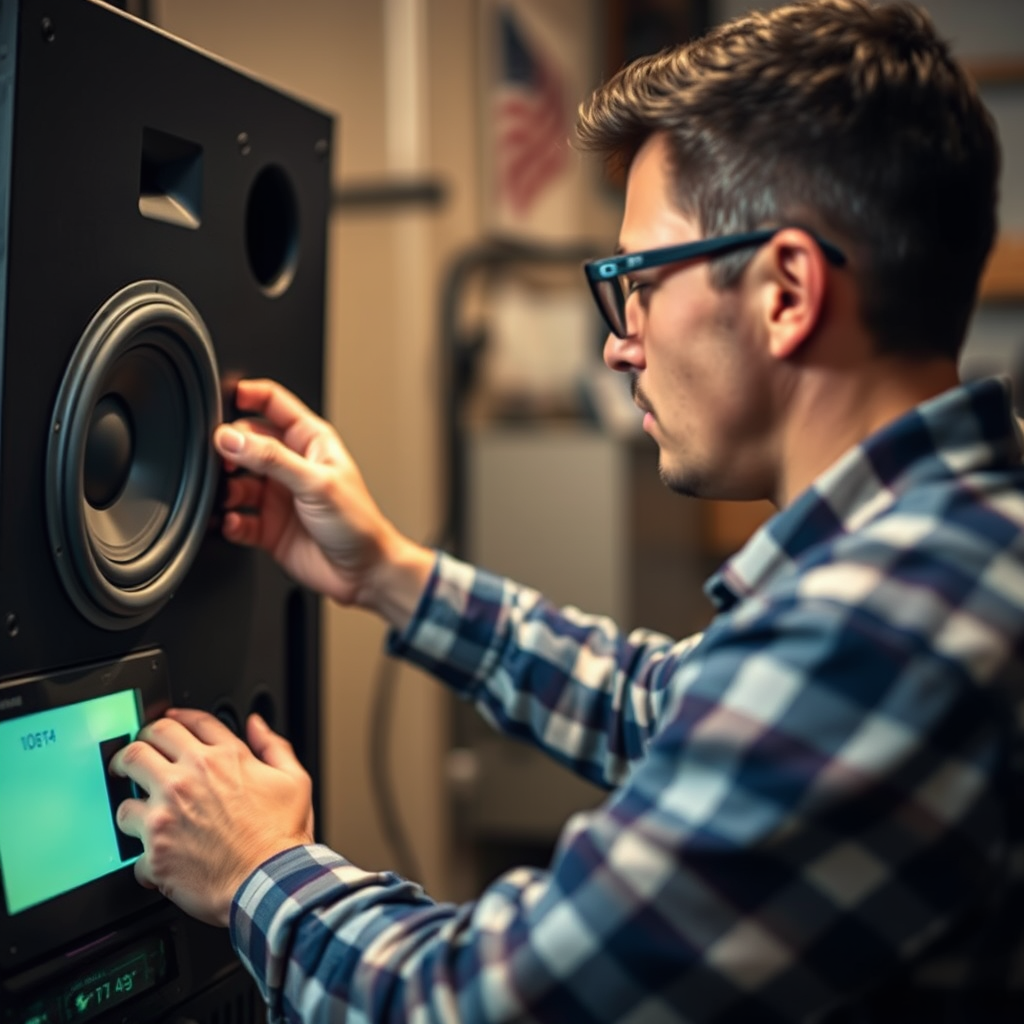
Before diving into solutions, it’s vital to pinpoint the source of the buzzing. Here are some practical steps to help you identify the issue:
– Isolate the subwoofer: Start by disconnecting the subwoofer from all other devices. Plug it in by itself and see if the buzzing persists. If it stops, the issue may be related to another component in your audio setup.
– Check the cables: Take a good look at your audio and power cables. Are they in good condition? Look for visible signs of wear, such as fraying or breaks. Also, ensure that all connections are secure. Loose connections can easily cause buzzing.
– Test different outlets: Sometimes, simply changing the outlet can resolve ground loop issues. Try plugging your subwoofer into various outlets, preferably those on different circuits. If the buzzing stops with a different outlet, you’ve likely identified the ground loop.
Quick Fixes for Subwoofer Buzzing
Now that you’ve identified the source of the buzzing, it’s time to implement some quick fixes. Here are a few solutions that can help you get back to enjoying your audio without interruptions:
– Use a ground loop isolator: This handy device can eliminate buzzing caused by ground loops. It’s placed between your subwoofer and the audio source, breaking the ground loop and allowing for a cleaner signal. Ground loop isolators are relatively inexpensive and can be a game-changer in reducing unwanted noise.
– Replace cables: If you’ve found that your cables are damaged, replacing them is a simple and effective solution. Look for high-quality audio cables designed to minimize interference. Investing in good cables can not only fix the buzzing issue but also improve overall sound quality.
– Rearrange electronics: Sometimes, the solution is as simple as rearranging your electronics. Move other devices away from the subwoofer to reduce interference. Keep in mind that some devices emit electromagnetic fields that can disrupt audio signals, so give your subwoofer some space.
Advanced Solutions for Persistent Buzzing
If the buzzing persists even after trying the quick fixes, don’t worry—there are advanced solutions that can help tackle the problem:
– Upgrade your power supply: Sometimes, the issue lies in the quality of your power supply. Consider using a power conditioner or a high-quality power supply that can filter out noise and provide clean energy to your devices. This can greatly improve the performance of your subwoofer and eliminate buzzing.
– Use shielded cables: For those who live in environments with a lot of electronic devices, shielded cables can be particularly beneficial. These cables are designed to minimize interference, ensuring a clearer and buzz-free sound. They may cost a bit more, but the sound quality improvement is often worth it.
– Seek professional help: If you’ve tried the previous solutions and the buzzing continues, it might be time to seek help from an audio technician. They can diagnose more complex issues within your audio setup and recommend targeted solutions that may not be apparent to the average user.
Maintenance Tips to Prevent Future Buzzing
To keep your subwoofer buzzing-free in the long term, consider these maintenance tips:
– Regularly check connections: Make it a habit to inspect all connections and cables periodically. Tightening loose connections and replacing damaged cables can prevent buzzing before it starts.
– Keep your audio setup organized: A tidy setup not only looks better but also minimizes the risk of interference. Avoid cluttering your audio area with unnecessary electronics that can disrupt signals.
– Update equipment: As technology evolves, so does audio equipment. Investing in newer technology can not only improve performance but also reduce noise issues. Consider upgrading to a modern subwoofer that incorporates advanced noise-canceling features.
When to Consider Replacement
Sometimes, despite your best efforts, a buzzing subwoofer is a sign that it’s time for an upgrade. Here are some factors to consider:
– Evaluate age and condition: If your subwoofer is old or frequently buzzes even after attempts to fix it, it might be time to consider a replacement. Technology advancements can offer significant improvements in sound quality and reliability.
– Assess sound quality: If buzzing compromises your listening experience significantly, upgrading to a higher quality subwoofer can make a world of difference. Newer models often come with enhanced features and better sound reproduction, providing a richer audio experience.
Taking action against a buzzing subwoofer can significantly enhance your audio experience. By identifying the cause and applying the suggested solutions, you can enjoy clean, powerful sound. If problems persist, don’t hesitate to seek professional advice or consider upgrading your equipment. With a little effort and the right approach, you can transform your listening environment and get back to enjoying your favorite tunes and movies without interruption!
Frequently Asked Questions
Why does my subwoofer buzz when I play music?
A buzzing sound from your subwoofer while playing music could be due to several factors, including interference from other electronic devices, poor connections, or ground loop issues. It’s essential to ensure that all cables are securely connected and that your subwoofer is placed away from other electronic equipment that may cause interference. Additionally, employing a ground loop isolator can help eliminate unwanted buzzing caused by electrical grounding issues.
How can I fix the buzzing sound in my subwoofer?
To fix the buzzing sound in your subwoofer, start by checking all connections for security and damage. If the buzzing persists, try repositioning the subwoofer to a different spot in the room to reduce interference. Alternatively, using a high-quality shielded cable or a ground loop isolator can help mitigate buzzing caused by electrical interference. If these steps don’t resolve the issue, consider consulting a professional audio technician for further diagnosis.
What causes subwoofer buzzing at low volumes?
Subwoofer buzzing at low volumes is often caused by a phenomenon known as “crossover distortion,” where the audio signal is not properly adjusted for the subwoofer’s frequency range. Additionally, low-level signals can amplify noise, especially if there are grounding issues or interference from nearby electronics. Ensuring that your subwoofer’s settings, such as the crossover frequency and gain, are correctly adjusted can help reduce or eliminate buzzing at lower volumes.
Which subwoofer settings can help reduce buzzing?
To reduce buzzing in your subwoofer, adjust the gain and crossover frequency settings. Lowering the gain can help decrease excessive amplification of unwanted noise, while setting the crossover frequency to match the capabilities of your subwoofer can prevent distortion. Additionally, turning off any auto power or standby features may help eliminate buzzing caused by power cycling.
Is it normal for my subwoofer to buzz when idle?
While some minimal noise may be present when a subwoofer is idle, continuous buzzing is generally not normal. This could indicate issues such as a fault in the amplifier, poor cable connections, or interference from other devices. If you notice consistent buzzing when the subwoofer is not in use, it’s advisable to troubleshoot the connections and potentially consult an audio technician to ensure your subwoofer is functioning correctly.
References
- Subwoofer
- https://www.researchgate.net/publication/295550307_The_impact_of_subwoofer_design_on_the_performance_of_audio_systems
- https://www.soundonsound.com/techniques/subwoofer-setup
- https://www.audioholics.com/audio-articles/fix-your-subwoofer-buzz
- https://www.techhive.com/article/3179060/how-to-fix-a-buzzing-subwoofer.html
- https://www.cnet.com/home/audio/how-to-fix-a-buzzing-subwoofer/

1 Comment