
To get rid of static noise from your speakers, first check all your connections and eliminate any interference from nearby devices. Simple steps, like ensuring proper connections and rearranging your setup, can significantly enhance your audio experience and allow you to enjoy clearer sound without that pesky static. In this article, we’ll explore various methods to troubleshoot and eliminate static noise effectively, giving you the tools to reclaim your listening pleasure.
Identify the Source of Static Noise
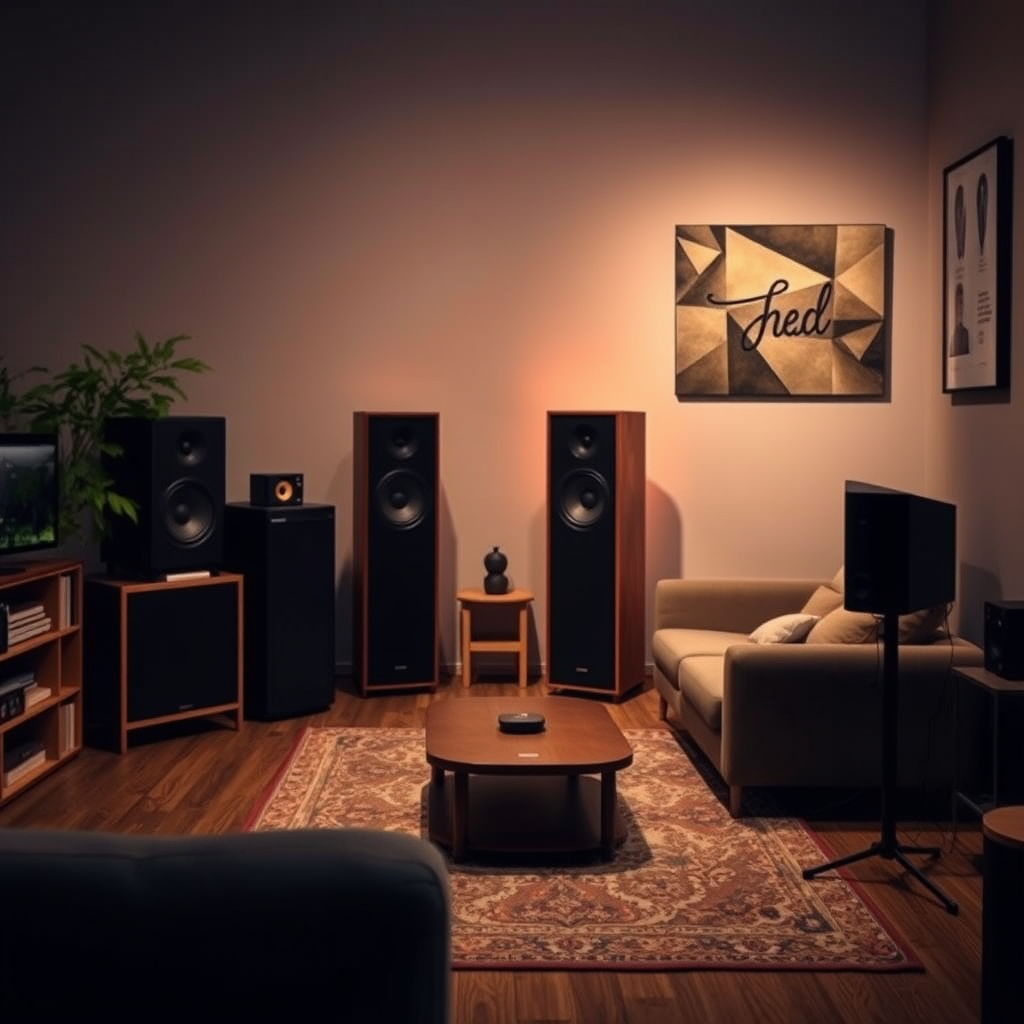
The first step in eliminating static noise is to identify its source. Start by checking the audio source itself, whether it’s a computer, phone, or any other device playing music or sound. Sometimes, the issue may lie within the device rather than the speakers. For example, if you’re streaming music from a smartphone, ensure that the app is functioning properly or try using a different app to see if the static persists.
Next, inspect the cables and connections. Look for any signs of wear and tear, such as frayed wires or loose connections. A loose connection can easily introduce noise into the signal, so make sure everything is plugged in securely. If you’re using an older set of speakers, consider that the age of the equipment might also contribute to the problem. By pinpointing the source of the noise, you can take more effective steps to resolve the issue.

Inspect and Replace Cables

One of the most common culprits of static noise is the cables used to connect your speakers to the audio source. Using high-quality, shielded audio cables can greatly reduce interference caused by electromagnetic fields from nearby devices. If your current cables are unshielded or of lower quality, it might be time to upgrade.
Additionally, take a close look at your existing cables for any signs of damage. Frayed edges, bends, and kinks can all compromise the integrity of the audio signal. If you notice any issues, replacing those cables is a straightforward solution. Brands like Monster or AudioQuest offer reliable options that are well-regarded in the audio community. Investing in quality cables might seem like a small detail, but it can make a significant difference in your overall audio experience.
Adjust Speaker Placement
Believe it or not, the placement of your speakers can also contribute to static noise. If your speakers are too close to electronic devices like routers, microwaves, or other audio/video equipment, they may pick up interference. To mitigate this issue, move your speakers away from these potential sources of noise. Ideally, aim to keep them at least a few feet away from any devices that emit electromagnetic signals.
Experimenting with different placements can also help you find the sweet spot for sound clarity. For instance, if your speakers are in a corner, try moving them out into the room. Open spaces often allow sound to travel more freely, reducing the chances of static noise. Play around with angles and distances until you find the placement that delivers the best sound quality without interference.
Clean Audio Equipment
Sometimes, static noise can be attributed to dirt and debris buildup on your audio equipment. Dust, pet hair, and other particles can accumulate in ports and connectors, leading to poor connections and unwanted noise. Make it a habit to regularly dust and clean your speakers and other audio components.
Use a soft, dry microfiber cloth to gently wipe down the surfaces. For the ports and connectors, consider using compressed air to blow out any debris that may be clogging them. Just be sure not to use any liquids that could damage the electronics. Keeping your equipment clean not only ensures better sound quality but also extends the lifespan of your gear.
Update Drivers and Firmware
In our digital age, outdated software can lead to a host of audio issues, including static noise. Regularly check for updates for your audio drivers and firmware. If you’re using a computer, you can typically find driver updates through the manufacturer’s website or device manager.
Updating your audio drivers can resolve compatibility issues and improve performance. The same goes for firmware updates on your speakers or audio interface. Manufacturers often release updates that fix bugs and enhance functionality. By keeping your drivers and firmware up to date, you can ensure that your audio equipment is functioning at its best and minimize the chances of encountering static noise.
Use Ground Loop Isolators
If you’ve tried the previous steps and still experience static or humming noise, it may be time to consider using ground loop isolators. These handy devices work by breaking the ground loop that can occur when multiple devices are connected to the same power source, which can lead to unwanted noise in your audio system.
Ground loop isolators are relatively inexpensive and easy to install. You simply connect them between your audio source and your speakers, and they can effectively reduce or eliminate static noise caused by grounding issues. If you frequently connect different devices to your audio system, investing in a ground loop isolator might be a smart move.
Test with Different Devices
If static noise persists despite your best efforts, it’s time to conduct a little more detective work. Connect your speakers to different audio sources to determine if the issue lies with the speakers themselves or the original audio device. For instance, if you’ve been using your computer to play music, try connecting your speakers to a phone or a different computer.
This testing process can help you isolate the problem. If the static noise disappears when connected to a different source, you can focus on troubleshooting that specific device. Conversely, if the static continues across multiple devices, the issue may reside within the speakers themselves, prompting a more in-depth look at potential repairs or replacements.
By following these steps, you can effectively troubleshoot and eliminate static noise from your speakers. Start with the basics, such as checking connections and placements, and gradually move to more technical solutions if the problem persists. With a bit of patience and the right approach, you’ll enjoy a clearer audio experience without the frustrating static.
In summary, tackling static noise from your speakers involves a systematic approach: identify the source, inspect and replace cables, adjust placement, clean your equipment, keep your software updated, consider ground loop isolators, and test with different devices. By implementing these strategies, you can enhance your audio experience and enjoy your favorite tunes in all their glory, free from unwanted distractions. Happy listening!
Frequently Asked Questions
What causes static noise in speakers?
Static noise in speakers can be caused by several factors, including electrical interference, poor connections, and faulty equipment. Common sources of interference include nearby electronic devices, loose or damaged cables, and even issues within the amplifier or speaker itself. Identifying the root cause is crucial in determining how to effectively eliminate the static noise.
How can I troubleshoot static noise coming from my speakers?
To troubleshoot static noise, start by checking all audio connections and ensuring they are secure and free from damage. Next, try moving your speakers away from other electronic devices to reduce interference. If the problem persists, test the speakers with another audio source or device to determine if the issue lies within the speakers or the original audio equipment.
Why does my computer produce static noise through external speakers?
Static noise from external speakers connected to a computer can result from several factors, including driver issues, sound card problems, or ground loops. To resolve this, ensure that your audio drivers are up to date, check for any software conflicts, and consider using a ground loop isolator if you suspect electrical interference is the cause.
What is the best way to reduce static noise in my audio setup?
The best way to reduce static noise is to ensure all cables and connections are of high quality and properly shielded. Additionally, using power conditioners can help filter out electrical noise from your power supply. Regularly maintaining and cleaning audio equipment, as well as isolating speakers from potential interference sources, can also significantly minimize static noise.
Which types of cables are least likely to produce static noise in speakers?
Shielded cables, such as twisted pair or coaxial cables, are least likely to produce static noise in speakers due to their design, which reduces electromagnetic interference. Investing in high-quality, well-shielded cables can make a significant difference in audio clarity and minimize unwanted static, ensuring a better listening experience.
References
- Audio signal processing
- https://www.hifiengine.com/manuals/faq/static-noise.shtml
- https://www.soundonsound.com/techniques/solving-static-noise-problems
- https://www.audiocontrol.com/faq/what-is-static-noise-and-why-do-i-have-it/
- https://www.techwalla.com/articles/how-to-reduce-static-noise-in-speakers
- https://www.lifewire.com/static-noise-from-speakers-3134581
