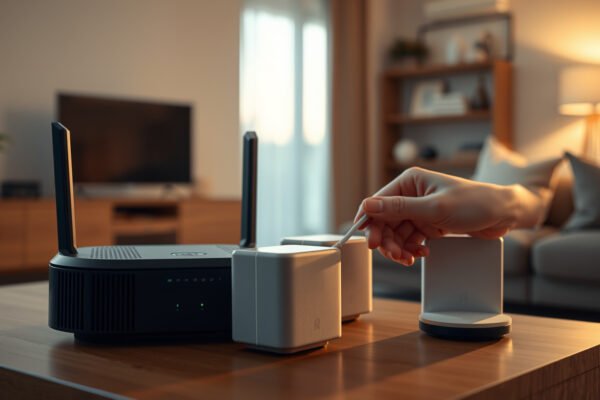
Illustration of Mesh Wi-Fi network with IPv6 connectivity features

Mesh Wi-Fi and IPv6

For mesh Wi-Fi, enabling IPv6 is the better default when your internet provider and mesh system support it reliably; disabling it makes sense when it causes confirmed connectivity problems. IPv6 won’t fix dead zones or automatically boost wireless speeds. Here’s how to decide whether IPv6 belongs on your mesh network—and which compatibility checks determine the…

Read Full News
Illustration of mesh Wi-Fi network setup with port forwarding configuration

Mesh Wi-Fi and Port Forwarding

Mesh Wi-Fi can support port forwarding, but the right setup depends on which device controls incoming traffic. If your existing router already handles port forwarding, running your mesh system in access point mode is the better choice than adding a second layer of routing. This guide explains where to configure forwarding rules and whether double…

Read Full News
A visual representation of mesh Wi-Fi systems with parental control features for better internet management.

Mesh Wi-Fi and Parental Controls

Mesh Wi-Fi with parental controls is the better choice when a single router leaves coverage gaps and you need one place to manage your children’s connected devices. But coverage alone does not justify paying extra for basic filtering and bedtime schedules. This guide answers when mesh is worth the upgrade—and which parental-control features should decide…

Read Full News
Illustration of mesh Wi-Fi system with guest network setup, showcasing connectivity and coverage.

Mesh Wi-Fi and Guest Networks

Mesh Wi-Fi with an isolated guest network wins when you need whole-home coverage and separate access for visitors. If your existing router already covers every room, enabling its guest network is the better choice than buying a mesh system just for guests. The deciding question is whether you need to fix Wi-Fi dead zones or…

Read Full News