
Skip to content
Thursday, November 12, 2026
Complete Guide to Faster Home Wi-Fi: Speed Up Your Wireless
Best Smart TV Technology for Gaming Compared: Key Features to Pick
OLED vs Mini-LED for Competitive Gaming: Which Display Wins Today?
4K 120Hz vs 1440p 144Hz TV: Which Should You Choose?

TechTaps

Technology at Fingertips

Newsletter
Random News
  • Display and Video
  • Sound and Music
  • General Tech
  • Monitor
  • Modem And Routers
  • Calculators
    • TV Size and Viewing Distance Calculator
    • Dead Pixel / Stuck Pixel Test Tool
Complete Guide to Faster Home Wi-Fi: Speed Up Your Wireless
Best Smart TV Technology for Gaming Compared: Key Features to Pick
OLED vs Mini-LED for Competitive Gaming: Which Display Wins Today?
4K 120Hz vs 1440p 144Hz TV: Which Should You Choose?

TechTaps

Technology at Fingertips

Newsletter
Random News
  • Display and Video
  • Sound and Music
  • General Tech
  • Monitor
  • Modem And Routers
  • Calculators
    • TV Size and Viewing Distance Calculator
    • Dead Pixel / Stuck Pixel Test Tool
  • Home
  • Wi-Fi No Internet

Wi-Fi No Internet

Troubleshooting Wi-Fi connection issues with no internet access.
  • Modem And Routers

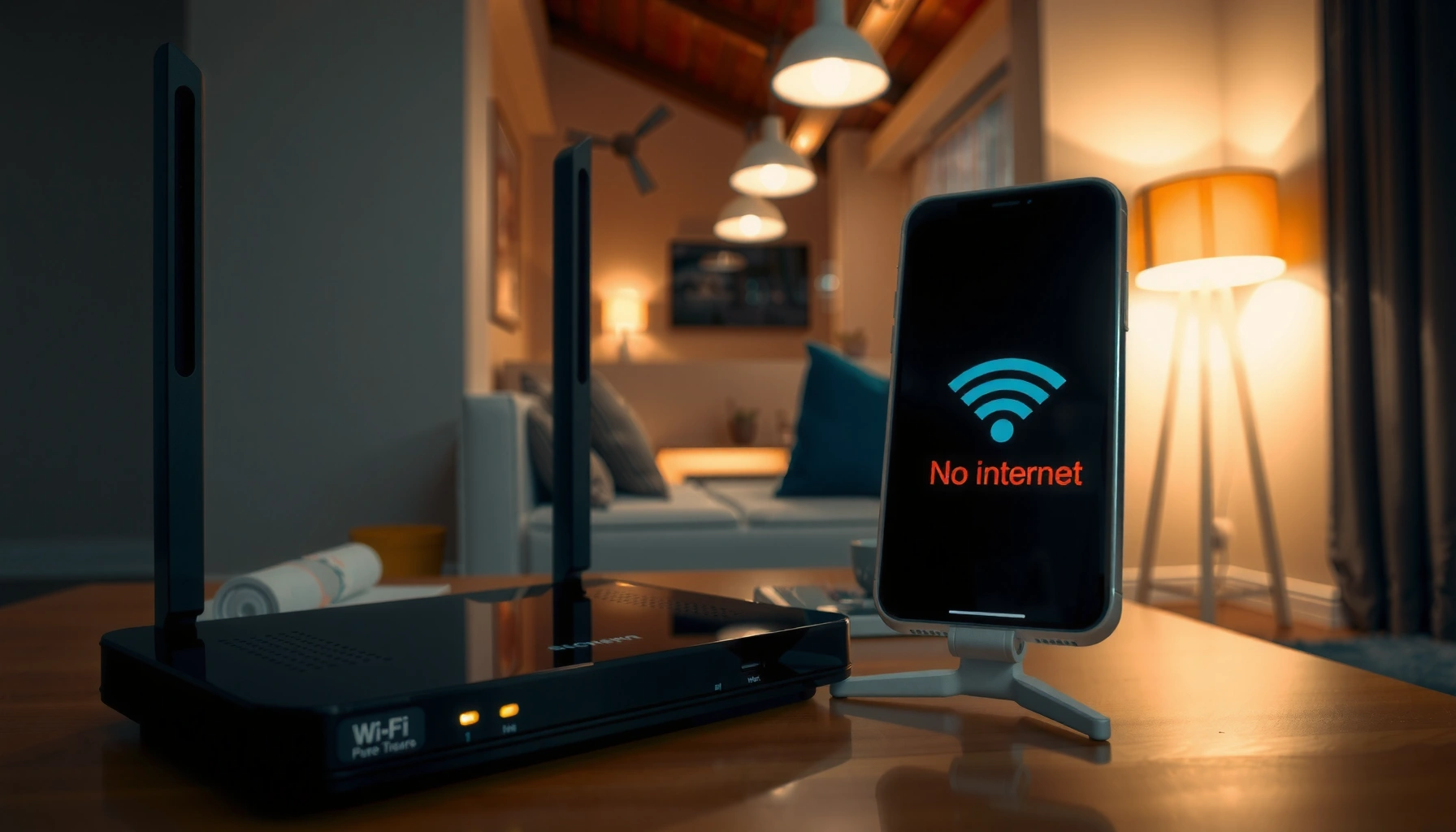
Why Is Wi-Fi Connected but No Internet? Fix It Fast

John Abraham2 months ago015 mins

Wi-Fi connected but no internet is usually caused by a DNS failure or an IP/addressing problem that blocks your device from reaching the web. This article gives you a fast, step-by-step verdict on what to check first—your router connection and WAN status, then DNS and network settings—so you can restore internet access quickly. Follow the…
Read Full News
Illustration showing common causes of Wi-Fi saying no internet and possible fixes.
  • Modem And Routers

Why Does Wi-Fi Say No Internet? Common Causes and Fixes

John Abraham2 months ago015 mins

Wi-Fi saying “No Internet” usually comes down to one of a few specific culprits: the modem isn’t online, your router lost its connection, or your device has a bad IP/DNS. If you start with the fastest checks—verifying the internet on the modem, resetting the router connection path, then refreshing the device network settings—you can pinpoint…

Read Full News

Latest Release

  • Cutting-Edge Portable Displays and Air Cursor Screens
  • Devices Blending AR with Daily Tech: Trends for 2026
  • Wearables That Track Health Stats Independently from Phones
  • AI Fitness Wearables with Real-Time Coaching: Transform Your Workouts
  • Next-Gen Smart Rings for Monitoring Blood Pressure

Recent Posts

  • Illustration of tips to speed up home Wi-Fi for better wireless connectivity.
    Complete Guide to Faster Home Wi-Fi: Speed Up Your Wireless
  • Comparison of smart TV technologies for gaming with key features highlighted.
    Best Smart TV Technology for Gaming Compared: Key Features to Pick
  • Comparison of OLED and Mini-LED displays for competitive gaming performance.
    OLED vs Mini-LED for Competitive Gaming: Which Display Wins Today?
  • Comparison of 4K 120Hz and 1440p 144Hz TVs for optimal viewing experience.
    4K 120Hz vs 1440p 144Hz TV: Which Should You Choose?
  • Cover image of the Complete Wi-Fi Performance Guide focusing on speed, coverage, and stability.
    Complete Wi-Fi Performance Guide: Boost Speed, Coverage, Stability
  • Comparison of HDMI 2.1 TV and HDMI 2.0 TV features and specifications for buyers.
    HDMI 2.1 TV vs HDMI 2.0 TV: Which Should You Buy?
  • Comparison of VRR and V-Sync technologies for TV gaming performance.
    VRR vs V-Sync for TV Gaming: Which Should You Use?
  • About Us
  • Privacy Policy
  • Disclaimers
  • Terms and Conditions
  • Sitemap
  • Contact Us
Newsmatic - News WordPress Theme 2026. Powered By BlazeThemes.