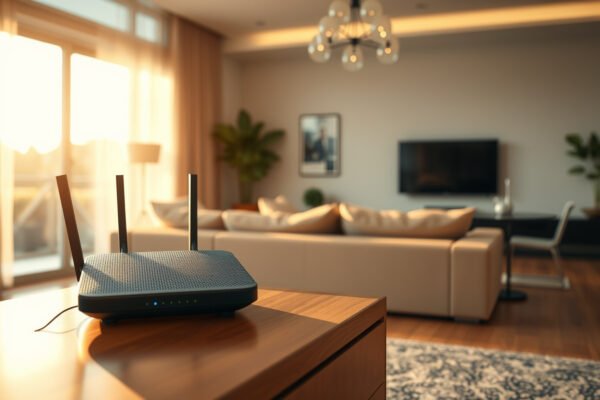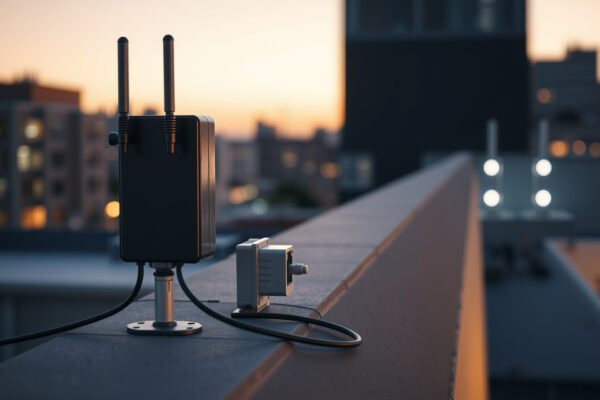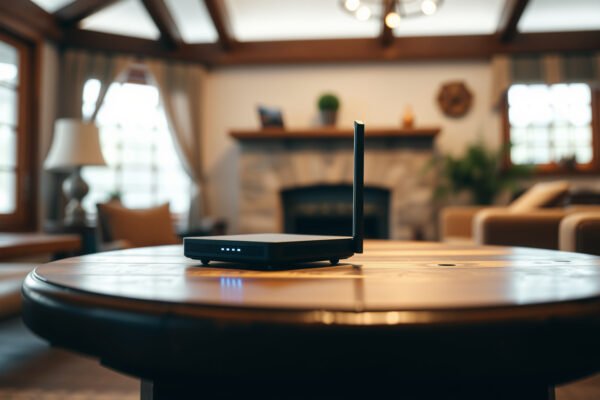
A visual representation of mesh Wi-Fi systems designed for large houses, showcasing multiple access points.

Mesh Wi-Fi for Large Houses

Mesh Wi-Fi beats a single router in large houses where distant rooms or multiple floors suffer from weak coverage. The key question is which mesh setup will eliminate those dead zones without paying for unnecessary nodes. Expect a clear verdict: wired-backhaul mesh wins when Ethernet is available; a tri-band system with dedicated wireless backhaul is…

Read Full News
Comparison of Dual-Band Mesh and Tri-Band Mesh Wi-Fi systems for better connectivity.

Dual-Band Mesh vs Tri-Band Mesh

Dual-band mesh vs tri-band mesh comes down to how your nodes connect: tri-band is the stronger choice when a dedicated wireless backhaul keeps traffic between nodes off the bands serving your devices, while dual-band usually offers better value with wired backhaul. Which setup is worth paying for in your home? This comparison gives a clear…

Read Full News
Illustration explaining shared wireless backhaul technology and its benefits.

What Is Shared Wireless Backhaul?

Shared wireless backhaul uses the same Wi-Fi radio capacity to connect mesh nodes and serve your devices, forcing both types of traffic to compete for airtime. Does that trade-off matter for your network? This guide explains where shared backhaul limits performance and why wired backhaul is the clear winner for busy households when Ethernet connections…

Read Full News
Illustration of dedicated wireless backhaul technology and its components

What Is Dedicated Wireless Backhaul?

Dedicated wireless backhaul reserves a wireless band or radio for traffic between mesh Wi-Fi nodes, keeping that traffic separate from device connections. When Ethernet cabling is impractical and multiple nodes carry heavy traffic, dedicated backhaul is the stronger choice over shared wireless backhaul. But when does that advantage justify a higher price—and when is shared…

Read Full News
Comparison of Ethernet backhaul and wireless backhaul technologies for networking.

Ethernet Backhaul vs Wireless Backhaul

Ethernet backhaul beats wireless backhaul for consistent mesh Wi-Fi performance when you can run cables between nodes. Wireless backhaul wins on installation practicality when cabling would require costly or disruptive work. This comparison answers whether your home’s layout and network demands justify wiring your mesh system—or make a wireless connection the smarter choice. Ethernet backhaul…

Read Full News
Comparison of wired and wireless mesh backhaul technologies in networking setups.

Wired vs Wireless Mesh Backhaul

Wired mesh backhaul beats wireless for speed and reliability when you can run Ethernet between nodes; wireless wins on practicality when cabling is impractical. The deciding question is whether wireless backhaul can handle your home’s layout and bandwidth demands—or whether Ethernet is worth the installation effort. Wired mesh backhaul generally offers more consistent speeds and…

Read Full News
Illustration showing optimal placement of mesh nodes for improved network performance

How to Optimize Mesh Node Placement

To optimize mesh node placement, position each wireless node between your router and the weak-signal area—not inside the dead zone. When nodes rely on wireless backhaul, a closer, open location with a strong upstream connection beats a distant spot that merely extends the network’s footprint. Here’s how to determine the best spacing, avoid signal-blocking obstacles,…

Read Full News
Illustration explaining high latency in mesh Wi-Fi networks with visual elements.

Why Does Mesh Wi-Fi Have High Latency?

Mesh Wi-Fi can have high latency because wireless backhaul, extra hops between nodes, and interference add delays to each connection. For gaming and video calls, Ethernet-connected mesh nodes are the clear winner over wireless-only mesh when running cable is practical. What causes those delays—and whether better node placement can fix them or wired backhaul is…

Read Full News