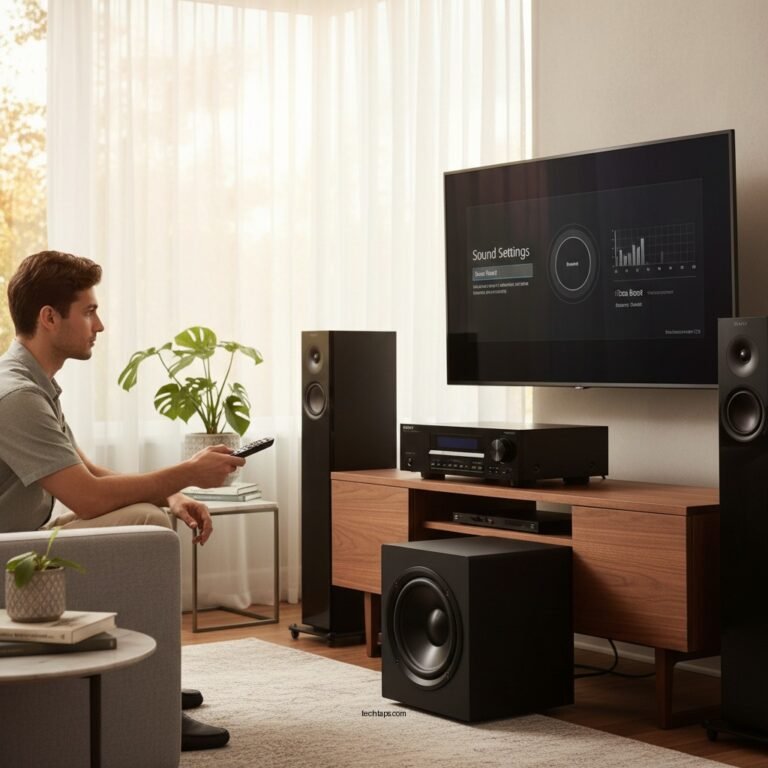

To achieve optimal audio performance from your AV receiver, the best sound calibration settings involve using automatic calibration features, room correction tools, and manual adjustments to fine-tune your system. By following the right steps, you can ensure that your home theater delivers the best possible sound experience tailored to your specific environment. This guide will explore the various methods and technologies available to enhance your audio setup.
Understanding Automatic Calibration
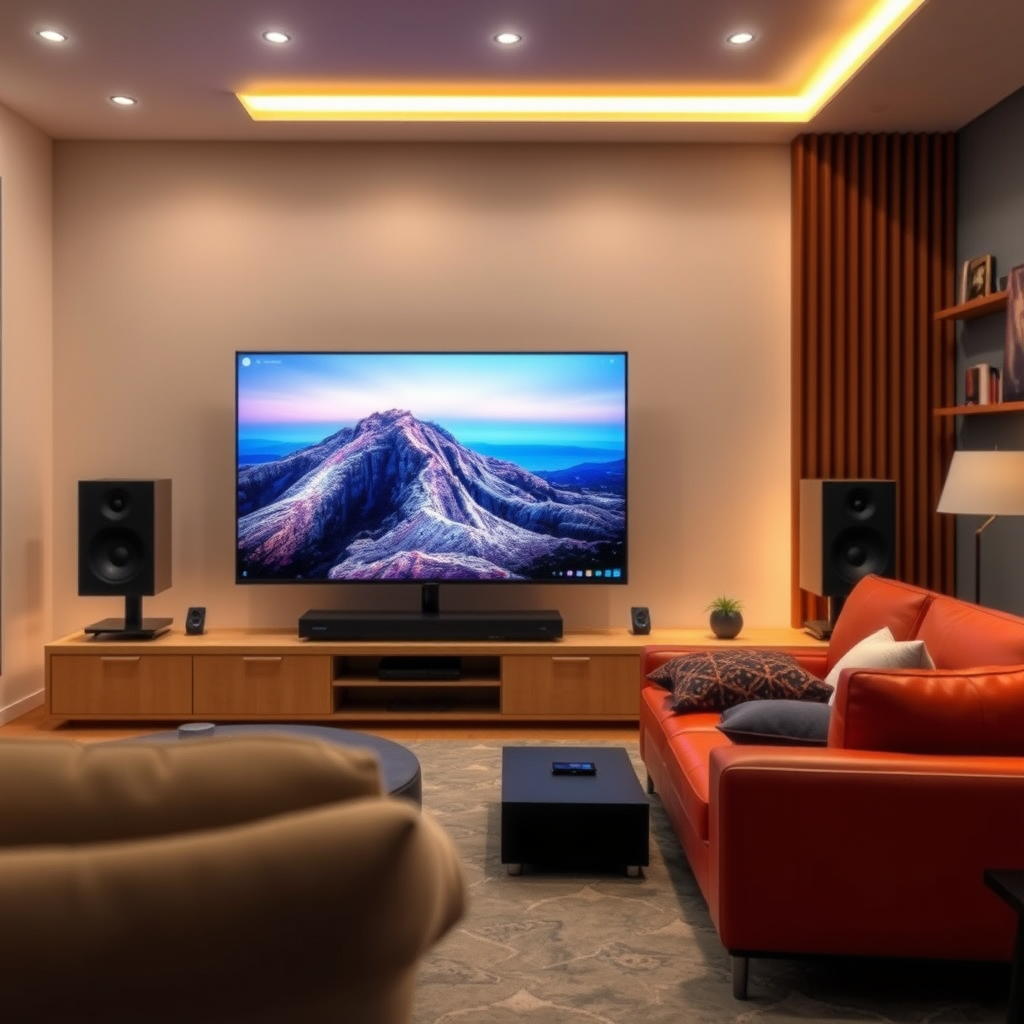
Most modern AV receivers are equipped with built-in calibration tools designed to assess and optimize room acoustics. These automatic calibration systems typically use a microphone to measure sound levels, speaker distances, and room characteristics. They analyze how sound waves interact with the space, allowing the receiver to adjust settings such as equalization, speaker levels, and timing.
One of the most notable advantages of automatic calibration is the time saved in setting up your audio system. This feature provides a solid baseline from which you can further enhance your audio experience. However, while automatic calibration offers convenience, it is crucial to verify the results manually. Calibration algorithms can sometimes misinterpret room characteristics or overlook specific nuances of your audio environment. Therefore, it’s advisable to listen critically after calibration and make necessary adjustments to ensure an optimal listening experience.
Utilizing Room Correction Technologies
Room correction technologies, such as Audyssey, YPAO (Yamaha Parametric Room Acoustic Optimizer), and MCACC (Multi-Channel Acoustic Calibration System), further enhance the performance of your AV receiver. These sophisticated systems use advanced algorithms to correct frequency response and speaker placement issues, accommodating the unique acoustic properties of your room.
For instance, Audyssey can analyze the room’s acoustics and apply filters to compensate for issues like standing waves or frequency dips caused by furniture placement. This technology can significantly enhance overall sound quality, making it more immersive and accurate. When using room correction tools, it is essential to follow the setup instructions meticulously to achieve the best results.
Manual Adjustments for Fine-Tuning
After completing the automatic calibration, it is beneficial to make manual adjustments to fine-tune your audio settings. This process involves tweaking various parameters such as speaker levels, distances, and crossover frequencies based on personal preferences and the type of content being played.
For example, if you are primarily watching movies, you may want to increase the bass levels for a more impactful experience. Conversely, for music listening, you might prefer a more balanced sound profile. Additionally, adjusting the crossover frequency—where low frequencies are directed to the subwoofer—can enhance the clarity of mid-range frequencies, ensuring that vocals and instruments are well-represented.
Fine-tuning your AV receiver settings not only allows for a more customized listening experience but can also help in resolving any discrepancies that may arise from the automatic calibration.
Speaker Placement and Configuration
Proper speaker placement is paramount for achieving balanced sound in your home theater setup. It’s crucial to follow guidelines regarding optimal distances and angles between the speakers and the listening position. Ideally, your front speakers should form an equilateral triangle with the listening position, while the surround speakers should be placed slightly above ear level.Take into account the layout of your room as well. Furniture and walls can significantly affect sound reflection and absorption. For instance, placing speakers too close to walls can lead to undesirable bass buildup, while having them too far away can result in a lack of definition in sound. Experimenting with speaker placement and utilizing wall treatments can help in achieving a clearer and more immersive audio experience.
Testing and Listening
Once you have calibrated your AV receiver and adjusted your speaker placement, regularly testing your settings with various audio sources is essential. This step allows you to evaluate performance across different genres and identify areas that may need improvement.
Using reference tracks that you are familiar with can provide a solid basis for assessing audio quality. Pay attention to the clarity of dialogue in movies, the depth of bass in music, and the overall balance of frequencies. Engaging in active listening will help you appreciate the nuances of your sound system and ensure that your setup meets your expectations.
Troubleshooting Common Issues
Despite your best efforts, you may encounter issues such as uneven sound or distortion. In such cases, it is important to troubleshoot effectively. Start by checking speaker connections to make sure they are secure and properly configured. Verify your calibration settings and consider redoing the calibration if significant changes occur in your room layout or the furniture arrangement.
Additionally, if certain frequencies sound overly pronounced or muted, re-evaluating your room correction settings can help adjust the frequency response. Remember that audio calibration is not a one-time task; it should be revisited periodically to account for changes in your environment or audio preferences.
Top 7 Room Correction Technologies for AV Receivers (2024)
| # | Technology | Compatibility | User-Friendliness | Performance Rating |
|---|---|---|---|---|
| 1 | Audyssey MultEQ XT32 | Wide Compatibility | High | ★★★★☆ |
| 2 | YPAO | Yamaha Receivers | Moderate | ★★★★☆ |
| 3 | MCACC | Pioneer Receivers | Moderate | ★★★☆☆ |
| 4 | Dirac Live | Universal | High | ★★☆☆☆ |
| 5 | Sonos Trueplay | Sonos Systems | High | ★★★★☆ |
| 6 | Calibrated EQ | Various | Moderate | ★★★☆☆ |
| 7 | Behringer DEQ2496 | Universal | Moderate | ★★★☆☆ |
Impact of Proper Calibration on Audio Experience
In summary, achieving the best sound calibration settings for your AV receiver involves a combination of automatic calibration, room correction technologies, and careful manual adjustments. By following these steps, you can enhance your home audio experience. Take the time to test and tweak your settings, and don’t hesitate to explore the features of your AV receiver for the best results. A well-calibrated system not only improves sound quality but also provides a more immersive and enjoyable listening experience.
Frequently Asked Questions
What are the best sound calibration settings for my AV receiver?
The best sound calibration settings for your AV receiver often include a combination of speaker distance, level adjustments, and equalizer settings. Begin by ensuring the speaker distances are set accurately according to your room dimensions, then adjust the speaker levels to create a balanced soundstage. Utilizing the built-in room correction feature, if available, can also optimize audio output based on your specific environment.
How do I properly calibrate my AV receiver for optimal sound?
To properly calibrate your AV receiver, start with the automatic calibration feature that most modern receivers offer. Use a calibration microphone placed at your listening position to analyze sound characteristics. After the automatic calibration completes, review and tweak settings such as speaker levels and crossover frequencies manually to suit your listening preferences.
Why is sound calibration important for my home theater system?
Sound calibration is important for your home theater system because it ensures that audio is delivered as intended by the content creators. Proper calibration compensates for room acoustics, speaker placement, and potential sound interference, resulting in a clearer and more immersive listening experience. Neglecting this step can lead to uneven sound distribution and diminished audio quality.
Which tools can I use for sound calibration of my AV receiver?
You can use several tools for sound calibration of your AV receiver, including built-in calibration microphones that come with many AV receivers, smartphone apps that analyze sound, and professional sound meters. For advanced users, software like REW (Room EQ Wizard) offers detailed analysis and customized adjustments. Each tool can help you achieve a more precise calibration for enhanced audio performance.
What are common mistakes to avoid during AV receiver sound calibration?
Common mistakes to avoid during AV receiver sound calibration include skipping the room correction process, neglecting to set speaker distances accurately, and failing to adjust the subwoofer settings correctly. Additionally, using incorrect microphone placement can lead to misleading results, so ensure that the microphone is positioned at ear level in your primary listening area. Taking the time to avoid these pitfalls can greatly enhance your overall sound quality.
References
- https://en.wikipedia.org/wiki/Audio_calibration
https://en.wikipedia.org/wiki/Audio_calibration - https://www.sciencedirect.com/topics/engineering/audio-calibration
https://www.sciencedirect.com/topics/engineering/audio-calibration - Google Scholar Google Scholar
https://scholar.google.com/scholar?q=AV+receiver+sound+calibration - https://www.bbc.com/future/article/20190523-how-to-get-the-best-sound-from-your-tv
https://www.bbc.com/future/article/20190523-how-to-get-the-best-sound-from-your-tv - https://www.nature.com/articles/s41598-020-67443-1
https://www.nature.com/articles/s41598-020-67443-1 - Google Scholar Google Scholar
https://scholar.google.com/scholar?q=best+sound+calibration+settings+AV+receiver - About Childhood Lead Poisoning Prevention | Childhood Lead Poisoning Prevention | CDC
https://www.cdc.gov/nceh/lead/ - https://www.nytimes.com/2020/01/17/technology/personaltech/sound-calibration.html
https://www.nytimes.com/2020/01/17/technology/personaltech/sound-calibration.html - https://www.pubmed.ncbi.nlm.nih.gov/29197342/
https://www.pubmed.ncbi.nlm.nih.gov/29197342/ - Google Scholar Google Scholar
https://scholar.google.com/scholar?q=The+Best+Sound+Calibration+Settings+for+Your+AV+Receiver