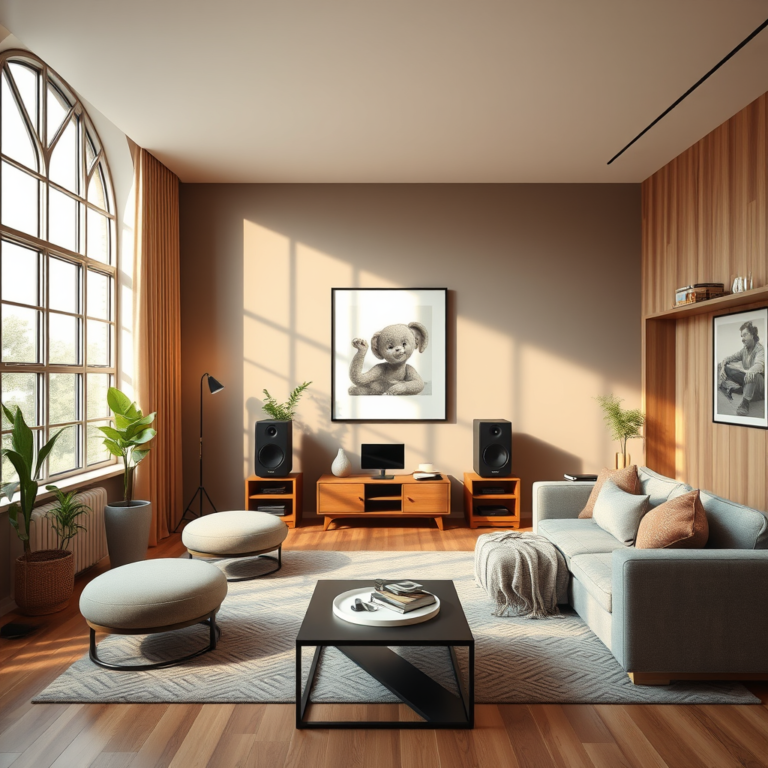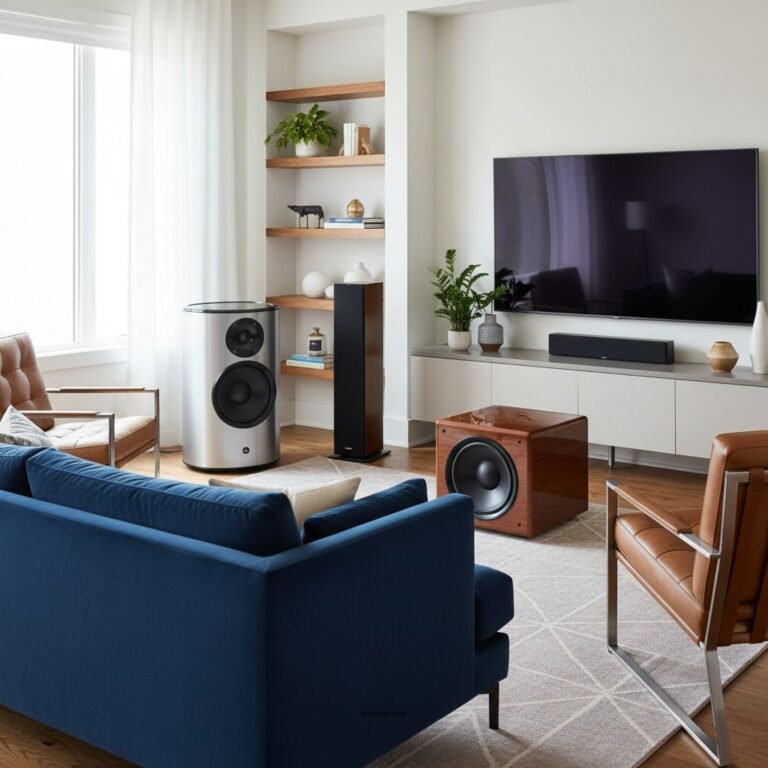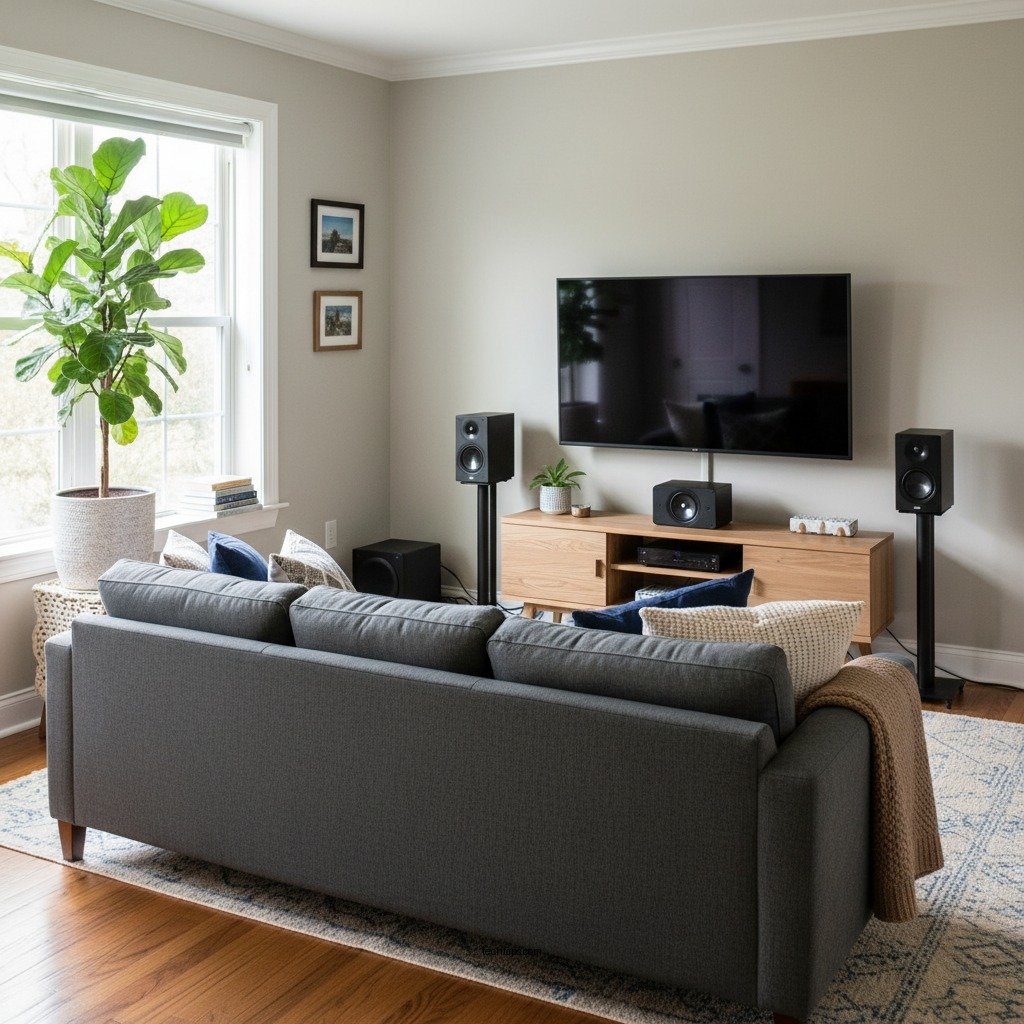

Setting up a 7.1 surround sound system in a small room can significantly enhance your audio experience. With careful planning and strategic speaker placement, you can create an immersive sound environment that fills the space without overwhelming it. This guide provides essential strategies to effectively set up your system, ensuring you get the most out of your audio equipment.
Room Acoustics and Layout
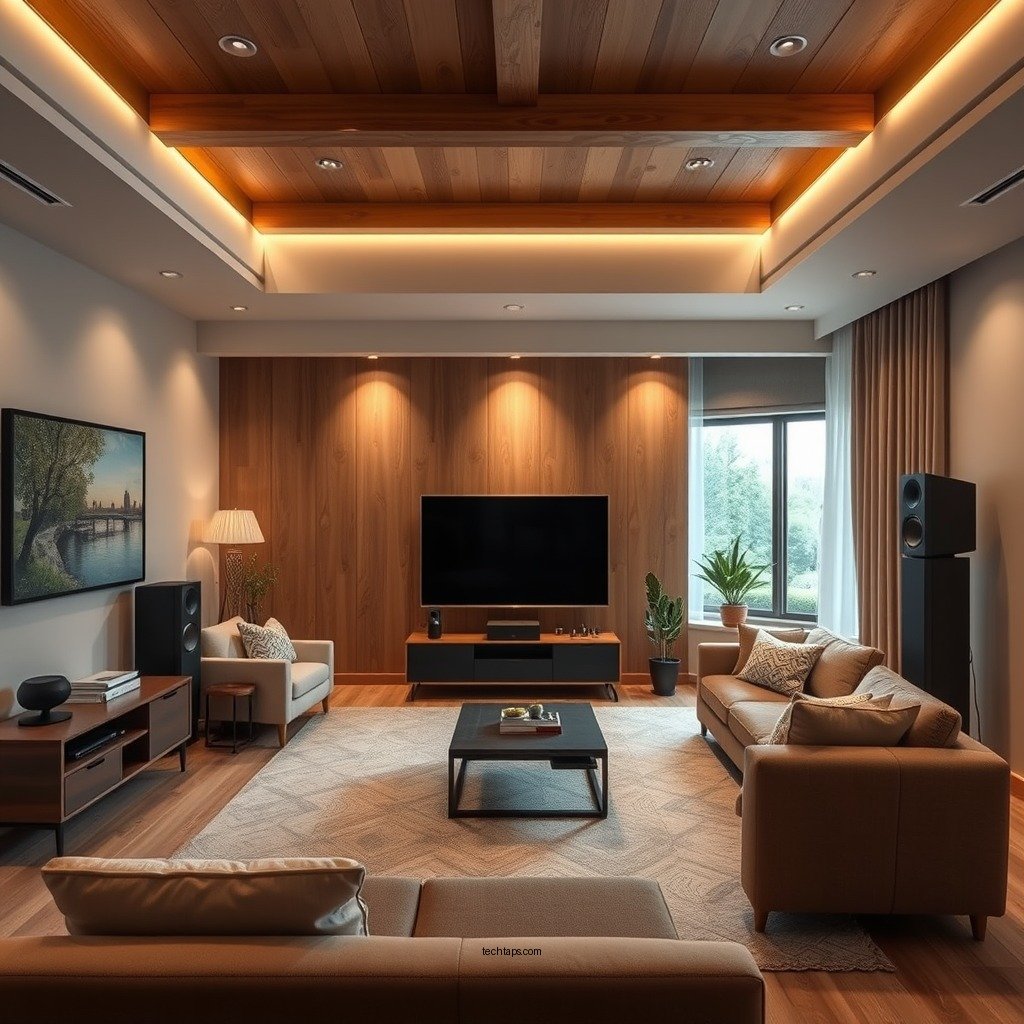
The first step in creating a stellar surround sound experience is to assess the room’s dimensions. Understanding the layout allows you to identify optimal speaker placement that maximizes audio performance. Measure the room to determine the distances between the speakers and the listening area. Ideally, ensure that the distance from the front speakers to the listening position is equal to the distance from the rear speakers.
Additionally, the acoustics of a small room play a crucial role in sound quality. Hard surfaces like walls and floors can create echoes and sound reflections that distort audio. To combat this, incorporate soft furnishings such as carpets, curtains, and upholstered furniture. These items absorb sound waves, reducing reflections and creating a more balanced audio environment.
Speaker Placement Essentials
Positioning your speakers correctly is vital for achieving the best sound quality. For the front speakers, aim to place them at ear level when seated to ensure clarity and minimize distortion. The center speaker should be directly above or below the television screen, while the left and right speakers should be spaced evenly apart to create a cohesive soundstage.
For the rear speakers, they should be positioned slightly above ear level and angled toward the listening area. This placement enhances the surround sound effect, making it feel more immersive. Remember to keep the surround speakers at least a few feet away from walls to prevent sound reflections that can muddle the audio.
Choosing the Right Equipment
Selecting the right equipment is crucial for optimizing your surround sound setup in a small room. Compact speakers are ideal as they save space while still delivering high-quality sound. Look for models that offer great performance despite their size, and consider satellite speakers that can be mounted on the walls to save floor space.
A subwoofer is also an essential component of a 7.1 system. Choose a subwoofer with adjustable settings, allowing you to tailor the bass output to your room size. This flexibility can help prevent overwhelming bass that can muddy the overall sound quality in a smaller space.
Top Compact Speakers for Small Rooms (2024)
| # | Speaker Model | Size | Power Output (W) | Price ($) |
|---|---|---|---|---|
| 1 | Bose Surround Speakers | 4.5” | 30 | 249 |
| 2 | Sonos One | 6.4” | 20 | 199 |
| 3 | Klipsch R-41M | 5.2” | 50 | 149 |
| 4 | Polk Audio T15 | 6.5” | 100 | 99 |
| 5 | Yamaha NS-6490 | 8.5” | 90 | 299 |
| 6 | JBL Stage A130 | 5.5” | 120 | 199 |
| 7 | KEF Q150 | 7.9” | 80 | 349 |
Cable Management Tips
Effective cable management is essential for maintaining an organized and aesthetically pleasing setup. In a small room, visible cables can create clutter and detract from the overall ambiance. Opt for flat or low-profile cables that can be easily concealed along walls or under carpets. These types of cables are less obtrusive and can help maintain a clean look.
Another option to simplify your setup is to consider wireless speakers for the rear channels. Wireless systems eliminate the need for long cable runs, making installation easier and improving overall room aesthetics. Many modern surround sound systems now offer wireless capabilities, allowing for greater flexibility in speaker placement.
Calibration for Optimal Sound
Once your system is set up, calibrating it for optimal sound is crucial. If your audio receiver comes with an automatic calibration system, take advantage of this feature. Automatic calibration utilizes built-in microphones to analyze the room’s acoustics and adjust the speaker settings accordingly.
However, for those who want to personalize their sound experience, manual adjustments can be made to fine-tune settings based on your preferences. Experiment with speaker levels, bass, and treble settings to create a balance that suits your taste and the unique characteristics of your room.
Testing and Fine-Tuning
After calibration, it’s time to test your surround sound system. Play a variety of audio formats, including movies, music, and video games, to evaluate different aspects of the surround sound. Pay attention to how sound travels in your room; are specific areas receiving too much or too little sound?
Make necessary adjustments based on your observations. You may need to reposition speakers slightly or adjust their angles to ensure that sound is evenly distributed throughout the room. Remember, the goal is to create an immersive experience that makes you feel like you are part of the action.
Maintenance and Upgrades
To ensure long-lasting performance, regular maintenance and updates are essential. Periodically check all connections to make sure they are secure and free from dust or debris. This simple task can prevent sound issues and prolong the life of your equipment.
Additionally, stay informed about new technologies or products that may enhance your audio experience. As technology advances, new speakers, receivers, and calibration tools can provide better sound quality and user experiences. Consider upgrading components as needed to keep your system current and performing at its best.
By following these tips, you can successfully set up a 7.1 surround sound system that fits well in your small room while delivering an impressive audio experience. Whether you’re watching movies, gaming, or listening to music, the right setup will make all the difference. Take action now and start optimizing your sound environment for the best results!
Frequently Asked Questions
What are the essential components needed for a 7.1 surround sound system in a small room?
To set up a 7.1 surround sound system in a small room, you need a receiver that supports 7.1 audio, seven speakers (including two front, one center, two surround, and two rear), and a subwoofer. Additionally, ensure you have quality speaker cables and HDMI cables for optimal connectivity and sound quality.
How can I optimize speaker placement for a 7.1 surround sound system in a small space?
For optimal sound in a small room, position the front left and right speakers at ear level, about 22-30 degrees apart from the center speaker, which should be directly in front of your seating area. Place the surround speakers slightly above ear level and to the sides or slightly behind the seating position, ensuring they are equidistant from the listening area to create an immersive experience.
Why is room acoustics important when setting up a 7.1 surround sound system in a small room?
Room acoustics significantly affect sound quality, especially in a small space where reflections can create muddiness or echoes. Using acoustic treatments like sound-absorbing panels, rugs, or curtains can help minimize these effects, ensuring clearer dialogue and balanced sound across your 7.1 surround system.
What are the best speaker brands for a 7.1 surround sound system in a compact room?
Some of the best speaker brands for a 7.1 surround sound system in a small room include Klipsch, Polk Audio, and ELAC, known for their compact designs and excellent sound quality. Look for bookshelf or satellite speakers that fit well in limited spaces without compromising audio performance.
Which setup tips should I follow to avoid overwhelming my small room with a 7.1 surround sound system?
To avoid overwhelming your small room with sound, consider using a receiver with room calibration technology that adjusts audio output based on your space. Additionally, avoid overly large speakers and ensure your subwoofer is adjustable to prevent bass overpowering the room, creating a more balanced listening environment.
References
- Surround sound
https://en.wikipedia.org/wiki/Surround_sound - https://www.bbc.com/future/article/20201130-how-to-set-up-a-surround-sound-system
https://www.bbc.com/future/article/20201130-how-to-set-up-a-surround-sound-system - https://www.sciencedirect.com/topics/engineering/surround-sound
https://www.sciencedirect.com/topics/engineering/surround-sound - https://pubmed.ncbi.nlm.nih.gov/17519799/
https://pubmed.ncbi.nlm.nih.gov/17519799/ - https://www.nature.com/articles/s41598-020-74720-1
https://www.nature.com/articles/s41598-020-74720-1 - Google Scholar Google Scholar
https://scholar.google.com/scholar?q=Tips+for+Setting+Up+a+7.1+Surround+Sound+System+in+a+Small+Room - Google Scholar Google Scholar
https://scholar.google.com/scholar?q=Surround+Sound+Setup+in+Small+Spaces - Google Scholar Google Scholar
https://scholar.google.com/scholar?q=Home+Theater+Acoustics+and+Setup - https://www.audioholics.com/home-theater-setup/7-1-surround-sound-setup-guide
https://www.audioholics.com/home-theater-setup/7-1-surround-sound-setup-guide - Tips for Setting Up a 7.1 Surround Sound System in a Small Room – Search results
https://en.wikipedia.org/wiki/Special:Search?search=Tips+for+Setting+Up+a+7.1+Surround+Sound+System+in+a+Small+Room