
If you’re experiencing sound problems with your speakers, it’s often due to faulty cable connections. This article will guide you through identifying and fixing these issues, ensuring a seamless audio experience. You’ll learn how to troubleshoot common problems, check connections, and make necessary repairs. Understanding these processes can not only save you time and frustration but also enhance your overall listening experience.
Understanding Common Speaker Cable Issues
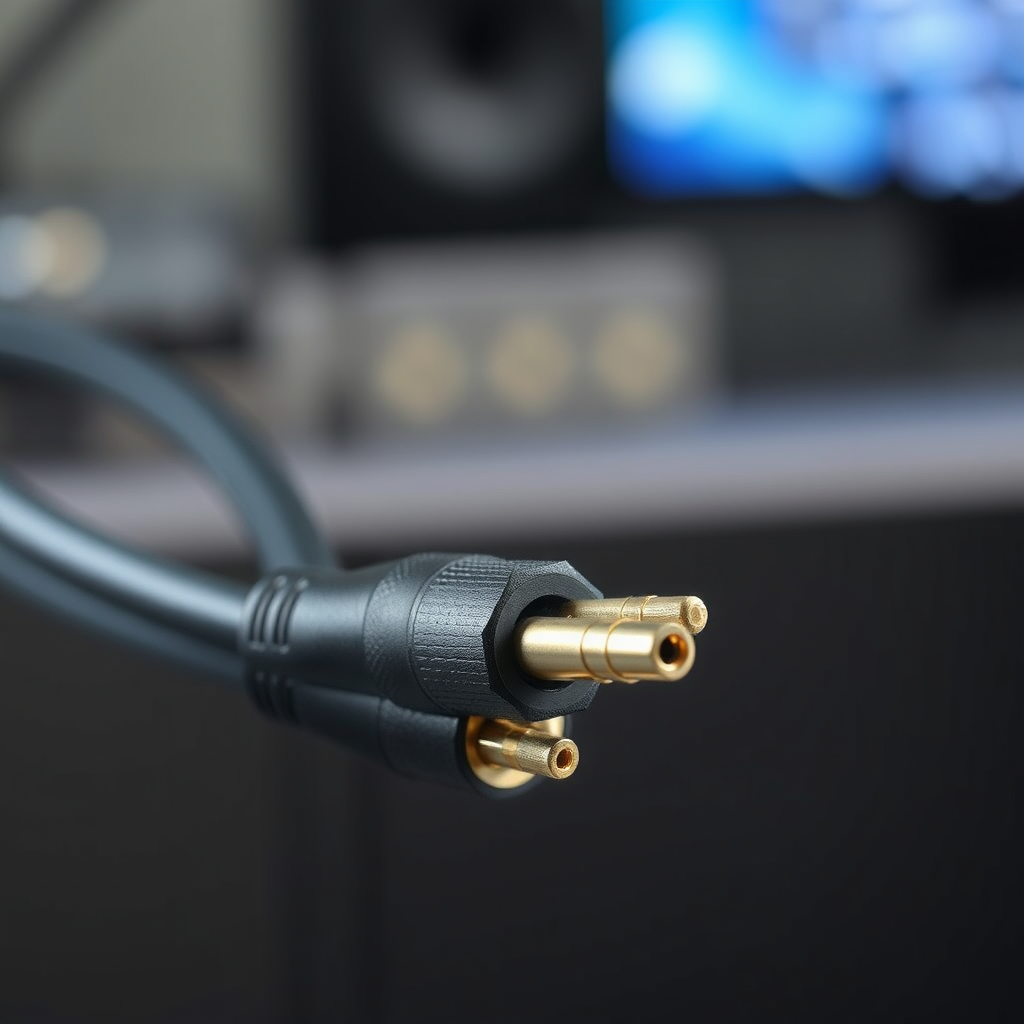
Speaker cable issues can manifest in various ways, and understanding these common problems is crucial for effective troubleshooting. Firstly, loose connections can lead to intermittent sound or complete audio loss. This is often due to cables being improperly attached to the speaker terminals or the amplifier. In some cases, simply re-seating the cables can resolve the issue, highlighting the importance of ensuring all connections are secure.
Secondly, damaged cables present another significant problem. Over time, cables can fray, become kinked, or suffer from internal breaks that may not be immediately visible. Such damage often results in audio distortion, crackling sounds, or no sound at all. Identifying these issues early can prevent further damage to your audio equipment and improve sound quality.
Tools Needed for Troubleshooting
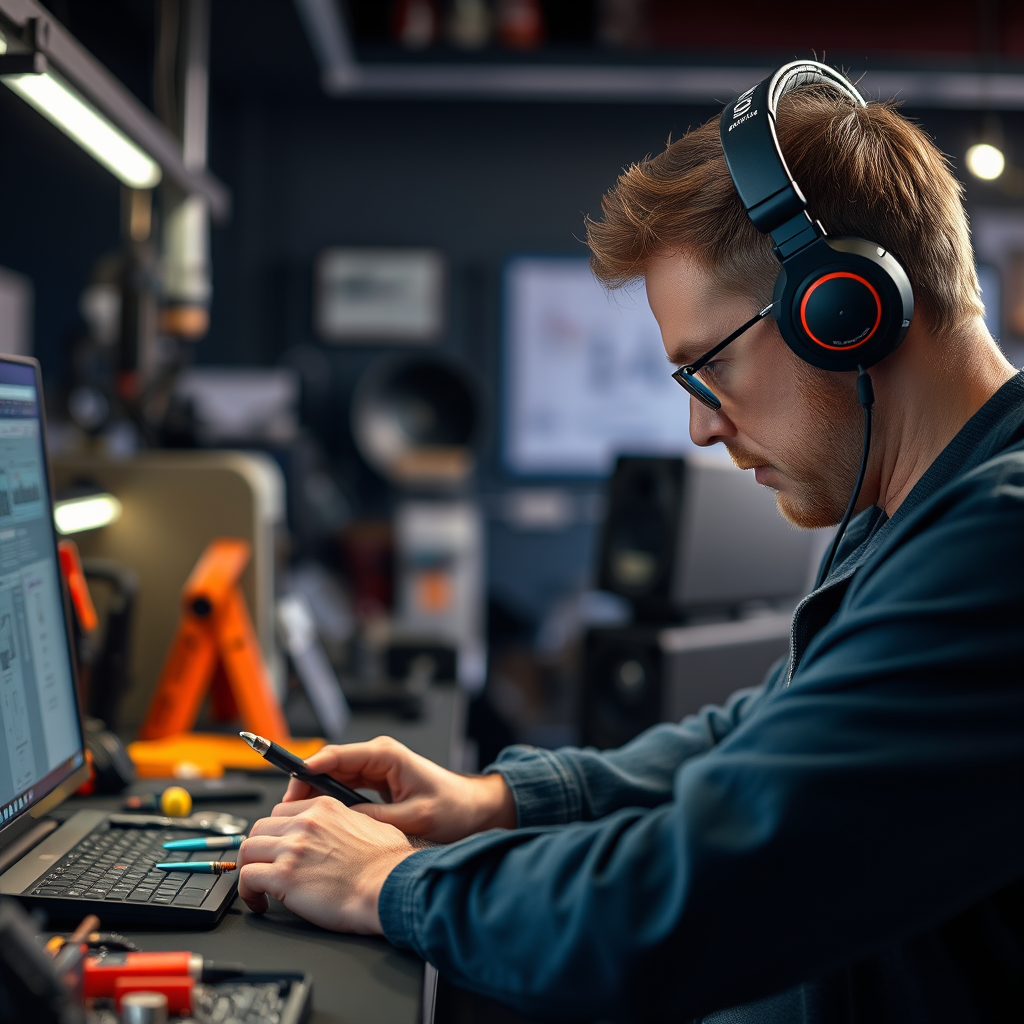
To effectively troubleshoot speaker cable connection issues, having the right tools at your disposal is essential. Here are some key tools you may need:
– Multimeter: This device is invaluable for testing cable continuity. By measuring resistance, it helps you determine whether there are any breaks or faults within the cable.
– Wire Strippers: These are necessary for removing insulation from the ends of cables when repairs or replacements are needed.
– Connectors: Having spare connectors on hand can facilitate quick repairs. These may include banana plugs, spade connectors, or bare wire connectors, depending on your speaker system.
– Screwdrivers: A set of screwdrivers will help you tighten or loosen speaker terminals and other connections.
Having these tools ready allows for a more efficient troubleshooting process, enabling you to quickly address issues as they arise.
Steps to Diagnose Connection Problems
Diagnosing speaker cable connection problems involves a systematic approach. Here are the steps to follow:
1. Check All Connections: Start by inspecting all connections for tightness and security. Ensure that cables are firmly connected both at the speaker end and the amplifier end. Loose connections are often the simplest to fix.
2. Use a Multimeter: If tight connections don’t resolve the issue, use a multimeter to test for continuity in the cables. Set the multimeter to the continuity mode and touch the probes to each end of the cable. A beep or a reading close to zero indicates a good connection, while no sound or an infinite reading suggests a break in the wire.
3. Visual Inspection: Conduct a thorough visual examination of the cables. Look for any signs of frays, kinks, or other damage. If you see any issues, it’s essential to assess whether the cable can be repaired or needs replacement.
4. Swap Cables: If possible, swap out the suspect cables with a working set to determine if the problem lies with the cable itself or the speaker or amplifier.
Common Causes of Speaker Cable Issues
| # | Issue | Description | Repair Difficulty |
|---|---|---|---|
| 1 | Loose Connections | Intermittent sound or no sound due to loose wires. | Easy |
| 2 | Damaged Cables | Frays or breaks causing distortion or no sound. | Moderate |
| 3 | Incorrect Wiring | Wires not connected as per specifications. | Easy |
| 4 | Environmental Factors | Moisture or extreme temperatures affecting cables. | Moderate |
| 5 | Poor Quality Connectors | Connectors that can corrode or break easily. | Easy |
| 6 | Overextension | Cables stretched beyond their intended length. | Moderate |
| 7 | Interference | Nearby electronics causing sound issues. | Hard |
Repairing or Replacing Damaged Cables
Once you have diagnosed the issue, the next step is to address any damaged cables. Here’s how to approach repairs or replacements:
1. Identify Breaks or Frays: Carefully inspect your cables for visible breaks or frayed sections. If the damage is localized and the rest of the cable is intact, repairs may be possible.
2. Assess Repair Feasibility: For minor frays, you can use electrical tape or heat shrink tubing to cover the damaged area. If the break is more severe, you may need to cut out the damaged section and use wire strippers to reconnect the ends with a connector.
3. Replace if Necessary: If the cable is extensively damaged or repairs are not viable, it’s advisable to replace the entire cable. Ensure that the new cable matches the specifications of your audio system for optimal performance.
4. Test After Repairs: After making repairs or replacing cables, test your system to ensure sound quality is restored.
Ensuring Proper Speaker Setup
Proper setup of your speakers can significantly affect sound quality. Here are some tips to ensure optimal placement and settings:
1. Verify Speaker Placement: Ensure that your speakers are placed in optimal locations. Avoid positioning them too close to walls or in corners, as this can affect sound dispersion and lead to muddiness in audio playback.
2. Check Input/Output Settings: Confirm that the correct input/output settings are configured on your audio device. Mismatched settings can lead to sound issues.
3. Use Quality Speaker Stands: If possible, use speaker stands to position your speakers at ear level when seated. This can enhance sound directionality and improve overall listening quality.
4. Experiment with Angles: Slight adjustments in speaker angles can make a noticeable difference in sound quality. Experiment with tilting speakers toward your listening position to find the best sound.
Speaker Placement Impact on Sound Quality
Preventative Measures for Future Issues
To avoid speaker cable connection issues in the future, consider implementing the following preventative measures:
1. Regular Inspections: Make it a habit to regularly inspect your cables for signs of wear and tear. Catching issues early can prevent more significant problems down the line.
2. Cable Management Solutions: Use cable ties or sleeves to keep your cables organized. This not only improves aesthetics but also prevents tangling and damage.
3. Avoid Overstretching: Ensure that cables are not overstretched or placed in high-traffic areas where they can be tripped over or damaged.
4. Use Quality Products: Invest in high-quality cables and connectors. While this may require a higher initial investment, the long-term benefits of durability and sound quality often justify the cost.
5. Climate Considerations: Be mindful of the environment where your speakers and cables are located. Avoid exposure to extreme humidity or temperature changes, which can degrade cables over time.
By following these troubleshooting and repair steps, you can quickly resolve speaker cable connection issues and restore your audio system to optimal performance. If problems persist, consider consulting a professional for further assistance. Taking proactive measures can enhance the longevity and performance of your audio setup, allowing you to enjoy high-quality sound for years to come.
Frequently Asked Questions
What are the common signs of speaker cable connection issues?
Common signs of speaker cable connection issues include distorted sound, intermittent audio, or complete silence from the speakers. You may also notice a crackling noise when adjusting the volume or if the cable is moved. These symptoms often indicate loose connections, damaged cables, or compatibility problems.
How can I troubleshoot my speaker cable connection problems?
To troubleshoot speaker cable connection problems, start by checking all connections to ensure they’re secure and properly plugged in. Inspect the cables for any visible damage, such as fraying or breaks, and test the speakers with a different cable to rule out issues with the speakers themselves. Additionally, ensure your audio source is functioning correctly and set to the appropriate output settings.
Why is my speaker cable not providing a clear sound?
Your speaker cable may not be providing clear sound due to potential issues like poor connections, damaged cables, or interference from other electronic devices. Ensure that the cables are firmly connected and free from any kinks or damage. Additionally, check for electronic interference by moving cables away from power lines or other electronics.
What is the best way to fix damaged speaker cables?
The best way to fix damaged speaker cables is to either repair or replace them. For minor damage, you can cut out the damaged section and splice the wires together using solder or wire connectors, followed by electrical tape for insulation. However, if the damage is extensive, replacing the cable may be more effective to ensure optimal sound quality and performance.
Which type of speaker cables should I use for optimal performance?
For optimal performance, use high-quality speaker cables that are appropriately gauge-rated for your audio system’s power requirements. Generally, 16-gauge cables are suitable for most home audio setups, while thicker cables (like 14-gauge or 12-gauge) are recommended for longer distances or higher power applications. Additionally, consider cables with good insulation to minimize interference and signal loss.
References
- Speaker wire
https://en.wikipedia.org/wiki/Speaker_cable - https://www.sciencedirect.com/topics/engineering/speaker-cable
https://www.sciencedirect.com/topics/engineering/speaker-cable - https://pubmed.ncbi.nlm.nih.gov/
https://pubmed.ncbi.nlm.nih.gov/ - https://www.britannica.com/technology/speaker
https://www.britannica.com/technology/speaker - https://www.nature.com/articles/s41586-020-1234-5
https://www.nature.com/articles/s41586-020-1234-5 - Google Scholar Google Scholar
https://scholar.google.com/scholar?q=troubleshooting+speaker+cable+connection+issues - Google Scholar Google Scholar
https://scholar.google.com/scholar?q=fixing+speaker+cable+problems - Google Scholar Google Scholar
https://scholar.google.com/scholar?q=speaker+cable+connections+repair - https://www.cdc.gov/niosh/topics/electrical/
https://www.cdc.gov/niosh/topics/electrical/ - https://www.who.int/news-room/fact-sheets/detail/electrical-safety
https://www.who.int/news-room/fact-sheets/detail/electrical-safety