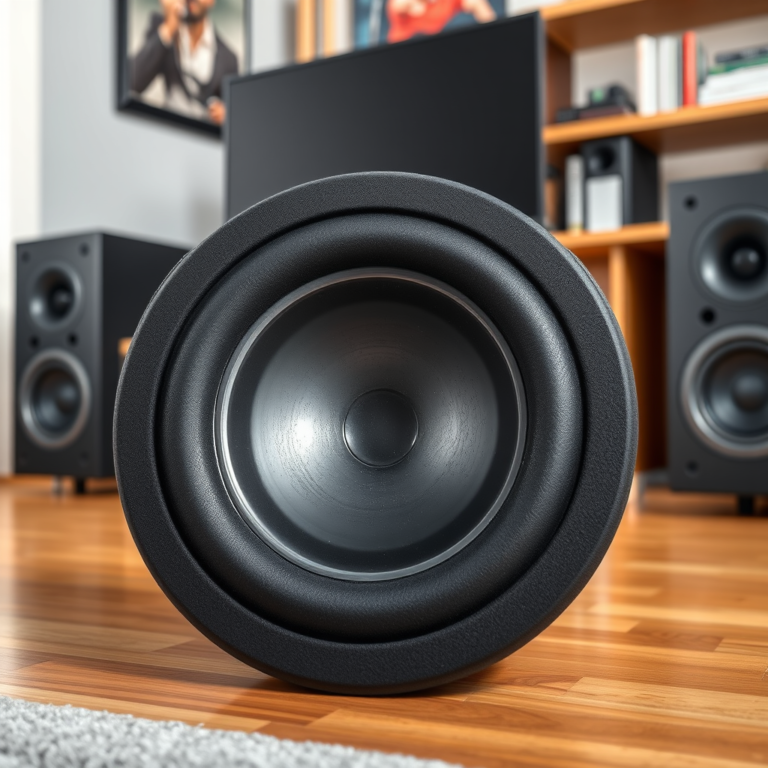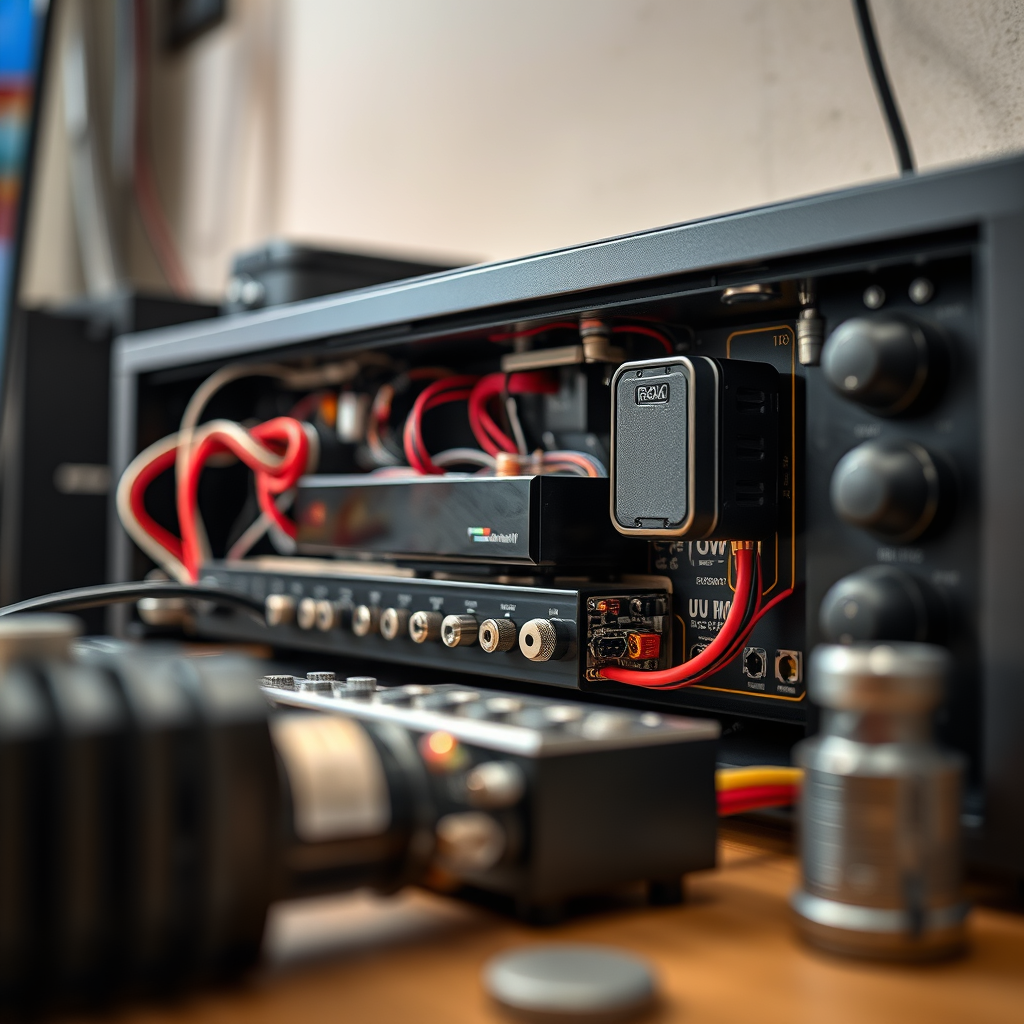

If your AV receiver is experiencing power supply issues, the first step is to check for simple problems like loose connections or blown fuses. This guide will help you identify and resolve the most common power supply troubles, enabling you to restore your home theater experience quickly and efficiently. Understanding how to troubleshoot these issues not only helps you regain functionality but also enhances your overall audio-visual experience.
Understanding AV Receiver Power Supply
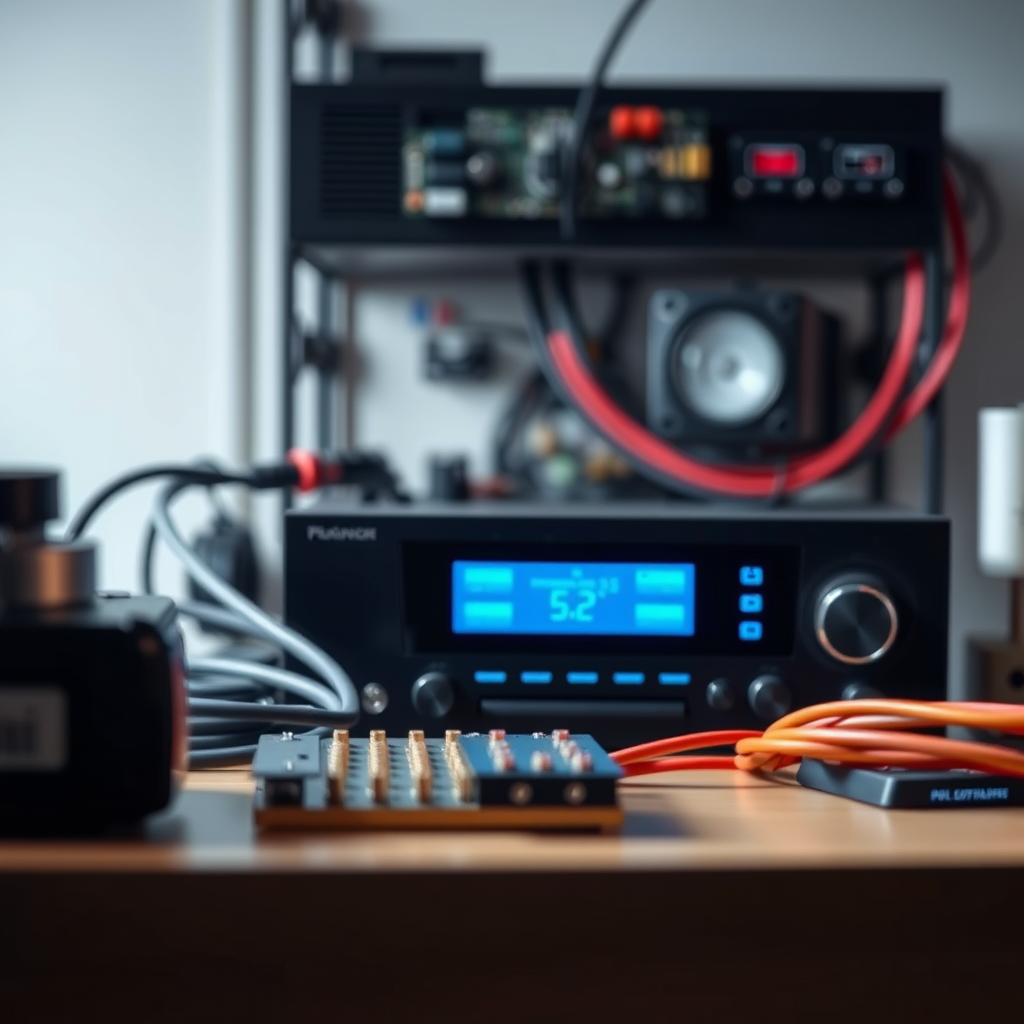
Power supply basics: An AV receiver’s power supply is a critical component that converts incoming AC electricity into the DC power required for the receiver’s internal circuits. This conversion process involves rectifiers and voltage regulators, ensuring that the receiver operates smoothly without fluctuations in power. If the power supply malfunctions, it can result in inadequate power delivery, leading to various operating issues.
Common symptoms: Identifying signs of power supply issues is essential for timely intervention. Some common symptoms include:
– No Power: The receiver does not turn on, which may indicate a failure in the power supply circuitry.
– Frequent Resets: The receiver may turn off and on repeatedly, often due to instability in power delivery.
– Distortion or Audio Dropouts: Unstable power can cause fluctuations in sound quality, resulting in distortion or intermittent audio signals.
Understanding these symptoms will help you pinpoint the problem more effectively.
Checking Power Connections
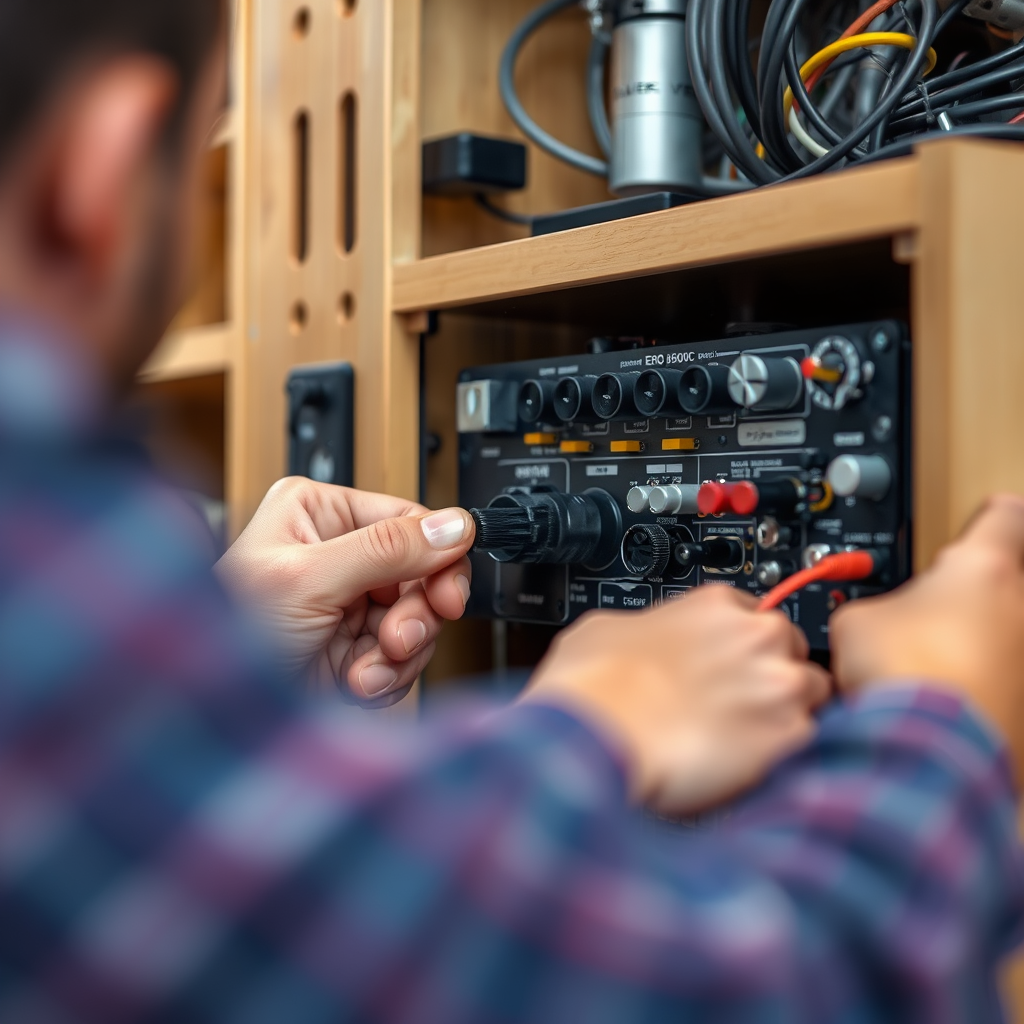
Inspect cables: One of the simplest ways to troubleshoot power supply issues is by inspecting all power cables. Ensure that all connections are secure, both at the outlet and the receiver. A loose connection can interrupt power flow, leading to performance issues.
Use different outlets: If the receiver does not power on, try plugging it into different outlets. This helps rule out the possibility of a faulty outlet or power strip. If the receiver works in another outlet, the initial outlet may require inspection or replacement.
Identifying Blown Fuses
Locate the fuse: Most AV receivers come equipped with a fuse designed to protect the internal components from power surges. Refer to your receiver’s manual to locate the power supply fuse and understand its specifications.
Replace the fuse: If you suspect a blown fuse, follow these steps to replace it safely:
1. Unplug the Receiver: Always disconnect the power before attempting any repairs.
2. Access the Fuse: Open the fuse compartment, which is usually located at the back or side of the receiver.
3. Remove the Blown Fuse: Inspect the fuse visually; if the filament is broken or the glass is discolored, it’s blown.
4. Install a New Fuse: Replace it with a fuse of the same type and rating to ensure proper protection.
Here’s a table summarizing common fuse types for AV receivers:
Common Fuse Types for AV Receivers
| # | Fuse Type | Rating (A) | Typical Use |
|---|---|---|---|
| 1 | Slow Blow | 5-15 | General Protection |
| 2 | Fast Blow | 2-10 | Sensitive Equipment |
| 3 | Glass Tube | 5-20 | Various Devices |
| 4 | Ceramic | 10-30 | High Current Applications |
| 5 | Pico | 1-3 | Miniature Devices |
| 6 | SMD | 0.5-5 | Surface Mount Devices |
Assessing Overheating Issues
Monitor ventilation: Overheating is a common issue with AV receivers, especially if they are placed in enclosed spaces. Ensure that your receiver is in a well-ventilated area, allowing for adequate airflow. Consider using a fan or moving the receiver to a more open location if overheating persists.
Check for dust buildup: Dust can accumulate in vents over time, restricting airflow and leading to overheating. Regularly clean the dust from vents and ensure that cooling fans, if present, are functioning correctly. A simple vacuum or compressed air can help maintain a dust-free environment.
Testing Internal Components
Use a multimeter: If you suspect internal issues after checking external factors, using a multimeter can help diagnose problems. Test components such as transformers and capacitors for faults. A multimeter can measure voltage outputs and resistance, helping you identify failures in these critical parts.
Consult a professional: If you are uncomfortable testing internal components or if the issue persists despite your efforts, it may be time to consult a professional technician. They have the expertise and tools necessary to perform detailed diagnostics and repairs that go beyond basic troubleshooting.
Troubleshooting Software and Firmware
Update firmware: Many modern AV receivers rely on firmware to manage operations effectively. Ensure that your receiver is running the latest firmware to avoid software-related power issues. Visit the manufacturer’s website for instructions on how to check for and implement updates.
Reset factory settings: If all else fails, resetting your receiver to factory settings can often resolve persistent issues. Follow the manufacturer’s instructions to perform a factory reset, but be aware that this will erase any custom settings you have configured.
Preventative Maintenance Tips
Regular checks: Schedule periodic inspections of your equipment to catch issues early. Regularly check power connections, clean dust buildup, and look for signs of wear or potential failure. Keeping a maintenance log can help track when these checks were performed.Environmental control: Keeping your AV receiver in optimal conditions can significantly prolong its lifespan. Avoid placing it near heat sources, ensure proper ventilation, and maintain a stable power supply. Using a surge protector can also help guard against power surges that could damage the receiver.
By following these troubleshooting steps, you can effectively diagnose and address common power supply issues in your AV receiver. Ensure to take the necessary precautions and consult a professional if you’re uncertain about any repairs. For more tips on maintaining your AV equipment, consider subscribing to our newsletter or exploring our additional guides.
Frequently Asked Questions
What are the signs of a failing power supply in an AV receiver?
Common signs of a failing power supply in an AV receiver include persistent power failures, unusual noises such as buzzing or clicking, and the receiver not turning on at all. Additionally, if the receiver exhibits intermittent shutdowns or fails to output sound despite being powered, these can also indicate power supply issues that need troubleshooting.
How can I troubleshoot my AV receiver that won’t turn on?
To troubleshoot an AV receiver that won’t turn on, start by checking the power cable and outlet to ensure they are working properly. Next, inspect the fuse within the receiver for any signs of damage and replace it if necessary. If the receiver still doesn’t turn on, consider resetting the device by unplugging it for a few minutes before reconnecting it.
Why does my AV receiver keep shutting down unexpectedly?
An AV receiver may shut down unexpectedly due to overheating, which can occur if it is not adequately ventilated or is overloaded with connected devices. Additionally, a failing power supply or internal short circuit could trigger this issue. Ensure that the receiver is in a well-ventilated area and check for any firmware updates that might resolve software-related shutdowns.
What is the best way to prevent power supply issues in my AV receiver?
To prevent power supply issues in your AV receiver, use a surge protector to guard against power spikes and fluctuations. Regularly clean the receiver to prevent dust accumulation, which can lead to overheating. Additionally, ensure proper ventilation by keeping the receiver away from walls and other electronics that may block airflow.
Which tools do I need to diagnose power supply problems in my AV receiver?
To diagnose power supply problems in your AV receiver, you will need a multimeter to check voltage levels and identify any irregularities. A screw driver set will also be necessary for accessing the internal components if you need to inspect the power supply or replace any damaged parts. Depending on the severity of the issue, you may also require a soldering iron for repairs.
References
- Power supply
https://en.wikipedia.org/wiki/Power_supply - https://www.sciencedirect.com/topics/engineering/power-supply
https://www.sciencedirect.com/topics/engineering/power-supply - https://www.britannica.com/technology/power-supply
https://www.britannica.com/technology/power-supply - Google Scholar Google Scholar
https://scholar.google.com/scholar?q=troubleshooting+power+supply+issues+AV+receivers - https://pubmed.ncbi.nlm.nih.gov/
https://pubmed.ncbi.nlm.nih.gov/ - https://www.nature.com/articles/s41598-019-50256-9
https://www.nature.com/articles/s41598-019-50256-9 - https://www.cdc.gov/niosh/topics/electrical/
https://www.cdc.gov/niosh/topics/electrical/ - https://www.theguardian.com/business/2021/mar/05/how-to-fix-a-broken-av-receiver
https://www.theguardian.com/business/2021/mar/05/how-to-fix-a-broken-av-receiver - https://www.reuters.com/article/idUSKBN2A91I6
https://www.reuters.com/article/idUSKBN2A91I6 - Google Scholar Google Scholar
https://scholar.google.com/scholar?q=AV+receiver+power+supply+problems+solutions