
Addressing static and crackling sounds in your home audio system often involves checking connections, adjusting settings, and ensuring proper equipment function. This article will guide you through the common causes and effective solutions to restore your sound quality. By systematically following these steps, you can identify the source of the noise and implement the necessary fixes to enhance your audio experience.
Identify the Source of the Noise
The first step in troubleshooting static and crackling noises is to precisely identify the source of the problem. This involves a methodical check of each component in your audio system. Begin by evaluating all connections and cables for any signs of damage or disconnection. Loose or frayed cables can easily produce unwanted noise, so ensuring that all connections are snug and intact is paramount.
Next, determine whether the noise originates from the speakers, receiver, or source device. To do this, you might try playing audio through different components. For instance, if the static persists only when using a particular speaker, that speaker may be faulty. Alternatively, if the noise occurs across multiple devices, you may need to focus on the receiver or the input source, such as a streaming device or CD player. Conducting these checks will help narrow down the potential causes of the issue, making it easier to implement a solution.
Inspect Audio Cables and Connections
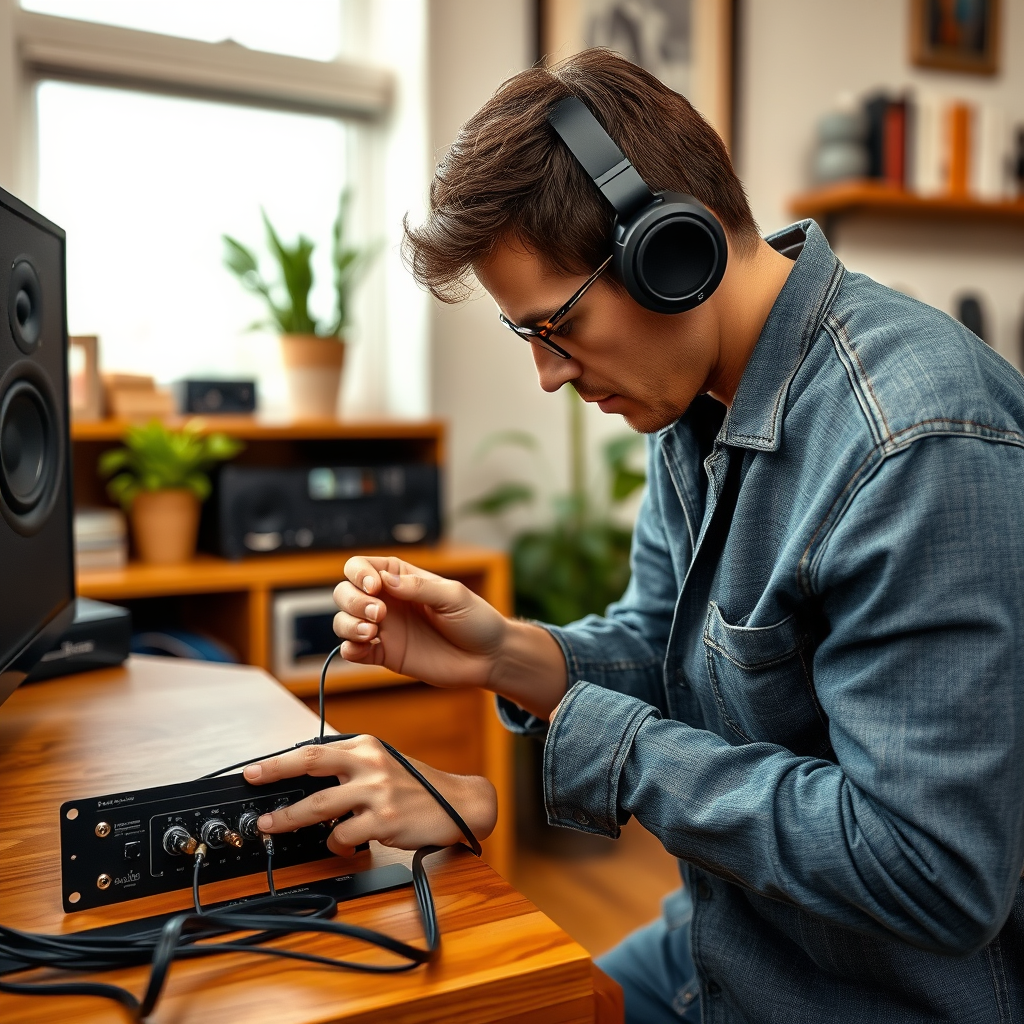
Once you’ve identified the potential source of the noise, the next step is to inspect the audio cables and connections. Using high-quality, shielded audio cables can significantly minimize interference that might contribute to static sounds. Investing in better cables not only improves sound quality but also enhances the durability of your connections.
In addition to using quality cables, ensure that all cables are securely connected. Loose connections can often lead to crackling sounds, so take the time to unplug and re-plug each cable to confirm a tight fit. Additionally, check for any pinched or bent cables. Kinks in the cable can disrupt the flow of audio signals, leading to audio issues. Regular maintenance of your cables can help prevent these problems from arising in the first place.
Evaluate the Audio Source
Evaluating the audio source is crucial to pinpointing and resolving audio issues. Start by testing different audio sources such as CDs, streaming services, or vinyl records. This process will help rule out the possibility of a faulty device. If you notice that the static occurs only with a specific audio source, that source may be the root of the problem.
Moreover, ensure that the quality of the audio file or streaming service is up to par. Low-bitrate audio files can introduce various sound artifacts, including static and crackling noises. If you are streaming music, check your internet connection as buffering issues can also lead to interruptions in audio playback. Ensuring high-quality audio content can drastically improve your listening experience.
Common Causes of Audio Distortion
| # | Cause | Frequency (%) | Solution |
|---|---|---|---|
| 1 | Loose Connections | 40% | Secure all connections |
| 2 | Faulty Cables | 30% | Replace cables |
| 3 | Device Malfunction | 20% | Test with another device |
| 4 | Poor Quality Source | 10% | Upgrade audio source |
| 5 | Environmental Interference | 5% | Rearrange equipment |
| 6 | Damaged Speakers | 3% | Replace speakers |
| 7 | Amplifier Issues | 2% | Service amplifier |
Adjust Audio Settings
After addressing the physical components of your audio system, it’s essential to check and adjust your audio settings. Many modern receivers and audio devices come equipped with equalizer settings that allow users to customize their sound experience. However, if these settings are pushed to extreme levels, they can inadvertently cause distortion, resulting in crackling or static noises.
Start by resetting the equalizer to its default settings, then gradually adjust the levels to your preference. Test the sound quality at each adjustment to find a sweet spot that minimizes distortion while still delivering rich sound. Additionally, explore different audio modes on your receiver. Some receivers come with preset modes designed for specific types of media, which can enhance sound quality and reduce unwanted noise based on the content being played.
Look for Interference Sources
Interference from nearby electronic devices can also contribute to unwanted static and crackling sounds. Common culprits include Wi-Fi routers, microwaves, and other electronic devices that emit radio frequencies. To minimize this interference, assess the layout of your audio equipment. Ensure that your audio system is distanced from potential sources of electronic interference.
If possible, use shielded cables that can mitigate the effects of interference. Additionally, consider using a power conditioner or surge protector to help filter out electrical noise from the power source. Keeping your audio equipment organized and properly spaced can significantly improve sound quality and reduce the likelihood of interference-related issues.
Effectiveness of Solutions for Audio Distortion
Perform Hardware Checks
If the static and crackling noises persist after checking connections, cables, audio sources, and settings, it may be time to perform hardware checks. Begin by testing your speakers with another audio system. This step can help determine if the issue lies with the speakers themselves or another component in your setup. If the speakers work perfectly with a different system, you may need to investigate the receiver or amplifier further.
Inspect the amplifier or receiver for any signs of damage or overheating. Look for any unusual smells, discoloration, or abnormal sounds from the unit. Overheating can affect performance and lead to audio distortion. Ensure that your equipment is adequately ventilated and not placed in enclosed spaces that could inhibit airflow. If you notice any significant issues, it may be wise to consult with a professional technician to diagnose and rectify any underlying problems.
Seek Professional Help if Needed
If troubleshooting doesn’t resolve the issue, seeking professional help may be the best course of action. Audio systems can be complex, and sometimes the root cause of a problem is not immediately evident. A qualified technician can provide a thorough inspection of your equipment, identifying issues that may not be apparent to the average user.
Additionally, consider warranty or service options, especially for complex systems or high-end equipment. Many manufacturers offer support services that can assist in diagnosing and repairing issues. Don’t hesitate to reach out to the manufacturer or a certified technician to ensure your audio system is restored to its optimal functioning state.
Addressing static and crackling sounds in your home audio system can often be accomplished with a few simple checks and adjustments. By following the outlined steps, you can identify and resolve the root cause of the noise, ensuring an enjoyable audio experience. If the problem persists, don’t hesitate to seek professional assistance to restore optimal sound quality. Your audio system is an investment in your entertainment, and maintaining its performance is key to fully enjoying your favorite music and media.
Frequently Asked Questions
What are the common causes of static and crackling sounds in home audio systems?
Common causes of static and crackling sounds in home audio systems include loose or damaged cables, interference from electronic devices, and problems with the audio source itself. Additionally, outdated drivers or software glitches in connected devices can contribute to audio distortion. Ensuring all connections are secure and using high-quality cables can help mitigate these issues.
How can I troubleshoot static sounds in my home audio system?
To troubleshoot static sounds, start by checking all audio connections to ensure they are secure and undamaged. Next, isolate the problem by testing different devices and cables, and eliminate interference by moving away from other electronic devices. If the issue persists, consider updating your audio drivers or resetting your audio settings.
Why does my audio system produce crackling noises when the volume is increased?
Crackling noises at higher volumes are often caused by distortion due to overloading the speakers or amplifier. This can occur if the audio source is not compatible with the system’s power handling capabilities. Additionally, ensure that the speakers are rated for the amplifier’s output to avoid damage and unwanted noise.
What is the best way to eliminate interference causing static in my audio system?
The best way to eliminate interference is to keep your audio cables away from power sources and other electronics, as they can introduce noise. Using shielded cables can also help reduce interference, as can employing a power conditioner to stabilize voltage and minimize electrical noise. Additionally, consider using a different outlet for your audio system.
Which types of cables are least likely to cause static or crackling sounds in home audio systems?
High-quality, shielded cables such as twisted pair or coaxial cables are least likely to cause static or crackling sounds in home audio systems. These cables are designed to minimize interference and signal degradation. Investing in well-made cables can significantly improve audio quality and reduce unwanted noise in your system.
References
- Sound system
https://en.wikipedia.org/wiki/Audio_system - https://www.ncbi.nlm.nih.gov/pmc/articles/PMC5657699/
https://www.ncbi.nlm.nih.gov/pmc/articles/PMC5657699/ - https://www.sciencedirect.com/topics/engineering/audio-signal-processing
https://www.sciencedirect.com/topics/engineering/audio-signal-processing - Google Scholar Google Scholar
https://scholar.google.com/scholar?q=troubleshooting+static+sounds+in+audio+systems - Google Scholar Google Scholar
https://scholar.google.com/scholar?q=crackling+sounds+in+home+audio+systems - https://www.bbc.com/future/article/20200120-how-to-fix-your-noisy-tv
https://www.bbc.com/future/article/20200120-how-to-fix-your-noisy-tv - https://www.nature.com/articles/s41598-020-67186-9
https://www.nature.com/articles/s41598-020-67186-9 - https://www.mayoclinic.org/diseases-conditions/hearing-loss/symptoms-causes/syc-20353415
https://www.mayoclinic.org/diseases-conditions/hearing-loss/symptoms-causes/syc-20353415 - https://www.cdc.gov/nceh/hearing_loss/what_you_can_do.html
https://www.cdc.gov/nceh/hearing_loss/what_you_can_do.html - https://www.reuters.com/article/us-tech-audio-noise-idUSKBN2A32M7
https://www.reuters.com/article/us-tech-audio-noise-idUSKBN2A32M7