
When your audio system picks up radio frequency interference (RFI), the best immediate action is to identify and eliminate the source of the interference. This guide will walk you through effective strategies to minimize or completely remove RFI, ensuring you can enjoy uninterrupted audio quality. By taking a proactive approach and implementing these solutions, you can significantly enhance your listening experience and maintain the integrity of your audio system.
Understand the Sources of Radio Frequency Interference
Radio frequency interference can originate from various sources, making it crucial to identify where the problem lies. Common sources of RFI include nearby radios, cell phones, wireless devices, and even certain household appliances like microwaves. These devices emit electromagnetic waves that can disrupt the signals in your audio system, leading to unwanted noise or distortion in sound.
To effectively diagnose the issue, pay attention to whether the interference occurs consistently or sporadically. A consistent pattern may indicate a nearby device that is constantly transmitting signals, while sporadic interference may be linked to devices that are turned on and off intermittently. Keeping a log of when and where the interference occurs can help pinpoint the source more effectively.
Check Your Audio Connections
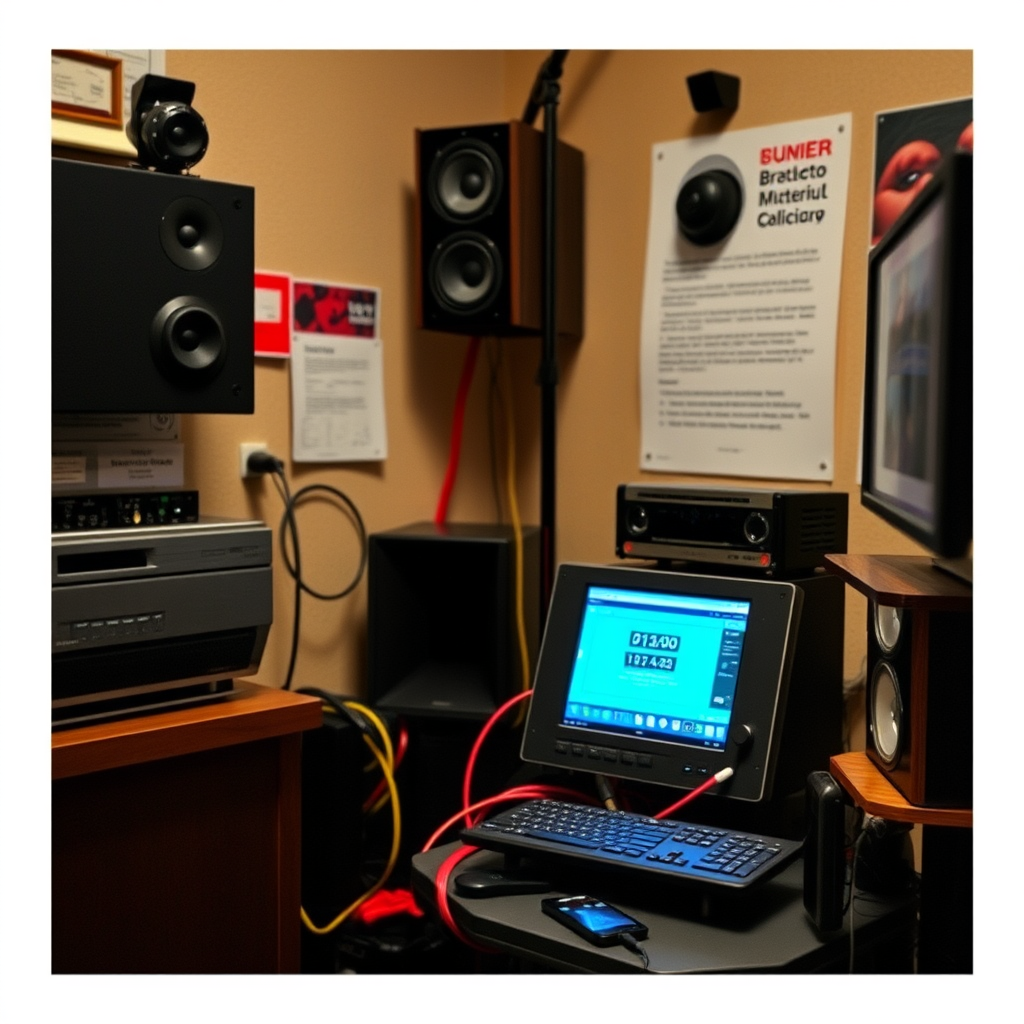
Before diving into more complex solutions, it’s essential to ensure that all audio connections are secure. Loose or improperly connected cables can exacerbate RFI, amplifying the interference. Start by visually inspecting all cables to confirm they are correctly plugged in, and check for any signs of wear or damage.
Using shielded cables is another effective way to minimize interference. Shielded cables have a protective layer that helps block external signals from interfering with the audio signal. This is particularly important for long cable runs or when cables are routed near potential interference sources. Investing in high-quality audio cables can make a significant difference in the clarity and quality of your sound.
Move Your Audio Equipment
Relocating your audio system can often resolve RFI issues. If your equipment is situated near potential sources of interference like wireless routers, cell phones, or microwaves, consider moving it to a different location. Aim for a distance of at least three feet from these devices to reduce the likelihood of interference.
Experimenting with different placements within your room can help you find the optimal location that minimizes RFI. Sometimes, simply changing the orientation of your audio components can make a difference in reception and sound quality.
Common Sources of Radio Frequency Interference
| # | Source | Impact Level | Frequency Range (MHz) | Common Remedies |
|---|---|---|---|---|
| 1 | Cell Phones | High | 800-1900 | Distance, Shielding |
| 2 | Wireless Routers | Medium | 2.4-5.8 | Repositioning |
| 3 | Microwaves | High | 2450 | Distance |
| 4 | Bluetooth Devices | Medium | 2.4 | Shielding |
| 5 | Radios | Medium | 530-1700 | Distance |
| 6 | Old Electronics | Low | Various | Upgrade |
| 7 | Fluorescent Lights | Medium | Various | Replace |
Use Ferrite Beads and Filters
Ferrite beads and RFI filters are effective tools for combating radio frequency interference. Ferrite beads are small passive magnetic devices that can be attached to audio cables. By doing so, they block unwanted high-frequency noise from entering the cables and disrupting the audio signal. This can be particularly beneficial for long cable runs where interference is more likely to occur.
RFI filters can also be installed on power lines to further protect your audio equipment from interference. These filters work by blocking unwanted frequencies from entering your audio system through the power supply. Installing these components can help ensure a cleaner signal and improve overall audio quality.
Upgrade Your Equipment
Older audio equipment may be more susceptible to RFI due to outdated shielding and technology. If you find that your current system frequently experiences interference, it may be worth evaluating your components. Investing in modern audio systems that are designed with superior shielding can significantly reduce the likelihood of interference.
Additionally, consider upgrading individual components such as receivers, amplifiers, or speakers. Look for equipment that explicitly mentions RFI resistance features. This investment can provide long-term benefits, ensuring your audio system performs optimally without disruption.
Monitor and Adjust Settings
Sometimes, radio frequency interference can be mitigated by adjusting settings on your audio devices. Begin by reviewing the settings on your audio equipment, including the equalizer and input options. Switching to a different input source or adjusting the equalizer settings can sometimes help reduce the impact of interference.
If your system has a noise reduction feature, ensure it is enabled. Regularly monitoring and fine-tuning these settings can help maintain the quality of your sound and reduce interruptions from RFI.
Consult a Professional
If you’ve tried the above steps and are still experiencing issues with radio frequency interference, it may be time to consult a professional. An experienced audio technician can conduct a thorough assessment of your setup and identify any underlying issues that may be contributing to the problem.
Professional help can provide tailored solutions based on your specific audio configuration, ensuring that your system is optimized for the best possible performance. They can also recommend equipment upgrades or modifications that may further enhance your audio experience.
Conclusion
By understanding the nature of radio frequency interference and implementing these strategies, you can effectively mitigate its impact on your audio system. Strategies such as identifying interference sources, checking connections, relocating equipment, using ferrite beads, and upgrading your components are key to achieving uninterrupted audio quality. Should the issue persist, seeking professional assistance can provide additional insights and solutions. Take action today to enhance your listening experience and ensure your audio setup delivers the best performance possible.
Frequently Asked Questions
What are the common causes of radio frequency interference in audio systems?
Common causes of radio frequency interference (RFI) in audio systems include nearby electronic devices, poor shielding of cables, and high-frequency signals from radio stations. Devices like cell phones, Wi-Fi routers, and even fluorescent lights can emit RFI that disrupts audio clarity. Identifying these sources is crucial for effective troubleshooting.
How can I eliminate radio frequency interference from my audio system?
To eliminate RFI, start by repositioning your audio components away from potential sources of interference, such as wireless routers or fluorescent lights. Additionally, using shielded cables and ensuring proper grounding can significantly reduce interference. Consider adding ferrite beads to your cables for extra protection against RFI.
Why does my audio system pick up radio signals, and what can I do about it?
Your audio system may pick up radio signals due to its components, especially if they are not properly shielded. To resolve this issue, check for loose connections, switch to higher-quality cables, and consider using a different frequency or band for your audio transmissions. Implementing these solutions can help minimize unwanted radio signal interference.
What is the best way to shield my audio system from radio frequency interference?
The best way to shield your audio system from RFI is to use high-quality, shielded cables for all connections and to ensure that all components are properly grounded. Additionally, installing RFI filters on your power supply can help block unwanted signals. Regular maintenance and checking for any damaged cables will also enhance shielding effectiveness.
Which devices are most likely to cause radio frequency interference in audio systems?
Devices that are most likely to cause RFI in audio systems include cell phones, Wi-Fi routers, microwave ovens, and other wireless devices. These electronics emit electromagnetic waves that can disrupt audio signals. To minimize interference, keep these devices at a distance from your audio equipment and consider using devices that operate on different frequency bands.
References
- Electromagnetic interference
https://en.wikipedia.org/wiki/Radio_frequency_interference - https://www.sciencedirect.com/topics/engineering/radio-frequency-interference
https://www.sciencedirect.com/topics/engineering/radio-frequency-interference - https://www.ncbi.nlm.nih.gov/pmc/articles/PMC7362056/
https://www.ncbi.nlm.nih.gov/pmc/articles/PMC7362056/ - https://www.bbc.com/news/technology-55487740
https://www.bbc.com/news/technology-55487740 - https://www.nature.com/articles/s41598-020-70673-3
https://www.nature.com/articles/s41598-020-70673-3 - Google Scholar Google Scholar
https://scholar.google.com/scholar?q=Radio+Frequency+Interference+solutions - Google Scholar Google Scholar
https://scholar.google.com/scholar?q=Reducing+Radio+Frequency+Interference+in+audio+systems - https://www.cdc.gov/nceh/ehs/docs/radiofrequency_interference.pdf
https://www.cdc.gov/nceh/ehs/docs/radiofrequency_interference.pdf - Asthma and acid reflux: Are they linked? – Mayo Clinic
https://www.mayoclinic.org/healthy-lifestyle/adult-health/expert-answers/radio-frequency-interference/faq-20057993 - Google Scholar Google Scholar
https://scholar.google.com/scholar?q=What+to+Do+When+Your+Audio+System+Picks+Up+Radio+Frequency+Interference