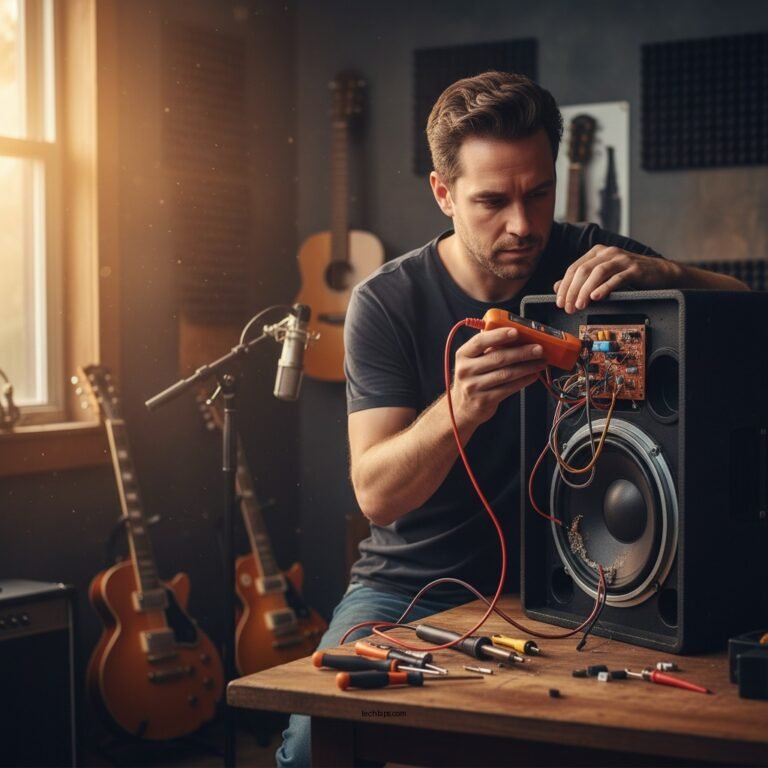

Most likely, your subwoofer and satellite speakers are not matching in sound quality due to differences in their design, placement, or settings. This discrepancy can lead to an unbalanced audio experience, diminishing the overall enjoyment of your sound system. In this article, we’ll explore common reasons for this mismatch and offer solutions to achieve a more harmonious audio experience.
Understanding the Basics of Sound Quality
Sound quality is a multifaceted concept influenced by several critical factors, primarily the type of speakers in use. Subwoofers are specifically designed to handle low frequencies, typically below 80 Hz, delivering the powerful bass that enhances the overall audio experience. In contrast, satellite speakers focus on mid and high frequencies, providing clarity and detail to vocals and instruments. This fundamental difference in design can lead to a noticeable mismatch in sound quality if the speakers are not properly calibrated or paired.
Moreover, compatibility matters significantly. Using mismatched brands or models can exacerbate the issue, resulting in uneven sound output. For instance, a high-quality subwoofer paired with low-end satellite speakers may lead to an overwhelming bass presence, drowning out the clarity of the higher frequencies. Therefore, it is essential to ensure that your audio components are compatible and designed to work together to deliver a cohesive sound profile.
Importance of Speaker Placement
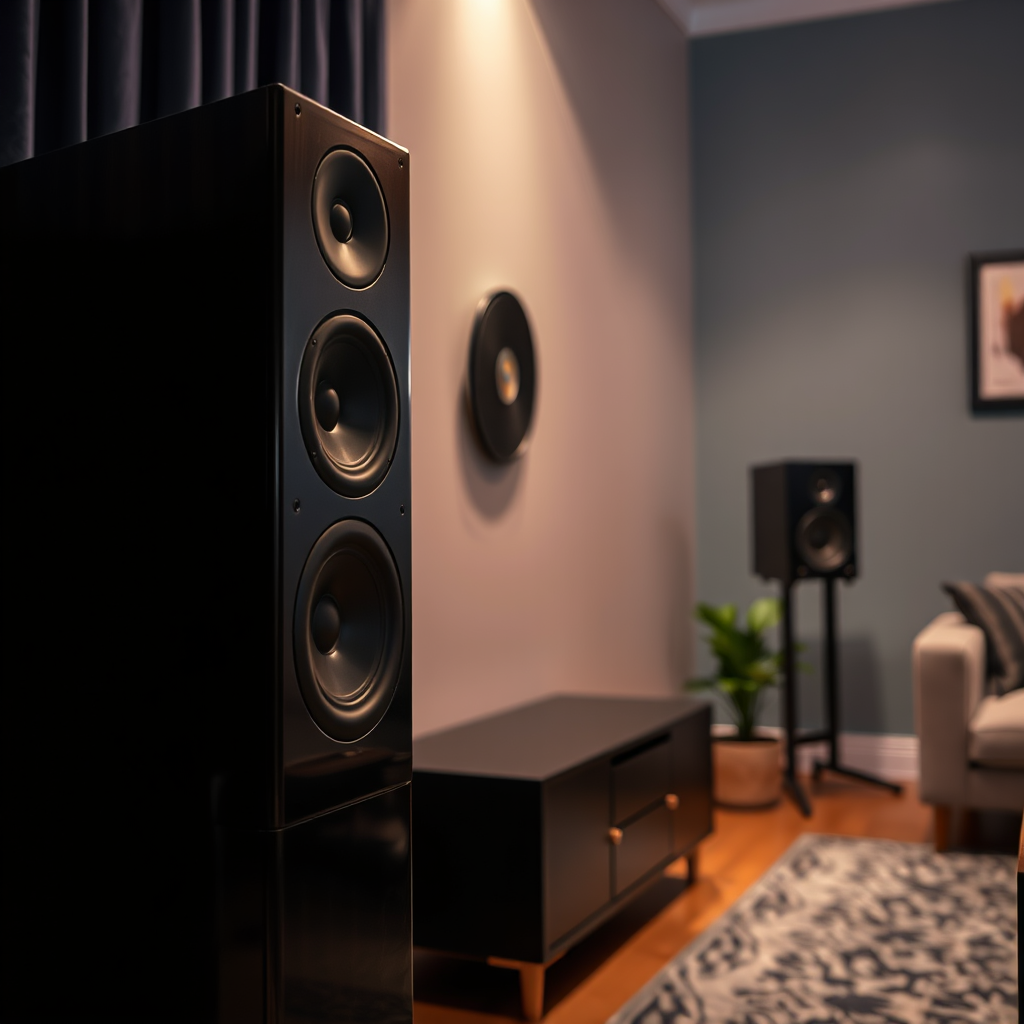
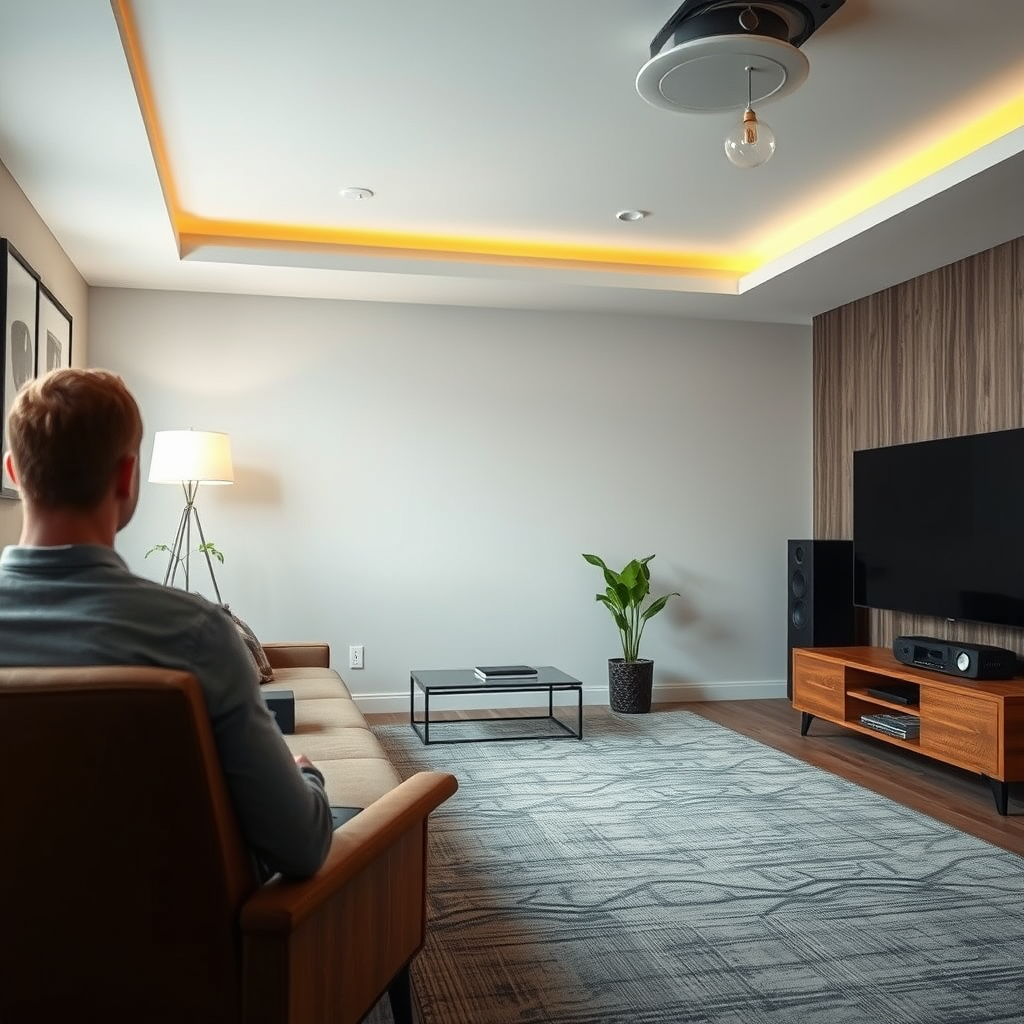
For example, if satellite speakers are placed too low or too high, the listener may miss out on critical details in music or dialogue, leading to an uneven audio experience. It is advisable to test various placements and angles to find the optimal configuration for your room, taking care to avoid placing speakers too close to walls or corners, as this can create unwanted reflections and diminish sound quality.
Calibration and Settings
To achieve a balanced sound experience, it is vital to ensure that your audio receiver is properly calibrated. Calibration involves adjusting the audio settings to balance the output from both the subwoofer and satellite speakers. Most modern receivers offer an automatic calibration feature that uses a microphone to assess the room’s acoustics and adjust settings accordingly.
Additionally, adjusting crossover settings is essential for ensuring smooth transitions between speaker frequencies. The crossover frequency determines at what point the audio signal is divided between the subwoofer and the satellite speakers. Setting this appropriately can prevent gaps or overlaps in sound, leading to a more seamless audio experience.
Common Speaker Features Comparison
| # | Feature | Subwoofer | Satellite Speakers |
|---|---|---|---|
| 1 | Frequency Range | 20Hz – 200Hz | 100Hz – 20kHz |
| 2 | Power Handling | 200W RMS | 100W RMS |
| 3 | Impedance | 4Ω | 8Ω |
| 4 | Sensitivity | 85 dB | 90 dB |
| 5 | Driver Size | 10 inches | 5 inches |
| 6 | Weight | 20 lbs | 5 lbs |
| 7 | Best For | Deep Bass | Vocals & Instruments |
Acoustic Environment
The acoustic environment can greatly affect sound quality, and understanding this is essential for optimizing your audio setup. Hard surfaces such as tile or concrete can cause echoes and unwanted reverberation, which can muddy the sound. Conversely, soft furnishings like carpets, curtains, and upholstered furniture absorb sound, reducing echoes and enhancing clarity.
To improve the overall sound quality in your space, consider utilizing acoustic panels or rugs. These elements can help minimize sound reflections and create a more balanced acoustic environment. Moreover, experimenting with different room layouts may further enhance audio performance, allowing for a more enjoyable listening experience.
Wiring and Connectivity Issues
It’s essential to check for wiring and connectivity issues that may disrupt the audio signal between your subwoofer and satellite speakers. Loose or damaged cables can lead to poor sound quality, and ensuring all connections are secure is vital for optimal performance.
Also, confirm that your subwoofer is connected to a dedicated output on your audio receiver. Using the correct output ensures that the audio signal is properly routed and that the subwoofer performs at its best. If necessary, replace any frayed or damaged cables to eliminate potential sources of interference.
Troubleshooting Techniques
To diagnose sound quality issues effectively, conduct a sound test by playing familiar tracks that you know well. Listening for discrepancies in sound levels can help identify specific problems, such as one speaker being significantly quieter than the other.
Additionally, utilizing a sound meter app can provide valuable insights into audio levels, enabling you to make precise adjustments as needed. This proactive approach allows for a more tailored audio experience, ensuring that both subwoofer and satellite speakers work in unison to create rich, immersive sound.
Speaker Performance Ratings
Upgrading Components
If mismatched sound quality persists despite adjustments, it may be time to consider upgrading one or both components. Investing in higher-quality speakers that are designed to work well together can significantly enhance audio performance. When selecting new components, look for brands and models that are known for their compatibility to ensure a cohesive sound experience.
Another option is to invest in a soundbar with integrated subwoofers. These systems are designed to provide a balanced audio experience with minimal setup and are often optimized for seamless integration between components. If you find that your existing components do not meet your audio needs, exploring these options can lead to a more satisfying listening experience.
By understanding the various factors that impact the sound quality of your subwoofer and satellite speakers, you can take meaningful steps to enhance your audio setup. Start by assessing placement and settings, ensuring that all components are compatible, and don’t hesitate to make adjustments or upgrades as needed. For further tips and personalized advice, explore our other articles on audio optimization.
Frequently Asked Questions
Why does my subwoofer sound different from my satellite speakers?
The discrepancy in sound quality between your subwoofer and satellite speakers often arises from their distinct roles in a sound system. Subwoofers are designed to produce low-frequency sounds, while satellite speakers handle mid to high frequencies. If they are not properly calibrated or matched in terms of volume and crossover settings, you may notice an imbalance in sound quality.
How can I improve the sound matching between my subwoofer and satellite speakers?
To improve sound matching, start by adjusting the crossover frequency on your subwoofer to ensure it complements the frequency range of your satellite speakers. Additionally, use an audio calibration tool or a sound level meter to balance the volume levels across all speakers, ensuring a cohesive sound experience.
What settings should I check if my subwoofer and satellite speakers are not in sync?
Check the crossover frequency settings, volume levels, and phase alignment on both your subwoofer and satellite speakers. Ensuring these settings are correctly configured can significantly enhance the overall sound quality and synchronization between the speakers, creating a more immersive audio experience.
Which speaker placement can help my subwoofer and satellite speakers match better?
Proper speaker placement can greatly affect sound quality. Position your subwoofer in a corner or near a wall to enhance bass response, while ensuring your satellite speakers are at ear level and spaced evenly for optimal soundstage. Experimenting with these placements can help achieve a more balanced sound between all speakers.
What is the best way to troubleshoot sound quality issues between my subwoofer and satellite speakers?
The best way to troubleshoot sound quality issues is to start by checking all connections and cables for any damage or loose connections. Next, perform a sound test to identify specific frequency ranges that may be lacking, and adjust your receiver settings accordingly. If problems persist, consider seeking professional calibration to achieve the best audio performance.
References
- Subwoofer
https://en.wikipedia.org/wiki/Subwoofer - https://www.sciencedirect.com/topics/engineering/subwoofer
https://www.sciencedirect.com/topics/engineering/subwoofer - https://www.bbc.com/future/article/20200206-the-science-of-sound-and-how-it-affects-your-mood
https://www.bbc.com/future/article/20200206-the-science-of-sound-and-how-it-affects-your-mood - Genetic Polymorphisms in ADORA2A and CYP1A2 Influence Caffeine’s Effect on Postprandial Glycaemia…
https://www.nature.com/articles/s41598-019-46931-0 - Google Scholar Google Scholar
https://scholar.google.com/scholar?q=subwoofer+satellite+speakers+sound+quality - https://pubmed.ncbi.nlm.nih.gov/29336732/
https://pubmed.ncbi.nlm.nih.gov/29336732/ - Google Scholar Google Scholar
https://scholar.google.com/scholar?q=sound+quality+matching+speakers - https://www.reuters.com/article/us-tech-audio-idUSKBN2A10D6
https://www.reuters.com/article/us-tech-audio-idUSKBN2A10D6 - https://www.theguardian.com/music/2021/mar/24/the-importance-of-sound-quality-in-music
https://www.theguardian.com/music/2021/mar/24/the-importance-of-sound-quality-in-music - https://www.mayoclinic.org/healthy-lifestyle/consumer-health/in-depth/sound-and-hearing/art-20044987
https://www.mayoclinic.org/healthy-lifestyle/consumer-health/in-depth/sound-and-hearing/art-20044987