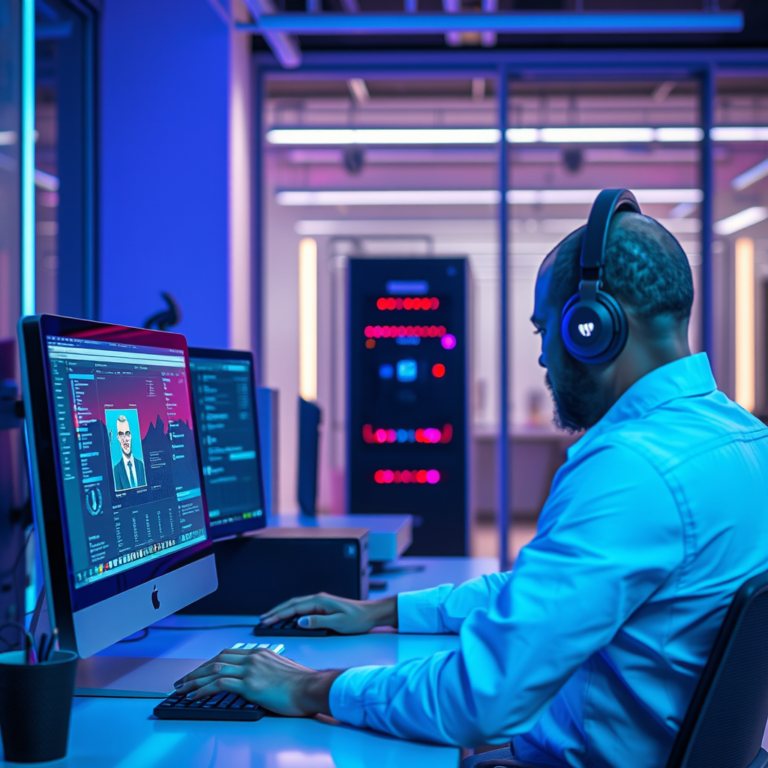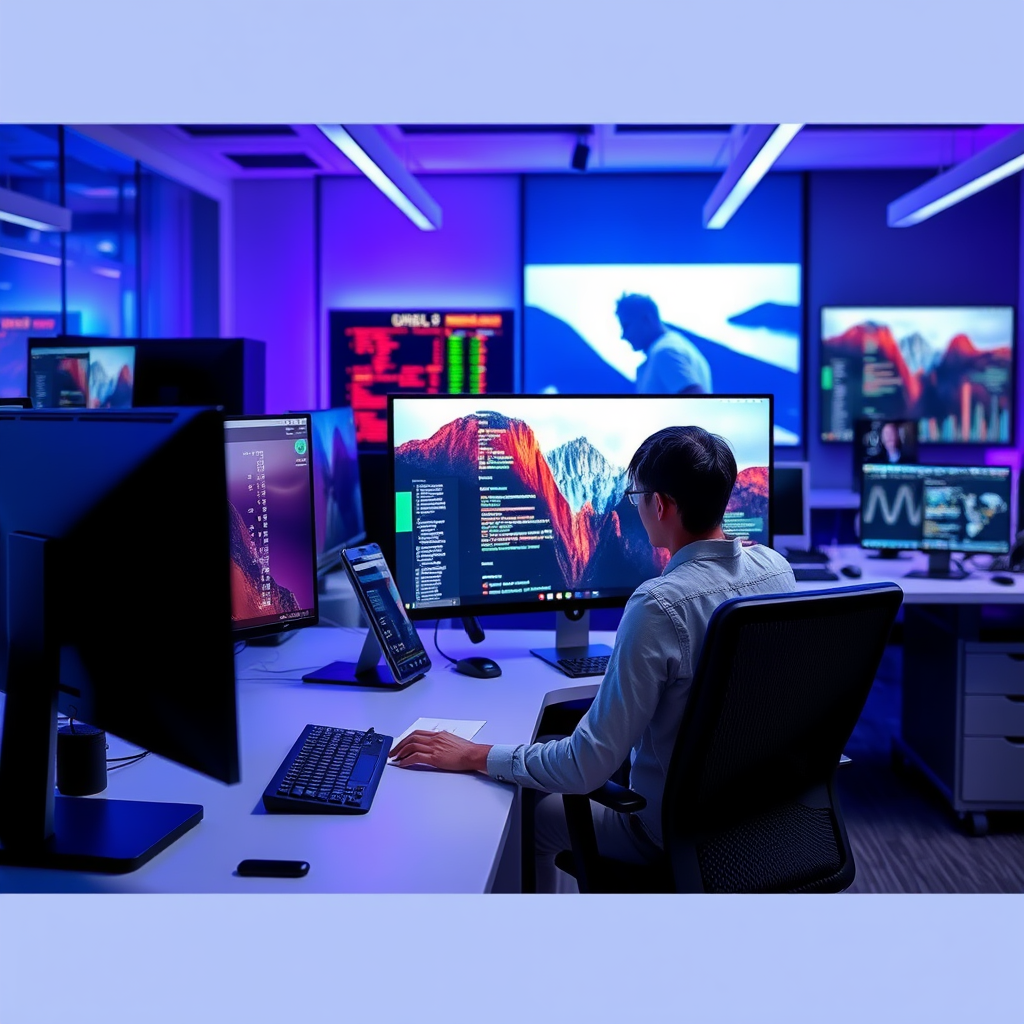

Eye strain from screens is often caused by factors like blue light exposure, glare, and improper viewing distances. In this article, you’ll learn about the reasons behind screen-induced eye strain and practical strategies to minimize its impact, ensuring a more comfortable viewing experience. By understanding these factors and implementing simple changes, you can protect your eyes and enjoy your screen time without discomfort.
Understanding Eye Strain

Eye strain, or asthenopia, is a common condition that results from prolonged use of screens, leading to discomfort and fatigue. Symptoms often include headaches, blurred vision, dry eyes, and difficulty focusing. These symptoms can be both frustrating and distracting, especially when you rely on screens for work, study, or leisure.
The physiological reasons behind screen-induced eye discomfort are primarily linked to how our eyes function. When we use screens, our eyes are often required to focus on small text and images, which can lead to muscle fatigue. Additionally, staring at a screen can reduce our blink rate, causing dryness and irritation. These factors combined make it essential to recognize the importance of maintaining eye health, especially in our digital age.
The Role of Blue Light

Blue light is a high-energy visible light that is emitted from screens, including those of computers, smartphones, and televisions. While blue light is natural and present in sunlight, excessive exposure from screens can disrupt our circadian rhythms and lead to increased eye strain and fatigue.
Studies have shown that blue light can penetrate deep into the eye and may contribute to retinal damage over time. Furthermore, exposure to blue light, especially during the evening, can interfere with our sleep patterns by inhibiting the production of melatonin, the hormone responsible for sleep. This connection between blue light exposure and eye strain makes it crucial to consider how we manage our screen time, particularly in the hours leading up to bedtime.
Glare and Reflection Issues
Glare from screens can significantly exacerbate eye strain, making it difficult to see clearly and leading to further discomfort. Glare can come from various sources, such as overhead lighting, windows, or even reflections on your screen itself. When your eyes are constantly adjusting to these changing light conditions, it can lead to fatigue and strain.
To reduce glare, consider using screen filters that minimize reflections, or adjust the brightness and contrast settings on your device. Additionally, positioning your screen away from direct light sources and using curtains or blinds can help create a more comfortable viewing environment. Optimal lighting conditions, such as using soft, diffused lighting rather than harsh overhead lights, also play a crucial role in minimizing glare and enhancing your overall viewing experience.
Viewing Distance and Screen Position
The positioning of your screen is critical for maintaining eye health. Ideally, your screen should be at an arm’s length away, with the top of the screen at or slightly below eye level. This positioning allows your eyes to maintain a natural posture, reducing the strain on the eye muscles.
It’s essential to adjust your workstation to accommodate these guidelines. If you’re working on a laptop, consider using a separate keyboard and mouse, and elevate the screen to the appropriate height. If you’re using a desktop computer, make sure the monitor is at the right distance and angle to prevent excessive head and neck movements. Proper screen positioning can make a significant difference in reducing eye strain.
The Impact of Screen Time Duration
Prolonged exposure to screens is a major contributor to eye strain. The more time you spend staring at your screen, the more likely you are to experience discomfort. This is especially true for individuals who work long hours in front of a computer or engage in binge-watching sessions.
One effective strategy for managing screen time is the 20-20-20 rule: every 20 minutes, take a 20-second break to look at something 20 feet away. This simple practice allows your eyes to relax and refocus, reducing fatigue. Incorporating regular breaks into your routine can significantly alleviate strain and improve your overall comfort while using screens.
Eye Care Practices to Mitigate Strain
Regular eye care is vital for maintaining eye health and minimizing strain. Scheduling routine eye exams allows eye care professionals to monitor your vision and detect any issues early on. If you spend considerable time on screens, consider discussing specialized eyewear designed to reduce blue light exposure and enhance visual comfort.
In addition to professional care, practicing good eye habits can also help. Remember to blink frequently to keep your eyes moist, and consider incorporating eye exercises into your routine. Simple exercises like rolling your eyes, focusing on distant objects, and closing your eyes for a few moments can help alleviate discomfort and refresh your vision.
Choosing the Right Screen
When selecting screens, it’s essential to consider options that are easier on the eyes. Look for screens with anti-glare features, adjustable brightness settings, and low blue light emissions. Many modern monitors and devices now offer features that can be adjusted to suit your needs, such as blue light filters and eye-care modes.
Comparing different types of screens can also help you make informed choices. For instance, OLED screens are known for their deeper contrast and reduced glare, making them a popular choice for those concerned about eye strain. Meanwhile, LCD screens can also provide good options if they come with appropriate filters and settings to minimize eye fatigue.
By understanding the factors that contribute to eye strain and implementing the suggested practices, you can significantly reduce discomfort and protect your eye health. Consider making adjustments to your screen habits today, and consult with an eye care professional if symptoms persist. Your eyes deserve the best care, so take proactive steps to ensure they remain healthy and comfortable in our screen-filled world.
Frequently Asked Questions
Why do some screens cause eye strain more than others?
Some screens cause more eye strain due to factors such as screen brightness, resolution, and flicker rate. Higher resolution screens typically provide clearer images, reducing strain, while screens with lower refresh rates can lead to flicker, which tires the eyes. Additionally, screens that emit excessive blue light can disrupt sleep patterns and exacerbate discomfort, making it crucial to choose displays that are designed with eye comfort in mind.
How can I tell if my screen is causing eye strain?
Common symptoms of eye strain from screens include blurred vision, dryness, headaches, and difficulty focusing. If you notice these issues occurring after prolonged screen use, it’s likely that your device is contributing to your discomfort. Keeping track of your symptoms and their correlation with screen time can help you identify problematic devices and environments.
What are the best practices to reduce eye strain while using screens?
To reduce eye strain, implement the 20-20-20 rule: every 20 minutes, take a 20-second break to look at something 20 feet away. Additionally, ensure your screen is positioned about an arm’s length away and slightly below eye level to minimize glare. Adjusting the lighting in your workspace and using anti-reflective screen filters can also significantly alleviate eye strain.
Which settings on my device can help minimize eye strain?
To minimize eye strain, adjust your screen brightness to match the lighting in your environment and enable blue light filtering options, such as “Night Shift” or “Night Light,” which reduce blue light emissions. Increasing text size and utilizing high-contrast themes can also make reading easier. Regularly updating your display settings based on the time of day and task can further enhance comfort.
Why is blue light from screens a concern for eye health?
Blue light emitted from screens is a concern because it can contribute to digital eye strain and disrupt sleep patterns by interfering with melatonin production. Prolonged exposure to blue light may lead to discomfort and fatigue, making it essential to limit screen time, especially before bedtime. Using blue light blocking glasses or apps can help mitigate these effects, promoting better eye health and sleep hygiene.
References
- https://www.who.int/news-room/questions-and-answers/item/eye-strain
- https://www.ncbi.nlm.nih.gov/pmc/articles/PMC6329925/
- https://www.aao.org/eye-health/tips-prevention/computer-vision-syndrome
- https://www.cdc.gov/niosh/topics/ergonomics/computer.html
- https://www.mayoclinic.org/diseases-conditions/eye-strain/symptoms-causes/syc-20370721
- Healthy eyes | AOA
- https://www.webmd.com/eye-health/eye-strain-symptoms-causes-treatments
- https://www.verywellhealth.com/what-is-eye-strain-5114401