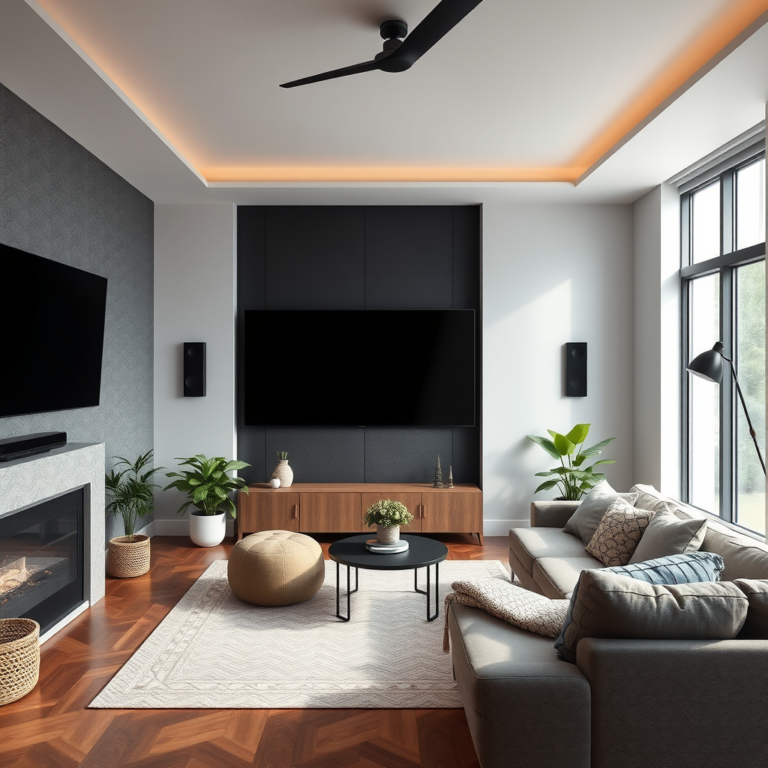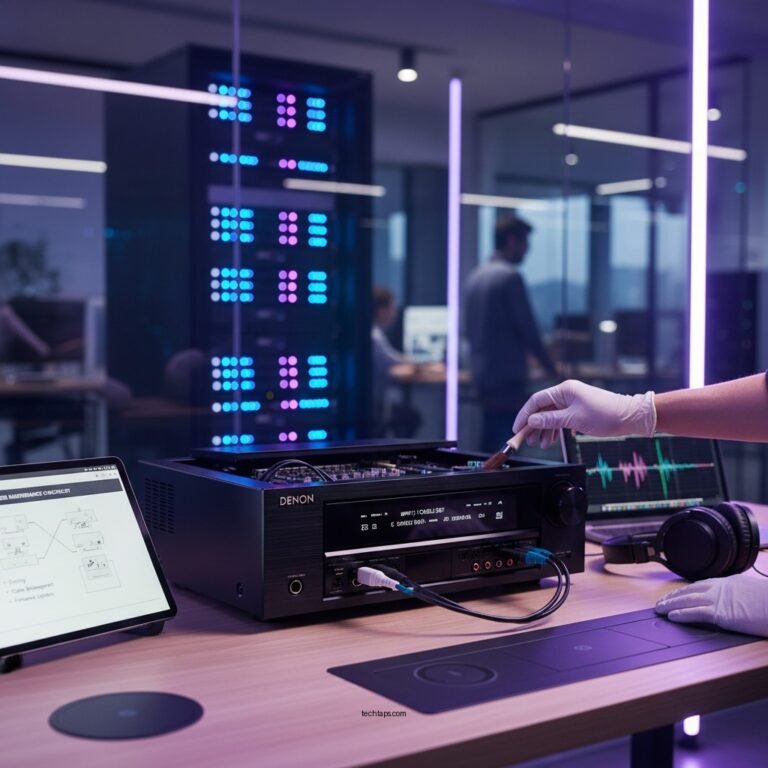

Experiencing a hollow sound from your audio system often indicates issues with speaker placement, room acoustics, or equipment settings. Addressing these common factors can significantly enhance your audio experience, allowing for rich and immersive sound. In this article, we’ll explore common causes of this problem and provide actionable troubleshooting tips to help you achieve optimal audio quality.
Understanding Hollow Sound in Audio Systems
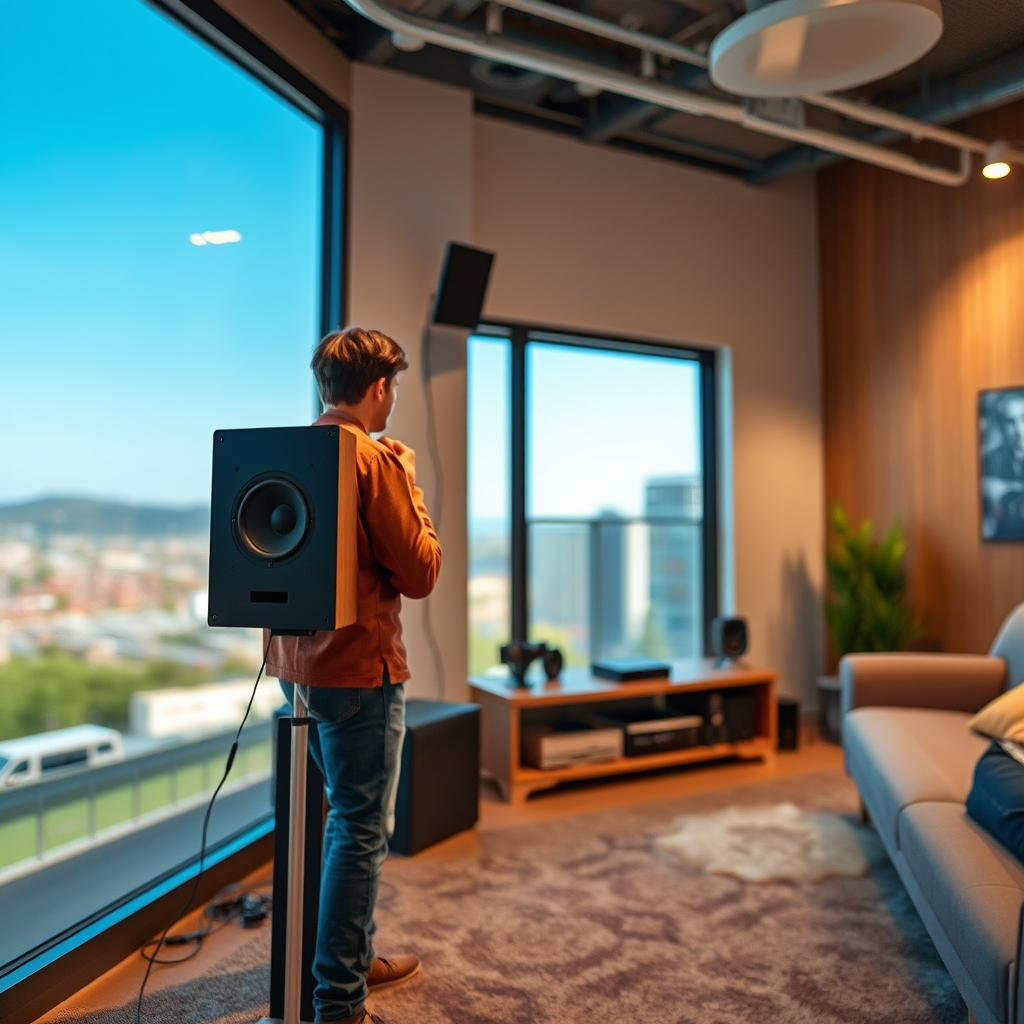
A hollow sound in audio systems can be frustrating, particularly if you’ve invested in high-quality equipment. This phenomenon typically arises from improper speaker positioning, where speakers may not be aligned correctly with the listener’s ear or are too close to reflective surfaces. Additionally, the acoustic properties of your room play a critical role in sound quality. Rooms with hard surfaces, such as concrete or tile, can produce unwanted echoes, contributing to the hollow effect. Understanding these elements is essential in diagnosing and resolving sound quality issues.
Check Speaker Placement
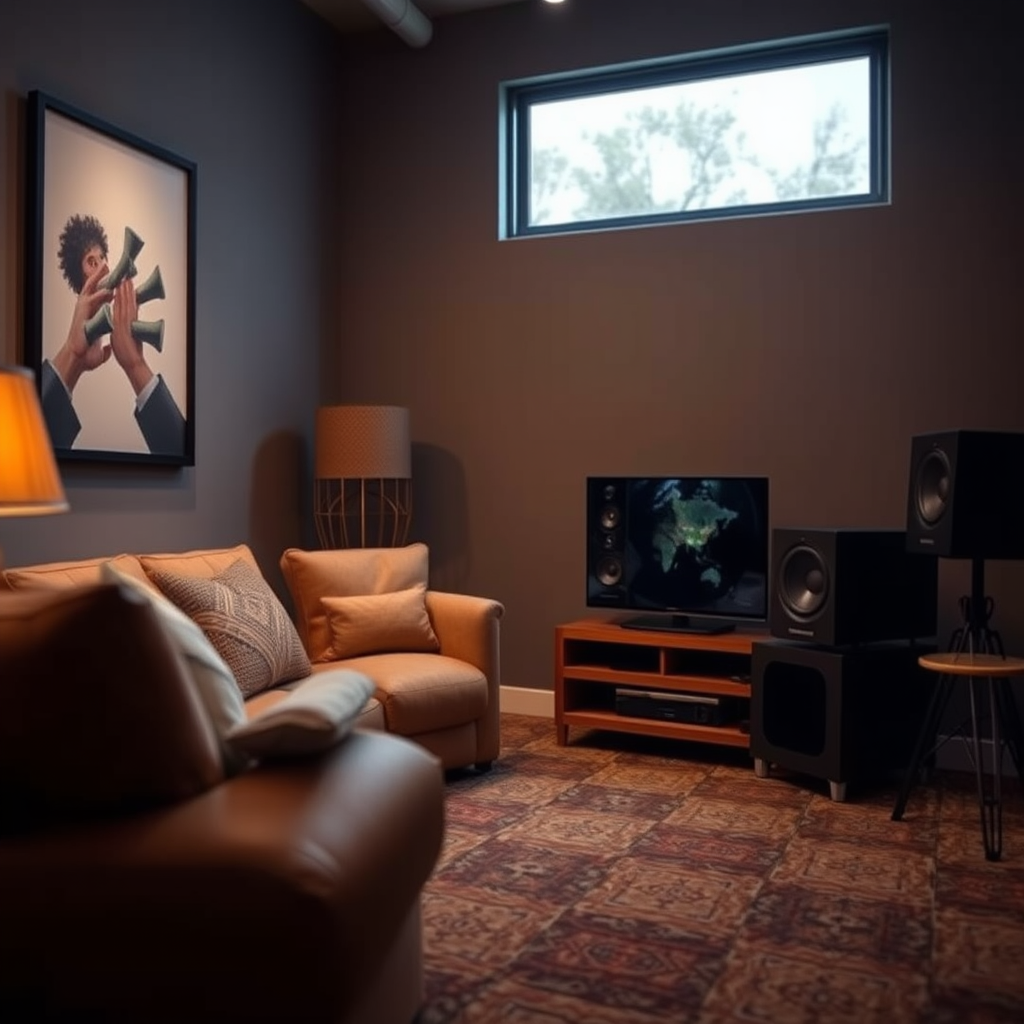
Experimenting with the distance from walls is crucial to avoid sound reflections that can create a hollow sound. As a general rule, speakers should be placed at least a few feet from walls to minimize unwanted resonances and maximize clarity.
Evaluate Room Acoustics
Room acoustics can significantly affect how sound is perceived. Hard surfaces, such as tile floors, bare walls, and glass windows, can cause reflections that lead to echoes and a hollow sound. If your room has many hard surfaces, it may be beneficial to incorporate soft furnishings such as carpets, curtains, and upholstered furniture. These materials help absorb sound, reducing reflections and improving overall sound quality.
Additionally, consider using acoustic panels strategically placed around the room to absorb excess sound and minimize echoes. These panels can be particularly effective in corners and on flat surfaces where sound waves are likely to bounce.
Inspect Audio Equipment Settings
Sometimes, the issue of hollow sound may not lie in the physical setup but rather in the settings of your audio equipment. Start by checking your equalizer settings to ensure they are balanced. Overly boosted frequencies, especially in the lower or higher ranges, can lead to a hollow sound. Adjusting the equalizer to create a more balanced sound profile can help resolve this issue.
Moreover, inspect any sound enhancement features on your audio equipment. Features such as bass boost or surround sound can sometimes create unintended effects that distort the audio signal, contributing to a hollow sound. Disabling these features temporarily can help determine if they are the source of the issue.
Test Different Audio Sources
To pinpoint the cause of a hollow sound, experiment with different audio sources. Play various types of audio, such as music, movies, and podcasts, to see if the issue persists across all formats. Sometimes, the problem may stem from specific audio files that are poorly recorded or compressed. High-quality audio files are essential for a clear listening experience; therefore, consider testing with lossless formats or high-resolution audio tracks.
If the hollow sound seems to diminish with certain audio types, this might indicate that the problem lies with the audio source rather than your equipment or room setup.
Common Causes of Hollow Sound in Audio Systems
| # | Cause | Description | Potential Solution |
|---|---|---|---|
| 1 | Improper Speaker Placement | Speakers not positioned at ear level | Adjust height and angle |
| 2 | Room Acoustics | Hard surfaces causing reflections | Add carpets and curtains |
| 3 | Unbalanced EQ Settings | Excessive bass or treble | Adjust equalizer settings |
| 4 | Audio Source Quality | Low-quality recordings | Use high-quality audio files |
| 5 | Sound Enhancement Features | Settings altering audio output | Disable enhancements |
| 6 | Wiring Issues | Faulty or loose connections | Check and secure connections |
| 7 | Speaker Quality | Low-quality speakers | Consider upgrading speakers |
Seek Professional Help if Needed
If troubleshooting doesn’t resolve the issue, it may be time to consult an audio professional. An expert can provide insights into potential problems that may not be immediately apparent, such as room resonance issues or faulty equipment. Furthermore, they can assess the possibility of faulty wiring, damaged speakers, or other equipment that may need replacement. Engaging with a professional can save you time and ensure a comprehensive solution to your audio dilemmas.
Hollow Sound Factors and Their Impact
In summary, a hollow sound in your audio system can usually be traced back to speaker placement, room acoustics, or equipment settings. By following the troubleshooting tips outlined above, you can significantly improve your audio experience. Proper speaker positioning, evaluating room acoustics, inspecting equipment settings, and testing audio sources are all critical steps in this process. For further assistance or to explore audio upgrades, don’t hesitate to reach out to a professional audio service.
Frequently Asked Questions
Why does my audio system sound hollow when I play music?
A hollow sound in your audio system often results from improper speaker placement or room acoustics. If your speakers are too close to walls or corners, sound waves can bounce and create an echo effect, leading to a hollow sound. Additionally, low-quality audio files or compression can exacerbate this issue.
How can I troubleshoot the hollow sound in my audio system?
To troubleshoot hollow sound issues, start by repositioning your speakers to ensure they are not too close to walls. Experiment with different placements and angles to find the optimal sound stage. Also, check your audio settings to ensure your equalizer is set correctly, which can help enhance sound quality.
What are the best speaker placement tips to avoid a hollow sound?
The best speaker placement to avoid a hollow sound includes setting your speakers at ear level and at least a few feet away from walls. Try to form an equilateral triangle between your listening position and the speakers, as this can improve clarity and depth. Additionally, consider using sound-absorbing materials in your room to minimize echo.
Which audio settings should I adjust if my system sounds hollow?
If your audio system sounds hollow, adjusting the equalizer settings can be very effective. Increase the mid and high frequencies while reducing the bass, as excessive bass can contribute to a hollow sound. Ensure surround sound settings are configured correctly, as misconfigurations can affect overall sound quality.
Why might my audio system sound hollow only with certain types of music?
A hollow sound in your audio system may occur with certain types of music due to the recording quality or mixing of the tracks. Some genres may emphasize certain frequencies, leading to an imbalance in sound. It’s also possible that your audio system is not well-suited for those specific genres, so experimenting with different equalizer settings may help.
References
- Sound quality
https://en.wikipedia.org/wiki/Sound_quality - https://www.sciencedirect.com/topics/engineering/audio-quality
https://www.sciencedirect.com/topics/engineering/audio-quality - https://www.britannica.com/science/sound
https://www.britannica.com/science/sound - https://www.nature.com/articles/s41598-018-37733-3
https://www.nature.com/articles/s41598-018-37733-3 - https://pubmed.ncbi.nlm.nih.gov/17689492/
https://pubmed.ncbi.nlm.nih.gov/17689492/ - https://www.mayoclinic.org/healthy-lifestyle/adult-health/in-depth/hearing-loss/art-20044078
https://www.mayoclinic.org/healthy-lifestyle/adult-health/in-depth/hearing-loss/art-20044078 - https://www.cdc.gov/nceh/hearing_loss/what_is_hearing_loss.html
https://www.cdc.gov/nceh/hearing_loss/what_is_hearing_loss.html - Google Scholar Google Scholar
https://scholar.google.com/scholar?q=audio+system+hollow+sound+troubleshooting - Google Scholar Google Scholar
https://scholar.google.com/scholar?q=causes+of+hollow+audio+system+sound - Google Scholar Google Scholar
https://scholar.google.com/scholar?q=improving+audio+system+sound+quality