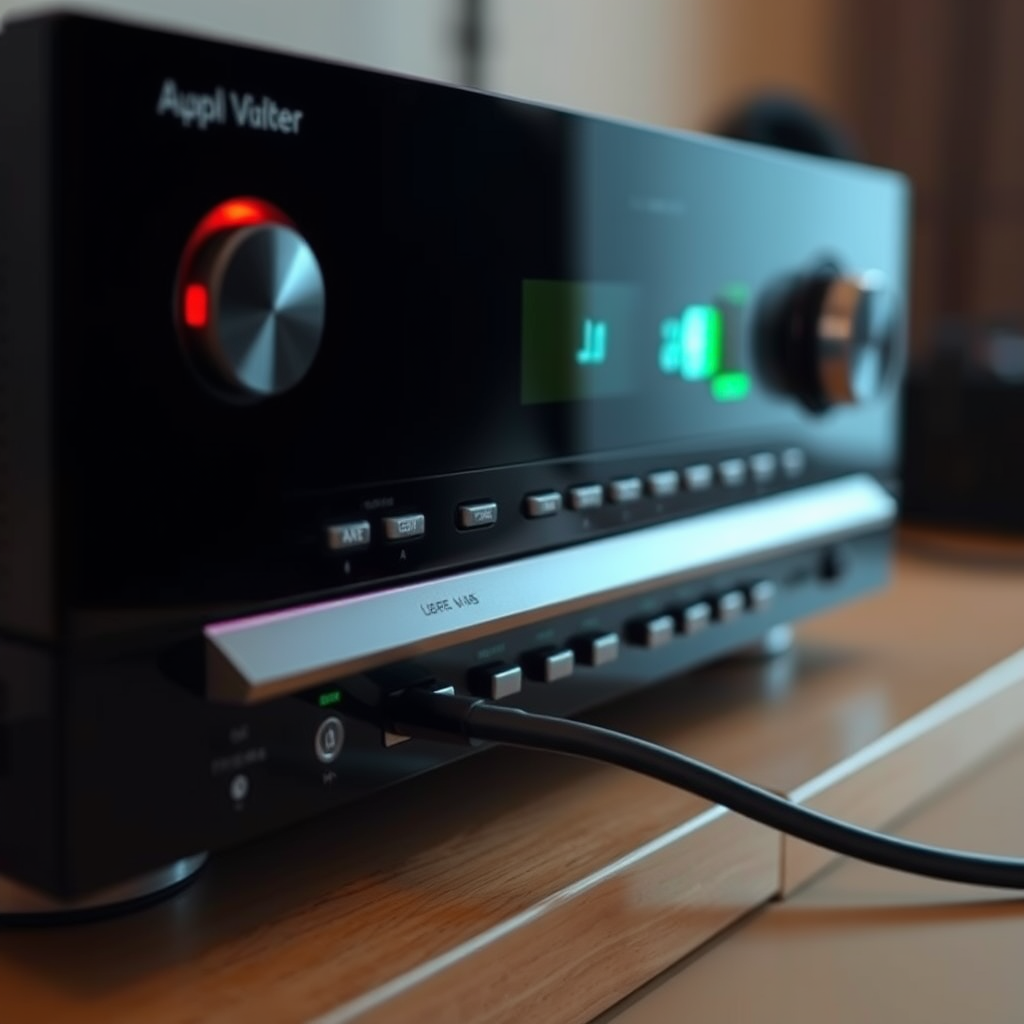

Overheating in your AV receiver is often caused by poor ventilation, excessive load, or faulty components. In this article, we will explore the main reasons behind overheating and provide practical solutions to help you resolve the issue, ensuring your audio equipment runs efficiently and lasts longer.
Common Causes of AV Receiver Overheating
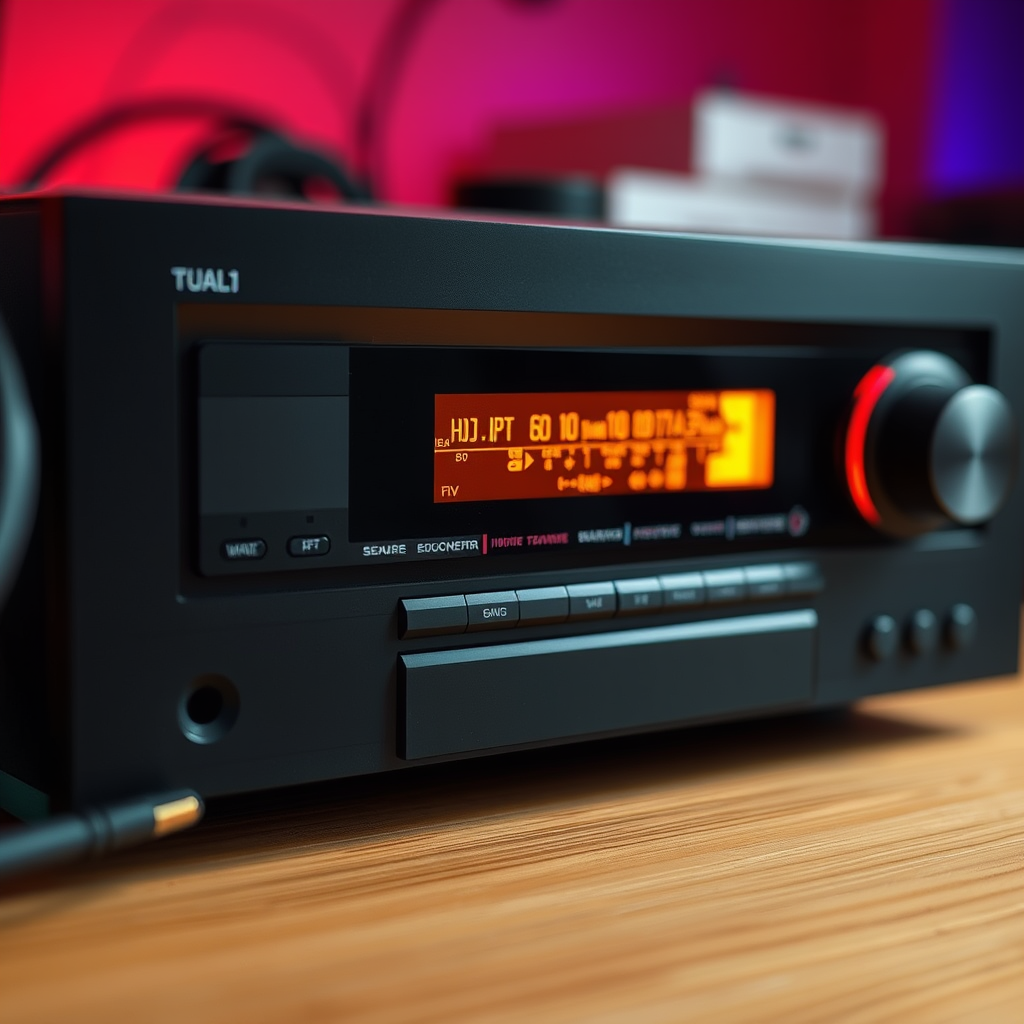
Understanding the root causes of overheating in your AV receiver is crucial for effective prevention and resolution. Here are the most common factors that can lead to this issue:
– Insufficient Ventilation: AV receivers require proper airflow to dissipate heat effectively. When placed in enclosed spaces or surrounded by other electronic devices, heat can build up quickly, leading to overheating. This is particularly common in entertainment centers where multiple components are crammed together. To combat this, ensure that your receiver is positioned with ample clearance on all sides.
– High Volume Levels: When you operate your AV receiver at high volume levels for extended periods, it draws more power, which generates additional heat. Continuous operation at or near maximum capacity can overwhelm the receiver’s cooling capabilities, resulting in overheating. It’s advisable to maintain volume levels within a moderate range and allow for breaks during prolonged usage.
Signs Your AV Receiver is Overheating
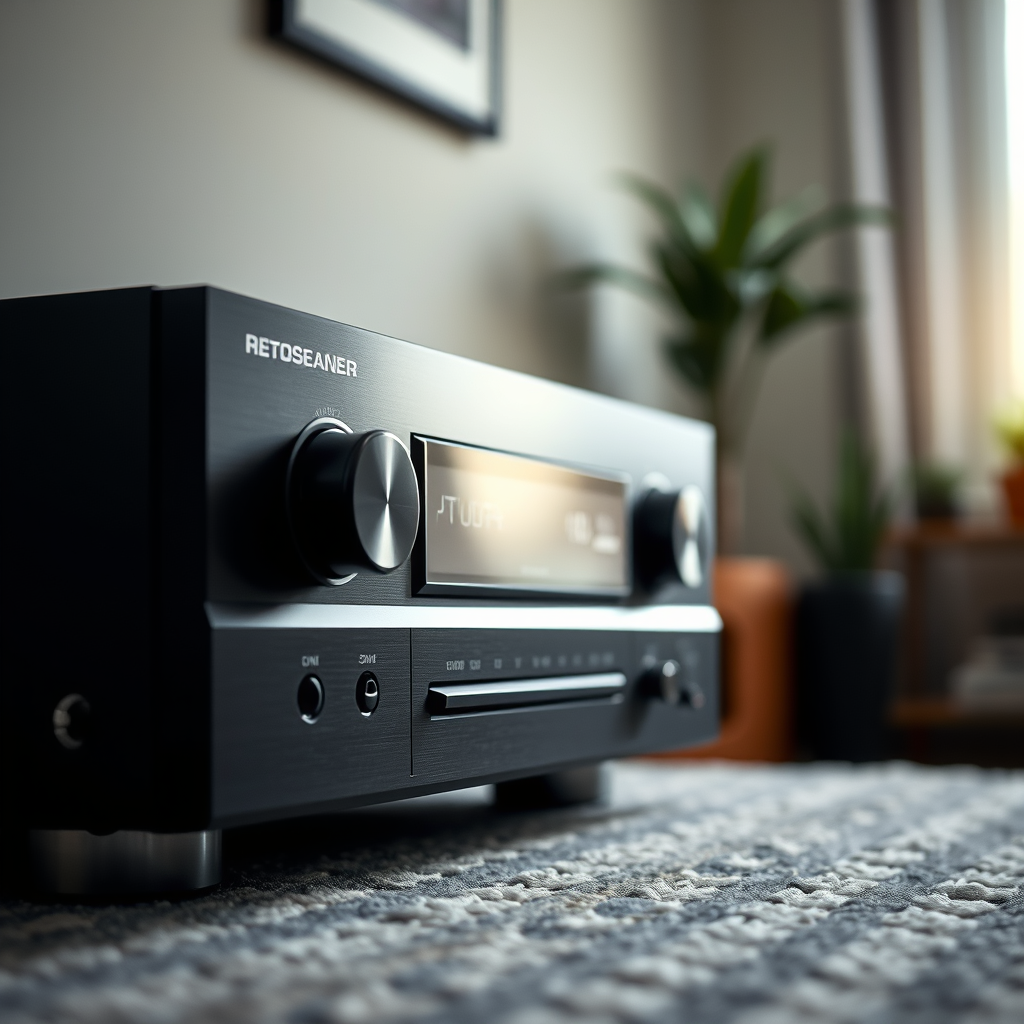
Being aware of the signs that indicate overheating can help you take timely action to prevent damage to your equipment:
– Temperature Warning Lights: Many modern AV receivers come equipped with built-in sensors that trigger warning lights when the temperature exceeds safe operating levels. If you notice these lights illuminated, it’s a clear indication that your receiver is overheating and needs immediate attention.
– Automatic Shutdown: One of the protective features of AV receivers is their ability to shut down automatically when they overheat. If your device powers off unexpectedly without any other explanation, it is likely trying to protect itself from potential damage due to excessive heat.
Best Practices for Preventing Overheating
Implementing preventive measures can significantly reduce the risk of overheating in your AV receiver:
– Ensure Proper Placement: Position your receiver in an open area, ideally on a shelf or stand where it is not enclosed by other components. Aim for at least a few inches of clearance on all sides to facilitate adequate airflow. Additionally, avoid placing it in direct sunlight or near heat sources, such as radiators.
– Use Cooling Fans: If your AV receiver is in a particularly tight space, consider installing external cooling fans to enhance airflow around the unit. These fans can help dissipate heat more effectively, especially during extended use. There are various fan models available that can be easily integrated with your setup.
Common AV Receiver Overheating Causes (2023)
| # | Cause | Percentage of Cases | Severity |
|---|---|---|---|
| 1 | Insufficient Ventilation | 45% | High |
| 2 | High Volume Levels | 30% | Medium |
| 3 | Faulty Components | 15% | High |
| 4 | Overloaded Circuits | 5% | Medium |
| 5 | Dust Accumulation | 10% | Low |
| 6 | Improper Wiring | 5% | High |
| 7 | Incompatible Speakers | 5% | Medium |
Troubleshooting Overheating Issues
If your receiver is already exhibiting signs of overheating, here are steps to troubleshoot the issue effectively:
– Check Speaker Compatibility: Using speakers that are not compatible with your AV receiver can lead to increased strain on the unit. Ensure that your speakers are rated to work with your receiver’s power output to avoid unnecessary overheating. Refer to the manufacturer’s specifications for compatibility guidelines.
– Inspect Internal Components: Dust can accumulate inside your AV receiver, obstructing airflow and cooling mechanisms. Regularly clean the vents and internal components with compressed air to enhance cooling efficiency. It’s advisable to consult your user manual for instructions on safely opening the unit.
AV Receiver Overheating Cases by Cause (2023)
When to Seek Professional Help
Sometimes, despite your best efforts, overheating issues may persist, indicating a potential underlying problem. Here are some scenarios where professional intervention is advisable:
– Persistent Overheating: If your receiver continues to overheat despite implementing preventive measures, it may indicate a deeper issue such as component failure or manufacturing defects. In such cases, it is best to consult with a certified technician.
– Electrical Problems: If you notice flickering lights, unusual sounds, or a burning smell from your receiver, these are serious signs of electrical faults. These issues can pose safety risks; therefore, it is imperative to seek professional help immediately.
Maintenance Tips for Longevity
Proper maintenance can enhance the performance and lifespan of your AV receiver. Here are some essential tips:
– Regular Cleaning: Keeping the exterior and interior of your AV receiver free from dust and debris is essential for maintaining optimal airflow and performance. Use a soft, dry cloth for the exterior, and consider using compressed air for the internal components. Schedule regular cleaning sessions to prevent dust buildup.
– Routine Checks: Periodically inspect connections, cables, and settings to ensure everything is functioning properly. Look for frayed wires, loose connections, or any signs of wear that could contribute to overheating. Addressing these issues proactively will help maintain your receiver’s efficiency.
In conclusion, understanding the causes of overheating and implementing preventive measures can significantly enhance the performance and lifespan of your AV receiver. By ensuring proper ventilation, monitoring usage, and maintaining your equipment, you can avoid potential damage. If overheating persists despite your efforts, do not hesitate to consult a professional to safeguard your investment and ensure optimal functionality.
Frequently Asked Questions
Why is my AV receiver overheating during use?
An AV receiver can overheat due to poor ventilation, dust accumulation, or excessive load from connected devices. When the receiver is placed in a confined space or surrounded by other electronics, it struggles to dissipate heat effectively, leading to overheating. Ensuring proper airflow and regularly cleaning the unit can help mitigate this issue.
How can I tell if my AV receiver is overheating?
Signs of an overheating AV receiver include the unit feeling excessively hot to the touch, automatic shutdowns, or warning lights indicating thermal protection. Additionally, you may notice distorted audio or video performance, which can be a result of overheating components. Monitoring these symptoms can help you identify and address the problem early.
What can I do to prevent my AV receiver from overheating?
To prevent overheating, ensure your AV receiver is placed in a well-ventilated area with at least a few inches of space around it. Regularly clean the vents and the interior of the receiver to remove dust buildup, and consider using a fan or cooling pad if the unit is still prone to overheating. Reducing the number of connected devices or lowering the volume can also alleviate the load on the receiver.
Which factors contribute the most to AV receiver overheating?
Key factors contributing to AV receiver overheating include insufficient airflow, high ambient temperatures, and the power demands of connected devices. If the receiver is driving multiple speakers at high volumes or is used for extended periods, it can overheat more quickly. Understanding these factors can help you make necessary adjustments to your setup.
What should I do if my AV receiver continues to overheat despite taking precautions?
If your AV receiver continues to overheat after implementing preventive measures, it may indicate a deeper issue, such as a failing component or internal malfunction. In this case, contacting a professional technician for diagnosis and repair is advisable. Additionally, consider reviewing the manufacturer’s guidelines and checking for firmware updates that may enhance performance and reduce overheating risks.
References
- https://en.wikipedia.org/wiki/Audio_video_receiver
https://en.wikipedia.org/wiki/Audio_video_receiver - https://www.sciencedirect.com/topics/engineering/audio-video-receiver
https://www.sciencedirect.com/topics/engineering/audio-video-receiver - https://pubmed.ncbi.nlm.nih.gov/
https://pubmed.ncbi.nlm.nih.gov/ - https://www.bbc.com/news/technology-55052278
https://www.bbc.com/news/technology-55052278 - https://www.theguardian.com/technology/2021/jan/01/what-to-do-if-your-tech-is-overheating
https://www.theguardian.com/technology/2021/jan/01/what-to-do-if-your-tech-is-overheating - https://www.nytimes.com/2020/07/22/technology/overheating-electronics.html
https://www.nytimes.com/2020/07/22/technology/overheating-electronics.html - Google Scholar Google Scholar
https://scholar.google.com/scholar?q=AV+Receiver+Overheating - Google Scholar Google Scholar
https://scholar.google.com/scholar?q=AV+Receiver+Troubleshooting - Google Scholar Google Scholar
https://scholar.google.com/scholar?q=Audio+Video+Receiver+Heat+Management - https://www.nature.com/articles/s41598-020-80521-5
https://www.nature.com/articles/s41598-020-80521-5