
If your home theater system is producing low volume on certain channels, it may be due to a variety of factors, such as misconfigured settings, audio format issues, or even hardware problems. This article will help you identify the possible causes and provide solutions to enhance your audio experience.
One of the most common reasons for low volume issues in a home theater system is misconfigured audio settings. Many users overlook the fine-tuning of their audio settings, which can dramatically impact sound quality. Other potential causes include incompatible audio formats, speaker configuration issues, problems with source devices, outdated software or firmware, and even external interference. By systematically troubleshooting these areas, you can restore optimal audio performance to your system.
Misconfigured Audio Settings
The first step in diagnosing low volume issues is to check the audio settings on your receiver. Many home theater receivers come with balance settings that can skew the sound toward one speaker, leading to a perceived decrease in volume on certain channels.
– Balance Settings: Navigate to your receiver’s audio setup menu and ensure that the balance is centered. An unintentional adjustment could lead to one side being noticeably louder than the other.
– Audio Mode: Ensure that your system is set to the correct audio mode. For example, if you are watching a movie that is meant to be experienced in surround sound, ensure that your receiver is not set to stereo mode. Switching to the appropriate audio mode can significantly enhance the listening experience.
Additionally, consider the volume levels for each channel. Some receivers allow separate adjustments for individual channels; verify that no channel is set too low.
Incompatible Audio Formats
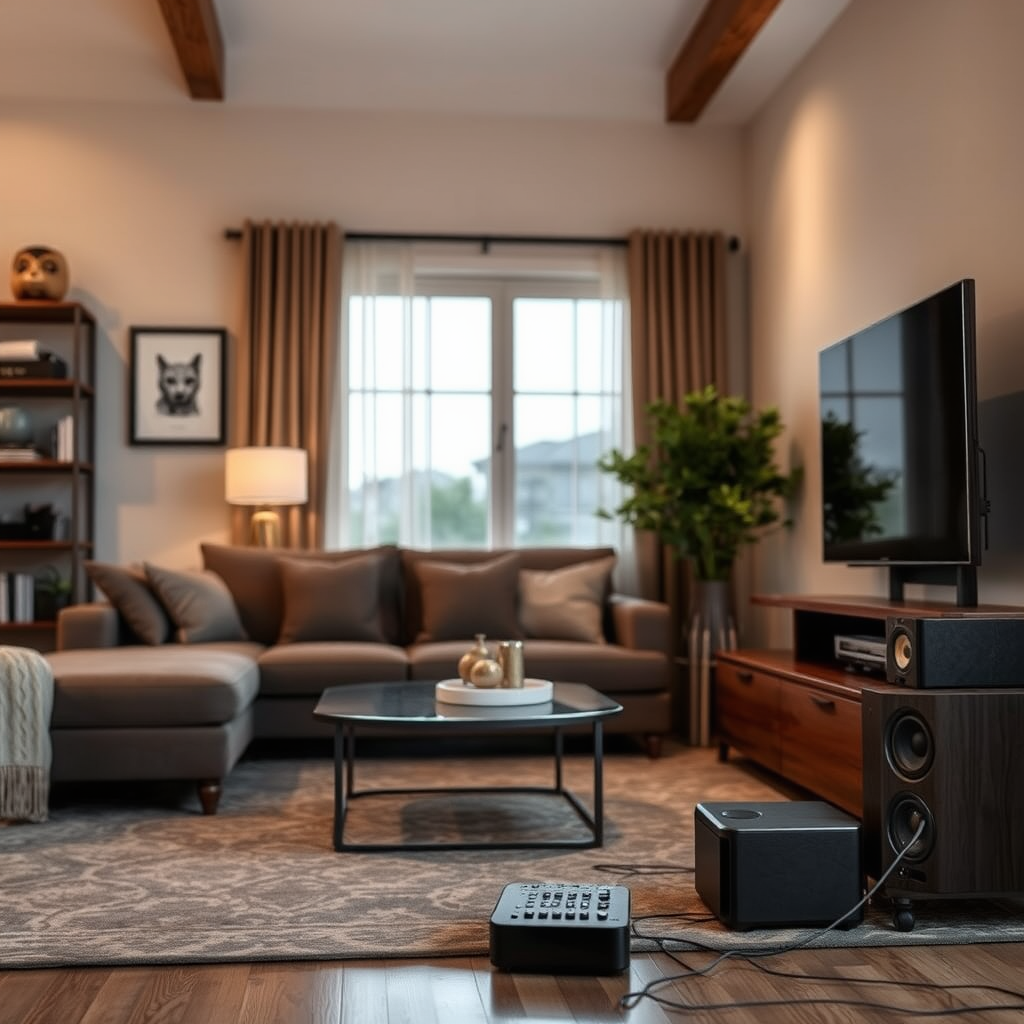
Audio formats can also play a significant role in volume discrepancies.
– Supported Formats: Some channels may broadcast in audio formats that your system does not fully support. Check if the affected channels are using advanced formats like Dolby Digital or DTS. If your receiver cannot decode these formats, the audio may be downmixed to a lower quality, resulting in lower volume.
– Configuration Verification: To ensure compatibility, consult your receiver’s manual for a list of supported audio formats and compare it against the formats used by your service provider. If necessary, you may need to adjust settings or even upgrade your receiver.
Speaker Configuration Issues
Improper speaker configuration can lead to sound imbalances.
– Speaker Connections: Ensure that all speakers are correctly connected and functioning. A disconnected or damaged speaker can lead to significant audio imbalances, making it seem like certain channels are producing lower volume.
– Calibration Setup: Most modern receivers come equipped with a speaker calibration setup. Utilize this feature to optimize sound distribution across all channels. The calibration process typically involves the use of a microphone to measure the acoustics of your room and adjust the speaker levels accordingly.
Common Speaker Issues and Solutions
| # | Issue | Description | Solution |
|---|---|---|---|
| 1 | Disconnected Speaker | One or more speakers are not connected properly. | Check all connections and ensure they are secure. |
| 2 | Incorrect Speaker Placement | Speakers are not positioned correctly in the room. | Rearrange speakers according to manufacturer guidelines. |
| 3 | Channel Imbalance | One channel is louder than others. | Run the calibration setup on your receiver. |
| 4 | Faulty Speaker | A speaker may be damaged and not producing sound. | Test each speaker individually to identify faults. |
| 5 | Incorrect Wiring | Wiring may be incorrect or damaged. | Inspect and replace wires as needed. |
| 6 | Outdated Calibration | Previous calibration settings may not be optimal. | Re-run the calibration setup regularly. |
| 7 | Incompatible Speaker Types | Using different speaker types can cause imbalances. | Use the same brand and model for all speakers. |
Source Device Problems
Another critical factor to consider is the source device. The problem may lie not with the home theater system itself but with the device providing the content.
– Device Isolation: Check if the issue persists across all devices, such as your cable box, Blu-ray player, or gaming console. If the low volume is isolated to one source, that device may require attention.
– Cable Quality: Poor-quality or damaged cables can result in audio issues. Consider replacing cables with higher-quality alternatives to ensure optimal signal transfer. Additionally, test different source devices to rule out hardware malfunctions.
Software or Firmware Updates
Outdated software can lead to various issues, including audio problems.
– Receiver Updates: Regularly check for software updates for your receiver. Manufacturers often release updates that fix known issues and enhance compatibility with various audio formats.
– Streaming Devices: Make sure any connected streaming devices are also up to date. An outdated streaming device can affect the audio output quality, leading to low volume on specific channels.
External Interference
External factors can also contribute to low volume issues.
– Electronic Interference: Identify and minimize any electronic devices that might interfere with your audio system. Devices such as microwaves, wireless routers, and even certain types of lighting can cause audio disruptions.
– Cable Routing: Ensure that audio cables are shielded and routed away from power sources. This can help in reducing noise interference that may impact audio performance.
Professional Assistance
If you’ve exhausted all troubleshooting steps and the problem persists, it may be time to consult a professional technician.
– Diagnosis: A qualified expert can diagnose hardware issues that may not be easily identifiable at home. They have the tools and experience to pinpoint problems with your receiver, speakers, or source devices.
– Long-term Solution: Enlisting professional help can not only resolve current issues but also prevent future problems, ensuring your home theater system performs at its best.
In summary, resolving low volume issues with your home theater system begins with checking your audio settings and speaker configurations. From there, explore potential format compatibility and source device problems. If all else fails, seeking professional help can ensure your system performs at its best. By taking these steps, you can enjoy an enhanced audio experience that meets your expectations.
Frequently Asked Questions
Why is my home theater system producing low volume on certain channels?
Low volume on specific channels can be caused by a variety of factors, including the audio format used by the channel. Some channels may broadcast in stereo while others use surround sound, which can affect perceived volume levels. Additionally, check your receiver settings, as individual channel volume adjustments may have been inadvertently altered.
How can I fix low volume issues on my home theater system?
To fix low volume issues, start by checking the audio settings on your receiver and ensure that the channel levels are balanced. You can also try adjusting the sound modes or switching to a different input source to see if the problem persists. If issues continue, consider recalibrating your speakers using built-in setup tools or an external calibration microphone.
What settings should I check if my home theater audio is inconsistent across channels?
Check the speaker configuration settings to ensure all channels are correctly set up and that none are set to “off” or “low.” Additionally, verify the audio output settings on your receiver and the source device, making sure they match the channel’s requirements. Lastly, ensure that any dynamic range compression settings are configured properly to maintain consistent volume levels.
Which audio formats might cause low volume on specific channels in my home theater system?
Channels broadcasting in Dolby Digital or DTS formats may produce different volume levels compared to standard stereo channels. Additionally, formats that utilize dynamic range compression can lead to fluctuations in volume, especially during quiet scenes. Check your receiver’s compatibility with these formats and adjust the settings accordingly for a more balanced audio experience.
Best practices for troubleshooting low volume issues in a home theater system?
Start by conducting a simple test of each channel to identify where the volume discrepancies are occurring. Ensure all connections are secure and that you are using high-quality cables. Additionally, regularly updating your receiver firmware and recalibrating your system using an auto-calibration feature can greatly improve audio performance and help maintain consistent volume across all channels.
References
- Home cinema
https://en.wikipedia.org/wiki/Home_theater - https://www.ncbi.nlm.nih.gov/pmc/articles/PMC6172880/
https://www.ncbi.nlm.nih.gov/pmc/articles/PMC6172880/ - https://www.sciencedirect.com/topics/engineering/home-theater-system
https://www.sciencedirect.com/topics/engineering/home-theater-system - https://www.cdc.gov/nceh/lead/faq.htm
https://www.cdc.gov/nceh/lead/faq.htm - https://www.bbc.com/future/article/20200507-how-sound-affects-your-mood
https://www.bbc.com/future/article/20200507-how-sound-affects-your-mood - https://www.nytimes.com/2021/10/13/technology/personaltech/home-theater-sound.html
https://www.nytimes.com/2021/10/13/technology/personaltech/home-theater-sound.html - Google Scholar Google Scholar
https://scholar.google.com/scholar?q=home+theater+low+volume+channels - Google Scholar Google Scholar
https://scholar.google.com/scholar?q=home+theater+audio+issues - Google Scholar Google Scholar
https://scholar.google.com/scholar?q=home+theater+system+troubleshooting - Google Scholar Google Scholar
https://scholar.google.com/scholar?q=Why+Is+My+Home+Theater+System+Producing+Low+Volume+on+Some+Channels?