
If your subwoofer isn’t producing bass, it could be due to a variety of factors, such as incorrect settings, connection issues, or even placement in the room. This article will guide you through common troubleshooting tips to help you restore that deep, rich sound you expect from your subwoofer. Understanding the root cause of the problem is essential for an effective solution, ensuring you enjoy an optimal audio experience.
Check Your Connections
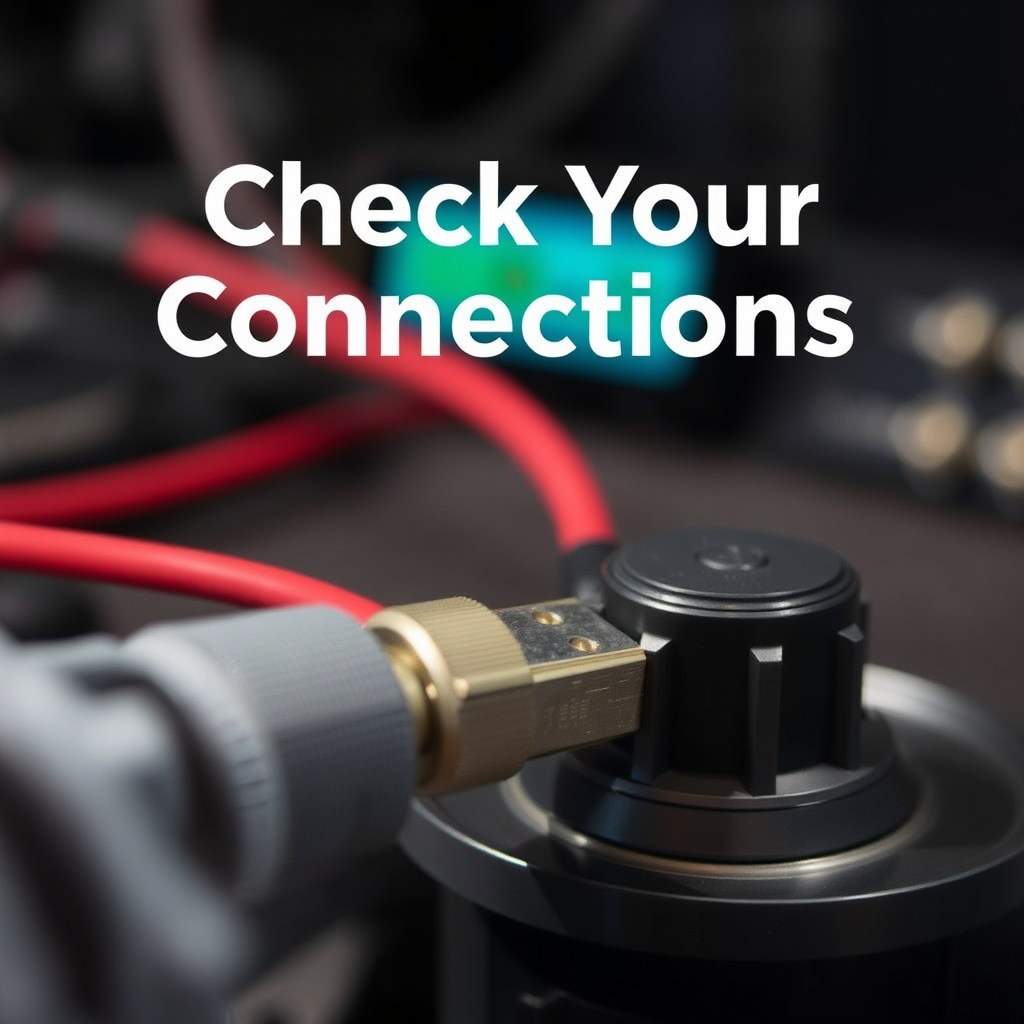
The first step in troubleshooting a subwoofer that isn’t producing bass is to check all connections. Loose or damaged cables can disrupt the audio signal, leading to poor performance or complete silence. Ensure that all cables are securely plugged in and inspect them for any signs of wear or damage. Pay particular attention to the RCA or speaker cables connecting your subwoofer to the amplifier or receiver.
Additionally, verify that the subwoofer is connected to the correct output on your amplifier or receiver. Many devices have multiple outputs, and it’s easy to mistakenly connect to the wrong one. Double-check your user manual if you’re unsure which output is designated for the subwoofer.
Verify Settings on Your Receiver
After confirming your physical connections, the next step is to verify the settings on your audio receiver. Many receivers have specific settings for subwoofer output that can easily be overlooked. Check the audio settings to confirm that the subwoofer output is enabled. It might be labeled as “LFE” (Low-Frequency Effects) or simply “Subwoofer.”
In addition, adjust the crossover frequency settings. The crossover frequency determines which sounds are sent to the subwoofer versus the main speakers. If it’s set too high, you may not hear the low bass sounds you expect. A good starting point is to set the crossover frequency around 80 Hz, but this can vary based on your specific speakers and subwoofer.
Inspect the Subwoofer’s Volume Level
Another crucial factor to consider is the volume level of the subwoofer itself. Even if the receiver is set correctly, if the volume control on the subwoofer is turned down, you won’t hear any bass. Make sure the volume on the subwoofer is turned up adequately.
Additionally, check the receiver’s subwoofer level settings; it may need adjustment. Many receivers allow you to control the output level of the subwoofer independently from the main speakers. Increasing this level may restore the bass you’re missing.
Assess Room Placement and Acoustics
The placement of your subwoofer in the room can significantly affect its performance. Subwoofers typically perform best when placed in a corner or against a wall, as this can enhance bass response through boundary reinforcement. Experiment with different locations for your subwoofer to find the best sound, as even a few inches can make a noticeable difference in bass quality.
Consider the room acoustics as well. Large or empty spaces can greatly affect bass response, often leading to weak or muddy sound. If your room has hard surfaces, such as tile or hardwood floors, adding rugs or curtains can help absorb sound and improve acoustics.
Test with Different Audio Sources
If you’ve checked all of the above and the bass is still lacking, it might be time to test with different audio sources. Play a variety of music genres or soundtracks known for their bass-heavy content, such as hip-hop or cinematic soundtracks, to see if the issue persists.
Ensure that low-frequency effects (LFE) are properly utilized in the audio source material. Some media may not have significant bass content, leading to a perception that your subwoofer is underperforming when, in fact, the content itself lacks depth.
Update Firmware and Check for Defects
If your subwoofer is powered and connected but still not producing bass, consider checking if there are any firmware updates available. Many modern subwoofers come with software that can be updated to enhance performance or fix bugs. Refer to the manufacturer’s website for any updates.
Furthermore, look for any signs of physical damage or malfunctioning components. Inspect the driver, ports, and amplifier for any visible issues. If you notice any abnormalities, it may indicate a defect that requires professional repair or replacement.
Seek Professional Help if Needed
If all else fails and your subwoofer still isn’t producing bass, it may be time to consult a professional audio technician. They can perform a thorough inspection and diagnostic tests to pinpoint the issue. Additionally, if your subwoofer is still under warranty, check your warranty options. Many manufacturers offer service or replacement for defective products within a certain timeframe.
Common Subwoofer Issues and Solutions
| # | Issue | Potential Solutions | Severity |
|---|---|---|---|
| 1 | Loose Connections | Secure all cables | High |
| 2 | Incorrect Settings | Adjust receiver settings | Medium |
| 3 | Low Volume Settings | Increase volume levels | Medium |
| 4 | Poor Placement | Reposition subwoofer | High |
| 5 | Low-Quality Audio Source | Use high-quality audio | Medium |
| 6 | Firmware Issues | Update firmware | Low |
| 7 | Physical Damage | Inspect for damage | High |
Subwoofer Volume Output Comparison
By systematically addressing these common issues, you can often identify the cause of your subwoofer’s lack of bass and restore its functionality. If you’ve checked all these areas and still encounter problems, don’t hesitate to reach out for professional assistance or consider upgrading your equipment for an enhanced audio experience. Remember, a well-functioning subwoofer can significantly enhance your home audio system, enriching your listening experience with deep, immersive bass.
Frequently Asked Questions
Why is my subwoofer not producing bass during movies and music?
If your subwoofer isn’t producing bass, check the audio settings on your receiver or sound system. Ensure that the subwoofer is enabled, the crossover frequency is set correctly, and the volume level is adjusted appropriately. Additionally, verify that the subwoofer is connected properly and that the source material has adequate low-frequency content.
How can I troubleshoot my subwoofer to enhance bass performance?
To troubleshoot your subwoofer, start by checking all connections to ensure they are secure and intact. Next, test the subwoofer with different audio sources to rule out issues with the original content. If the problem persists, consider recalibrating your sound system or adjusting the subwoofer’s phase setting to optimize bass output.
What settings should I adjust if my subwoofer is not hitting the low frequencies?
If your subwoofer isn’t hitting low frequencies, adjust the crossover frequency setting on your AV receiver to a lower range, typically between 80-120 Hz. Additionally, increase the subwoofer’s gain or volume level, and check if the phase switch is set to the correct position (0 or 180 degrees) to match your main speakers for better bass integration.
Which common issues could cause my subwoofer to stop producing bass?
Common issues that may cause your subwoofer to stop producing bass include incorrect wiring, a blown fuse, or faulty audio cables. Also, check the audio settings on your receiver to ensure the subwoofer is not muted or set to a low output. In some cases, the subwoofer itself may have mechanical issues, such as a damaged driver.
What is the best way to ensure my subwoofer produces optimal bass?
To ensure optimal bass from your subwoofer, position it in the best location within the room, ideally near a wall or corner to enhance bass response. Regularly calibrate your sound system using an audio calibration tool or built-in receiver settings, and choose quality audio sources with rich low-frequency content. Additionally, make sure your subwoofer is compatible with your audio system to achieve the best results.
References
- Subwoofer
https://en.wikipedia.org/wiki/Subwoofer - https://www.audioholics.com/audio-video-reviews/how-to-troubleshoot-your-subwoofer
https://www.audioholics.com/audio-video-reviews/how-to-troubleshoot-your-subwoofer - Reddit – The heart of the internet
https://www.reddit.com/r/audiophile/comments/2zq8x6/how_do_i_troubleshoot_my_subwoofer_not_working/ - https://www.hifiengine.com/manuals/marshall/subwoofer-troubleshooting.pdf
https://www.hifiengine.com/manuals/marshall/subwoofer-troubleshooting.pdf - Google Scholar Google Scholar
https://scholar.google.com/scholar?q=subwoofer+troubleshooting - Google Scholar Google Scholar
https://scholar.google.com/scholar?q=subwoofer+not+producing+bass - Google Scholar Google Scholar
https://scholar.google.com/scholar?q=subwoofer+issues+solutions - Google Scholar Google Scholar
https://scholar.google.com/scholar?q=Why+Is+My+Subwoofer+Not+Producing+Bass?+Troubleshooting+Tips - Why Is My Subwoofer Not Producing Bass? Troubleshooting Tips – Search results
https://en.wikipedia.org/wiki/Special:Search?search=Why+Is+My+Subwoofer+Not+Producing+Bass?+Troubleshooting+Tips - https://www.ncbi.nlm.nih.gov/search/research-articles/?term=Why+Is+My+Subwoofer+Not+Producing+Bass?+Troubleshooting+Tips
https://www.ncbi.nlm.nih.gov/search/research-articles/?term=Why+Is+My+Subwoofer+Not+Producing+Bass?+Troubleshooting+Tips