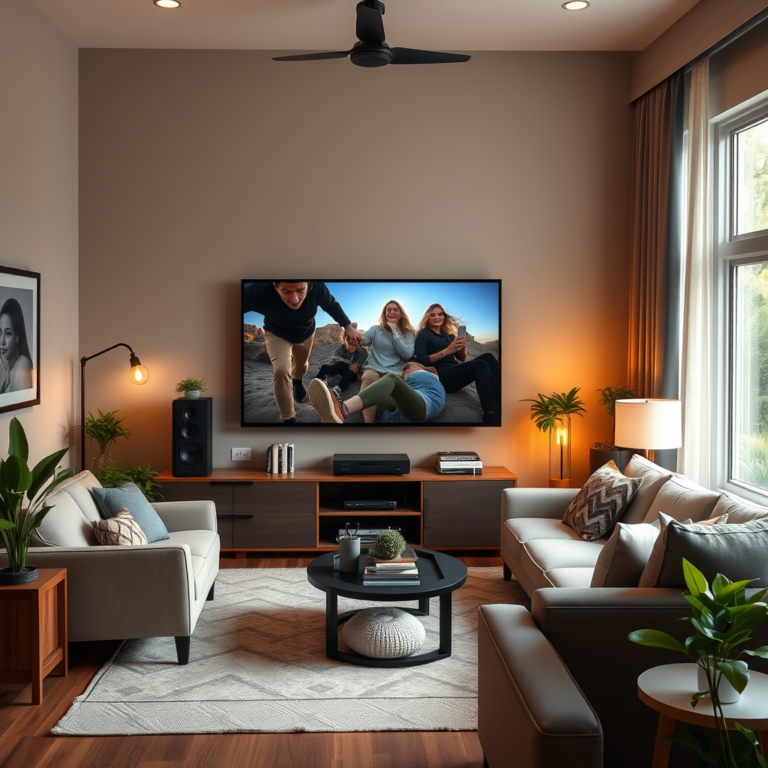

To get the best sound quality when integrating Bluetooth speakers with your TV, focus on the right speaker placement, optimal settings, and compatibility. This guide will provide you with essential tips to enhance your audio experience, ensuring that your wireless speakers deliver clear and immersive sound. By understanding the fundamentals of Bluetooth audio technology, selecting quality speakers, and fine-tuning your setup, you can enjoy an elevated home entertainment experience.
Understanding Bluetooth Audio Basics
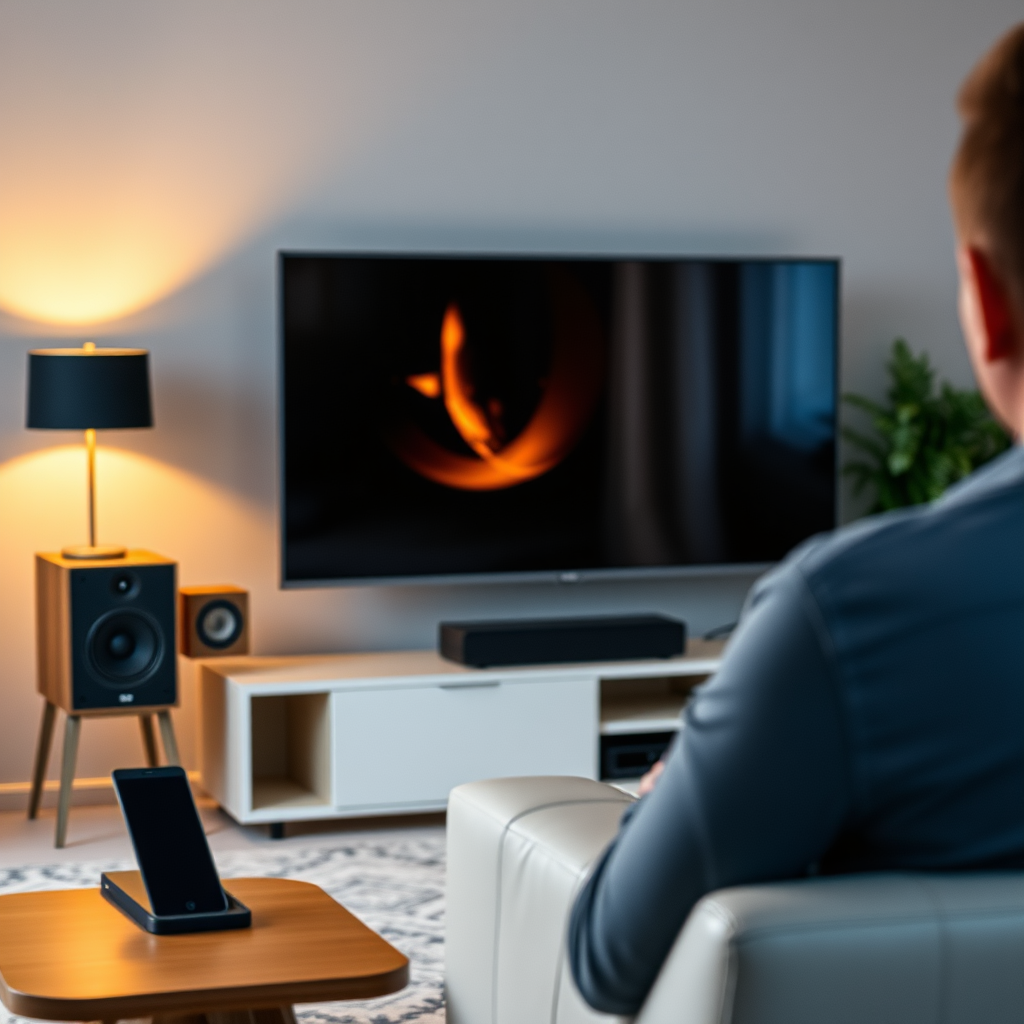
Bluetooth technology transmits audio by encoding sound signals and sending them wirelessly to compatible devices. While this convenience is a significant advantage, it comes with inherent limitations, including potential latency, range issues, and sound quality degradation due to compression. The efficiency of Bluetooth audio transmission largely relies on the codecs used, each possessing unique characteristics that can affect the overall listening experience.
Common audio codecs include SBC (Subband Coding), AAC (Advanced Audio Codec), aptX, and LDAC. SBC is the default codec for most Bluetooth devices and, while functional, it often sacrifices audio quality for compatibility. AAC is favored by Apple devices and offers better sound quality than SBC. Meanwhile, aptX and LDAC are designed for higher fidelity audio, providing a more robust transmission with lower latency, making them ideal for music enthusiasts and cinematic experiences.
Choosing the Right Bluetooth Speakers
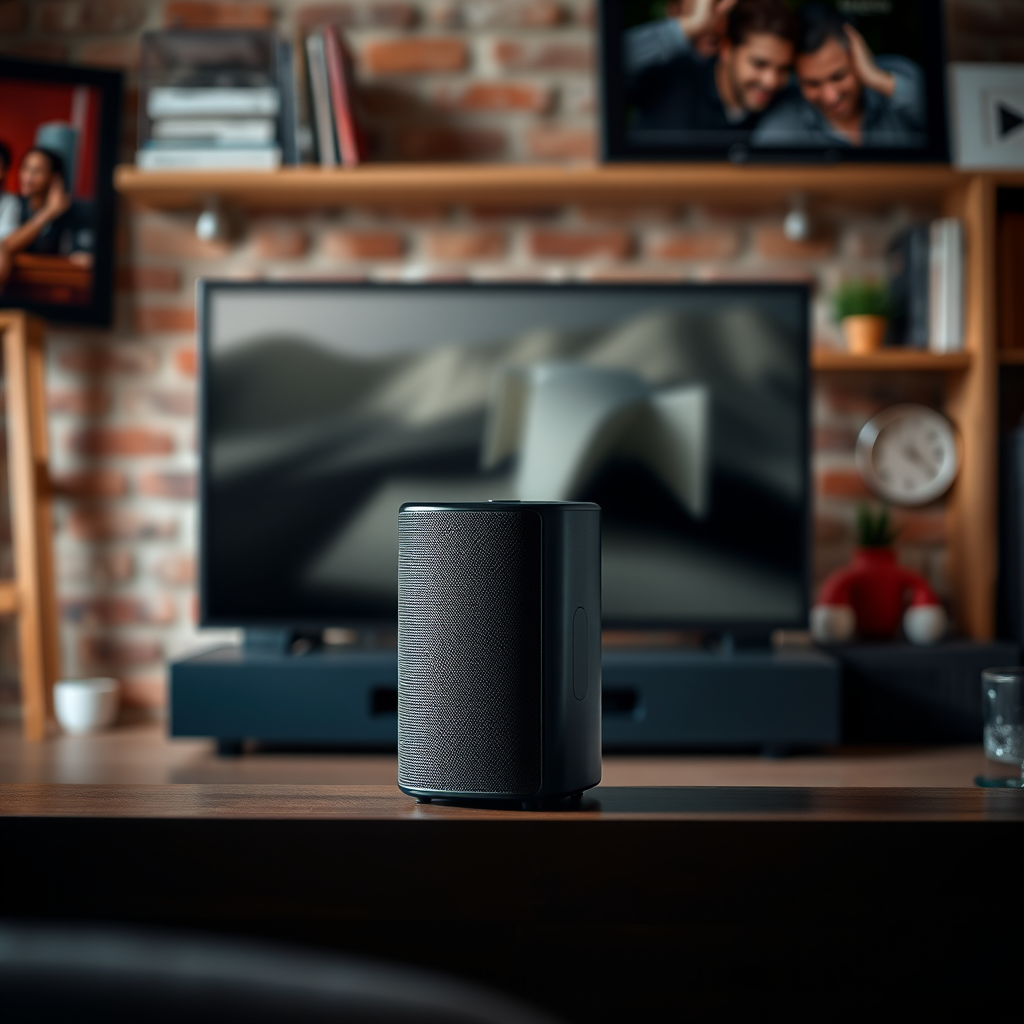
Selecting the right Bluetooth speakers is paramount for achieving superior sound quality. Key features to consider include the driver size, frequency response, and overall build quality. Larger drivers typically produce deeper bass and clearer sound, while a wider frequency response range allows for more accurate reproduction of both low and high sounds.
Additionally, brands known for their high-quality performance include Bose, Sonos, and JBL. For instance, the Sonos One delivers rich sound with excellent bass response, while the JBL Charge 5 is known for its rugged build and impressive audio performance. Researching user reviews and expert recommendations can help narrow down options tailored to your audio preferences.
Optimal TV Settings for Bluetooth Audio
Configuring your TV’s audio settings is essential for maximizing Bluetooth speaker performance. Access the audio settings menu on your TV and adjust the output settings to ensure compatibility with your Bluetooth speakers. Look for options labeled “Bluetooth audio,” “External speakers,” or similar.
Features like lip-sync adjustment can also enhance your viewing experience. This feature allows you to synchronize audio with video, combating any lag that may occur during wireless transmission. Additionally, consider enabling any available sound enhancements, such as surround sound or equalizer settings, to tailor the audio output to your preferences.
Top Bluetooth Speakers for TV (2024)
| # | Speaker Model | Driver Size | Frequency Response | Battery Life |
|---|---|---|---|---|
| 1 | Sonos One | 4.7″ | 60 Hz – 20 kHz | 10 hours |
| 2 | Bose SoundLink Revolve+ | 7.25″ | 60 Hz – 20 kHz | 17 hours |
| 3 | JBL Charge 5 | 8″ | 60 Hz – 20 kHz | 20 hours |
| 4 | Ultimate Ears MEGABOOM 3 | 2″ | 60 Hz – 20 kHz | 20 hours |
| 5 | Anker Soundcore Motion+ | 2″ | 50 Hz – 40 kHz | 15 hours |
| 6 | Sony SRS-XB43 | 2.5″ | 20 Hz – 20 kHz | 24 hours |
| 7 | Marshall Emberton | 2″ | 60 Hz – 20 kHz | 20 hours |
Placement Strategies for Bluetooth Speakers
The placement of your Bluetooth speakers can significantly influence the sound quality and overall audio experience. Ideally, you should position the speakers at ear level to ensure that the sound is directed toward your listening area. For stereo sound, place the speakers at least a few feet apart, forming an equilateral triangle with your primary seating position.
Avoid placing the speakers too close to walls or corners, as this can lead to unwanted reflections and muddied sound. If you have a subwoofer, it’s best to place it in a corner or against a wall to enhance bass response. Additionally, minimizing interference from other electronic devices, such as microwaves or Wi-Fi routers, can help maintain a stable Bluetooth connection and improve sound clarity.
Speaker Placement Effect on Sound Quality
Troubleshooting Common Sound Issues
Even with the best equipment and placement, sound issues can arise when using Bluetooth speakers with your TV. Common problems include audio lag, dropout, or a poor connection. To resolve audio lag, consider adjusting the audio delay settings on your TV if available or ensuring that your Bluetooth speakers support low-latency codecs like aptX.
For dropouts, proximity is key; ensure that you are within a reasonable distance from the TV and minimize any physical obstructions between the devices. If connectivity issues persist, try resetting the Bluetooth connection by disconnecting and reconnecting the speakers. This process can often refresh the link and improve performance.
Enhancing Sound Quality with Additional Equipment
In some cases, enhancing sound quality may require additional equipment to complement your Bluetooth speakers. Bluetooth audio adapters can be used to improve sound quality and reduce latency, especially if your TV lacks support for advanced codecs. Alternatively, consider investing in a soundbar that can connect to your Bluetooth speakers, providing a richer audio experience.
When integrating additional devices, ensure that they are compatible with your existing setup. A soundbar, for instance, can often serve as a central hub for all your audio sources, allowing you to manage multiple audio outputs seamlessly.
Maintaining Your Bluetooth Speakers
Proper maintenance of your Bluetooth speakers is vital for ensuring longevity and optimal performance. Regularly clean the speakers to remove dust and dirt that can accumulate over time. Additionally, ensure that firmware updates are applied as they often include improvements and fixes that enhance functionality.
Battery care is also crucial; avoid leaving your Bluetooth speakers plugged in for extended periods and allow them to discharge occasionally to maintain battery health. Following these maintenance tips will not only prolong the life of your speakers but also ensure they consistently deliver high-quality audio.
Summarizing the steps to achieve the best sound quality with Bluetooth speakers connected to your TV is crucial for a satisfying audio experience. By focusing on speaker selection, proper placement, and TV settings, you can significantly enhance your sound. Don’t hesitate to explore additional equipment and maintain your speakers for optimal performance. Now, elevate your home entertainment experience with these practical tips!
Frequently Asked Questions
What are the key factors to consider for the best sound quality when connecting Bluetooth speakers to my TV?
To achieve the best sound quality when integrating Bluetooth speakers with your TV, consider factors such as Bluetooth version compatibility, speaker quality, and the distance between the TV and the speakers. Ensure your TV supports the latest Bluetooth versions like 5.0 for improved range and audio quality, and choose speakers designed for clear, robust sound to enhance your viewing experience.
How can I reduce audio lag when using Bluetooth speakers with my TV?
To minimize audio lag when connecting Bluetooth speakers to your TV, look for low-latency codecs like aptX Low Latency or AAC support in both your TV and Bluetooth speakers. Additionally, keeping the speakers close to the TV and avoiding obstacles can significantly help in reducing lag, ensuring that the sound syncs perfectly with the visuals.
Why does my Bluetooth speaker sound distorted when connected to the TV?
Distortion in sound when connecting Bluetooth speakers to your TV can be caused by several factors, including poor Bluetooth connection, low-quality audio settings, or the speakers being pushed beyond their limits. Ensure your Bluetooth connection is stable by minimizing interference from other devices, and check your TV’s audio settings to optimize for external speakers.
What is the best Bluetooth speaker setup for watching movies and gaming on my TV?
The best Bluetooth speaker setup for watching movies and gaming on your TV typically includes a soundbar or a pair of high-quality stereo speakers that support surround sound formats. Look for speakers with advanced features like Dolby Atmos support and low-latency codecs to provide an immersive audio experience that enhances your movie and gaming sessions.
Which Bluetooth speakers are recommended for optimal sound quality with smart TVs?
For optimal sound quality with smart TVs, consider Bluetooth speakers from reputable brands like Bose, Sonos, or JBL that offer superior audio performance and reliable connectivity. Models such as the Sonos Move or Bose SoundLink Revolve are popular choices, delivering rich sound quality and features that cater well to both music and TV audio needs.
References
- Bluetooth
https://en.wikipedia.org/wiki/Bluetooth - https://www.sciencedirect.com/topics/engineering/bluetooth
https://www.sciencedirect.com/topics/engineering/bluetooth - Google Scholar Google Scholar
https://scholar.google.com/scholar?q=Bluetooth+speakers+TV+sound+quality - https://www.bbc.com/news/technology-37245111
https://www.bbc.com/news/technology-37245111 - https://www.cdc.gov/niosh/topics/noise/default.html
https://www.cdc.gov/niosh/topics/noise/default.html - https://www.nature.com/articles/s41598-021-01502-4
https://www.nature.com/articles/s41598-021-01502-4 - https://pubmed.ncbi.nlm.nih.gov/32378901/
https://pubmed.ncbi.nlm.nih.gov/32378901/ - Google Scholar Google Scholar
https://scholar.google.com/scholar?q=Bluetooth+audio+quality - https://www.theguardian.com/technology/2021/feb/17/how-to-choose-bluetooth-speakers
https://www.theguardian.com/technology/2021/feb/17/how-to-choose-bluetooth-speakers - https://www.britannica.com/technology/Bluetooth-technology
https://www.britannica.com/technology/Bluetooth-technology