
Setting up your home theater system for gaming with the best audio quality requires careful selection of equipment, meticulous configuration, and the right spatial arrangements. By focusing on these elements, you can create a gaming environment that immerses you in stunning soundscapes. This article will guide you through the essential steps to achieve outstanding audio quality that enhances your gaming experience.




Choosing the Right Audio Equipment
The foundation of any great home theater system lies in the audio equipment you choose. A high-quality AV receiver is crucial, as it acts as the hub for your audio and video components. Look for receivers that support advanced audio formats such as Dolby Atmos and DTS:X. These formats create a three-dimensional sound experience, making your gaming sessions more enjoyable and immersive.
Next, consider your speaker setup. A balanced surround system is essential, typically comprising five or more speakers, including a dedicated subwoofer. The subwoofer is particularly important for delivering deep bass, which can significantly enhance the impact of in-game sounds, such as explosions and footsteps. Brands like Klipsch, Bose, and Sonos offer excellent options that cater to various budgets and preferences.
When selecting speakers, pay attention to their specifications, such as frequency response and sensitivity ratings, to ensure they align with your audio needs. Additionally, consider investing in quality HDMI cables to connect your devices, as they can affect the overall audio and video quality.
Speaker Placement and Configuration
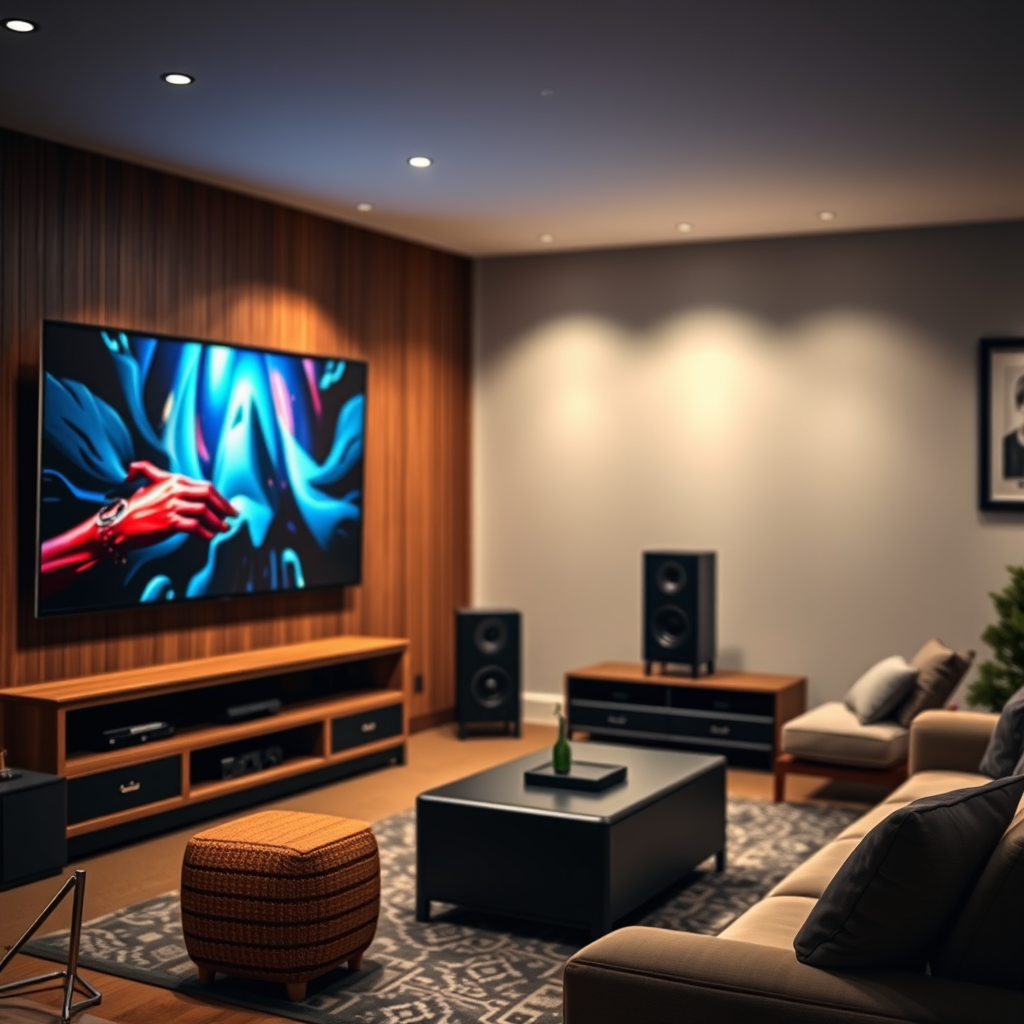
If you’re looking to set up a 7.1 system, add two additional speakers for even greater immersion. These should be placed to the sides of the listening area. Consider using adjustable speaker mounts to fine-tune the height and angle of your speakers for optimal sound delivery. Angling the speakers slightly toward the listening area can help create a more focused and lively audio experience.
Calibrating Your Audio Settings
After you’ve set up your speakers, the next step is to calibrate your audio settings for the best sound possible. Many modern receivers come equipped with built-in room correction software, which uses a microphone to analyze the acoustics of your room and adjust settings accordingly. This process is essential, as it corrects for any inconsistencies caused by room shape, furniture placement, or other factors.
In addition to automatic calibration, you can fine-tune your audio settings manually. Use an SPL (Sound Pressure Level) meter to measure the sound levels of each speaker, ensuring they are balanced. Adjust the equalizer settings to cater to your personal preferences and the unique acoustics of your space. For instance, if you enjoy bass-heavy gaming, consider boosting the lower frequencies while keeping the mid and high frequencies balanced.
Top 7 AV Receivers for Gaming in 2024
| # | Receiver Model | Supported Audio Formats | Power Output | Price |
|---|---|---|---|---|
| 1 | Denon AVR-X3700H | Dolby Atmos, DTS:X | 105 W | $1,199 |
| 2 | Yamaha RX-A6A | Dolby Atmos, DTS:X | 150 W | $2,199 |
| 3 | Onkyo TX-RZ50 | Dolby Atmos, DTS:X | 120 W | $1,499 |
| 4 | Sony STR-DN1080 | Dolby Atmos, DTS:X | 100 W | $599 |
| 5 | Marantz SR6015 | Dolby Atmos, DTS:X | 110 W | $1,399 |
| 6 | NAD T758 V3 | Dolby Atmos, DTS:X | 80 W | $1,299 |
| 7 | Pioneer VSX-LX504 | Dolby Atmos, DTS:X | 120 W | $1,299 |
Optimizing Your Gaming Setup
Now that your audio equipment is selected and calibrated, it’s vital to optimize the connection and settings of your gaming console or PC. Connect your gaming device to the AV receiver via HDMI, which supports high-bandwidth audio formats and ensures the best sound quality. Ensure that your HDMI cable is high-speed, as this will prevent any lag or loss in audio quality.
Once connected, enable any dedicated game modes on your receiver. These modes often enhance sound clarity and responsiveness, which is crucial during gameplay. For instance, certain receivers feature modes that emphasize dialogue or increase bass levels in action sequences, making your gaming experience more engaging.
Additionally, check the audio output settings on your gaming console or PC. Ensure that they match the capabilities of your AV receiver to avoid any downmixing of audio formats. For optimal performance, you may want to set your console to output audio in formats that your receiver can decode, such as Bitstream for Dolby Atmos.
Acoustic Treatment for Your Space
Acoustic treatment is often overlooked but is critical in achieving optimal audio quality. Consider adding acoustic panels or soundproofing materials to your walls to reduce echo and improve sound clarity. Bass traps can be particularly effective in corners, where low frequencies tend to accumulate.
Rearranging furniture can also impact sound quality. Avoid placing large, reflective surfaces near your speakers, as these can cause sound reflections that muddle audio clarity. Instead, opt for soft furnishings like rugs and curtains, which can absorb sound and create a warmer listening environment.
Evaluate your room’s acoustics and experiment with different arrangements to find the setup that yields the best sound quality. Sometimes, even small adjustments to speaker placement or furniture can lead to significant improvements in audio performance.
Audio Quality Improvement with Acoustic Treatment
Testing and Fine-Tuning Your System
Once all elements of your home theater system are set up, it’s crucial to test and fine-tune the audio performance. Play a variety of games and audio tracks to evaluate how well your system reproduces sound across different genres. Pay attention to sound positioning and clarity, especially in action sequences, where spatial audio can make a significant difference.
Use this testing phase to identify any areas that require improvement. You may find that certain speakers need further calibration or that specific settings on your receiver need adjustment. Don’t hesitate to make incremental changes based on your experiences.
Additionally, take the time to listen to music or watch movies outside of gaming to see how your system performs in other scenarios. This will provide a more holistic view of your audio quality and help you make necessary adjustments for an overall better experience.
Your home theater system can significantly enhance your gaming experience with the right setup and audio quality. By following these steps, you’ll create an immersive environment that not only sounds great but also elevates your gaming to new heights. Take the time to invest in quality equipment and fine-tune your system for the best results. Happy gaming!
Frequently Asked Questions
How do I connect my gaming console to my home theater system for the best audio quality?
To connect your gaming console to your home theater system, use an HDMI cable for both video and audio transmission. Ensure your receiver supports HDMI ARC (Audio Return Channel) to simplify the setup and enhance audio quality. Additionally, check the audio settings on your console to select the best output format, such as Dolby Digital or DTS, for optimal sound performance.
What speakers are best for a home theater system focused on gaming?
The best speakers for a home theater system focused on gaming are typically surround sound systems, including a 5.1 or 7.1 setup. Brands like Klipsch, Polk Audio, and Bose offer excellent options that provide immersive audio experiences. Consider adding a subwoofer for deep bass effects, which can significantly enhance gameplay during action sequences.
Why is sound positioning important in a home theater setup for gaming?
Sound positioning is crucial in a home theater setup for gaming because it affects how accurately you perceive audio cues, which can enhance your overall gaming performance. Properly positioning your speakers creates a surround sound effect, allowing you to hear sounds from different directions, such as footsteps or explosions, which is vital in competitive gaming scenarios.
How can I optimize my home theater system for low latency audio while gaming?
To optimize your home theater system for low latency audio while gaming, ensure your audio-video receiver (AVR) supports low-latency settings, such as Game Mode. Additionally, use wired connections wherever possible, as they typically have lower latency than wireless. Finally, adjust the audio delay settings in both your console and receiver to sync audio and video perfectly.
Which audio formats should I prioritize for the best gaming experience in my home theater?
For the best gaming experience in your home theater, prioritize audio formats like Dolby Atmos and DTS:X, which provide three-dimensional soundscapes. These formats enhance immersion by allowing audio to move in all directions, making it feel as if you are inside the game. Ensure your receiver and speakers are compatible with these formats to fully enjoy their benefits.
References
- Home cinema
https://en.wikipedia.org/wiki/Home_theater - https://www.sciencedirect.com/topics/engineering/home-theater-systems
https://www.sciencedirect.com/topics/engineering/home-theater-systems - https://www.bbc.com/news/technology-46127077
https://www.bbc.com/news/technology-46127077 - https://www.reuters.com/article/us-tech-gaming-audio-idUSKBN2A52E9
https://www.reuters.com/article/us-tech-gaming-audio-idUSKBN2A52E9 - https://www.nytimes.com/2020/11/25/technology/personaltech/home-theater-audio.html
https://www.nytimes.com/2020/11/25/technology/personaltech/home-theater-audio.html - Google Scholar Google Scholar
https://scholar.google.com/scholar?q=Home+Theater+Systems+for+Gaming - Google Scholar Google Scholar
https://scholar.google.com/scholar?q=Best+Audio+Quality+for+Gaming - Google Scholar Google Scholar
https://scholar.google.com/scholar?q=Setting+Up+Home+Theater+System - https://www.britannica.com/topic/home-theater
https://www.britannica.com/topic/home-theater - Google Scholar Google Scholar
https://scholar.google.com/scholar?q=How+to+Set+Up+Your+Home+Theater+System+for+Gaming+with+Best+Audio+Quality

1 Comment