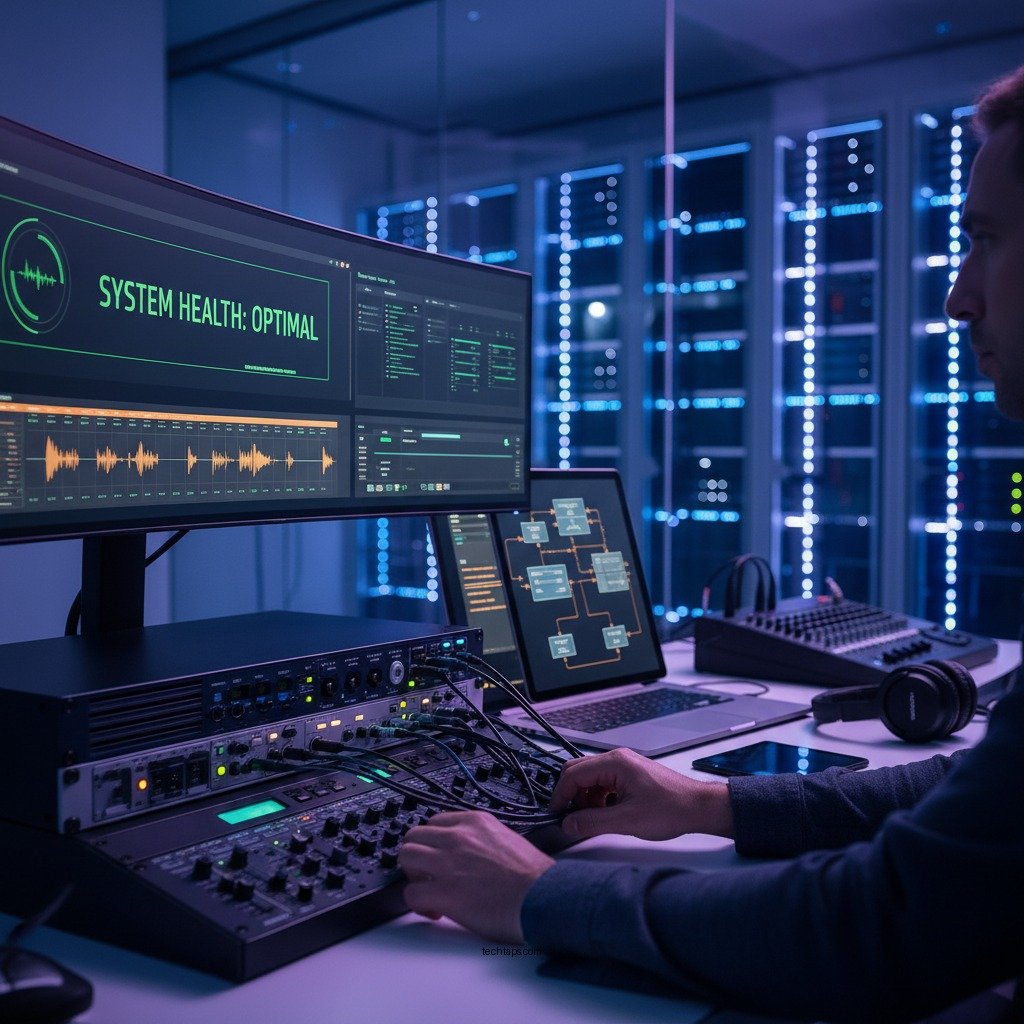

Preventing sound system overload and avoiding common failures boils down to understanding your equipment’s limits and implementing proactive measures. By recognizing the signs of impending overload and following best practices, you can significantly enhance the reliability and performance of your sound system. In this article, you’ll learn essential tips and strategies to keep your audio setup running smoothly, ensuring optimal performance and longevity.
Understanding Sound System Overload
Sound system overload occurs when the audio signal exceeds the capacity of the system components, leading to distortion, reduced performance, and potential damage. Overload can affect amplifiers, speakers, and other audio equipment, causing them to operate inefficiently or fail altogether. The impact of overload can be severe, resulting in costly repairs and downtime, which can be particularly detrimental for professional audio setups in venues or events.
Common signs of potential overload situations include sudden changes in sound quality, persistent distortion, or excessive heat coming from amplifiers. Users may also notice that the system starts to clip or shut down intermittently. Recognizing these indicators early allows for timely intervention, reducing the risk of more significant issues down the line.
Proper Equipment Selection
Choosing the right components for your sound system is crucial for preventing overload. Each part of the audio chain, from microphones to amplifiers and speakers, should be carefully selected to ensure compatibility and optimal performance. When designing your setup, consider factors such as wattage, impedance, and sensitivity ratings.
One key aspect of proper equipment selection is matching amplifiers and speakers. For example, if you have speakers rated for 500 watts, pairing them with an amplifier that delivers 800 watts may lead to an overload situation if the system is pushed too hard. Instead, aim for a balanced approach where the amplifier’s output matches the speaker’s capabilities, typically within a 10-20% range. This harmony ensures that the system can deliver high-quality sound without risking damage.
Regular Maintenance Practices
Regular maintenance is essential to prevent system failures and extend the lifespan of your sound equipment. Key maintenance tasks include checking connections, inspecting cables for wear and tear, and cleaning components to avoid dust buildup. Cables are particularly vulnerable to damage, so it’s important to routinely check for frays, cuts, or corrosion, which can lead to signal loss or short circuits.
Additionally, routinely inspect and clean your speakers and amplifiers. Ensure that ventilation grills are not obstructed, as overheating can lead to premature failure. By implementing a scheduled maintenance routine, you can identify minor issues before they escalate into critical failures, thus safeguarding your investment.
Common Causes of Sound System Overload (2023)
| # | Cause | Frequency of Occurrence | Preventive Measures |
|---|---|---|---|
| 1 | Incorrect Amplifier Rating | High | Match amp to speaker ratings |
| 2 | Overdriving Speakers | Medium | Use limiters |
| 3 | Faulty Cables | High | Regular inspections |
| 4 | Overheating Components | Medium | Ensure proper ventilation |
| 5 | Poorly Designed Acoustics | Low | Acoustic treatment |
| 6 | Signal Overload | Medium | Use compressors |
| 7 | Improper User Handling | Medium | User training |
Monitoring Levels and Signals
Monitoring audio levels is essential for maintaining sound quality and avoiding overload. Techniques such as using sound level meters or built-in visual indicators on mixing consoles can help ensure that levels remain within safe limits. Be vigilant about watching for clipping, which indicates that the signal is too strong and can lead to distortion.
Utilizing limiters and compressors is another effective method to protect your system. Limiters prevent the audio signal from exceeding a certain threshold, ensuring that your equipment does not get overloaded. Compressors can also manage dynamic range, allowing for a smoother audio output. By implementing these tools, you can maintain high-quality sound while safeguarding your components from potential damage.
Environment Considerations
The environment in which your sound system operates can significantly affect its performance. Room acoustics play a crucial role in how sound is transmitted and perceived. Poor acoustics can lead to issues such as feedback, echoes, and uneven sound distribution, which can stress the system and lead to overload.
Moreover, proper ventilation and temperature control are vital for the longevity of your equipment. Excessive heat can cause components to fail prematurely, so ensure that your equipment has adequate airflow. Consider using fans or air conditioning in spaces where high-power audio systems are in use, especially during events where the system will be under heavy load for extended periods.
User Education and Training
Educating users on how to operate the sound system safely is essential for preventing overload and failures. Provide comprehensive training that covers the specifications and limitations of the equipment. Users should understand the importance of monitoring audio levels and recognizing signs of potential overload.
Additionally, consider creating an operations manual that outlines best practices and troubleshooting tips. This resource can be invaluable for both experienced users and those new to the equipment, ensuring that everyone is equipped to handle the system properly.
Emergency Preparedness
In the event of a system failure, having a plan in place can minimize downtime and disruption. Establish clear protocols for identifying and responding to issues as they arise. This may include having a designated technician on-site who is familiar with the system and can troubleshoot problems quickly.
Moreover, consider investing in backup equipment. Having spare cables, amplifiers, or even a secondary sound system can be a lifesaver during critical moments. Regularly test your emergency protocols to ensure that all team members know their roles and responsibilities in case of an unexpected issue.
By following these guidelines, you can significantly reduce the risk of sound system overload and enhance the reliability of your audio setup. Remember to regularly assess your equipment and make adjustments as needed. For further assistance, consider consulting with a sound professional to ensure your system is optimized for your specific needs.
Frequently Asked Questions
What are the signs of sound system overload?
Signs of sound system overload include distorted audio output, sudden volume drops, and equipment overheating. If you notice any of these symptoms, it’s crucial to address them immediately to prevent permanent damage to your sound system.
How can I prevent sound system overload during live events?
To prevent sound system overload during live events, ensure you properly calibrate your audio levels before the show. Using a sound limiter can also help manage peaks in volume, while monitoring your equipment’s temperature and performance throughout the event is essential for avoiding common failures.
Why does sound system overload occur, and what can I do about it?
Sound system overload occurs when the audio input exceeds the equipment’s handling capacity, often leading to distortion or damage. To mitigate this, adjust your input levels, use high-quality cables, and ensure your amplifier matches the speaker’s power rating to maintain optimal performance.
What is the best way to maintain my sound system to avoid overload issues?
The best way to maintain your sound system and avoid overload issues is to perform regular inspections and cleanings. Check connections, replace worn-out cables, and ensure all components are compatible and rated for the same power levels to promote efficient operation and longevity.
Which devices are most vulnerable to sound system overload and failure?
Devices most vulnerable to sound system overload and failure include amplifiers, speakers, and mixers. These components can easily become damaged if subjected to excessive power or improper settings, so it’s essential to monitor their usage and ensure they are operated within safe limits.
References
- Sound system
https://en.wikipedia.org/wiki/Sound_system - https://www.ncbi.nlm.nih.gov/pmc/articles/PMC6680339/
https://www.ncbi.nlm.nih.gov/pmc/articles/PMC6680339/ - https://www.sciencedirect.com/science/article/pii/S2213138819300013
https://www.sciencedirect.com/science/article/pii/S2213138819300013 - Sorry! That Page Cannot Be Found
https://www.asha.org/public/speech/deafness/sound-systems/ - https://www.nature.com/articles/s41598-020-69273-7
https://www.nature.com/articles/s41598-020-69273-7 - https://www.cdc.gov/niosh/topics/noise/default.html
https://www.cdc.gov/niosh/topics/noise/default.html - https://www.nytimes.com/2020/02/19/technology/technology-noise.html
https://www.nytimes.com/2020/02/19/technology/technology-noise.html - Google Scholar Google Scholar
https://scholar.google.com/scholar?q=Prevent+Sound+System+Overload - Google Scholar Google Scholar
https://scholar.google.com/scholar?q=Sound+System+Failure+Prevention - Google Scholar Google Scholar
https://scholar.google.com/scholar?q=Common+Failures+in+Sound+Systems