
To fix a subwoofer that’s not syncing with your home theater system, start by checking the connection settings and ensuring that the subwoofer is properly configured in your system’s audio settings. Proper synchronization of your subwoofer is crucial for achieving an immersive audio experience when watching movies or listening to music. In this article, we will guide you through effective troubleshooting steps and tips to help you achieve perfect synchronization.




Check Connections and Setup
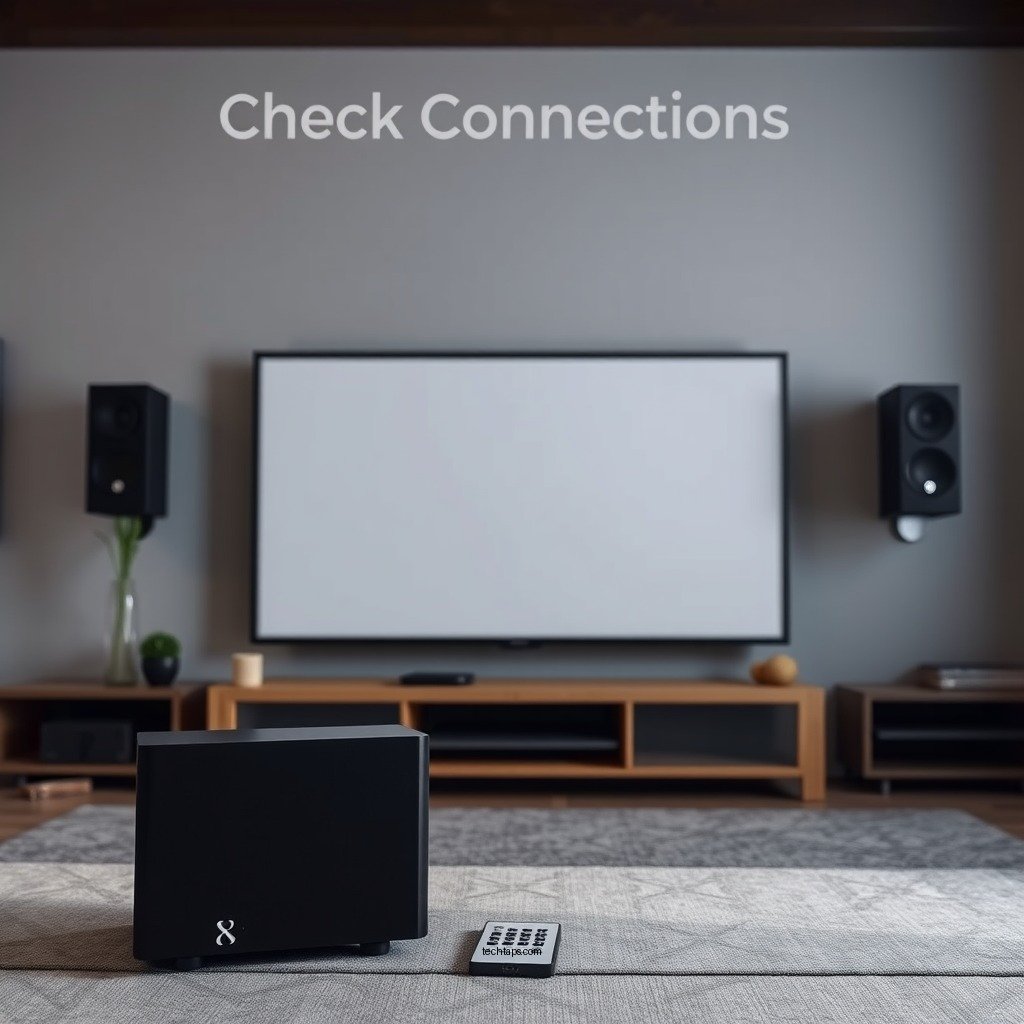
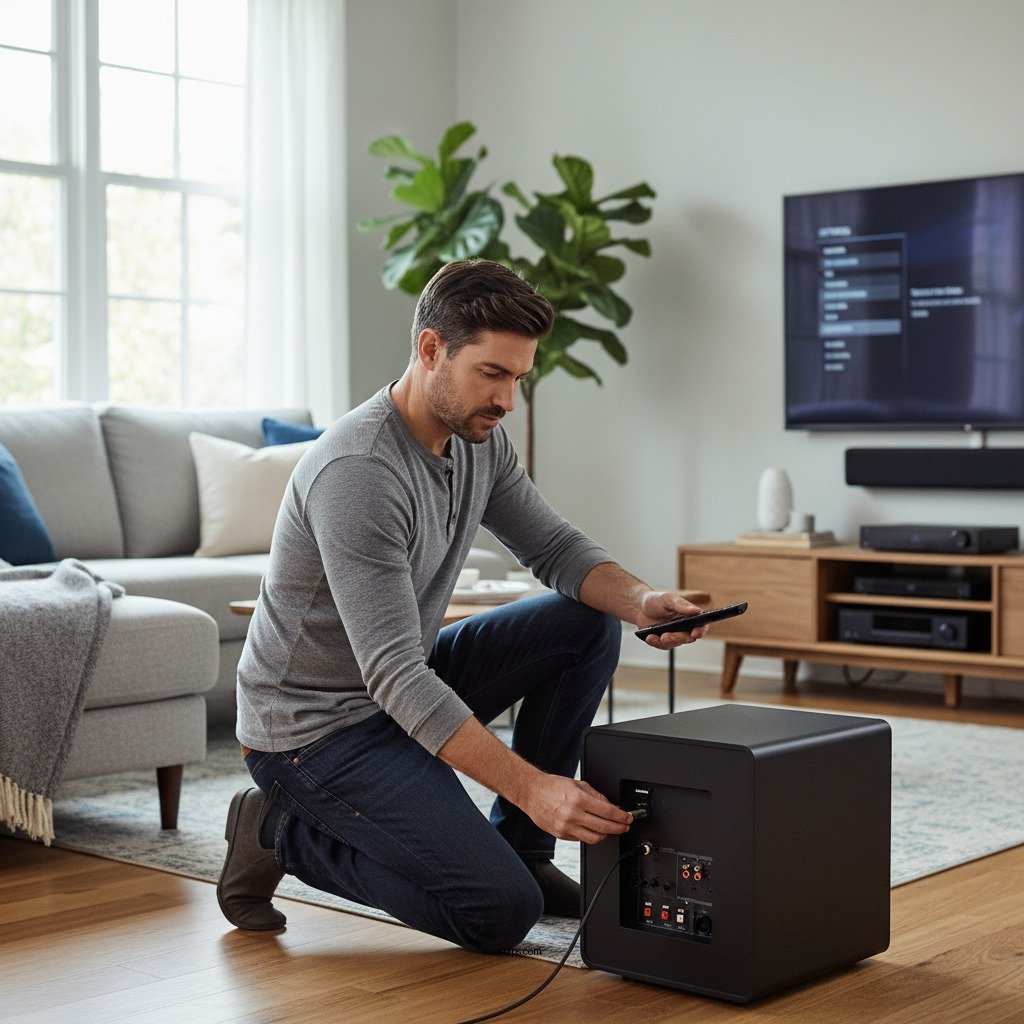
The first step in addressing synchronization issues with your subwoofer is to inspect all connections and setup components. Begin by ensuring that all cables are securely connected. This includes both power and audio cables. A loose connection can lead to audio dropouts or a lack of sound altogether. If you are using RCA cables, make sure they are plugged into the correct jacks on both the subwoofer and the AV receiver.
Next, verify that the subwoofer is set to the correct input source. Many subwoofers have multiple input options, such as line-level, LFE, or speaker-level inputs. Selecting the wrong input can lead to no sound or improper sound output. Additionally, check if your home theater system is configured to recognize the subwoofer. This may involve setting the subwoofer’s configuration in your system’s audio settings.
Adjust Audio Settings
Once your connections are verified, the next step is to access your home theater receiver settings and locate the subwoofer options. Many modern receivers have specific settings dedicated to subwoofer management. Ensure that the subwoofer is enabled within these settings. If your receiver allows for adjustments, configure the crossover frequency appropriately. The crossover frequency determines which frequencies are sent to the subwoofer versus the main speakers. A common starting point for the crossover frequency is around 80Hz, though this can be adjusted based on your speakers’ capabilities.
It is also worth checking the volume level of the subwoofer in the audio settings. If the volume is set too low, it may seem as though the subwoofer is not functioning correctly. Setting the volume to a reasonable level can help in achieving a better balance with the rest of your home theater system.
Calibration and Positioning
Calibration and proper positioning of your subwoofer play a significant role in achieving optimal sound performance. Most modern AV receivers come with built-in calibration tools, such as automatic room correction systems. These tools use a microphone to analyze the acoustics of your room and adjust the speaker settings accordingly. Utilizing this feature can greatly enhance the sound quality and integration of your subwoofer with the rest of your audio system.
In addition to calibration, the physical placement of your subwoofer is crucial. Experiment with different locations in the room to find the position that delivers the best bass response. Common practices include placing the subwoofer in a corner or near a wall to enhance low-frequency output. However, each room is unique, so testing various positions is essential for optimal performance.
Subwoofer Calibration Options and Features
| # | Feature | Auto Calibration | Manual EQ | Room Correction |
|---|---|---|---|---|
| 1 | Denon AVR-X2700H | Yes | Yes | Yes |
| 2 | Yamaha RX-V685 | Yes | Yes | Yes |
| 3 | Onkyo TX-NR696 | Yes | Yes | Yes |
| 4 | Sony STR-DN1080 | Yes | Yes | Yes |
| 5 | Marantz SR5015 | Yes | Yes | Yes |
| 6 | Pioneer VSX-LX504 | Yes | Yes | Yes |
| 7 | NAD T758 V3 | Yes | No | Yes |
Syncing with Your AV Receiver
The next step is to ensure that your subwoofer is properly synced with your AV receiver. Look for any delay settings within the AV receiver that might affect synchronization. Many receivers have options that allow you to adjust the timing for each speaker, including the subwoofer. If the audio sounds out of sync, adjusting these delay settings can often rectify the issue.
Another crucial aspect is to adjust the distance settings for the subwoofer in your receiver’s setup menu. This setting allows the receiver to tailor the sound output based on the distance between the subwoofer and the listening position. By inputting the correct physical distance, you can ensure that the subwoofer’s output aligns with the other speakers, resulting in a cohesive audio experience.
Firmware and Software Updates
In some cases, syncing issues may arise from outdated firmware or software. Check for any firmware updates for your AV receiver or subwoofer that may address known syncing issues. Manufacturers regularly release updates to improve performance and fix bugs, so keeping your devices updated is crucial. Look for instructions on the manufacturer’s website or within the user manual on how to perform these updates.
Additionally, ensure that your home theater system software is up to date. This includes any associated apps or interfaces you might use to control your system. Keeping everything updated can solve many performance-related issues, including synchronization problems.
Testing and Troubleshooting
After making the necessary adjustments, it’s time to conduct sound tests with different audio formats to determine if the issue persists across all types. Play a variety of content, including movies, music, and sound effects, to see how the subwoofer performs with each. Pay attention to whether the sound feels balanced and if the bass integrates well with the rest of the audio.
If problems continue, consider resetting the system to factory settings as a last resort. This can often clear any misconfigurations that might be causing issues. Be sure to document your settings before doing this, as you may want to restore them afterward.
In conclusion, fixing a subwoofer that’s not syncing with your home theater system involves a systematic approach to troubleshooting. Start by checking your connections and setup, adjusting audio settings, calibrating the system, and ensuring that everything is synced correctly. Keep firmware and software updated, and be diligent in testing and troubleshooting. By following these steps, you can enjoy an enhanced audio experience that truly complements your home theater system. If issues persist, don’t hesitate to reach out to customer support for further assistance.
Frequently Asked Questions
What are the common reasons a subwoofer is not syncing with my home theater system?
Common reasons for a subwoofer not syncing with your home theater system include incorrect audio settings on your receiver, improper placement of the subwoofer, or a faulty cable connection. Ensure that the subwoofer is set to the right input mode and check that the crossover frequency matches your main speakers.
How can I adjust the settings on my AV receiver to fix subwoofer syncing issues?
To adjust settings on your AV receiver, navigate to the audio setup menu and ensure that the subwoofer is enabled and correctly configured. Adjust the volume level and crossover settings to optimize the sound output, and consider running any built-in calibration tools to balance the sound across your system.
Why is my subwoofer producing delayed sound compared to the other speakers?
A delayed sound from your subwoofer often results from latency issues or improper phase settings. Make sure the phase switch on your subwoofer is set correctly, and check the distance settings in your AV receiver to ensure they accurately reflect the placement of your subwoofer relative to other speakers.
What is the best way to physically position my subwoofer for optimal performance?
The best way to position your subwoofer is to experiment with different placements, starting in a corner or along a wall, as these locations can enhance bass response. Use the “subwoofer crawl” method, where you place the subwoofer at your main listening position and move around the room to find where the bass sounds best before permanently positioning it.
Which troubleshooting steps should I take if my subwoofer is still not syncing after adjusting settings?
If your subwoofer is still not syncing, first check all cable connections to ensure they are secure and undamaged. Next, test the subwoofer with another audio source to rule out compatibility issues. If problems persist, consider resetting your AV receiver to factory settings or updating its firmware for any potential fixes.
References
- Subwoofer
https://en.wikipedia.org/wiki/Subwoofer - https://www.bbc.com/future/article/20200221-the-science-of-sound-and-how-to-fix-your-speakers
https://www.bbc.com/future/article/20200221-the-science-of-sound-and-how-to-fix-your-speakers - https://www.nature.com/articles/s41598-019-45671-3
https://www.nature.com/articles/s41598-019-45671-3 - Google Scholar Google Scholar
https://scholar.google.com/scholar?q=how+to+fix+subwoofer+not+syncing+with+home+theater - https://www.sciencedirect.com/topics/engineering/subwoofer
https://www.sciencedirect.com/topics/engineering/subwoofer - https://pubmed.ncbi.nlm.nih.gov/30399356/
https://pubmed.ncbi.nlm.nih.gov/30399356/ - https://www.theguardian.com/technology/2020/apr/17/what-to-do-when-your-home-theater-sounds-off
https://www.theguardian.com/technology/2020/apr/17/what-to-do-when-your-home-theater-sounds-off - Google Scholar Google Scholar
https://scholar.google.com/scholar?q=subwoofer+syncing+issues - https://www.nytimes.com/2021/06/10/technology/home-theater-sound-guide.html
https://www.nytimes.com/2021/06/10/technology/home-theater-sound-guide.html - https://www.mayoclinic.org/healthy-lifestyle/consumer-health/in-depth/understanding-sound-and-hearing/art-20045750
https://www.mayoclinic.org/healthy-lifestyle/consumer-health/in-depth/understanding-sound-and-hearing/art-20045750
