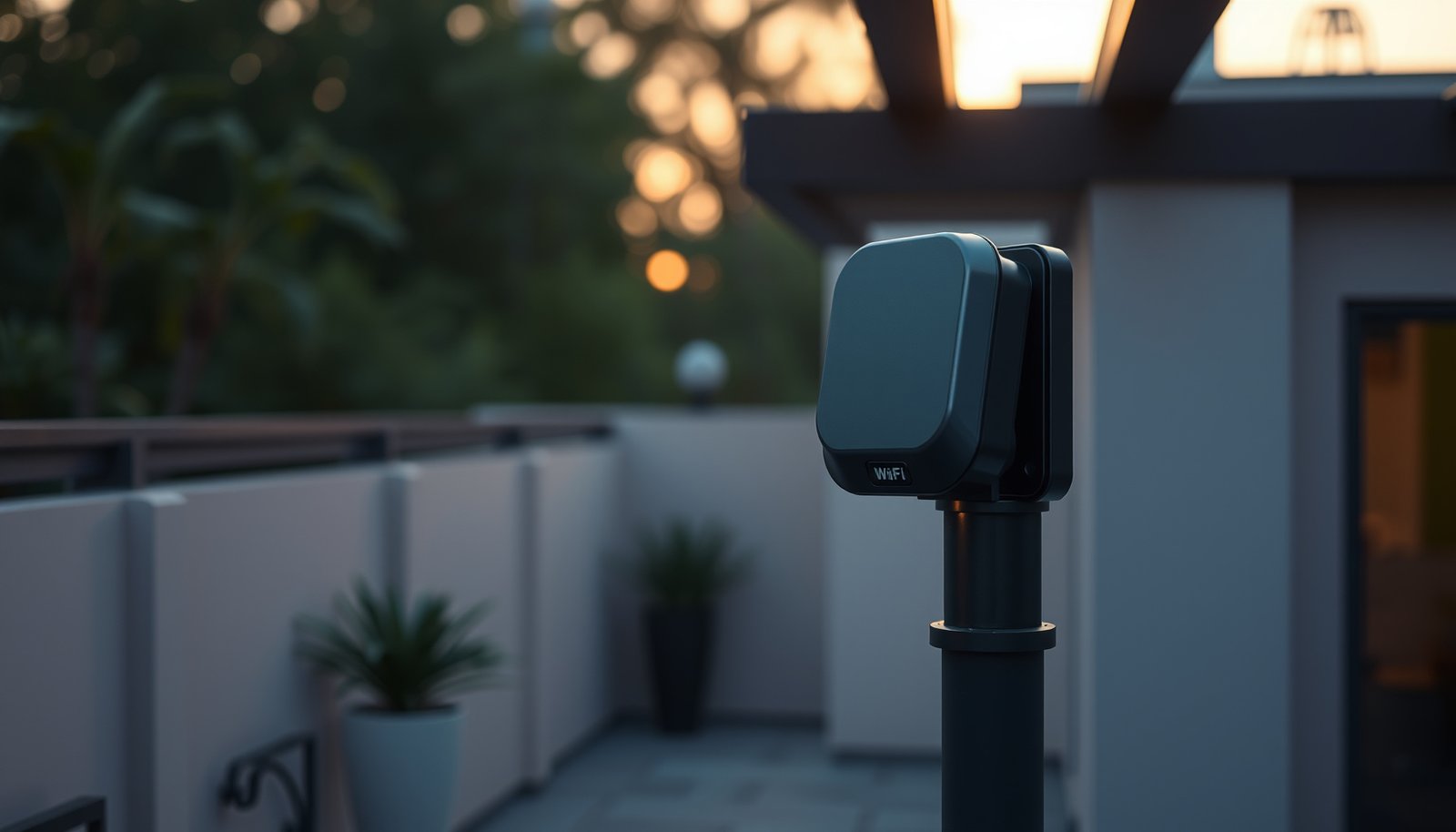
Mesh Wi-Fi can extend coverage into your yard, but an outdoor-rated mesh node is the clear choice when indoor units cannot reach your patio or garden reliably. For a detached garage or distant outbuilding with Ethernet available, a wired outdoor access point wins on stability. Which setup will cover your outdoor space best—and when is mesh worth choosing?


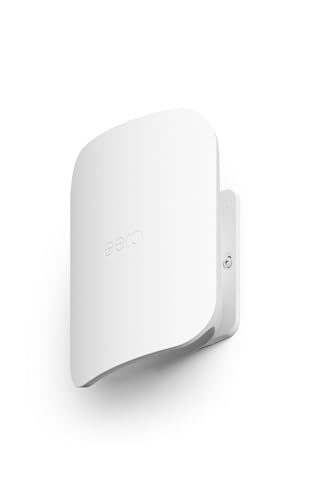

Mesh Wi-Fi can extend coverage to a patio, yard, or garden when an outdoor-rated node has a reliable connection back to your network. Choose hardware explicitly supported by your mesh system, and use wired backhaul where supported and practical; a wireless node still needs a strong upstream signal. This guide explains how to choose compatible equipment, position it, and check coverage where you actually use it.
This is for homeowners who want their existing network to reach outdoor seating areas, garden workspaces, or connected devices. For a distant outbuilding or a property without a practical connection path, a dedicated outdoor access point or point-to-point link may be more appropriate.
Check Whether Your Mesh System Supports Outdoor Coverage

Outdoor mesh requires both explicit system compatibility and hardware designed for outdoor conditions. Matching brands, network names, or Wi-Fi generations does not establish compatibility.
A mesh node participates in a coordinated Wi-Fi system. An access point connects wireless devices to a network but may use separate management. For example, TP-Link Deco and TP-Link Omada are distinct product families; buying an outdoor Omada access point does not make it a Deco node.
TP-Link’s [Deco compatibility guidance](https://www.tp-link.com/us/support/faq/2248/) explains how different Deco models work together. The [Deco X50-Outdoor specifications](https://www.tp-link.com/us/deco-mesh-wifi/product-family/deco-x50-outdoor/#specifications) provide a concrete outdoor example—not a recommendation for every existing network.
An outdoor access point can extend a home network without becoming part of its existing mesh system.
According to TP-Link’s Deco X50-Outdoor specifications, the enclosure is rated IP65, and the operating temperature range is −30°C to 60°C. These manufacturer specifications are useful reference points for a 2026 installation, but neither replaces the installation instructions.
An indoor mesh node does not become outdoor-rated simply because it is installed beneath a roof.
The following manufacturer specifications illustrate what to check before purchasing. They are not measured coverage results.
TP-Link Deco X50-Outdoor: Seven Installation Specifications
| # | Specification | Manufacturer Data | Planning Detail | Practical Meaning |
|---|---|---|---|---|
| 1 | Enclosure | IP65 | Dust-tight; water-jet protection | Not an immersion rating |
| 2 | Operating temperature | −30°C to 60°C | Check local extremes | Outdoor operating range |
| 3 | Ethernet ports | 2 × Gigabit | Wired network connections | Supports Ethernet backhaul |
| 4 | Power over Ethernet | IEEE 802.3at PoE | Compatible power source required | Power and data over Ethernet |
| 5 | AC power input | 100–240 V, 50/60 Hz | Safe outdoor supply required | Alternative to PoE |
| 6 | Mounting options | Pole, wall, tabletop | Follow mounting instructions | Multiple placement options |
| 7 | Wireless bands | 2.4 GHz and 5 GHz | Dual-band Wi-Fi 6 | No third dedicated backhaul band |
Plan Node Placement Around the Connection Back Home
Position an outdoor mesh node around its connection to the house, not merely the center of the area needing coverage. Backhaul means the connection carrying traffic between that node and the rest of your network.
Map seating areas, garden workspaces, cameras, and smart controllers. Mark exterior walls, metal fences, trees, and outbuildings between those locations and the proposed node. A position beside a patio door may provide a better wireless path than a position behind masonry.
A wireless outdoor mesh node needs a dependable upstream connection before it can provide useful coverage farther away.
Wired backhaul avoids sending the inter-node connection through exterior walls. According to TP-Link’s Deco X50-Outdoor specifications, its two Gigabit Ethernet ports support wired connectivity, while IEEE 802.3at PoE provides a supported power option.
Wired backhaul removes one wireless link from the traffic path but does not eliminate interference between the outdoor node and client devices.
Follow the [model-specific installation guide](https://www.tp-link.com/us/support/download/deco-x50-outdoor/) for mounting, cable entry, and weatherproofing. Use appropriately rated cabling and follow local requirements for power, grounding, and surge protection. Between buildings, obtain qualified advice about fiber or a wireless bridge rather than assuming copper Ethernet is suitable.
Set Up and Check Coverage Where It Matters
Complete setup and security checks first, then evaluate connectivity at the actual outdoor locations. A successful setup screen is not proof that a garden camera or patio laptop has a usable connection.
Install supported firmware and add the node through the manufacturer’s application. Use WPA3-Personal where supported, or WPA2-AES when required for compatibility. Review administrator access, guest networking, and connected-device permissions before adding outdoor equipment.
Outdoor Wi-Fi testing should measure both the client connection and the node’s upstream connection.
Use a repeatable before-and-after site survey: check the same locations with the same device before and after installation. Record node position, wired or wireless backhaul, upstream quality, download and upload results, latency, and disconnections. Run the intended task too: a video call or camera stream can expose problems that a brief speed test misses.
A phone’s Wi-Fi signal indicator describes its local radio connection, not the performance of the entire network path.
What Can Go Wrong Outdoors
The main failure modes are weak backhaul, unsuitable installation conditions, and unrealistic coverage expectations. Diagnose the failing connection before buying another node.
A phone may show a strong connection to an outdoor node while that node struggles to reach the house. Adding another wireless hop can introduce further contention rather than repair the original weak link.
Strong signal between a phone and an outdoor node does not prove that the node has strong backhaul.
Weather suitability also depends on installation. Incorrect seals, exposed connectors, unsuitable power connections, and operation outside specified conditions can undermine an otherwise compatible device. Follow the manufacturer’s mounting orientation and assembly instructions.
An outdoor enclosure rating does not automatically protect separate power supplies, sockets, or cable connections.
Foliage, walls, interference, and client antennas affect results. According to TP-Link’s Deco X50-Outdoor product-page disclaimers, actual wireless coverage varies with environmental conditions and client limitations. Treat advertised area figures as qualified claims, not a prediction for your yard.
When Outdoor Mesh Is Worth Choosing—and When to Skip It
Choose outdoor mesh when compatible outdoor hardware is available and integrated management matters. Skip it when the target location cannot maintain reliable backhaul or your existing system lacks a supported outdoor node.
- Advantages
- Compatible mesh equipment can provide shared administration, coordinated network settings, and supported roaming features.
- Disadvantages
- Outdoor mesh adds equipment, mounting work, power requirements, and potentially constrained performance with wireless backhaul.
- Alternatives
- A wired outdoor access point suits locations with a practical cable route. A dedicated point-to-point link can connect a separate building, with an access point providing Wi-Fi at the destination.
Outdoor mesh is primarily an integration choice; it is not a substitute for a reliable connection back to the network.
A point-to-point wireless bridge connects locations, while an access point provides Wi-Fi service to nearby client devices.
For a 2026 purchase, confirm support for the exact regional model and hardware revision before ordering.
Save This Outdoor Wi-Fi Checklist
Verify compatibility and the connection route before purchasing, then validate performance before expanding further.– [ ] Confirm explicit mesh compatibility, outdoor suitability, and a safe power and mounting plan.
– [ ] Identify the backhaul route and mark the locations where coverage is actually needed.
– [ ] Check performance at those locations, document the results, and adjust placement before adding more equipment.
Outdoor Wi-Fi planning should identify both the coverage locations and the backhaul route.
Documented before-and-after checks provide a more useful installation record than signal bars alone.
Sources to Support the Final Setup
Use primary manufacturer documentation for compatibility and installation decisions. Select documents matching the equipment’s region and hardware revision.
– [TP-Link Deco compatibility guidance](https://www.tp-link.com/us/support/faq/2248/): supports the discussion of mixing Deco models.
– [Deco X50-Outdoor specifications and disclaimers](https://www.tp-link.com/us/deco-mesh-wifi/product-family/deco-x50-outdoor/): supports the table, environmental limits, power options, and coverage limitations.
– [Deco X50-Outdoor support downloads](https://www.tp-link.com/us/support/download/deco-x50-outdoor/): provides model-specific installation guides and available firmware.
– [TP-Link Deco Ethernet backhaul guidance](https://www.tp-link.com/us/support/faq/1794/): explains supported wired-backhaul arrangements.
Manufacturer specifications establish equipment capabilities; on-site measurements establish usable coverage at a particular property.
Installation instructions must match the selected product’s hardware revision and regional version.
Outdoor mesh works best when compatibility, outdoor suitability, and the connection back to the network are planned together. Start with official support documents and a map of the areas needing coverage, then verify performance before expanding. If backhaul cannot reach reliably, change the connection method rather than simply adding more nodes.
Frequently Asked Questions
What is the best way to choose a mesh Wi‑Fi system for outdoor coverage?
Look for a mesh Wi‑Fi system with strong outdoor range and support for “outdoor” or weather‑resistant nodes rated for your conditions (e.g., IP65). Plan your layout around the weakest spot—gardens, patios, garages, or sheds—and ensure your outdoor nodes can connect reliably back to the main router. If you have large yards, prioritize systems designed for multi‑node scaling and seamless roaming so devices don’t drop when moving outside.
How do you set up mesh Wi‑Fi outdoors for a whole backyard or large yard?
Start by placing the main router or indoor node centrally to reduce dead zones, then add outdoor access points in line-of-sight or near signal “break points” like corners and fences. Many mesh systems allow you to wire outdoor nodes with Ethernet (backhaul), which usually delivers more consistent throughput than wireless backhaul in open outdoor environments. After installation, run a coverage check and fine‑tune node placement—small changes can significantly improve outdoor Wi‑Fi performance.
Why does outdoor mesh Wi‑Fi slow down or drop the connection even with multiple nodes?
Outdoor Wi‑Fi performance often degrades due to interference, metal structures, thick walls, trees, or distance causing weak signal strength. If your mesh nodes use wireless backhaul, the backhaul link can become the bottleneck, especially when multiple devices stream video outdoors. Weather and seasonal changes also matter—rain and foliage can reduce range—so adding an extra outdoor node or switching to wired backhaul can stabilize coverage.
Which mesh Wi‑Fi features matter most for outdoor coverage and long‑distance roaming?
For outdoor coverage, prioritize systems that support strong Wi‑Fi standards like Wi‑Fi 6/6E, adaptive beamforming, and good roaming performance (fast handoff between nodes). Look for features like band steering, auto‑channel selection, and the ability to manage node placement for consistent coverage patterns. Also confirm the outdoor units are truly weather‑rated and designed for outdoor operation to keep your outdoor Wi‑Fi network reliable year‑round.
Best practices for placing outdoor mesh nodes to reduce dead zones around a patio, pool, or detached garage?
Position outdoor mesh nodes at a similar height to minimize obstruction, and place them near the areas where coverage is most needed, such as by a patio, pool area, or driveway path. Avoid placing outdoor units directly behind large reflective surfaces like metal sheds unless you test signal strength first. If you have a detached garage, consider using a wired Ethernet backhaul from the main network or adding an intermediate node to maintain stable outdoor Wi‑Fi speeds and seamless roaming.
📅 Last Updated: October 16, 2026 | Topic: Mesh Wi-Fi for Outdoor Coverage | Content verified for accuracy and freshness.
References
- Mesh networking
- Wireless mesh network
- IEEE 802.11s
- Wi-Fi
- Radio propagation
- Free-space path loss
- https://www.britannica.com/technology/mesh-network
- https://scholar.google.com/scholar?q=mesh+Wi-Fi+outdoor+coverage Google Scholar
- https://scholar.google.com/scholar?q=802.11s+outdoor+wireless+mesh+network Google Scholar
- https://scholar.google.com/scholar?q=wireless+mesh+network+planning+outdoor+propagation Google Scholar