
When it comes to flight simulators, the best display technologies that enhance the immersive experience are OLED, LCD, and projection systems. Each of these options has unique advantages tailored to different preferences and setups. In this comprehensive overview, we will delve into these display technologies, their features, and help you determine which one suits your flight simulation needs the best.
OLED Displays: The Pinnacle of Visual Quality
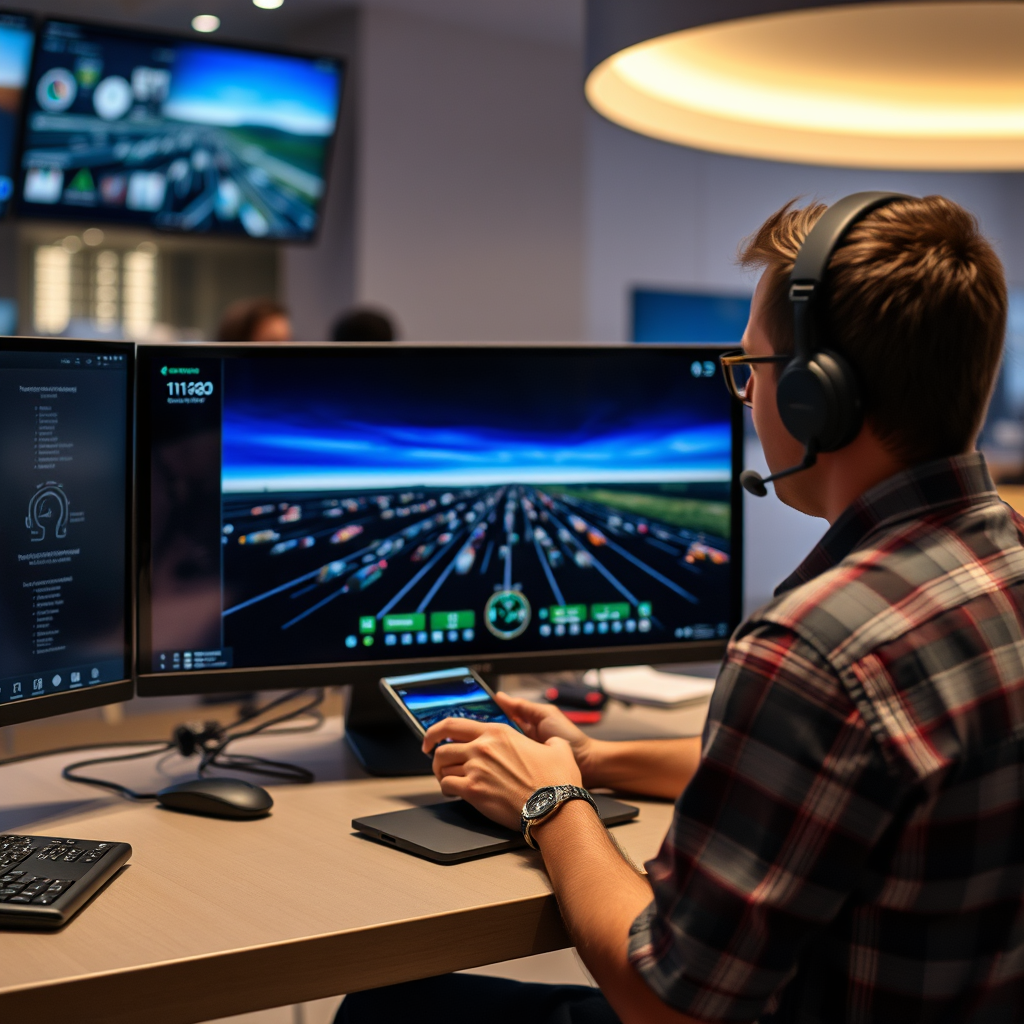
OLED (Organic Light Emitting Diode) displays are widely regarded as the gold standard for visual quality in flight simulators. Their exceptional color accuracy and contrast create lifelike visuals that make flying feel incredibly real. This is primarily due to the individual pixel illumination that OLED technology offers, which results in deeper blacks and vibrant colors. Imagine soaring over a sunset, where the hues of orange and purple blend seamlessly against a darkening sky—OLED makes these moments pop with stunning clarity.
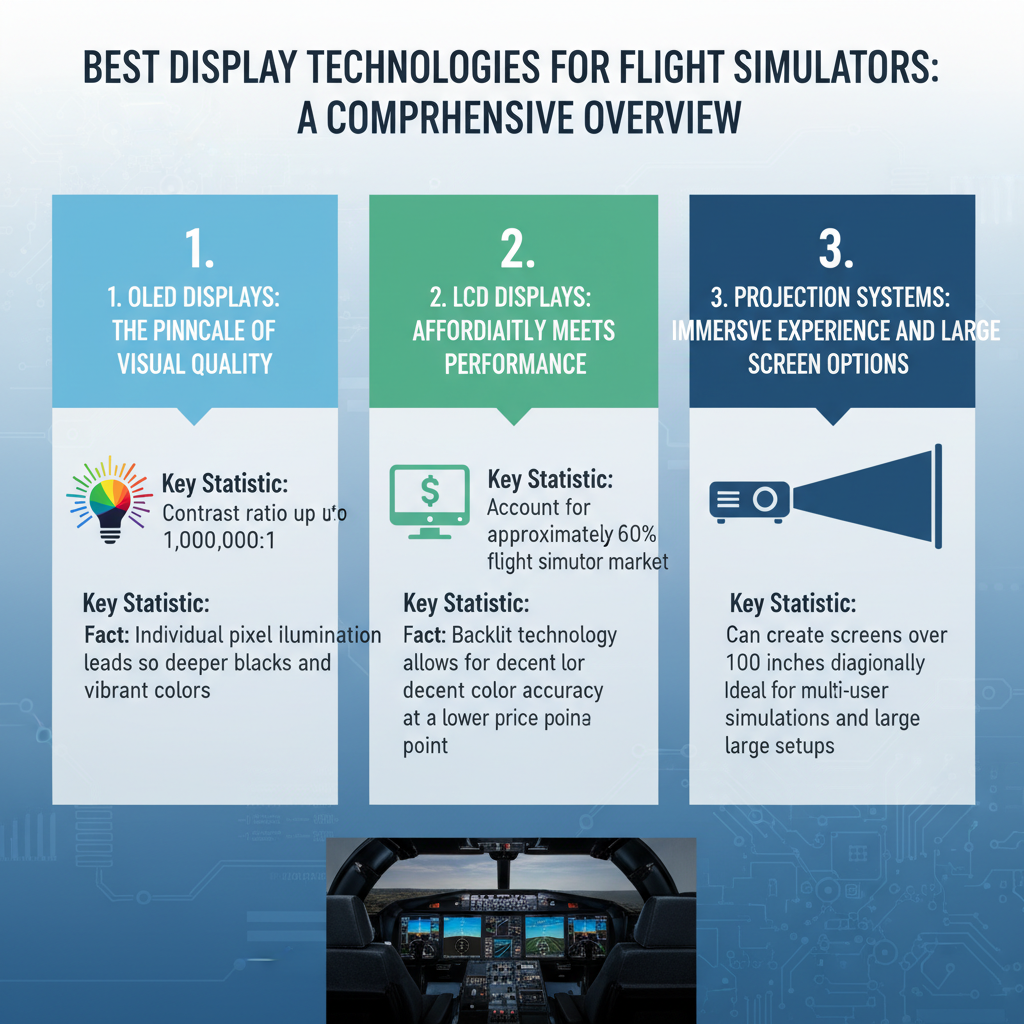
Additionally, OLED displays boast fast response times, which significantly reduce motion blur during rapid movements. This means that whether you’re performing sharp turns or quick maneuvers, the visuals remain crisp and clear, allowing you to focus on the simulation rather than the screen. However, it’s essential to note that while OLED displays deliver superior quality, they can come at a higher price point. For serious flight simulation enthusiasts willing to invest, the visual payoff is worth every penny.
LCD Displays: Affordability Meets Performance
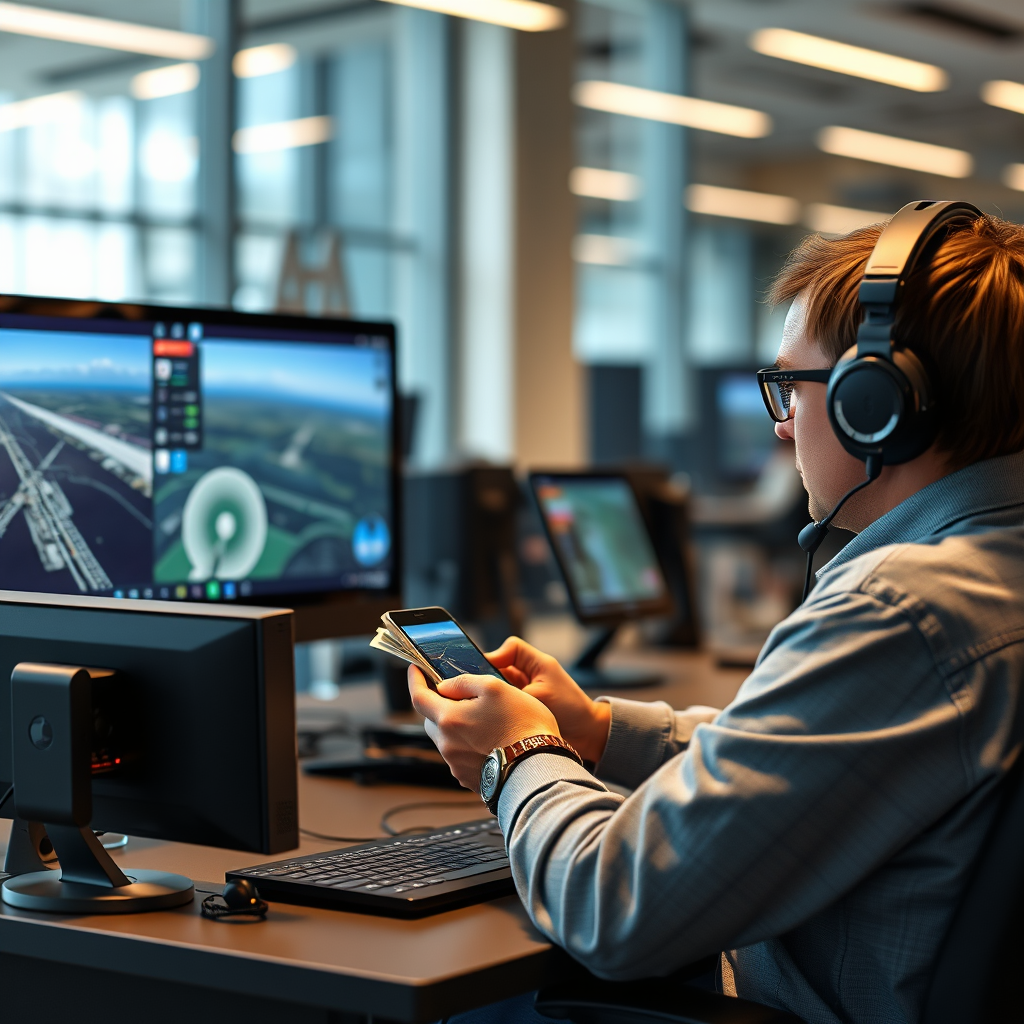
If you’re looking for a cost-effective solution without compromising too much on quality, LCD (Liquid Crystal Display) displays might just be your best friend. These screens are widely available and cater to various budgets, making them a popular choice among flight simulation hobbyists. LCD technology has improved remarkably over the years, offering good brightness and sharpness that are suitable for most flight simulation applications.
While LCD displays may not match the deep blacks of OLED, they still deliver vibrant colors and a solid viewing experience. Many modern LCDs come equipped with features like high refresh rates, which help in reducing motion blur, thus providing a smoother experience during flight. Additionally, many affordable gaming monitors come with adjustable settings, allowing you to fine-tune brightness and contrast to suit your environment. For those just starting or looking for a budget-friendly setup, LCD displays serve as a reliable option that balances performance and price effectively.
Projection Systems: Immersive Experience and Large Screen Options
For those seeking the most immersive experience possible, projection systems can transform your flight simulation into a spectacular adventure. These systems allow you to create a large field of view, effectively wrapping the visuals around you and enhancing the sense of realism. This is particularly beneficial for flight simulators, where situational awareness is critical. Imagine being able to look left and see a panoramic view of the cockpit and environment, all thanks to a well-placed projection system.
Moreover, projection systems offer flexible installation options, meaning you can tailor the setup to your unique space. Whether it’s a dedicated flight simulator room or a simple living room setup, a projection system can adapt to your needs. However, it’s essential to consider the room’s lighting conditions, as projectors typically perform best in darker environments. For a truly captivating experience, investing in a high-quality projector can take your flight simulation to new heights.
Virtual Reality Headsets: The Future of Flight Simulation
As technology continues to evolve, virtual reality (VR) headsets have emerged as a game-changer in the flight simulation realm. These devices provide a fully immersive experience, allowing you to look around in 360 degrees, just like you would in a real cockpit. The sense of presence that VR offers is unparalleled; you can physically turn your head to check your instruments or glance out the window, making every flight feel incredibly authentic.
However, it’s important to consider that VR gaming typically requires powerful hardware for optimal performance. Graphics cards and processors need to be up to the task to ensure smooth frame rates and minimize motion sickness. That said, the growing popularity of VR in the flight simulation community has led to the development of a variety of compatible software and accessories, making it easier than ever to integrate VR into your setup. If you’re looking to truly immerse yourself in your flying experience, investing in a VR headset might just be the leap into the future you’ve been waiting for.
Curved Monitors: Enhanced Peripheral Vision
Curved monitors are gaining traction in the flight simulation community due to their unique design, which mimics the natural curve of the human eye. This curvature allows for better immersion by reducing distortion and providing a more cohesive visual field. As you navigate through the skies, the curve of the monitor helps create a sense of depth, making it easier to gauge distances and spatial relationships—key elements in flight simulation.
Moreover, curved monitors often come with larger screen sizes, which can enhance the overall experience by expanding your field of view. This can be particularly useful in multi-monitor setups or when paired with a flight simulation cockpit. While they may not provide the ultra-high resolution of OLED displays, the immersive quality of a curved monitor can still elevate your experience significantly, especially when you want to feel enveloped in your virtual environment.
Multi-Monitor Setups: Expanding Your Horizons
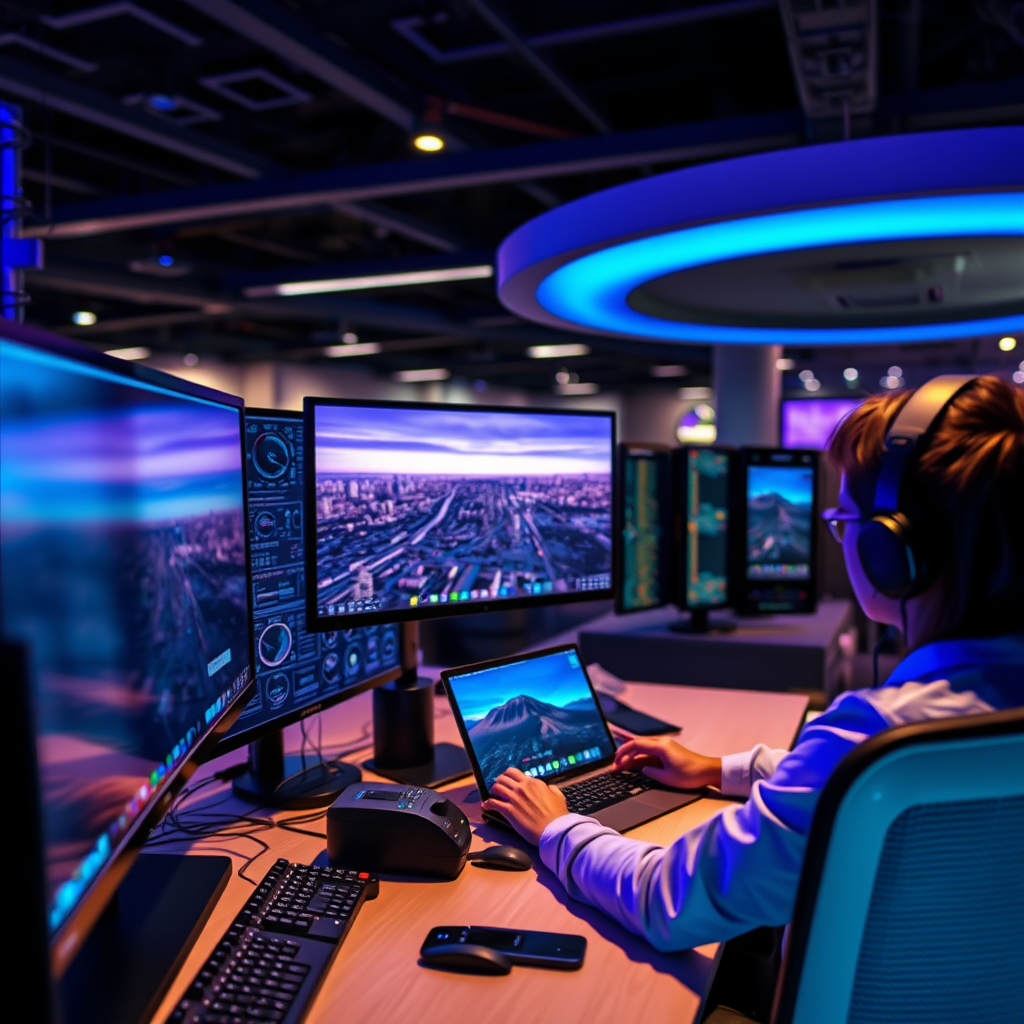
For those who want to take immersion to the next level, multi-monitor setups are a fantastic option. By using two or more monitors, you can create an expansive field of view that enhances situational awareness and makes you feel like you’re truly flying in a cockpit environment. This setup allows you to have instruments, maps, and other critical information displayed across multiple screens without cluttering a single monitor.
Customizing a multi-monitor setup can be tailored to your specific preferences and cockpit designs, allowing for a more personalized experience. You might even find that different monitors serve different purposes—one for your flight simulation and another for your navigation tools. However, it’s crucial to ensure that your graphics card can handle multiple displays, as this can affect performance. If you have the space and budget, a multi-monitor setup can greatly enhance your flight simulation experience, bringing you closer to the real thing.
Choosing the Right Display Technology for You
Choosing the right display technology for your flight simulator ultimately depends on your budget, space, and specific simulation needs. Assessing your priorities will help you make an informed decision. If visual quality is paramount and you’re willing to invest, OLED or high-end LCD displays may be the way to go. On the other hand, if you’re looking for something more budget-friendly, LCD displays or even a multi-monitor setup could serve you well.
It’s also worth considering future-proofing your setup with advanced technologies. As flight simulation software continues to evolve, having a display that can keep up with these advancements will enhance your overall experience. Don’t hesitate to explore the latest offerings and invest in technology that will grow with you as you dive deeper into the world of flight simulation.
Summing up, selecting the best display technology for flight simulators depends on your specific needs and preferences. Whether you choose OLED for superior quality, LCD for affordability, or projection systems for immersion, each option has its unique strengths. Take the time to evaluate what works best for you, and elevate your flight simulation experience today!
Frequently Asked Questions
What are the best display technologies for flight simulators?
The best display technologies for flight simulators include OLED, LCD, and LED displays. OLED screens offer vibrant colors and deep blacks, enhancing immersion, while high-refresh-rate LCDs provide smooth visuals, crucial for fast-paced flying scenarios. LED displays, especially those with high dynamic range (HDR), can also provide excellent brightness and contrast, making them suitable for an engaging and realistic simulation experience.
How do I choose the right display size for my flight simulator setup?
Choosing the right display size for your flight simulator setup depends on your available space and personal preferences. A larger screen (27 inches or more) can greatly enhance immersion by providing a wider field of view, while ultra-wide monitors (21:9 aspect ratio) can mimic cockpit visibility more accurately. However, ensure your graphics card can support the resolution and refresh rate of your chosen display to avoid performance issues.
Why is refresh rate important in flight simulation displays?
Refresh rate is crucial in flight simulation displays because it determines how smoothly motion is rendered on-screen. A higher refresh rate (such as 120Hz or 144Hz) can significantly reduce motion blur and improve the clarity of fast-moving objects, which is vital for pilots to maintain situational awareness. This is particularly beneficial in flight simulations where quick reactions are necessary to simulate real-life flying conditions.
Which type of monitor is best for immersive flight simulator experiences?
For the most immersive flight simulator experiences, ultra-wide monitors or multi-monitor setups are often considered the best choice. Ultra-wide monitors provide an expansive field of view that closely resembles a real cockpit, while a multi-monitor setup can offer even greater peripheral vision. Additionally, curved monitors can enhance immersion by wrapping the screen around your field of view, creating a more realistic environment.
How do I improve the visual quality of my flight simulator display?
To improve the visual quality of your flight simulator display, consider upgrading to a higher resolution monitor, such as 1440p or 4K, which can provide sharper images and more detail. Additionally, using anti-aliasing techniques and enabling high-quality textures within the simulation software can enhance visual fidelity. Ensuring your graphics card is up to date and capable of handling these settings will also significantly impact the overall visual experience.
References
- Flight simulator
- https://www.nasa.gov/centers/langley/pdf/199358main_2007-01-001.pdf
- https://www.researchgate.net/publication/331851597_A_Review_of_Flight_Simulation_Technologies
- https://www.sciencedirect.com/science/article/abs/pii/S2351978915001466
- https://www.nist.gov/news-events/news/2014/01/nist-simulators-help-improve-flight-training
- https://www.aviationtoday.com/2020/01/29/what-makes-a-flight-simulator-realistic/
- https://www.faa.gov/about/initiatives/maintenance_human_factors/flight_simulators/
- https://www.itu.int/en/ITU-T/focusgroups/5g/Documents/WhitePapers/Simulation%20and%20Modelling%20in%205G%20-2020.pdf