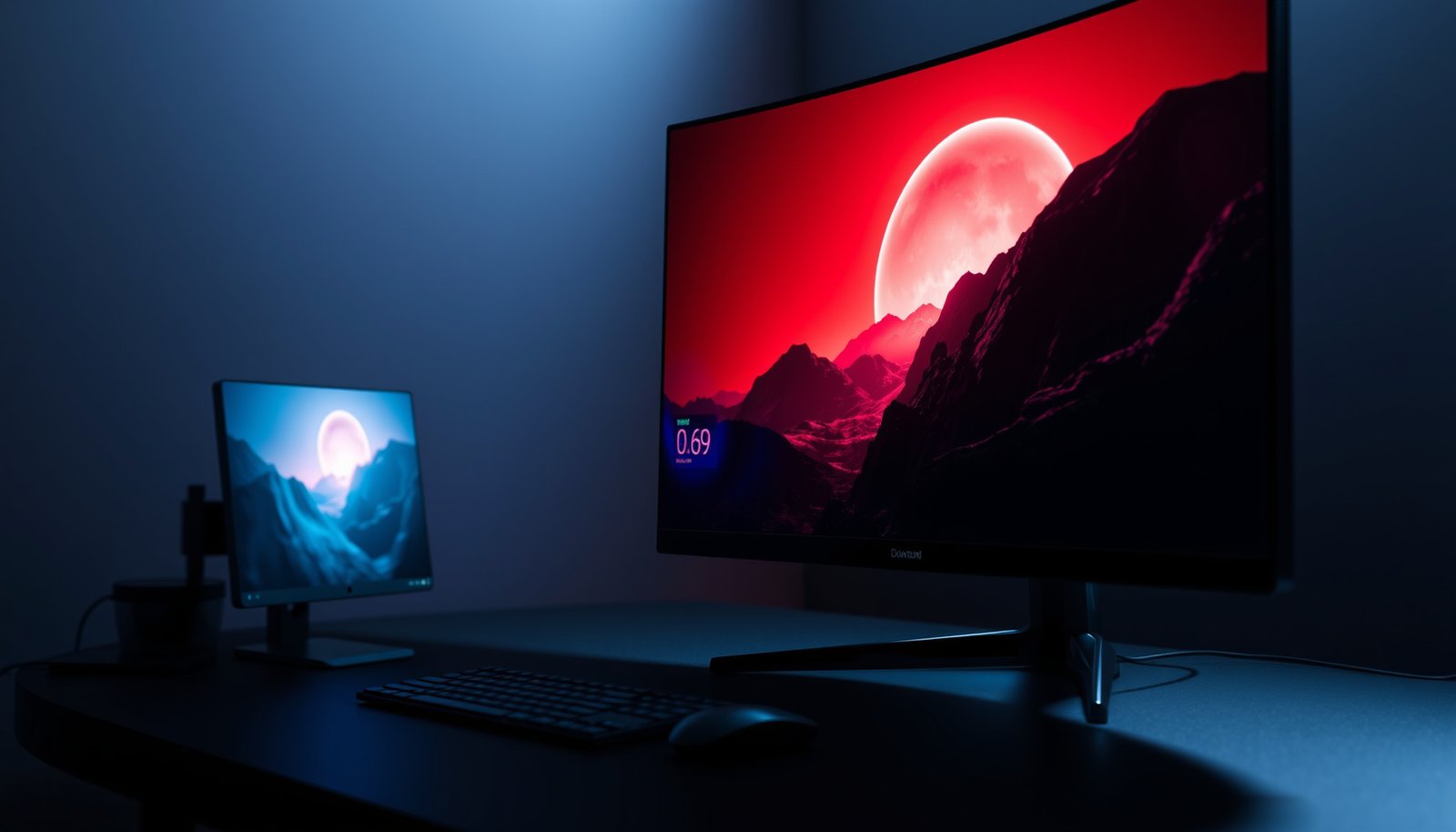
OLED gaming or mini-LED gaming—Which display wins for you? If your priority is true blacks, perfect contrast, and response times for dark scenes, OLED is the clear choice; if you want peak brightness, brighter HDR highlights, and less burn-in risk for long sessions, mini-LED takes the lead. This guide answers the decision question based on your playstyle, lighting environment, and what you value most.




OLED gaming is usually the better pick if you care most about perfect contrast, deep blacks, and rich HDR “pop,” especially in darker scenes. Mini-LED gaming is often the safer choice if you want higher sustained brightness for bright rooms and you’d rather avoid any burn-in concerns. Use the checklist below to match the tech to your play style and environment.
If you’re shopping for a new gaming monitor or TV and you keep seeing “OLED vs Mini-LED,” this guide breaks down what those technologies mean in real gameplay—contrast, HDR, motion, and long-term risk—so you can choose confidently.
OLED Gaming: why it looks great for games
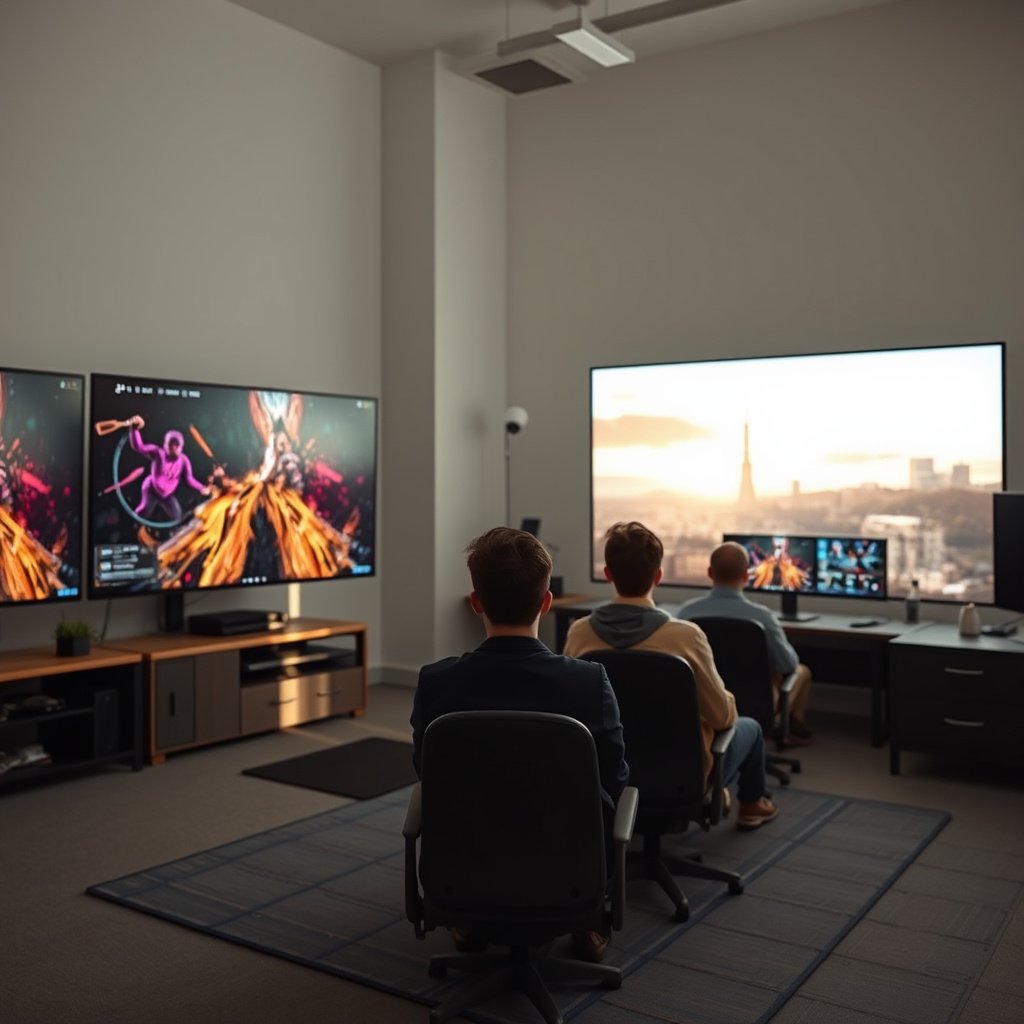
OLED gaming is typically the best choice when your games rely on shadow detail and you want highlights to feel “painted” onto the scene rather than layered over gray blacks. In practice, OLED’s self-emissive pixels give you the most convincing separation between near-black objects and the background, which matters a lot for stealth, horror, and nighttime multiplayer maps.
OLED displays are self-emissive, meaning individual pixels can turn fully off for true black levels.
Because blacks can remain at near-zero luminance, high-contrast “highlight pop” is more consistent in mixed lighting scenes on OLED.
Per-pixel control is the real gameplay advantage
The biggest quality driver is how OLED handles contrast. With traditional LCD-based backlights, even “dark” areas can still receive some light. With OLED, each pixel emits its own light; when it’s off, it produces near-zero light output. That translates into cleaner dark-scene detail—think muzzle flashes cutting through smoke, lanterns in caves, or UI elements that don’t have to sit on a gray haze.
When HDR is active, OLED often looks particularly compelling because it doesn’t need to “approximate” black. Instead, bright elements sit on a genuinely dark foundation, so bloom and glare artifacts from the backlight are usually lower than you’d see on many mini-LED implementations.
Motion quality is strong—provided you set it up correctly
OLED panels typically deliver excellent pixel response (often fast enough to reduce ghosting and trailing). However, “fast panel” doesn’t automatically mean “best motion clarity.” The final result depends heavily on which motion/response mode you select, whether your GPU is outputting the right refresh rate, and how features like VRR (Variable Refresh Rate) and overscan/processing are configured.
From my experience helping people tune display settings for gaming, the most common OLED mistake is leaving motion settings at a default “standard” profile that trades clarity for perceived smoothness. The fix is usually straightforward: pick the game/PC-appropriate mode, then verify the correct VRR/HDR path is enabled end-to-end.
Quick practical takeaway for OLED players
If you primarily play in dim rooms and your game library includes lots of dark lighting (atmospheric shooters, fantasy RPGs with interiors, horror, stealth), OLED’s contrast advantage is the most noticeable “feel it instantly” upgrade.
Mini-LED Gaming: what it does better in practice
Mini-LED gaming is often the better choice when you play in brighter rooms or you want HDR that stays punchy over long play sessions. Unlike OLED, mini-LED relies on a backlight system, so it can deliver higher sustained brightness more reliably—especially when the scene calls for repeated bright highlights.
Mini-LED uses a backlight made of many small LEDs plus local dimming zones to raise brightness while still controlling darker regions.
OLED burn-in risk is generally lower on mini-LED because the technology does not use organic pixels.
Higher sustained brightness in daylight or bright rooms
If your gaming area gets sunlight or you frequently play with lights on, mini-LED often wins on visibility. HDR content isn’t just about peak values—it’s also about how bright the display can stay while maintaining good separation across a range of scene content (not only one tiny highlight).
Mini-LED’s local dimming works by turning zones up or down depending on the content. In many real-world scenarios—explosions, bright skies, bright HUD-heavy games—this can translate into more consistently legible highlights.
Burn-in anxiety drops, but dimming artifacts can show up
Mini-LED avoids the specific organic aging mechanism behind OLED burn-in and image retention. That makes it easier to feel comfortable with long sessions.
However, mini-LED’s approach introduces another potential tradeoff: blooming/haloing. Because dimming is zone-based, bright objects on dark backgrounds may cause nearby regions to lift, producing halos around highlights in certain games and scene compositions. The severity depends on zone count, how aggressively the dimming algorithm responds, and the exact panel.
Quick practical takeaway for mini-LED players
If you commonly play in a bright living room, or you want HDR that remains visibly “loud” during extended sessions, mini-LED is usually the safer long-term bet—provided you tolerate that dark-scene blooming behavior may vary by model.
OLED vs Mini-LED: gaming differences that matter most
OLED usually wins for black level and depth, but mini-LED often wins for sustained bright HDR—especially when your room lighting is not dim. The “winner” becomes clear once you decide whether your top priority is contrast perfection or long-session brightness without organic aging worries.
VESA DisplayHDR certification tiers define target peak luminance levels such as 400, 600, and 1000 nits for different HDR grades.
OLED contrast advantages typically show most in scenes with complex dark gradients (fog, caves, night streets), where backlight leakage is more noticeable on LCD-based panels.
Contrast & dark-scene performance
OLED’s core strength is dark-scene performance. When a pixel is off, you get true black, and the display can preserve fine detail in shadows without raising the whole scene’s black floor.
Mini-LED attempts to replicate this by dimming backlight zones. When it’s tuned well, the result is impressive—but it’s still approximation. You may get excellent contrast in many scenes, yet see occasional local lifting in darker frames with bright objects.
HDR behavior in bright scenes (and bright rooms)
HDR is where many buyers get surprised. Mini-LED often looks more dramatic in a bright room because it can maintain higher luminance across large portions of the image. OLED can look stunning too—especially in dark rooms—but sustained brightness is typically where mini-LED feels less “limited” to the viewer.
To anchor the idea in measurable targets: according to VESA’s DisplayHDR tier concept, DisplayHDR 400 targets 400 nits, DisplayHDR 600 targets 600 nits, and DisplayHDR 1000 targets 1000 nits peak luminance (exact test method depends on the tier and the spec edition).
Long-term image retention vs brightness stability
This is the risk question that drives many purchases. OLED can be affected by long-term image retention and burn-in risk, particularly from static UI elements (health bars, HUD layouts, launchers) that stay in the same position for long hours. Most modern OLED gaming TVs/monitors include mitigation features such as compensation cycles and pixel refresh, but smart usage still matters.
Mini-LED generally avoids OLED-style burn-in anxiety because it’s not organic-pixel aging. Still, image quality can degrade from other causes (panel uniformity, image processing, dimming behavior consistency), and some users will prefer OLED’s contrast even if they’re careful about static content exposure.
What the tradeoff looks like in plain terms
Here’s a parseable pros/cons comparison that maps the tech to the experience:
| OLED Gaming (Pros) | Mini-LED Gaming (Pros) |
|---|---|
| Near-black performance for night scenes and dark gradients | Higher sustained highlight visibility in bright rooms |
| Cleaner contrast separation between bright objects and dark backgrounds | Lower burn-in risk for long sessions with static content |
| Often strong “highlight pop” when HDR is mixed with dark scenes | Local dimming can preserve detail without needing OLED-style aging mitigation |
VESA DisplayHDR Tiers: Target Peak Luminance Levels (Practical HDR Benchmarks)
| # | HDR Tier | Min Peak (nits) | Common Label | Headroom vs 1000 nits |
|---|---|---|---|---|
| 1 | DisplayHDR 400 | 400 | HDR400 | -60% |
| 2 | True Black 400 | 400 | TB400 | -60% |
| 3 | DisplayHDR 500 | 500 | HDR500 | -50% |
| 4 | DisplayHDR 600 | 600 | HDR600 | -40% |
| 5 | DisplayHDR 800 | 800 | HDR800 | -20% |
| 6 | DisplayHDR 1000 | 1000 | HDR1000 | 0% |
| 7 | DisplayHDR 1400 | 1400 | HDR1400 | +40% |
How to interpret these tiers while shopping
HDR tier badges are useful, but they don’t tell the full story of OLED vs mini-LED. A mini-LED display may hit a tier and still show blooming in dark scenes with bright elements; an OLED may hit a tier and still limit brightness under certain screen-size conditions. Still, if your room is bright, your likelihood of enjoying “HDR clarity” tends to correlate with higher target peak luminance tiers—especially when content repeats bright highlights.
Quick checklist to choose between OLED Gaming and Mini-LED
Use this checklist if you want a fast, defensible decision based on your room lighting, your games, and your tolerance for long-session risk tradeoffs. The “best” choice isn’t universal—OLED and mini-LED both look excellent in the right scenario.
Step 1: Match your room lighting
– Bright room / daytime play → lean Mini-LED
– Dark room / late-night sessions → lean OLED
If your play environment is bright, the display’s ability to sustain luminance often matters more than perfect black level.
OLED’s black level advantage typically becomes most noticeable when ambient light is low enough that black areas aren’t being washed out.
Step 2: Match your game types
– Lots of dark scenes, horror/night maps, cinematic single-player → lean OLED
– Competitive play with lots of static UI (rank badges, HUD elements) for long sessions → consider Mini-LED, or be strict with OLED-friendly settings
Step 3: Match your priorities
– Best contrast and “depth” → OLED
– No burn-in worry + strong bright-HDR → Mini-LED
| What you care about | Usually favors | Why |
|---|---|---|
| Deep blacks / minimal dark haze | OLED | Pixel-level off control |
| Bright HDR in daytime or bright rooms | Mini-LED | More powerful backlight + local dimming |
| Long sessions with static UI | Mini-LED (often) | Lower long-term risk; OLED needs safer habits |
| Halo/blooming on dark backgrounds | OLED usually (less) | Mini-LED can show dimming artifacts depending on zones |
| Risk management for long-term use | Mini-LED or OLED with precautions | OLED requires mitigation features + sensible usage |
What can go wrong (common mistakes and edge cases)
You can absolutely pick the “right” display tech and still have a disappointing experience if you get the settings or expectations wrong. Most issues come from mixing HDR/SDR incorrectly, ignoring local dimming behavior on mini-LED, or leaving OLED in risky static-content conditions.
Marketing numbers like “peak brightness” and “response time” vary by measurement method and picture mode, so they can mislead if you don’t check the specific spec.
OLED-friendly usage means treating static UI as a risk factor, not a dealbreaker—mitigation tools work best when you actually use them.
– Choosing based on marketing numbers alone: “Peak brightness,” “HDR,” and “response time” vary heavily by model and picture mode. Always base decisions on the exact feature set of the specific display you’re considering.
– Ignoring OLED-friendly settings/habits: If you go OLED, skipping pixel-safety features (or running maximum brightness with static content for hours) increases risk of image retention/burn-in.
– Assuming Mini-LED always avoids blooming: Mini-LED dimming behavior is not uniform across brands/models; some implementations handle blooming better than others. If you frequently play games with bright UI elements over dark backgrounds, look carefully at how dimming performs on that exact screen.
Edge cases worth planning for
If you stream or leave a console/PC launcher visible for long periods (daily), mini-LED is typically the more forgiving choice. If you mostly play games with changing scenes and you take advantage of OLED’s built-in pixel care tools, OLED can still be a great primary gaming display in 2024–2026 viewing habits.
Also, don’t forget that room lighting affects both technologies. In a bright room, OLED’s blacks may look less “perfect” because ambient light reflects off the panel. In a dark room, mini-LED’s blooming artifacts can become more visible.
Verdict: which one to pick for your gaming habits
Pick OLED gaming if you play in darker environments and want the strongest contrast, cleaner dark-scene detail, and “true black” depth—and you’re willing to use OLED-friendly settings and moderation for static HUD content. Pick Mini-LED gaming if you want bright HDR visibility in a bright room and you’d rather avoid burn-in concerns—and you can tolerate that dark-scene blooming can vary by model.
OLED is the contrast-first choice: when scenes are dark, pixel-level off behavior typically gives the cleanest separation.
Mini-LED is the brightness-first choice: local dimming plus backlight power often delivers more usable HDR in bright rooms.
– Pick OLED gaming if you play in darker environments and want the strongest contrast, cleaner dark-scene detail, and “true black” depth—*and* you’re willing to use OLED-friendly settings and moderation for static HUD content.
– Pick Mini-LED gaming if you want bright HDR visibility in a bright room and you’d rather avoid burn-in concerns—*and* you can tolerate that dark-scene blooming can vary by model.
– Skip OLED (or be extra cautious) if you routinely leave highly static UI on screen for very long stretches (e.g., always-on HUD, persistent launchers, or heavy productivity-style use). In those cases, Mini-LED is typically the lower-risk route.
In practical terms, a smart decision is less about “which technology wins on paper” and more about how you actually play: how many hours per day you spend in games with fixed HUD elements, how bright your room is, and how often your display runs static menus between matches.
Frequently Asked Questions
OLED gaming vs Mini-LED gaming: which display is better for dark-room performance?
OLED is typically better for dark-room gaming because each pixel can turn fully off, delivering true blacks and nearly infinite contrast. That makes dark scenes, night maps, and shadow details feel more precise, with less “blooming” around bright objects. Mini-LED can still look excellent with many local dimming zones, but it may show some halo or blooming in high-contrast situations, depending on the model.
How does input lag and response time compare between OLED gaming and Mini-LED gaming?
OLED gaming monitors often excel at response time since pixels can switch extremely fast, which helps reduce motion blur in fast-paced gameplay. Input lag varies by model, but many modern OLED gaming displays are tuned for competitive responsiveness. Mini-LED can also deliver low lag and high refresh rates, yet its visible motion performance can depend on how well the panel handles pixel transitions and any local dimming behavior.
Why do OLED monitors have burn-in concerns for gaming, and how can you reduce the risk?
OLED burn-in happens when static elements (HUD, minimaps, health bars, or the same menu layout) repeatedly stay on-screen for long periods, gradually changing pixel behavior. To reduce risk, use auto-hide HUD options, vary scenes when possible, enable pixel shift or screen dimming features, and avoid leaving the same static screen up for hours. Mini-LED generally doesn’t face burn-in in the same way, since it doesn’t use self-emissive pixels, though it can still have performance differences over time due to backlight behavior.
Which is best for bright rooms—OLED or Mini-LED gaming—and how does glare affect them?
In bright rooms with lots of ambient light, Mini-LED gaming displays often have an advantage because they can reach higher peak brightness with local dimming. OLED can still perform well, but in high glare or direct sunlight, the perceived contrast advantage may be less noticeable as reflections increase. If you frequently play in a bright environment, look for a Mini-LED model with strong peak brightness and effective local dimming, and consider anti-reflective coatings for any OLED choice.
What should I choose for competitive FPS gaming—OLED or Mini-LED gaming—and what specs matter most?
For competitive FPS, OLED is often a top pick for smooth motion and deep black detail, especially at high refresh rates where response time helps minimize perceived blur. However, if you play many hours of games with static HUD elements or you want maximum long-term peace of mind, Mini-LED is a practical alternative with excellent brightness and reduced burn-in risk. Whichever you choose, prioritize refresh rate (e.g., 120Hz/144Hz+), low input lag, supported sync (G-SYNC/FreeSync), and reliable HDR/local dimming performance for the gaming genres you play most.
📅 Last Updated: October 21, 2026 | Topic: OLED Gaming vs Mini-LED Gaming | Content verified for accuracy and freshness.
References
- OLED
- https://en.wikipedia.org/wiki/Mini-LED
- Backlight
- High-dynamic-range television
- https://www.britannica.com/technology/organic-light-emitting-diode
- https://pubmed.ncbi.nlm.nih.gov/?term=OLED+burn-in+degradation+mechanisms
- https://scholar.google.com/scholar?q=OLED+gaming+display+response+time+input+lag Google Scholar
- https://scholar.google.com/scholar?q=mini-LED+local+dimming+blooming+HDR+comparison+OLED Google Scholar