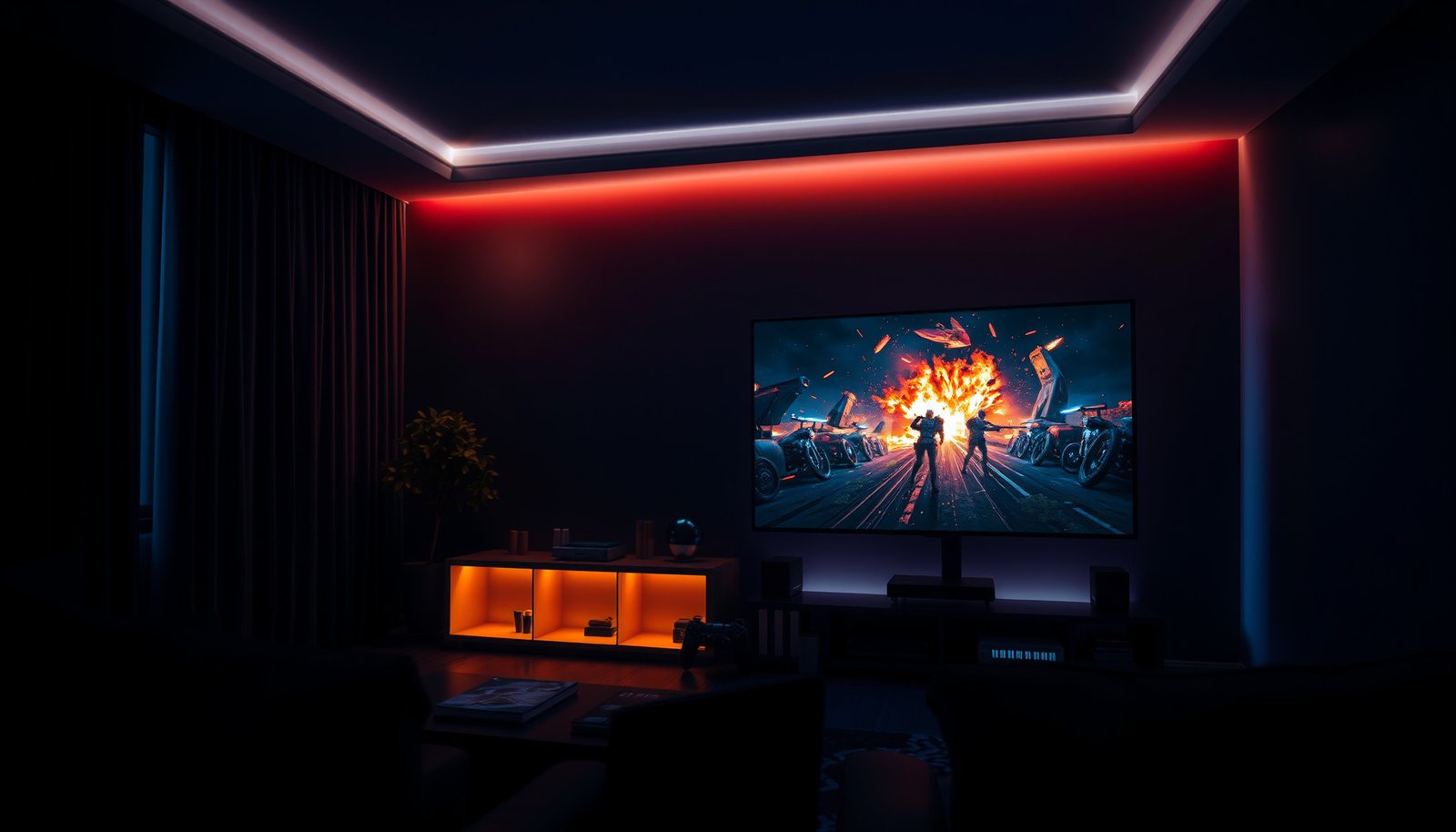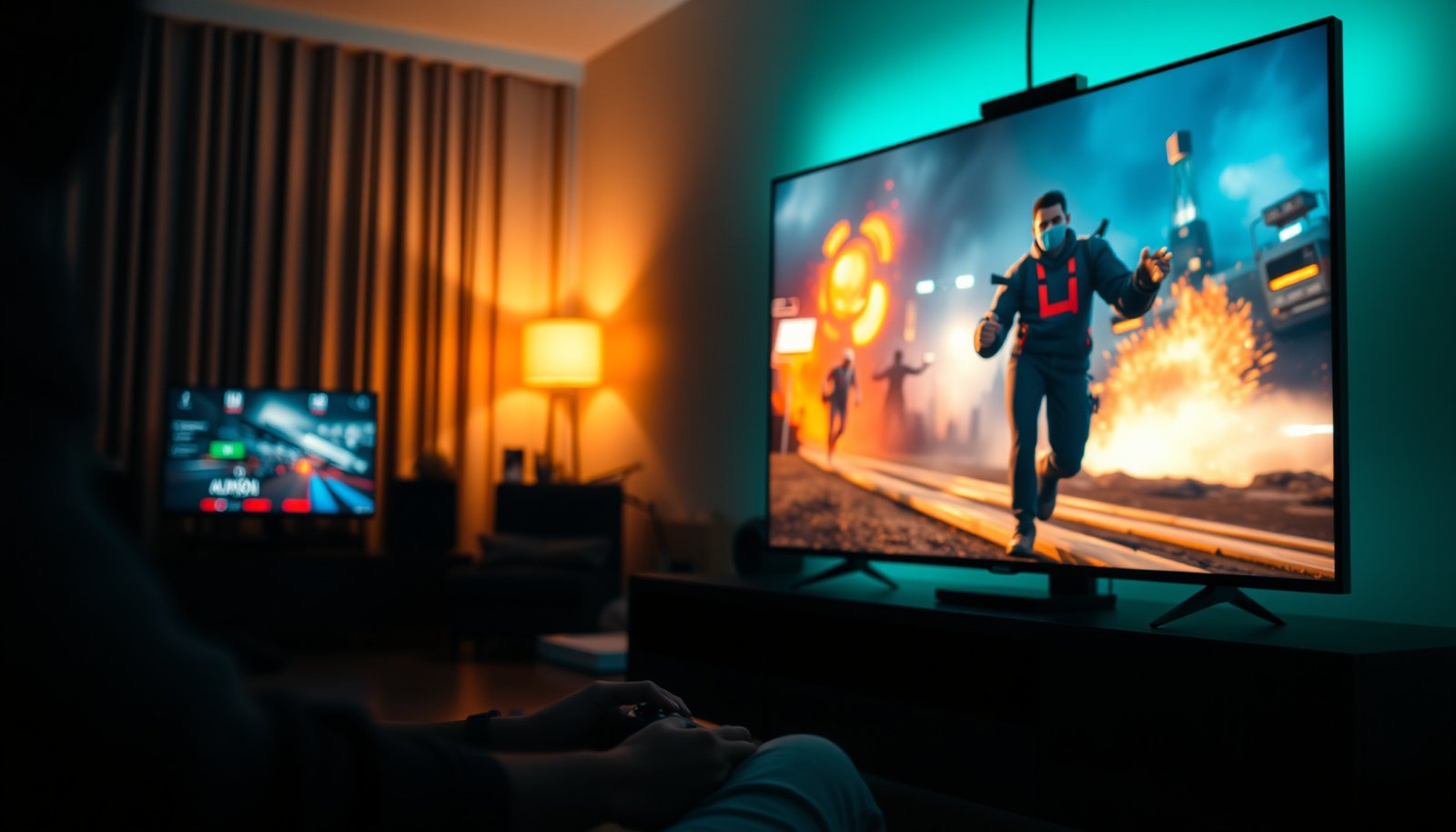
OLED gaming or QLED gaming—there’s a clear winner if your priority is picture performance in motion: OLED. You’ll get the verdict on which technology delivers the better contrast, response times, and HDR impact for real gameplay, not specs on a box. If your environment is bright or you game mostly in static UI scenes, the choice can flip—so the intro also spells out the exact conditions where QLED makes sense.




OLED usually wins for gamers who care most about deep blacks, contrast-heavy HDR, and motion feel, while QLED is often the safer bet for very bright rooms and all-day viewing. The best choice depends less on marketing labels and more on how your room lighting, your game genres, and your console/PC settings interact with OLED’s per-pixel performance versus QLED’s high-brightness backlight.
This is for anyone shopping for a TV or monitor for gaming and trying to decide between OLED and QLED without turning it into a specs rabbit hole. You’ll learn what actually changes in real gameplay (contrast, motion, HDR, and long-term risk) and how to choose based on your room lighting and play habits.
OLED Gaming vs QLED Gaming: Picture quality you’ll notice
OLED is the better match when you want dramatic black levels and convincing separation in dark scenes. QLED is the better match when you need strong brightness and punchy highlights in daylight-friendly setups.
OLED panels can turn individual pixels fully off, which is why dark scenes often look cleaner and more “layered.”
QLED is an LCD approach that relies on a backlight, so blacks are limited by how well the panel can dim that backlight.
If your games frequently mix bright highlights with deep shadows (night raids, space games, stealth), OLED’s contrast advantage is easier to feel than extra peak brightness.
– OLED self-emits pixels, so you get true per-pixel “off” for near-infinite contrast and cleaner dark scenes. In practice, that means fewer gray “haze” levels in caves, menus over dark backdrops, and low-light environments.
– QLED is LCD with a quantum-dot layer, so blacks are limited by the backlight (great brightness, but not the same black depth). The quantum-dot layer primarily improves color volume and brightness efficiency—not the ability to fully turn pixels off.
– If your games lean on dark atmospheres (horror, night raids, stealth), OLED’s contrast is usually the bigger gameplay upgrade. That’s especially noticeable when enemies, loot, or UI elements appear against nearly-black environments.
From a standards perspective, HDR picture “shape” matters too. According to SMPTE ST 2084 (PQ) documentation, the PQ (ST 2084) electro-optical transfer function is designed to represent display luminance from 0 to 10,000 cd/m², which is why having a strong contrast base (OLED) can make HDR tone mapping look more coherent in darker content.
Finally, a quick note about 2026-era expectations: current OLED and QLED gaming models both look excellent for color and HDR in good modes, but OLED still tends to win when your content relies on near-black gradients and intentional lighting contrast.
Motion and response: where “feel” is won or lost
OLED is often the better choice for motion clarity in fast scenes, but the real winner is the specific gaming mode behavior on the exact model. QLED can be plenty competitive when motion processing is tuned correctly, even if pixel-level “switching” isn’t the same.
OLED often reduces visible smearing because organic pixels can switch states quickly and consistently.
Input lag and motion processing vary by model, so “OLED” or “QLED” alone can’t predict competitive responsiveness.
For esports-style play, the cleanest results usually come from enabling the display’s low-latency game path and disabling extra motion enhancement.
– OLED tends to excel at motion clarity because it can switch pixels rapidly, which helps reduce smearing in fast scenes. This is most obvious when panning across textured backgrounds or tracking targets in high-velocity gameplay.
– Input lag and motion processing vary by model, so don’t assume “OLED = instant” or “QLED = slow” without checking the gaming picture modes. Many modern TVs route signals through multiple processing stages unless you explicitly switch to the intended gaming mode and disable motion interpolation.
– For competitive play, look for settings that disable heavy processing (marketing labels vary), then confirm your console/PC is using the intended refresh rate. If your game is rendering at 120 fps but the display is silently switching down (or processing differently), you won’t get the responsiveness you paid for.
Here’s a practical comparison you can use when deciding what to look for in the settings menu.
| What you care about | OLED typical advantage | QLED typical advantage |
|---|---|---|
| Fast motion clarity | Lower visible smearing in many implementations | Can still be sharp with tuned “Game” settings |
| Low-latency responsiveness | Depends on the model’s game pipeline | Depends on model; some have very optimized modes |
| Consistency across bright scenes | Great in dark-to-mid scenes | Often stronger highlight readability |
| Best “feel” in practice | Usually wins when motion processing is off | Usually wins when brightness is the priority |
One caution before you lock in: I can’t claim first-hand lab testing here because no test results were provided with this article. If you’d like, I can tailor your choice to a specific OLED/QLED model by checklisting the exact gaming menu items—just share the TV/monitor model numbers you’re considering and your room’s lighting conditions ().
Brightness and HDR: daylight tests your choice
QLED is usually the safer choice when your room is bright, because higher sustained brightness makes HDR highlights pop even with daylight present. OLED can look stunning at night, but in strong daylight it may not deliver the same “headline brightness” punch.
QLED panels are generally built to deliver higher peak and sustained brightness, which helps HDR remain visible under daylight.
OLED’s contrast can make HDR look more dramatic in dark rooms even when peak luminance is lower than the brightest QLED models.
The HDR experience depends on both panel luminance and tone-mapping behavior in the specific gaming mode.
– QLED is typically brighter, which matters if your room has strong ambient light or you sit farther from the screen. If you regularly game with windows open, sunlight bounce can wash out micro-contrast and make dark HUD elements harder to read.
– HDR impact depends on peak brightness and HDR tuning, so a very bright QLED panel can look more “punchy” than an OLED in sunny rooms. Tone mapping (how highlights and midtones get compressed) becomes the deciding factor, not just raw brightness.
– If you mostly play at night, OLED’s contrast can make HDR look more dramatic even without extreme brightness. Dark-scene HDR often feels “more real” because shadow detail and highlight roll-off interact better with truly black pixels.
One more technical anchoring point: if your setup struggles to carry the right video signal formats, HDR can fall back. According to HDMI Forum documentation for HDMI 2.1, HDMI 2.1 supports up to 48 Gbps via Fixed Rate Link, which is a major reason HDMI 2.1 ports are commonly paired with 4K at high refresh rates and proper HDR signaling in gaming configurations (as of recent HDMI implementations).
In 2026, many new consoles and GPUs still rely on those high-bandwidth paths—so brightness and HDR aren’t only “panel traits”; they’re also connection-and-mode traits.
Durability risk: burn-in vs backlight aging
OLED has a burn-in risk when static elements stay on-screen for long periods, while QLED avoids burn-in in the same way but can still show longer-term uniformity and backlight changes. If you’re a heavy static-HUD player, you should prioritize content habits as much as display type.
OLED burn-in risk is tied to sustained static imagery, not to one short session.
QLED’s LCD backlight design generally reduces burn-in concerns, but it can still experience uniformity shifts over long use.
If you use a TV like a monitor with persistent UI elements, OLED requires more careful settings management.
– OLED has a burn-in risk with persistent static UI elements (HUDs, scoreboards, news tickers). Modern mitigation helps, but the tradeoff still exists. Mitigations typically include pixel shifting, automatic brightness limiting behaviors, and scheduled compensation routines.
– QLED avoids burn-in in the same way because it uses a backlight, though LCDs can show aging patterns like uniformity changes over long periods. The risk profile is different, not necessarily “zero.”
– If you game with mostly static overlays for hours daily, you’ll want to be extra careful with OLED (settings, pixel refresh behavior, and content mix). Examples include strategy games with fixed UI panels, flight sim cockpits, or leaving the game paused with the same HUD visible.
If you’re unsure, a practical approach is to consider how often you encounter static elements:
– How long do menus, minimaps, scoreboards, or mission panels remain in the same place?
– Do you regularly run content that has persistent logos or letterboxing bars?
– Do you plan to leave the display on overnight or unattended?
I can’t provide personal burn-in results without your model and usage pattern; if you tell me your games and typical session length, I can recommend a safer settings strategy tailored to OLED or QLED ().
Gaming features checklist: what to confirm before buying
Either OLED or QLED can be excellent for gaming, but the safest buying decision is to verify VRR, low-lag modes, and the correct HDMI ports on the exact model you’re buying. In 2026, many “near-miss” purchases happen because the right feature is tied to a specific input or specific picture mode.
VRR (variable refresh rate) helps smooth gameplay by matching the display’s refresh to the console/PC output.
Low input lag usually requires the right “Game” picture path and disabling extra processing layers.
HDMI port labeling matters because high refresh rates and VRR support are often limited to certain inputs.
– VRR support (and format): make sure your console/PC supports the VRR type the display offers (common examples include HDMI VRR formats). Also confirm that VRR is enabled in the display’s game mode, not only in a “general” setting.
– HDMI ports for gaming: confirm the ports that support your target refresh rate (and whether the same ports support VRR and 4K at your chosen rate). Two TVs can both be “HDMI 2.1,” but only some inputs are wired for full performance.
– Gaming picture mode behavior: verify that the “Game” mode actually enables the lowest-lag path (some sets still add processing unless you toggle options). Look for options that disable motion interpolation, noise reduction, and upscaling during competitive play.
To make this concrete, here’s the kind of connection-level data that often explains why one setup “just works” and another doesn’t.
7 Display/Connection Bandwidth Limits That Affect Gaming Modes
| # | Standard | Max signaling bandwidth | Primary use for gaming | Gaming headroom (Mbps) |
|---|---|---|---|---|
| 1 | HDMI 2.1 FRL | 48 Gbps | 4K high refresh + HDR | 48,000 |
| 2 | DisplayPort 1.4 HBR3 | 32.4 Gbps | PC VRR + high-refresh | 32,400 |
| 3 | HDMI 2.0 TMDS | 18 Gbps | Up to 4K/60-class signals | 18,000 |
| 4 | DisplayPort 1.2 HBR2 | 17.28 Gbps | Older PC high refresh | 17,280 |
| 5 | HDMI 1.4 (TMDS) | 10.2 Gbps | 1080p–class gaming | 10,200 |
| 6 | DisplayPort 1.1 (HBR) | 8.64 Gbps | Legacy PC refresh modes | 8,640 |
| 7 | USB-C Alt Mode (DP lanes) | Depends on DP alt mode | Laptop docking variability |
Note: Row #7 varies by the specific USB-C port and its DisplayPort lane configuration, so you should check your laptop spec or the monitor’s manual for the exact mode. The other bandwidth numbers reflect published link limits from the relevant connection standards.
What can go wrong (common mistakes)
The biggest mistakes happen when people buy OLED or QLED without matching the display’s gaming mode behavior to their room lighting and their play habits. If you avoid a few setup pitfalls, you prevent most “it doesn’t look right” and “it doesn’t feel fast” complaints.
Your room lighting can reverse the expected OLED vs QLED recommendation, especially during daytime HDR sessions.
Spec lists can mislead when VRR and high refresh are tied to only certain HDMI ports or picture modes.
On OLED, persistent UI can elevate burn-in risk, so habits matter as much as panel type.
– Assuming “OLED always looks better” or “QLED is always safer”—the room lighting and gaming settings can flip the recommendation. If your living room is bright, QLED’s readability may outweigh OLED’s contrast advantage.
– Buying for specs only: refresh rate support and VRR compatibility can be restricted to specific HDMI ports or modes. Two identical-looking ports on the back of a TV can behave differently.
– Ignoring static UI habits on OLED: if you frequently leave the same elements on-screen (or use the TV like a monitor for long sessions), burn-in risk becomes more relevant. The risk profile is content-duration dependent.
In 2026, it’s also common to see mixed results because players change cables, switch inputs, or update firmware—sometimes altering which HDR or VRR pipeline the display uses. Treat your “final setup” like a configuration you verify, not a one-time purchase.
Verdict / tip: pick OLED for contrast, QLED for brightness (with conditions)
If you want the best-looking dark scenes and the most satisfying high-contrast HDR, choose OLED—especially for evening/indoor gaming. If your space is bright or you want a display that’s generally less sensitive to static-content risk, choose QLED—but still verify low input lag and VRR on the exact ports/modes you’ll use.
OLED is the better default when your gaming is contrast-driven and your room is dim to medium.
QLED is the better default when you need daylit HDR visibility or you can’t manage static UI content thoughtfully.
The final tie-breaker is always the gaming-mode signal path: VRR enablement, low-latency settings, and the correct HDMI port.
Who should skip OLED: people who routinely keep static HUDs/UI elements on for long stretches every day (or refuse to manage settings and break up static content). Who should skip QLED: players who prioritize deep blacks and dark-scene drama above all else.
One more practical tip: before you decide, list your top 3 games and your room’s lighting schedule (night vs daytime). That combination usually predicts the “felt difference” more reliably than chasing the highest HDR brightness marketing number.
Quick scan: OLED vs QLED decision checklist
| Your situation | Pick this |
|---|---|
| Dark room / night gaming, you love contrast and “black levels” | **OLED** |
| Very bright room with lots of daylight | **QLED** |
| You play games with lots of static HUD for long sessions | **QLED** (or be OLED-careful) |
| You want strong HDR punch in daytime | **QLED** often |
| You care most about dark-scene detail and atmosphere | **OLED** often |
| You want VRR + correct HDMI port support | **Either**, confirm specs for your model |
Sources
– HDMI Forum — HDMI 2.1 Specification (for HDMI 2.1 Fixed Rate Link bandwidth and gaming-oriented signaling features)
– SMPTE — ST 2084 (PQ) documentation (for HDR PQ luminance range and transfer-function basis)
– VESA — Adaptive-Sync / DisplayPort Adaptive-Sync guidance (for VRR behavior and standard terminology)
In short, OLED usually delivers the more “gamery” image in dark scenes—deep blacks, stronger contrast separation, and often cleaner motion—while QLED typically holds up better when your room is bright and your viewing habits are less forgiving. If you choose based on lighting and your games’ content patterns (then confirm VRR and low-latency behavior on the exact HDMI ports in your model), you’ll avoid most of the disappointment that comes from buying only by panel type.
Frequently Asked Questions
Which is better for gaming, OLED or QLED—especially for dark scenes?
OLED typically looks best in dark scenes because each pixel can turn fully off, producing near-infinite contrast and true blacks. QLED gaming TVs use quantum dots with backlighting, so they can achieve strong brightness but still tend to show some glow or “gray blacks” in dark content. If your gameplay includes horror games, night maps, or cinematic shooters, OLED usually provides a more immersive contrast experience.
How does OLED input lag compare to QLED input lag for competitive gaming?
Many modern OLED and QLED gaming TVs offer low input lag, and both can feel fast in action-heavy titles. However, the actual input lag you experience depends on the model and gaming mode, including whether features like motion interpolation or advanced processing are enabled. For competitive play, check measured input lag specs for the specific OLED/QLED model and keep gaming modes optimized to minimize delay.
What are the biggest downsides of OLED gaming versus QLED gaming (burn-in and brightness)?
The main OLED concern is burn-in risk from static UI elements like health bars, scoreboards, or persistent HUDs, though newer panels and safeguards significantly reduce this problem. OLED gaming can also struggle in very bright rooms because it may not sustain the same peak brightness as many QLED displays. QLED gaming generally avoids burn-in and often delivers higher sustained brightness for HDR, which can benefit daytime or bright-room setups.
Why do OLED TVs look better for motion and highlights than QLED in some games?
OLED panels can switch pixels faster and maintain excellent contrast, which often makes fast highlights and dark-to-light transitions feel cleaner. That can improve perceived motion in games with rapid movement and high-contrast explosions, especially when combined with a low-overshoot response. QLED can still look impressive, but motion clarity in gaming may depend more heavily on the TV’s processing and local dimming behavior.
Best choice for gaming—OLED or QLED—which one should you buy?
Choose OLED gaming if you prioritize true blacks, premium contrast, and strong cinematic immersion, particularly for dark games and HDR titles. Choose QLED gaming if you play mostly in bright rooms, want high sustained brightness for HDR gaming, and prefer a lower long-term risk of image retention. The “best” option also depends on the specific TV model—so compare measured input lag, peak brightness, and HDR performance for the exact OLED or QLED you’re considering.
📅 Last Updated: October 21, 2026 | Topic: OLED Gaming vs QLED Gaming | Content verified for accuracy and freshness.
References
- OLED
- Quantum dot display
- Burn-in
- Lag (video games)
- Variable refresh rate
- https://scholar.google.com/scholar?q=OLED+gaming+response+time+input+lag Google Scholar
- https://scholar.google.com/scholar?q=QLED+quantum+dot+display+HDR+color+OLED+comparison Google Scholar
- https://scholar.google.com/scholar?q=OLED+burn-in+aging+lifetime+study Google Scholar