
If your subwoofer has stopped working, the first step is to check the power source and connections, as these are the most common issues. Troubleshooting a malfunctioning subwoofer can often be straightforward, involving simple checks and adjustments. In this article, we will explore various troubleshooting techniques, potential fixes, and guidance on when to consider seeking professional help.
Check Power and Connections

The first step in diagnosing a non-functional subwoofer is to ensure it is receiving power. Check that the subwoofer is plugged into a functioning outlet and that the power switch is turned on. If the subwoofer has a power indicator light, confirm that it is illuminated. If the light is off, try plugging the subwoofer into a different outlet to rule out any issues with the original power source.
Next, inspect all cables and connections. Look for any visible damage, such as frayed wires or broken connectors. Ensure that all connections are securely fitted; loose connections can often lead to performance issues. If you are using a receiver or amplifier, make sure the output connections to the subwoofer are correctly configured. A simple disconnect and reconnect of the cables might solve the problem.
Inspect the Audio Source
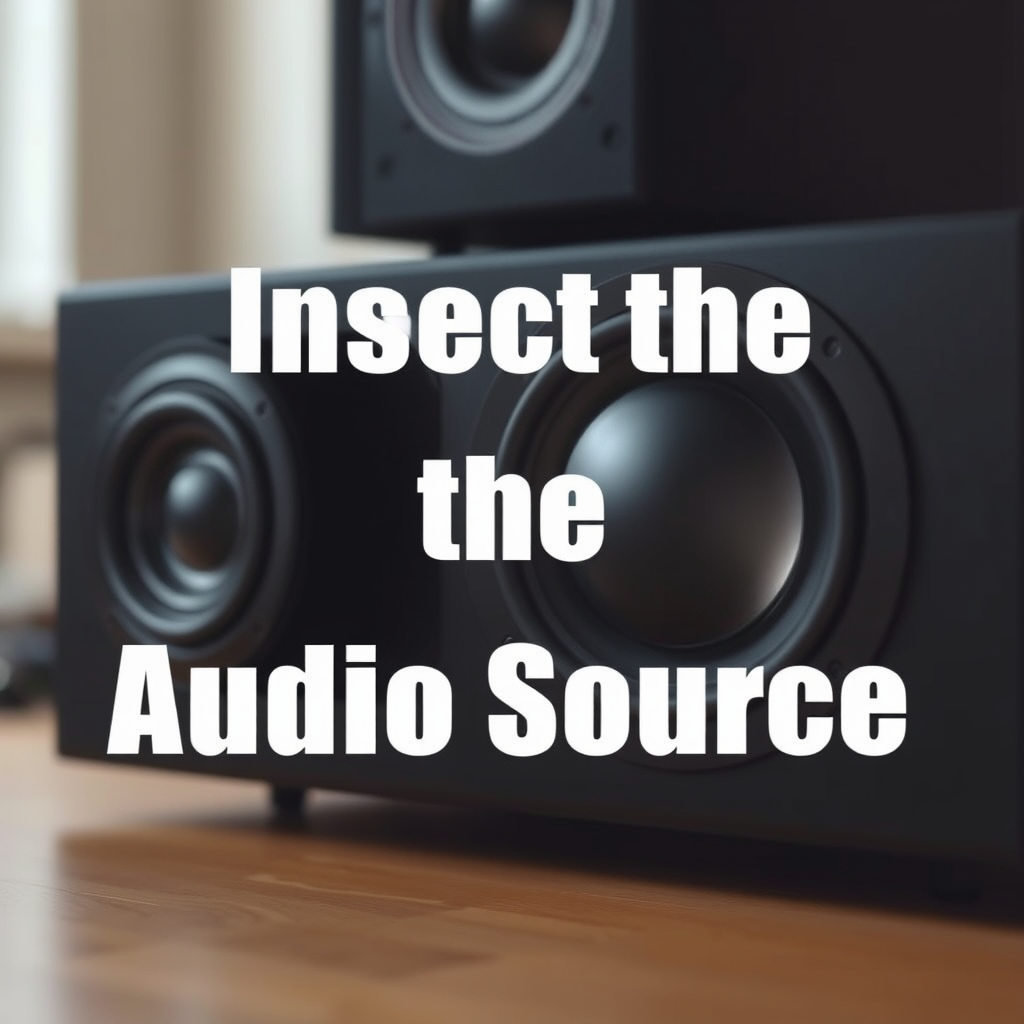
Once you have confirmed that the subwoofer is properly powered and connected, it’s important to check the audio source. This could be a receiver, amplifier, or any other device feeding the audio signal to your subwoofer. Ensure that the audio source is functioning correctly and that it is set to the appropriate output mode for subwoofer use.
To rule out compatibility issues, test with different audio sources. For instance, if you are currently using a TV as the audio source, switch to a media player or a gaming console. This will help determine whether the issue lies with the subwoofer itself or the audio source.
Examine Settings and Configuration
Audio settings can significantly impact subwoofer performance. Review the settings on your audio receiver or amplifier to ensure that the subwoofer is enabled. Many devices allow for the adjustment of settings such as crossover frequency and volume level for the subwoofer.
For optimal performance, you may need to adjust the crossover frequency, which determines the range of frequencies sent to the subwoofer. If the frequency is set too high, your subwoofer may not respond adequately. Likewise, ensure that the volume settings are appropriate; a subwoofer set too low may seem like it is not functioning at all.
Common Subwoofer Issues and Solutions
| # | Issue | Possible Cause | Solution |
|---|---|---|---|
| 1 | No Sound | Power Issue | Check power source and connections. |
| 2 | Distorted Sound | Incorrect Settings | Adjust crossover and volume settings. |
| 3 | Intermittent Sound | Loose Connections | Re-seat all connections and cables. |
| 4 | No Bass | Improper Configuration | Check audio settings and speaker placement. |
| 5 | Rattling Noise | Physical Damage | Inspect for blown cones or loose parts. |
| 6 | Overheating | Continuous Use | Allow to cool down and check ventilation. |
| 7 | Poor Sound Quality | Room Acoustics | Reposition subwoofer for better placement. |
Test with Another Device
If your subwoofer still isn’t working after checking power, connections, and configurations, it’s time to test it with another device. Connect the subwoofer to a different audio source, such as a different receiver or a portable audio player. This will help you determine if the issue is with the subwoofer itself or the original audio source.
Conversely, if you have access to another subwoofer, try connecting it to your existing setup. If the new subwoofer works flawlessly, the original subwoofer may require repair or replacement. This process of elimination can help clarify the source of the problem.
Look for Physical Damage
Physical damage is another common issue that can cause a subwoofer to stop working or perform poorly. Inspect the subwoofer for visible signs of damage, such as blown fuses, broken speaker cones, or damaged wiring. A blown fuse might indicate a power surge or internal failure, while a damaged cone can affect sound quality and output.
Additionally, check the enclosure of the subwoofer. Ensure that it is intact and there are no air leaks, as this can significantly impact performance. If any physical damage is detected, it may be necessary to repair or replace parts of the subwoofer.
Consider Environmental Factors
The placement of your subwoofer can greatly affect its performance. Room acoustics and layout can influence how sound is perceived, particularly with bass frequencies. Evaluate the location of your subwoofer; it should ideally be positioned in a corner or against a wall to enhance low-frequency response.
Ensure that the subwoofer is not obstructed by furniture or other objects that may hinder sound output. Experimenting with different positions in the room can help you find the optimal location for the best sound quality.
Subwoofer Placement Impact on Sound Quality
When to Seek Professional Help
If all troubleshooting steps fail to resolve the issue, it may be time to consult with a professional technician. A trained expert can diagnose more complex issues that may not be apparent through basic troubleshooting. This can include internal electronic failures or problems with the subwoofer’s amplifier.
Before seeking external help, consider warranty options. If your subwoofer is still under warranty, contact the manufacturer for support or replacement options. Sometimes, manufacturers may provide troubleshooting assistance or guide you in resolving the issue.
In summary, while many subwoofer issues can be resolved with simple troubleshooting steps, knowing when to seek professional assistance can save time and potentially prevent further damage to your equipment.
In conclusion, if your subwoofer has stopped working, start by checking the power and connections, followed by inspecting the audio source and settings. Testing with another device and examining for physical damage can also help isolate the issue. Environmental factors should not be overlooked, as they can significantly affect sound quality. If all else fails, don’t hesitate to reach out for professional help. By following these steps, you can effectively troubleshoot and resolve subwoofer issues, ensuring optimal performance for your audio setup.
Frequently Asked Questions
What are the common signs that my subwoofer has stopped working?
Common signs that your subwoofer has stopped working include a lack of sound, distortion in audio output, or the subwoofer not turning on at all. You may also notice that the power indicator light is off or blinking, which can indicate a power issue. If your subwoofer is connected but not producing low-frequency sounds, it likely has a malfunction.
How can I troubleshoot my subwoofer if it’s not producing sound?
To troubleshoot your subwoofer, start by checking the power source and ensuring it’s plugged in properly. Next, inspect all audio connections and cables for damage; swapping out cables can help identify issues. Additionally, check your audio settings on the receiver or amplifier to ensure the subwoofer is enabled and the levels are properly adjusted.
Why did my subwoofer suddenly stop working after a power surge?
A power surge can cause damage to the internal components of your subwoofer, leading to a sudden failure. This can affect the amplifier or power supply, which are crucial for operation. If you suspect this has happened, it’s advisable to have the subwoofer checked by a professional technician to assess any potential damage and repair options.
What is the best way to reset my subwoofer to fix common issues?
The best way to reset your subwoofer is to unplug it from the power outlet and leave it disconnected for at least 30 seconds. After this, plug it back in and turn it on; this simple reset can resolve many minor issues. Additionally, consult the user manual for specific reset instructions that may pertain to your model.
Which settings should I check if my subwoofer is not responding to the receiver?
If your subwoofer is not responding to the receiver, check the settings for the subwoofer output on your receiver to ensure it is properly configured. Look for settings related to the crossover frequency, phase, and volume levels. Additionally, confirm that the subwoofer is set to the correct mode (e.g., LFE or stereo) to ensure compatibility with your audio system.
References
- https://www.audioholics.com/audio-video-gear/subwoofer-troubleshooting-guide
https://www.audioholics.com/audio-video-gear/subwoofer-troubleshooting-guide - Google Scholar Google Scholar
https://scholar.google.com/scholar?q=subwoofer+troubleshooting - Google Scholar Google Scholar
https://scholar.google.com/scholar?q=subwoofer+not+working+solutions - https://www.lifewire.com/how-to-repair-a-subwoofer-3134514
https://www.lifewire.com/how-to-repair-a-subwoofer-3134514 - Reddit – The heart of the internet
https://www.reddit.com/r/audiophile/comments/6xj8v2/subwoofer_stopped_working/ - Google Scholar Google Scholar
https://scholar.google.com/scholar?q=What+to+Do+When+Your+Subwoofer+Stops+Working - What to Do When Your Subwoofer Stops Working – Search results
https://en.wikipedia.org/wiki/Special:Search?search=What+to+Do+When+Your+Subwoofer+Stops+Working - https://www.ncbi.nlm.nih.gov/search/research-articles/?term=What+to+Do+When+Your+Subwoofer+Stops+Working
https://www.ncbi.nlm.nih.gov/search/research-articles/?term=What+to+Do+When+Your+Subwoofer+Stops+Working