To test room acoustics effectively, you can utilize a variety of free apps designed specifically for this purpose. These apps allow you to measure sound levels, analyze frequency response, and evaluate room characteristics without needing expensive equipment. In this article, we’ll explore how to make the most of these tools to assess and improve your room’s acoustics.




Understanding Room Acoustics
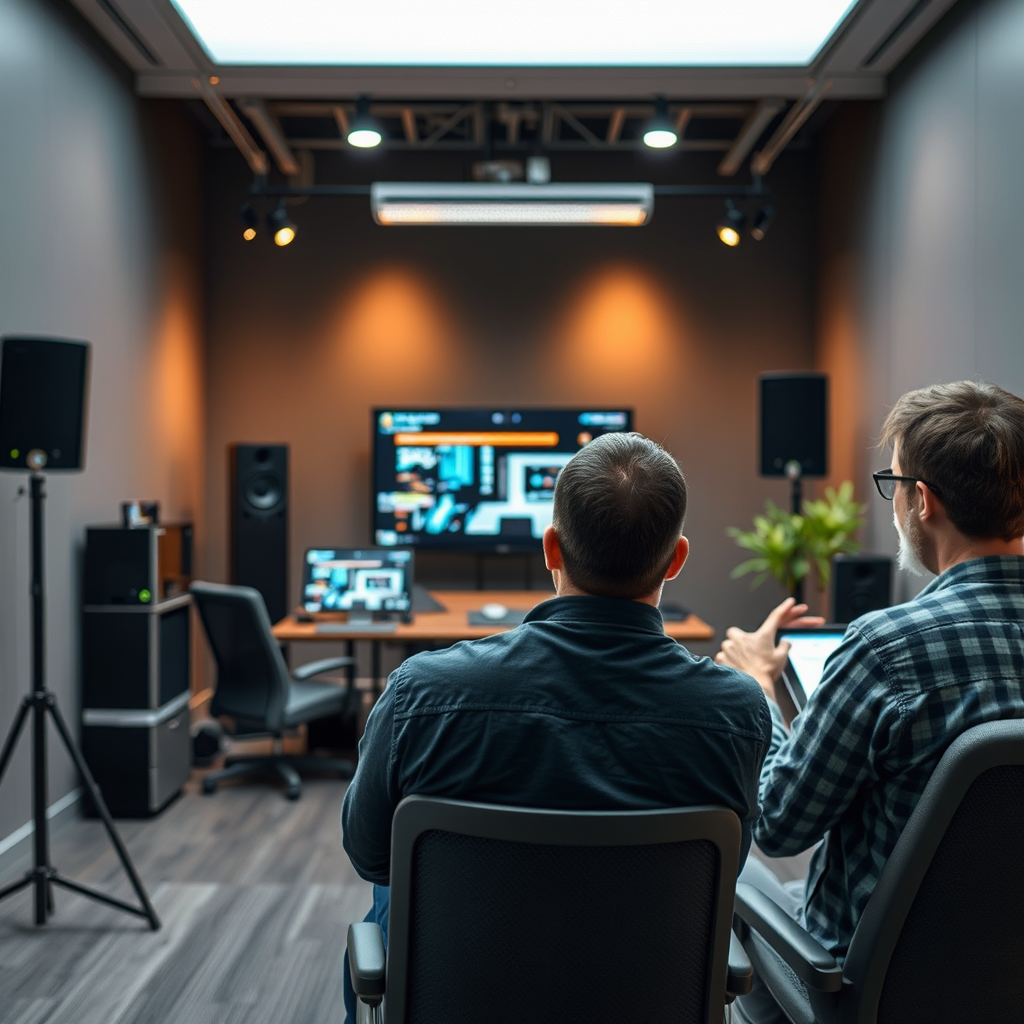
Room acoustics refers to how sound behaves in an enclosed space, encompassing aspects like sound reflection, absorption, and diffusion. It’s crucial for achieving high sound quality in a variety of environments, including recording studios, home theaters, and performance spaces. Poor room acoustics can result in muddled sound, excessive echoes, and frequency imbalances, ultimately detracting from the listening experience.
Key elements influencing room acoustics include size, shape, and materials. For instance, larger rooms can produce longer reverberation times, while smaller spaces may create a more intimate sound. The materials used in the room—such as carpets, curtains, and wall treatments—can either absorb or reflect sound, shaping the overall acoustic profile. Understanding these factors is essential for anyone looking to optimize their listening or recording environment.
Recommended Free Apps

Several free apps are available that cater to testing room acoustics, each offering unique features. Notable examples include:
1. Room EQ Wizard (REW): This software is widely recognized for its comprehensive analysis capabilities. It provides detailed frequency response graphs and allows users to conduct real-time measurements.
2. Sound Analyzer App: This mobile app offers a user-friendly interface and real-time sound analysis. It can display frequency responses and sound levels, making it a great choice for quick assessments.
3. FuzzMeasure: For Mac users, FuzzMeasure provides a powerful platform for measuring room acoustics. It features various analysis options, including impulse response measurements.
When selecting an app, look for features like frequency analysis, real-time feedback, and easy-to-understand graphical representations. These will help you gain valuable insights into your room’s acoustic properties.
How to Set Up for Accurate Testing
Setting up your environment correctly is critical for accurate acoustic testing. Begin by minimizing background noise; turn off fans, air conditioning, and other equipment that may generate sound. Choose a time when external noise is at a minimum, such as early morning or late evening.
Microphone placement is another important factor. Ideally, place your microphone at ear level in the primary listening position, which is the spot where you typically enjoy music or audio. Ensure that your sound source—such as speakers or instruments—is positioned correctly relative to the microphone. This setup will yield the most representative measurements of how sound travels and interacts within the space.
📋 DATA
Top Free Apps for Testing Room Acoustics
| # | App Name | Platform | Key Features | User Rating |
|---|---|---|---|---|
| 1 | Room EQ Wizard | Windows, Mac | Frequency response, real-time analysis | ★★★★★ |
| 2 | Sound Analyzer App | iOS, Android | Real-time sound level, frequency analysis | ★★★★☆ |
| 3 | FuzzMeasure | Mac | Impulse response, detailed analysis | ★★★★☆ |
| 4 | Audio Tools | iOS, Android | Multiple audio analysis tools | ★★★★☆ |
| 5 | Decibel X | iOS, Android | Decibel meter, frequency analysis | ★★★★☆ |
| 6 | Sonic Visualiser | Windows, Mac, Linux | Visual sound analysis, spectrograms | ★★★★☆ |
| 7 | AudioTools | iOS | Comprehensive audio testing tools | ★★★★☆ |
📈 CHART
Performance of Free Acoustic Testing Apps
Conducting the Tests
Once your environment is set up, you can begin conducting tests. Start by selecting a sound source, such as a speaker that can produce a range of frequencies. Using your chosen app, initiate a measurement. For instance, if you’re using Room EQ Wizard, it will guide you through the process of generating test signals and capturing the response via your microphone.
1. Perform a Sweep Test: This involves playing a frequency sweep to analyze the room’s response across a range of frequencies. The app will display a graph showing how different frequencies are affected by the room.
2. Record Impulse Responses: Some apps allow you to capture impulse responses, which can reveal how sound reflects off walls and interacts with the space.
3. Measure Reverberation Time: This is the time it takes for sound to decay in the room. Using the app’s tools, you can analyze how long sound lingers after the source stops.
Interpreting the data can be daunting initially, but focusing on the frequency response graphs can provide insights into potential issues. Pay attention to peaks and dips in the response, which indicate problematic frequencies that may need addressing.
Analyzing Results
After conducting your tests, you’ll need to analyze the results. Most acoustic testing apps provide graphical representations of the data collected, including frequency response graphs and decay times.
1. Frequency Response: Look for areas where the response is uneven. Significant peaks could indicate resonances, while dips might suggest problematic absorption or cancellation.
2. Reverberation Time: Ideally, you want a balanced decay across frequencies. Long reverberation times can create echoes, while too short might make the sound feel dry or lifeless.
Common acoustic issues to look for include:
– Echoes: Caused by hard surfaces that reflect sound waves, creating delayed repetitions.
– Bass Buildup: Low frequencies can accumulate in corners, leading to an unbalanced sound.
– Frequency Imbalances: Certain frequencies may be overly pronounced or attenuated, affecting the overall sound quality.
Making Improvements
Improving room acoustics requires a combination of soundproofing and acoustic treatment. Here are some strategies to address common issues:
1. Absorption Panels: Installing acoustic panels or foam in critical areas can help absorb excess sound energy, reducing echoes and improving clarity. Focus on placing these at reflection points, such as on the walls opposite your speakers.
2. Bass Traps: These are specially designed to absorb low frequencies and can be placed in corners where bass buildup occurs.
3. Diffusers: Instead of completely absorbing sound, diffusers scatter sound waves, helping to maintain liveliness in the room without creating harsh reflections.
4. Rugs and Curtains: Soft furnishings can also play a significant role. Using rugs on hard floors and heavy curtains on windows can help dampen sound.
By testing and making adjustments, you can significantly enhance your room’s acoustics and create an environment that supports high-quality sound reproduction.
In conclusion, testing and improving room acoustics can be effectively achieved using free apps and some basic understanding of sound behavior. By following the outlined steps, you can assess your room’s acoustic properties and make informed improvements. Whether you’re a musician, filmmaker, or audio enthusiast, investing time in optimizing your environment will lead to a superior audio experience. Take the first step today by downloading one of the recommended apps and start testing!
Frequently Asked Questions
What are the best free apps to test room acoustics?
Some of the best free apps for testing room acoustics include Room EQ Wizard, Decibel X, and Sound Analyzer App. These applications allow users to measure sound levels, analyze frequency response, and visualize acoustic properties of a space, making them perfect for audiophiles and home studio enthusiasts.
How can I use free apps to improve my room’s acoustics?
To improve your room’s acoustics using free apps, first measure the existing sound levels and frequency response with an app like Room EQ Wizard. Analyze the data to identify problematic frequencies, and then implement sound treatment solutions, such as acoustic panels or bass traps, to enhance the overall sound quality in your space.
Why is it important to test room acoustics?
Testing room acoustics is crucial because it helps identify issues like echo, sound absorption, and frequency imbalances that can negatively impact audio quality. By measuring these factors, you can make informed decisions about sound treatment, which is essential for creating an optimal listening or recording environment.
Which features should I look for in an app to test room acoustics?
When choosing an app to test room acoustics, look for features such as real-time sound level meters, frequency analysis tools, and the ability to record and save measurements for later comparison. Additionally, user-friendly interfaces and comprehensive tutorials can greatly enhance your testing experience.
How do I interpret the results from my room acoustics testing app?
To interpret the results from your room acoustics testing app, focus on the frequency response graph to identify peaks and dips, which indicate areas of sound enhancement or cancellation. Understanding the decay time of sound can also help you figure out how quickly sound dissipates in your room, guiding you in applying effective acoustic treatments.
References
- Room acoustics
https://en.wikipedia.org/wiki/Room_acoustics - https://www.ncbi.nlm.nih.gov/pmc/articles/PMC6461585/
https://www.ncbi.nlm.nih.gov/pmc/articles/PMC6461585/ - https://www.sciencedirect.com/science/article/pii/S2351978917300726
https://www.sciencedirect.com/science/article/pii/S2351978917300726 - https://www.nature.com/articles/s41598-020-69112-4
https://www.nature.com/articles/s41598-020-69112-4 - Google Scholar Google Scholar
https://scholar.google.com/scholar?q=How+to+Test+Room+Acoustics+Using+Free+Apps - Google Scholar Google Scholar
https://scholar.google.com/scholar?q=Room+Acoustics+Measurement - Google Scholar Google Scholar
https://scholar.google.com/scholar?q=Acoustic+Apps+Testing - https://www.acoustics.org/press/193rd/acoustic-apps-testing-room-acoustics/
https://www.acoustics.org/press/193rd/acoustic-apps-testing-room-acoustics/ - https://www.bbc.com/future/article/20201214-how-sound-affects-the-way-we-feel
https://www.bbc.com/future/article/20201214-how-sound-affects-the-way-we-feel - https://www.theguardian.com/environment/2020/jan/07/why-sound-is-an-important-part-of-the-environment
https://www.theguardian.com/environment/2020/jan/07/why-sound-is-an-important-part-of-the-environment



